
This page is not an official page of the app or its developer, but an independent editorial publication created for informational and commentary purposes. Unless expressly stated otherwise, neither the app nor its developer is affiliated with, endorsed by, sponsored by, authorized by, or otherwise officially connected with MWM, Apple, Google Play, the app publisher, or the app's developer, and nothing on this page implies that the app was developed using MWM's services. Any trademarks, logos, screenshots, and other content remain the property of their respective owners.

Flower Language Keyboard Color
Express your unique style through the secret language of flowers. Create viral name wallpapers, personalized digital bouquets, and aesthetic gifts that bloom with every letter.
Downloads
1K+User Rating
Total Ratings
0Publisher
Category
LifestyleLocales
1Latest Version
1.2Size
50.2 MBFirst Released
Aug 13, 2024Your Name, Reimagined in Blooms
Join the viral trend and transform your identity into a stunning, personalized bouquet. Use our unique keyboard to create aesthetic floral art that’s perfectly Pinterest-worthy.
Type Your Unique Flower Name
Every letter translates into a meaningful flower. Watch your name or special messages instantly grow into a one-of-a-kind digital arrangement.
Curate Your Aesthetic
Personalize your bouquet with trending 'Coquette' bows, elegant wrappers, and custom tags to match your unique style and mood.
Frequently Asked Questions
Everything you need to know about Flower Language Keyboard Color
What is the DIY Flower Language Keyboard app?
The DIY Flower Language Keyboard app transforms names or words into stunning flower bouquets and unique flower wallpapers. It allows users to create personalized floral designs, turning each letter typed on its special keyboard into a distinct flower.
How does the Flower Language Keyboard app work?
The Flower Language Keyboard app works by letting you type words on its unique flower keyboard. Each letter corresponds to a different flower style and color, forming a bouquet. You can then add decorations like wrappers and bows to complete the design.
Can I create personalized flower wallpapers with Flower Language Keyboard Color?
Yes, you can create personalized flower wallpapers with the Flower Language Keyboard Color app. You use the flower keyboard to design DIY flower language wallpaper with names or special messages, then save and set them as your lock screen wallpaper.
What customization options are available for flower bouquets in the DIY Flower Language Keyboard app?
The DIY Flower Language Keyboard app offers various customization options. You can add wrappers, bows, tags, and pots to your flower bouquets. It also provides a library of backgrounds to enhance your floral designs.
Is it possible to share creations made with the Flower Language Keyboard Color app?
Yes, it is possible to share your creations made with the Flower Language Keyboard Color app. The app allows users to save their designs and share them directly on various social media platforms.
What kinds of messages can I create with the Flower Language Keyboard app?
With the Flower Language Keyboard app, you can create meaningful personalized messages. You can design flower bouquets based on names for anniversaries or birthdays, or craft flower photo messages to express yourself in a unique way.
The following screenshots and description are sourced directly from the app's official store listing and are the property of the app developer.
App Store
Screenshots
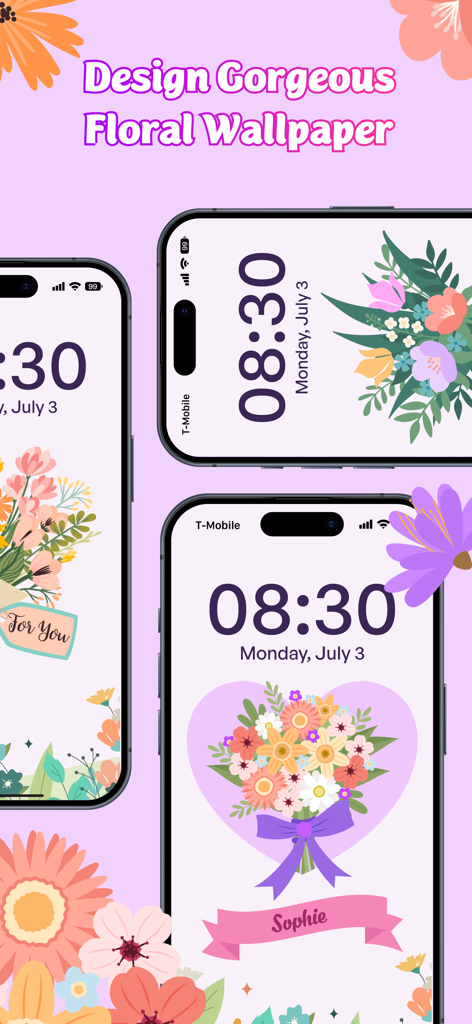
Three iPhones displaying custom aesthetic floral wallpapers created with the Flower Language Keyboard app.
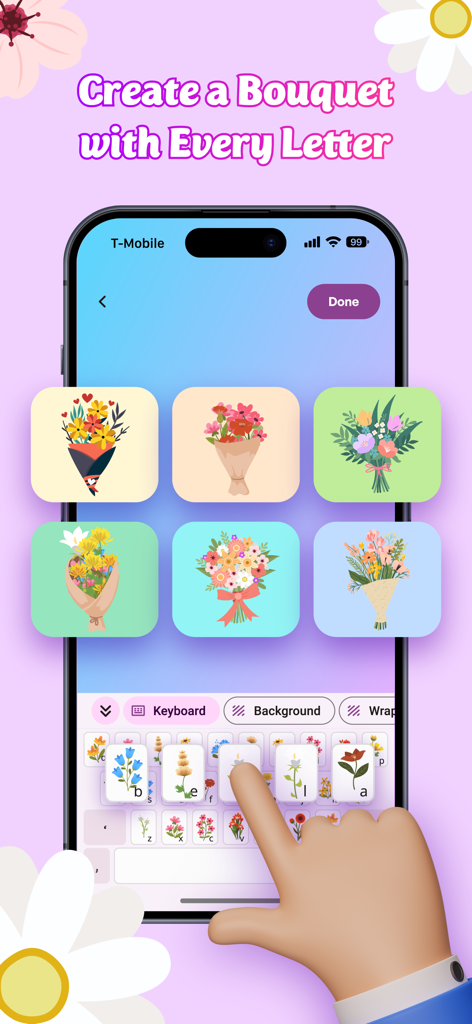
A mobile app interface showing a floral keyboard used to create custom flower bouquets with names
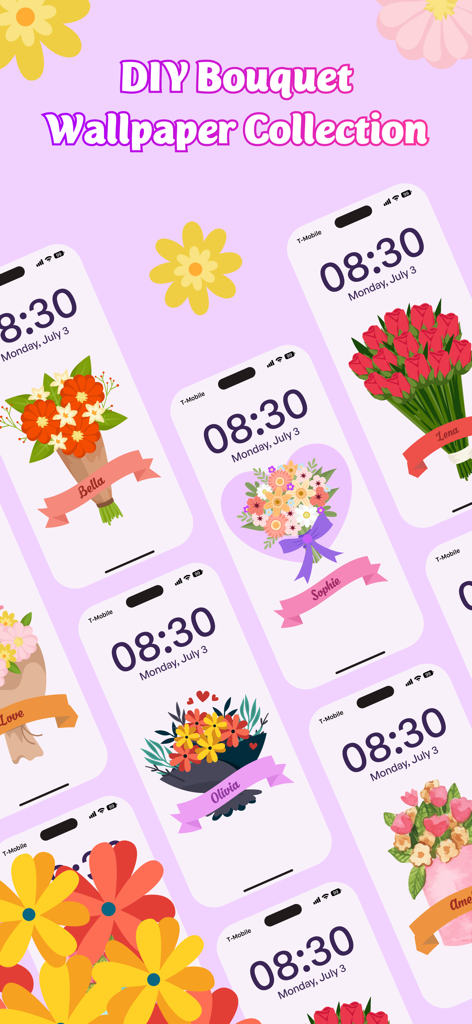
A collection of iPhone lock screens featuring personalized flower bouquets with names like Bella, Sophie, and Lena.
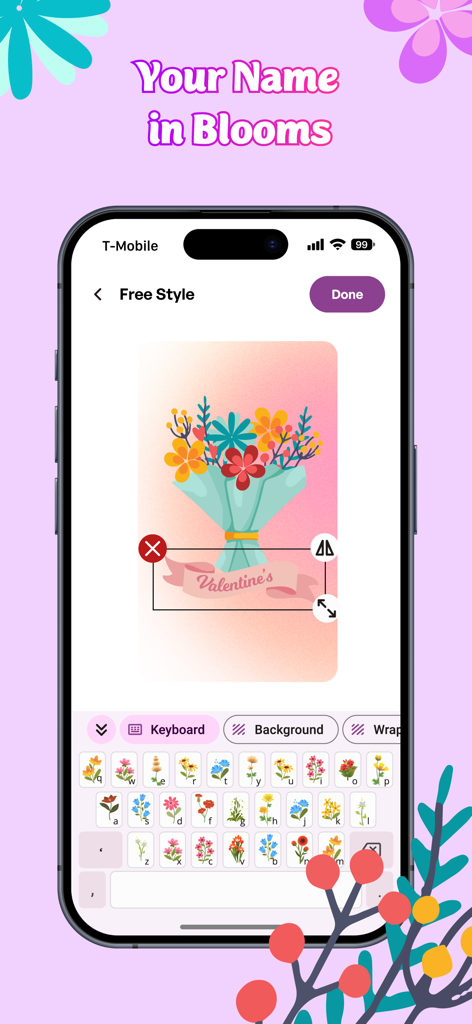
A mobile phone interface showing the Flower Language Keyboard app where a user is designing a personalized floral bouquet with a name tag using a flower-themed keyboard.
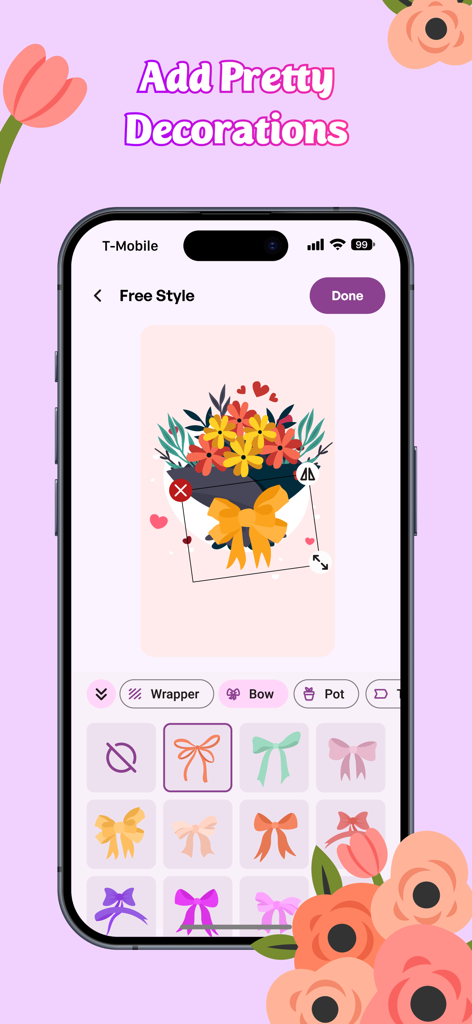
Customizing a digital flower bouquet with colorful bow stickers in the Flower Language Keyboard app
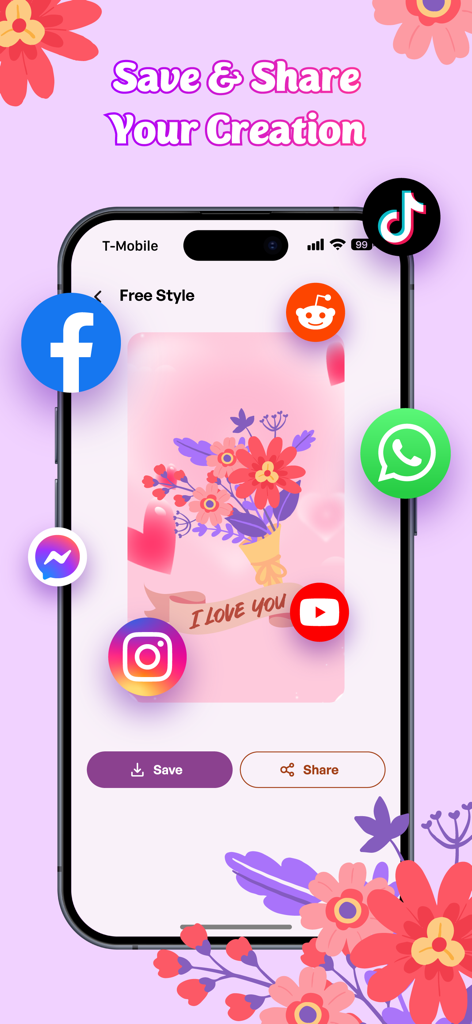
A smartphone screen displaying a custom flower bouquet with social media icons for saving and sharing
Description
Download
More Like This
Top-ranked apps in the same category

Pinterest, Inc.

Alipay - Simplify Your Life
Alipay (Hangzhou) Technology Co., Ltd.

Dianping: Discover Good Places
Hanhai Information Technology (Shanghai) Co.Ltd

美团-美好生活小帮手
Sankuai Technology Co., Ltd.

Lemon8 - Lifestyle Community
TIKTOK PTE. LTD.

Xiaomi Home
Beijing Xiaomi Co., Ltd

Tinder Dating App: Date & Chat
Tinder LLC

SmartThings
Samsung Electronics Co., Ltd.

VNeTraffic
GLOBAL TECHNOLOGY - TELECOMMUNICATIONS CORPORATION
This page is not an official page of the app or its developer, but an independent editorial publication created for informational and commentary purposes. Unless expressly stated otherwise, neither the app nor its developer is affiliated with, endorsed by, sponsored by, authorized by, or otherwise officially connected with MWM, Apple, Google Play, the app publisher, or the app's developer, and nothing on this page implies that the app was developed using MWM's services. Any trademarks, logos, screenshots, and other content remain the property of their respective owners.