
This page is not an official page of the app or its developer, but an independent editorial publication created for informational and commentary purposes. Unless expressly stated otherwise, neither the app nor its developer is affiliated with, endorsed by, sponsored by, authorized by, or otherwise officially connected with MWM, Apple, Google Play, the app publisher, or the app's developer, and nothing on this page implies that the app was developed using MWM's services. Any trademarks, logos, screenshots, and other content remain the property of their respective owners.

Followers Insight Widget
Track your TikTok, Instagram, and YouTube milestones with beautiful, privacy-first Home Screen widgets. No login required—just pure motivation for every creator.
Downloads
65K+User Rating
Total Ratings
100Publisher
Category
LifestyleLocales
1Latest Version
2025.4Size
358.6 MBFirst Released
Oct 9, 2020Fuel Your Social Growth
The ultimate dashboard for creators and brands. Monitor your progress across all major platforms with beautiful, privacy-first widgets that fit your aesthetic.
Privacy-First Tracking
Stay secure with zero logins required. Simply add your username and start monitoring your growth without ever sharing your passwords.
Multi-Platform Mastery
From TikTok and Instagram to Twitch and Reddit—track all your accounts in one unified space designed for the modern creator.
Frequently Asked Questions
Everything you need to know about Followers Insight Widget
What is Followers Insight Widget?
Followers Insight Widget, also known as Social Widget, is an app that allows users to track their social media account progress directly from their Home Screen via customizable widgets.
What social media platforms does Followers Insight Widget support?
Followers Insight Widget supports platforms including TikTok, Reddit, X (Twitter), Twitch, Mastodon, Instagram, Telegram, Medium, Patreon, Pinterest, Facebook, and YouTube. More platforms are coming soon.
Does Social Widget require a login for my social media accounts?
No, the Social Widget app does not require a login for your social media accounts. You can add accounts without providing login credentials.
How do I add a Social Widget to my Home Screen?
To add a Social Widget, download the app, select a template, and add accounts. Then, head to your Home Screen to add a new widget. Select SocialWidget, choose the size, long press, and edit to select your template.
Can I track multiple social media accounts with Followers Insight Widget?
Yes, Followers Insight Widget allows users to add and track as many social media accounts as they want, supporting comprehensive monitoring of various platforms.
How often do the Social Widget follower counts refresh?
The Social Widget follower counts refresh periodically to display your latest follower numbers. Users can also tap to manually refresh the widgets for instant updates.
Are there customization options for Social Widget themes and appearance?
Yes, Social Widget offers aesthetic themes, colors, and fonts for customization. Users can choose from various presets like Twitch, Minimal, Winter, and more to personalize their widgets.
Who developed the Followers Insight Widget app?
The Followers Insight Widget app was developed by Ed, an indie developer. He personally thinks, designs, codes, builds, and ships the app as a solo-developer.
How can users provide feedback or support the Social Widget app?
Users can contact the developer directly inside the app via the Settings tab for feedback or suggestions. Supporting development is encouraged through positive ratings and reviews in the app store.
Is there a privacy policy for the Social Widget app?
Yes, the Social Widget app provides a privacy policy and terms of use. The link to these documents is available in the app's description for user review.
The following screenshots and description are sourced directly from the app's official store listing and are the property of the app developer.
App Store
Screenshots
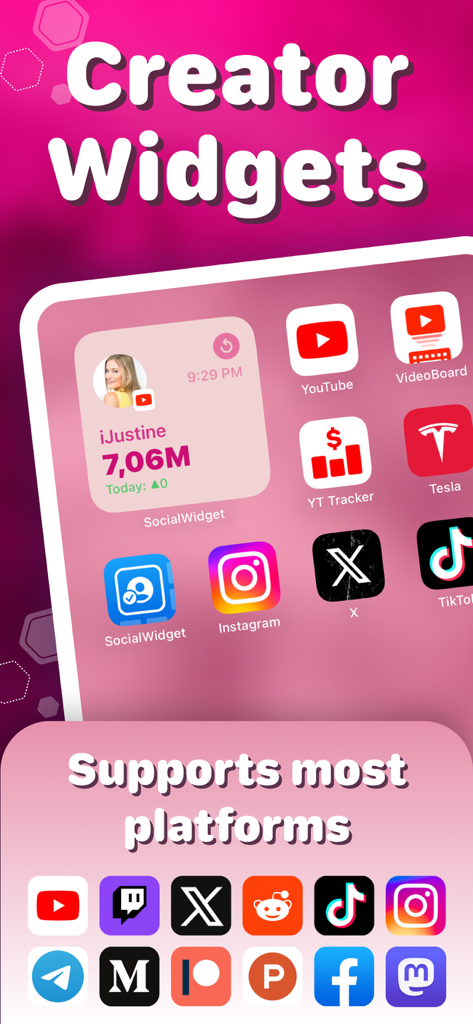
iPhone home screen displaying the Followers Insight Widget with social media follower counts for content creators
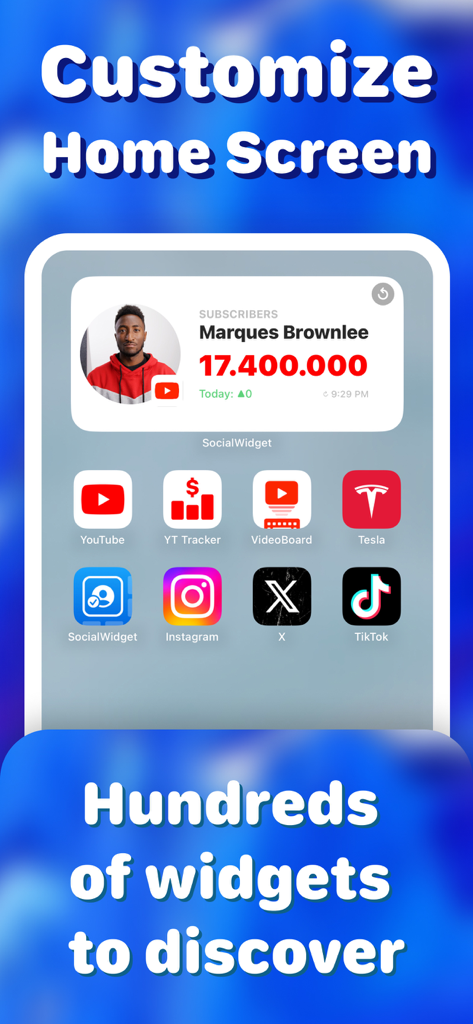
iPhone home screen showing a YouTube subscriber count widget
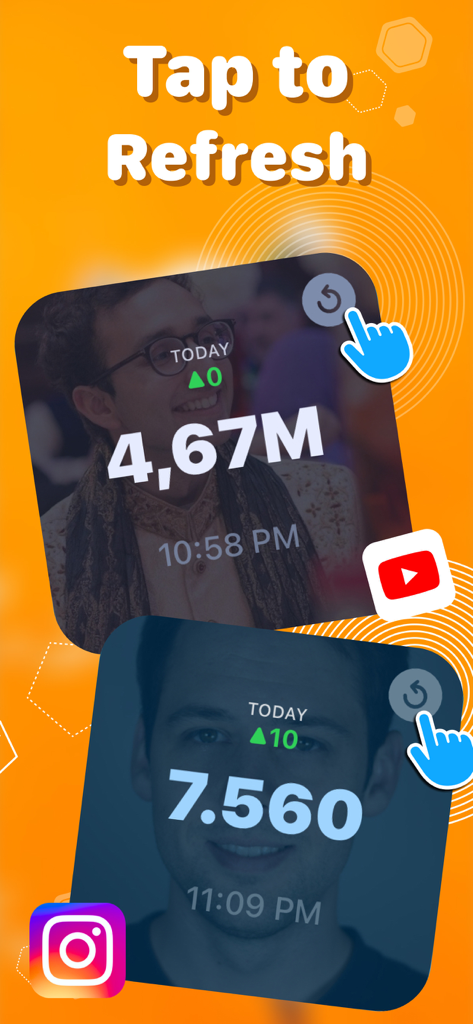
Followers Insight Widget displaying social media follower counts with a tap to refresh button
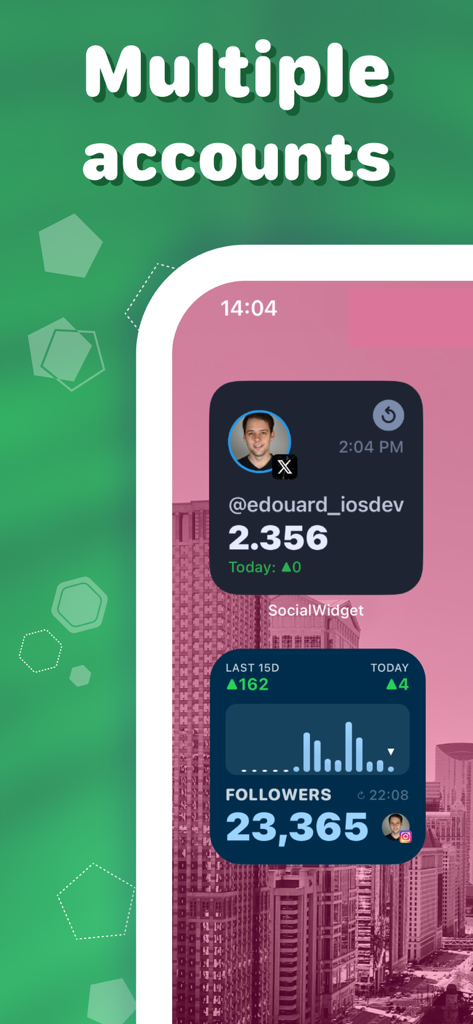
iPhone home screen displaying multiple social media follower tracking widgets for X and Instagram
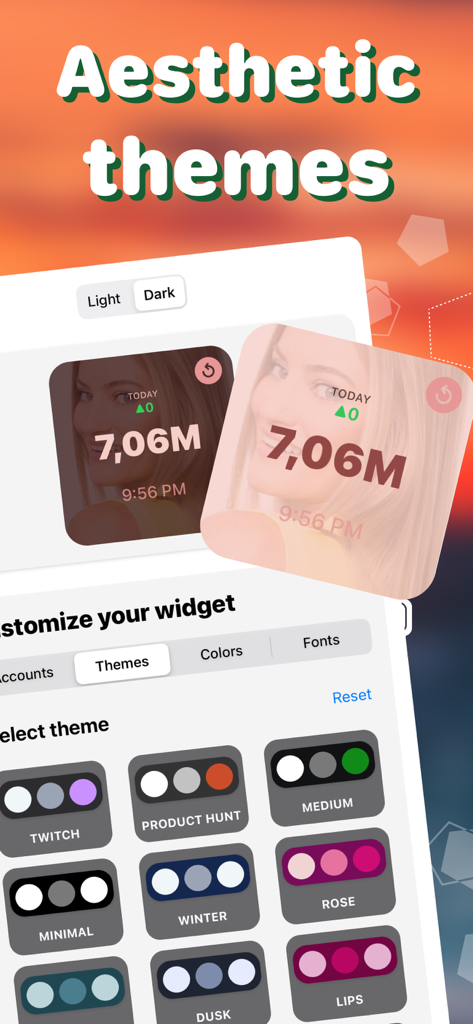
Followers Insight Widget aesthetic theme customization screen
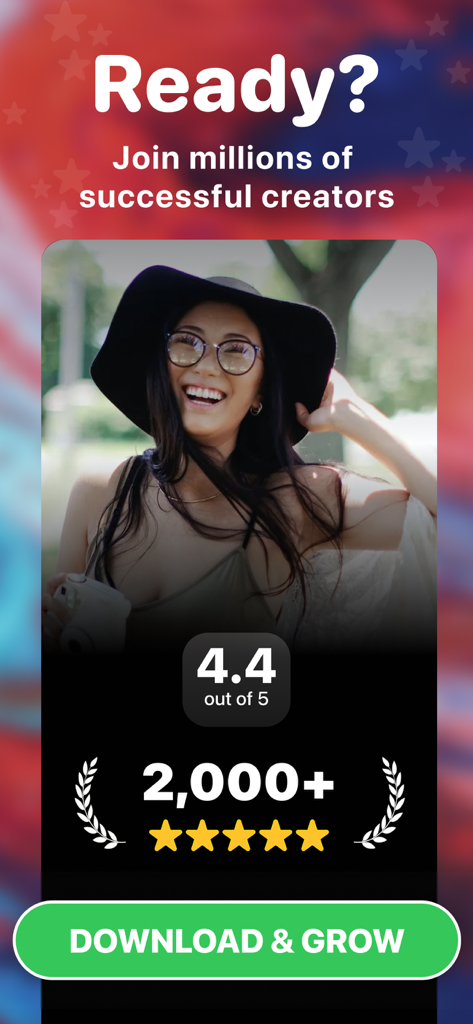
Promotional screen for Followers Insight Widget showing a 4.4 rating and a call to action for creators to download and grow
Description
Download
More Like This
Top-ranked apps in the same category

Pinterest, Inc.

Alipay - Simplify Your Life
Alipay (Hangzhou) Technology Co., Ltd.

Dianping: Discover Good Places
Hanhai Information Technology (Shanghai) Co.Ltd

美团-美好生活小帮手
Sankuai Technology Co., Ltd.

Lemon8 - Lifestyle Community
TIKTOK PTE. LTD.

Xiaomi Home
Beijing Xiaomi Co., Ltd

Tinder Dating App: Date & Chat
Tinder LLC

SmartThings
Samsung Electronics Co., Ltd.

VNeTraffic
GLOBAL TECHNOLOGY - TELECOMMUNICATIONS CORPORATION
This page is not an official page of the app or its developer, but an independent editorial publication created for informational and commentary purposes. Unless expressly stated otherwise, neither the app nor its developer is affiliated with, endorsed by, sponsored by, authorized by, or otherwise officially connected with MWM, Apple, Google Play, the app publisher, or the app's developer, and nothing on this page implies that the app was developed using MWM's services. Any trademarks, logos, screenshots, and other content remain the property of their respective owners.