
This page is not an official page of the app or its developer, but an independent editorial publication created for informational and commentary purposes. Unless expressly stated otherwise, neither the app nor its developer is affiliated with, endorsed by, sponsored by, authorized by, or otherwise officially connected with MWM, Apple, Google Play, the app publisher, or the app's developer, and nothing on this page implies that the app was developed using MWM's services. Any trademarks, logos, screenshots, and other content remain the property of their respective owners.


GemHub
Transform your smartphone into a high-end jewelry studio. Capture stunning, reflection-free photos and 360° videos with a pure white background—designed specifically for jewelry professionals and e-commerce sellers.
Downloads
0User Rating
Total Ratings
0Publisher
Category
Photo & VideoLocales
14Latest Version
5.5.7Size
123.2 MBFirst Released
Apr 22, 2018Professional Jewelry Content in Seconds
Stop struggling with reflections and tedious editing. GemHub bridges the gap between your smartphone and a professional studio, delivering retail-ready visuals that convert followers into buyers.
Flawless White Backgrounds
Capture the industry-standard 'pure white' look instantly. Our specialized brightness control eliminates shadows and reflections, making your pieces marketplace-ready for Amazon, Etsy, and Shopify.
Automated 360° Showcases
Sync wirelessly with your GemLightbox Turntable to record cinematic 360° videos in one click. Give your customers the confidence to buy by showing every facet and sparkle.
The following screenshots and description are sourced directly from the app's official store listing and are the property of the app developer.
App Store
Screenshots
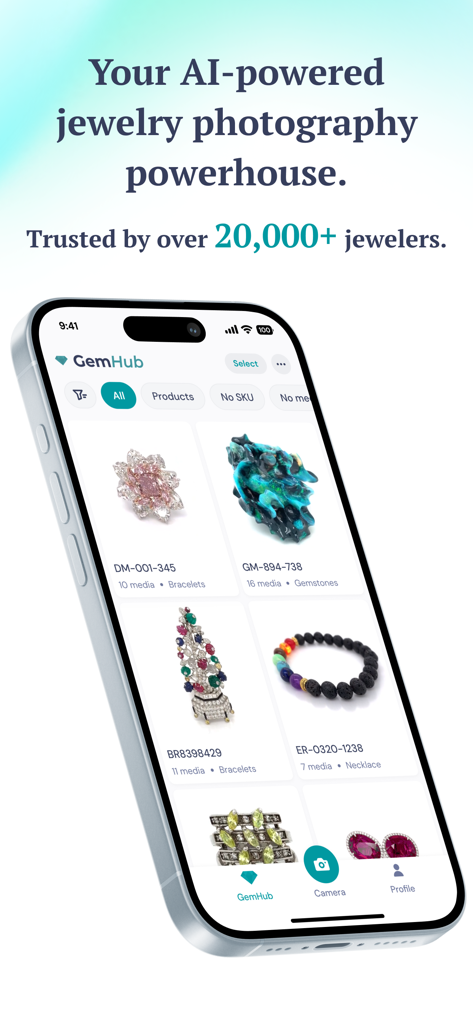
GemHub mobile app interface showing a professional gallery of jewelry product photos with SKU labels
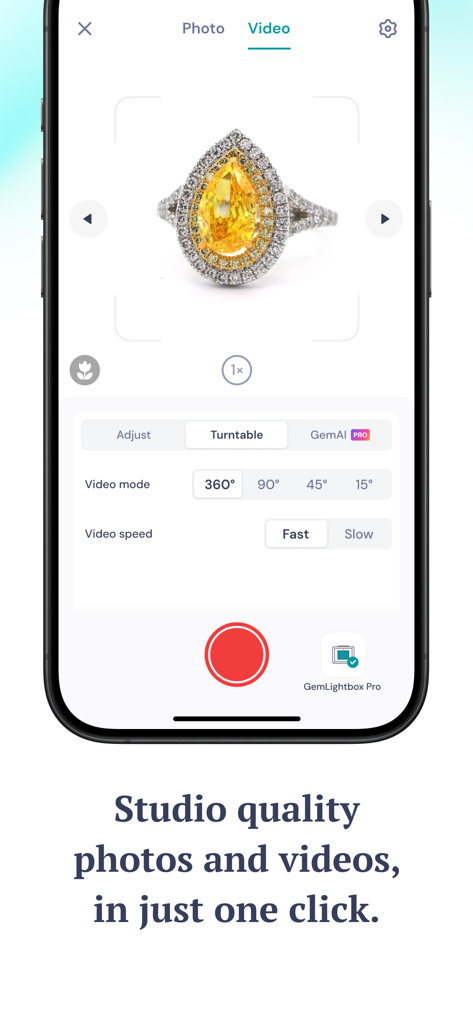
GemHub app screen showing the 360 degree video capture mode for a yellow diamond ring
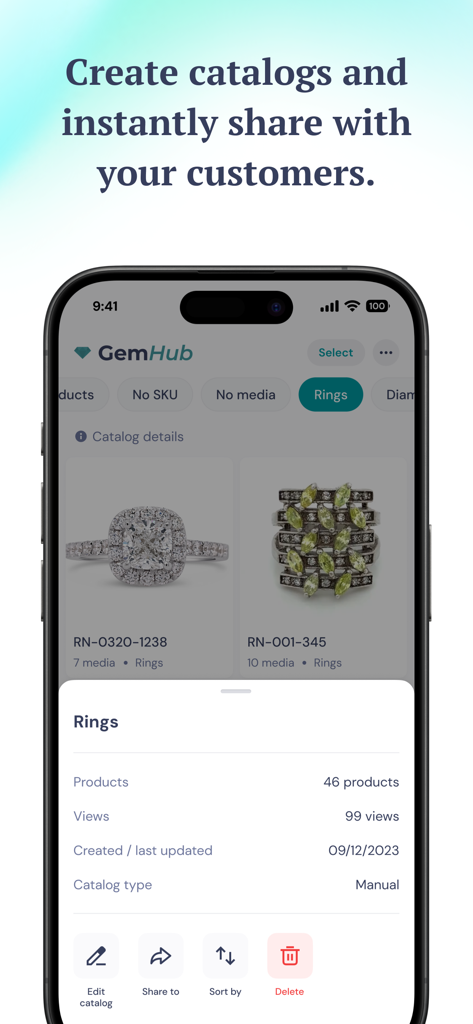
GemHub mobile app screen showing jewelry product catalogs with sharing and editing options
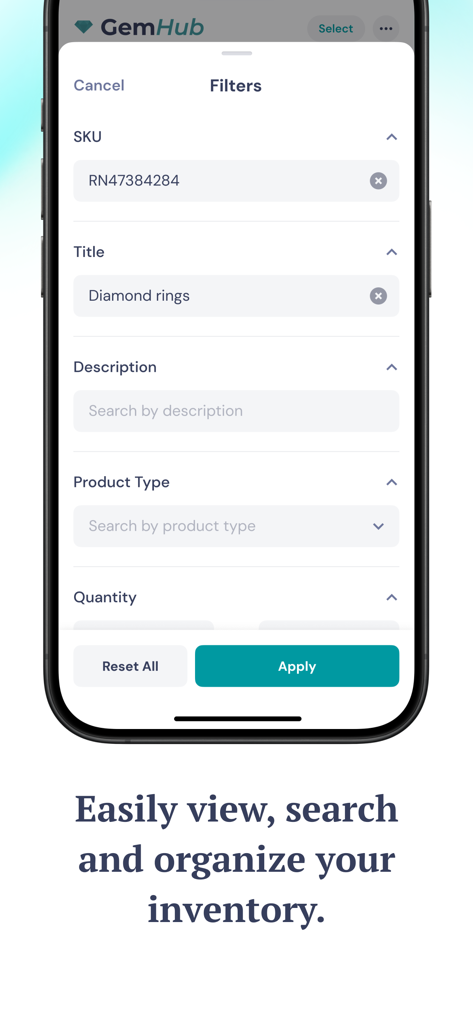
GemHub mobile app interface showing inventory search and filter options for jewelry professionals.
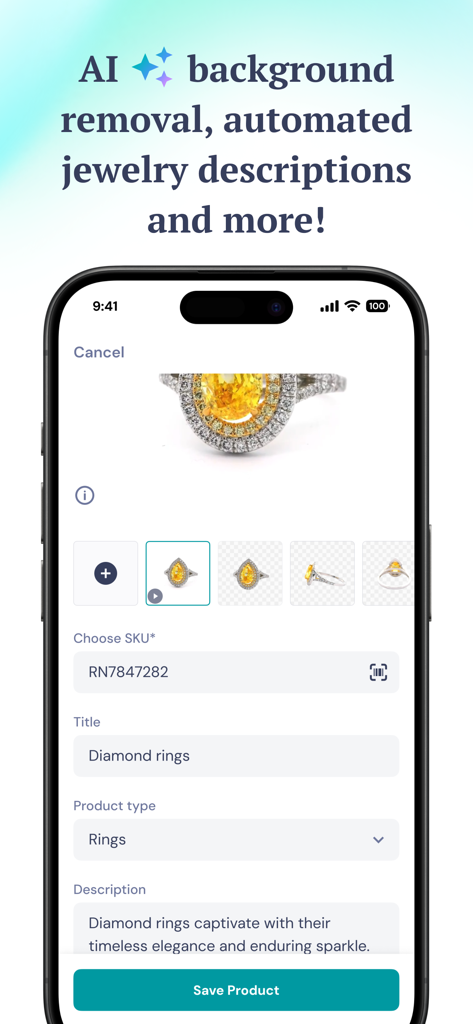
GemHub app interface displaying automated jewelry descriptions and background removal features for a diamond ring
Description
Download
More Like This
Top-ranked apps in the same category

CapCut: Photo & Video Editor
BYTEDANCE PTE. LTD.

Instagram, Inc.

YouTube
Google LLC

Canva: AI Video & Photo Editor
Canva Pty Ltd

Snapchat
Snap, Inc.

Meta AI - Vibes & AI Glasses
Meta Platforms, Inc.

Edits: Video Editor
Instagram, Inc.

快手
Beijing Kwai Technology Co., Ltd.

Google Photos: Backup & Edit
Google LLC
This page is not an official page of the app or its developer, but an independent editorial publication created for informational and commentary purposes. Unless expressly stated otherwise, neither the app nor its developer is affiliated with, endorsed by, sponsored by, authorized by, or otherwise officially connected with MWM, Apple, Google Play, the app publisher, or the app's developer, and nothing on this page implies that the app was developed using MWM's services. Any trademarks, logos, screenshots, and other content remain the property of their respective owners.