
This page is not an official page of the app or its developer, but an independent editorial publication created for informational and commentary purposes. Unless expressly stated otherwise, neither the app nor its developer is affiliated with, endorsed by, sponsored by, authorized by, or otherwise officially connected with MWM, Apple, Google Play, the app publisher, or the app's developer, and nothing on this page implies that the app was developed using MWM's services. Any trademarks, logos, screenshots, and other content remain the property of their respective owners.


Genius Sign: PDF doc signature
Stop wasting time printing and scanning. Join over 725,000 realtors and business owners who close deals faster with realistic signatures and automated field detection.
Downloads
725K+User Rating
Total Ratings
12K+Publisher
Category
BusinessLocales
4Latest Version
2.17Size
42.0 MBFirst Released
Jul 16, 2015Close Deals Faster with Professional Signing
Stop wasting time printing and scanning. Genius Sign provides the fastest, most secure way to sign, date, and annotate your PDF contracts from anywhere.
Smart Detection Technology
Skip the scrolling. Our 'Sign Here' feature automatically detects signature fields, helping you navigate complex contracts in seconds.
Realistic Signature Scanning
Maintain a professional image by scanning your actual handwritten signature for a high-quality rendering that looks better than any digital drawing.
Frequently Asked Questions
Everything you need to know about Genius Sign: PDF doc signature
How does Genius Sign allow users to sign documents?
Genius Sign enables users to import documents and insert signatures by drawing on-screen or scanning a handwritten one. The app then allows exporting the signed document, eliminating the need for printing and scanning.
Is the Genius Sign app available for free?
Yes, Genius Sign is free to download and use without limits on documents or signatures. Users can upgrade to Genius Sign+ for additional premium features.
What document formats does Genius Sign support for import?
Genius Sign supports importing PDF, Word, and image documents. These can be imported from sources like Genius Scan, the device's Photos library, or various cloud services.
Does Genius Sign automatically find signature locations?
Yes, Genius Sign includes a "Sign Here" feature. This smart technology automatically detects the pages in a document that require a signature, streamlining the annotation process.
What are the premium features available in Genius Sign+?
Genius Sign+ premium features include guest signatures, flattening annotations, repeating initials across pages, expanded cloud service exports, AirPrint, document duplication, and enhanced security like password protection and biometric ID.
How does Genius Sign protect user documents and privacy?
Genius Sign+ offers robust privacy features. Users can password-protect and encrypt PDF files. The app itself can be secured using Face ID, Touch ID, or a custom passcode.
Can Genius Sign automatically repeat initials on all document pages?
Yes, Genius Sign features "Auto Repeat" as a premium function. This technology enables users to efficiently repeat their initials on every page within a document, saving time.
What methods are available for exporting documents from Genius Sign?
Genius Sign allows exporting documents via email or to other applications. Premium users gain additional options, including exporting to various cloud services like Dropbox and Google Drive, and printing via AirPrint.
The following screenshots and description are sourced directly from the app's official store listing and are the property of the app developer.
App Store
Screenshots
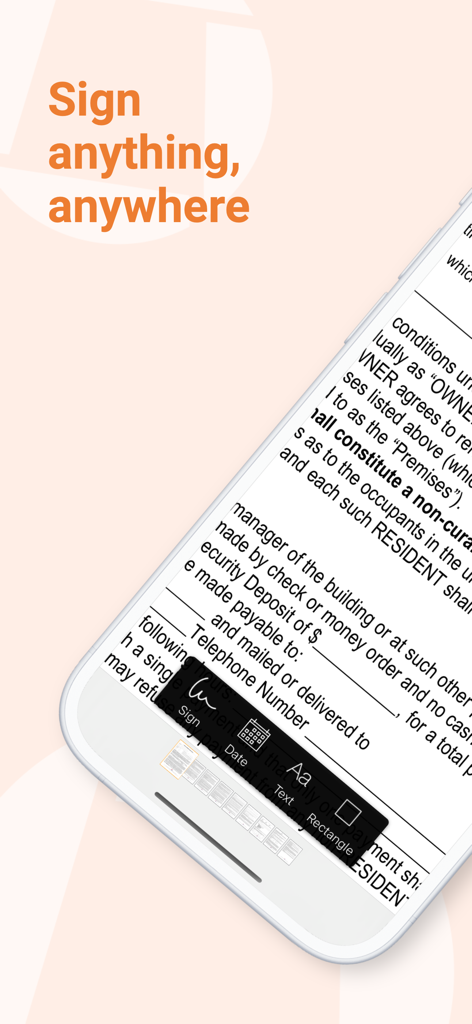
A smartphone showing the Genius Sign app interface with options to sign, date, and add text to a digital document.
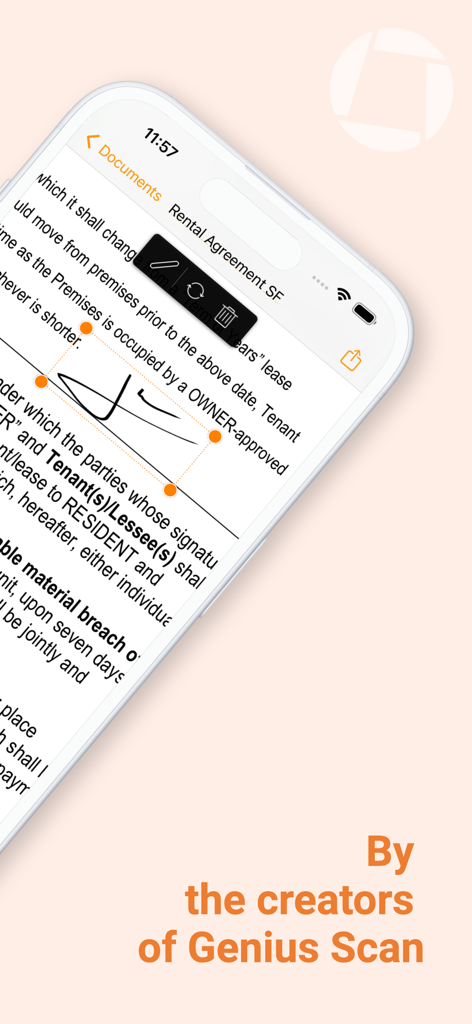
Interface of Genius Sign app showing a digital signature being placed on a PDF rental agreement document on an iPhone
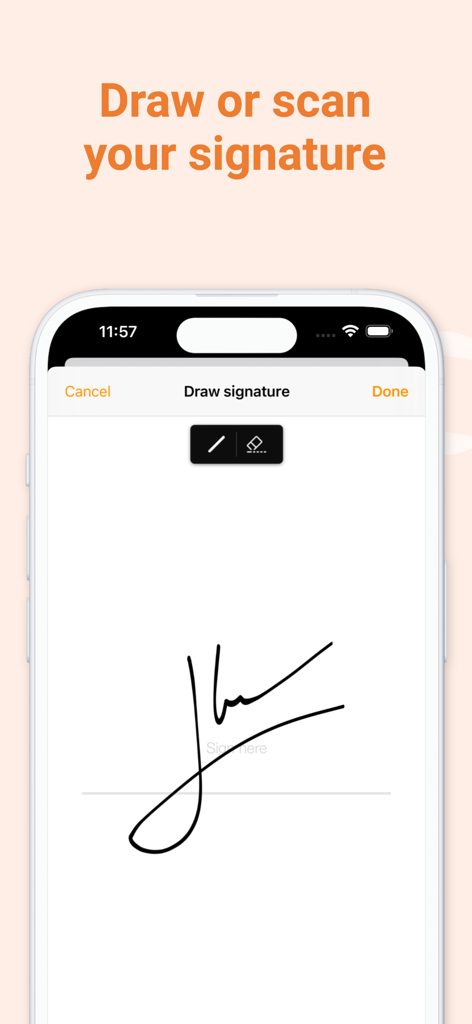
Mobile app screen showing the handwritten signature drawing interface
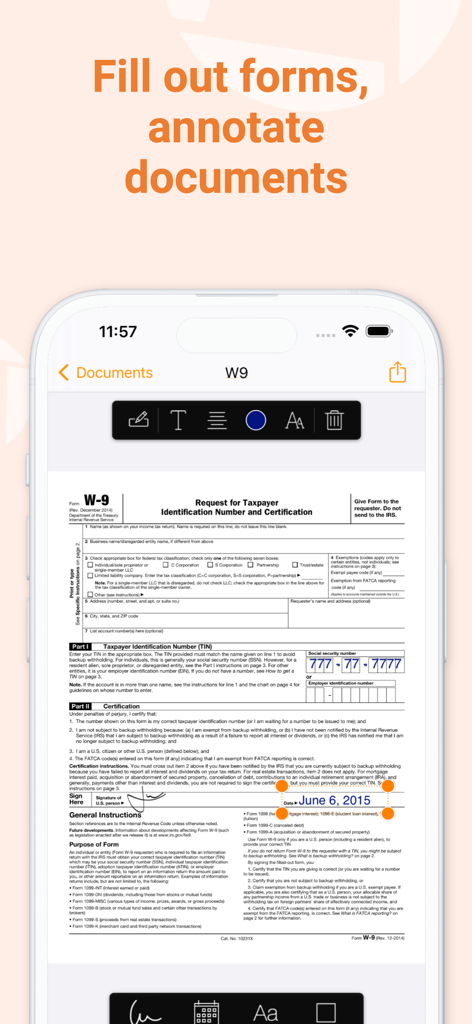
An iPhone screen displaying the Genius Sign app being used to fill out and annotate a W-9 tax form with a signature and date.
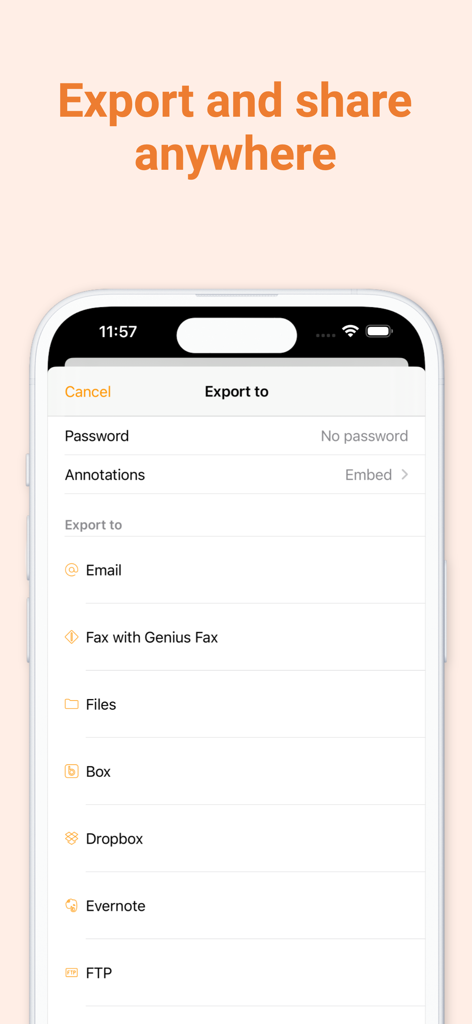
Genius Sign app export screen displaying document sharing options including email cloud services and fax
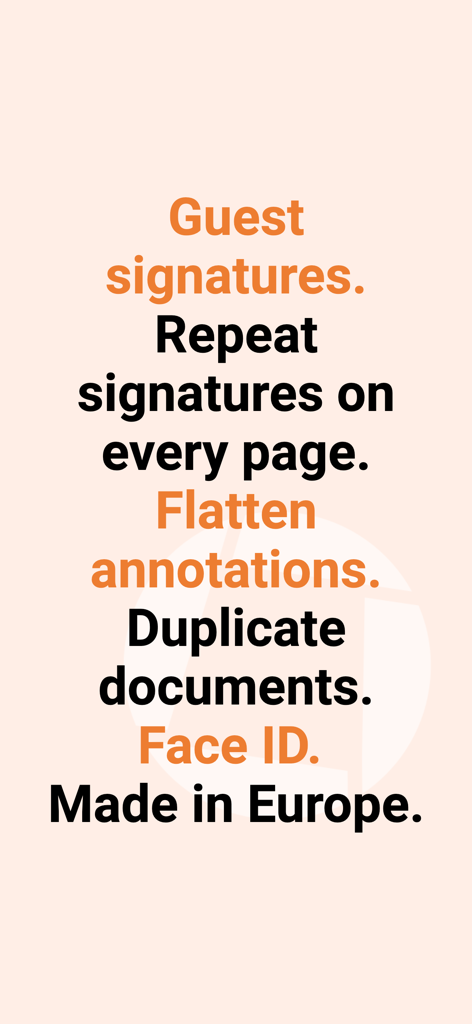
Text summary of Genius Sign features including guest signatures repeat signatures flatten annotations and Face ID security
Description
Download
More Like This
Apps with similar features and user experience

Docusign - Upload & Sign Docs
Docusign

Sign.Me
SM, OOO (Apps)

Signeasy-Sign Documents App
Glykka LLC

eSign - Fill & Sign Form Docs
B TO J PTY LTD

Sign Documents: PDF Signature
MR BIKRAMJIT SINGH

Fill & Sign Documents PDF Scan
Upsquare Technosys Private Limited

Receipt Maker - Sign & Send
SVG Apps

Sign Documents - eSign PDF
Tola Marciniak

dotloop
DotLoop, LLC.
This page is not an official page of the app or its developer, but an independent editorial publication created for informational and commentary purposes. Unless expressly stated otherwise, neither the app nor its developer is affiliated with, endorsed by, sponsored by, authorized by, or otherwise officially connected with MWM, Apple, Google Play, the app publisher, or the app's developer, and nothing on this page implies that the app was developed using MWM's services. Any trademarks, logos, screenshots, and other content remain the property of their respective owners.