
This page is not an official page of the app or its developer, but an independent editorial publication created for informational and commentary purposes. Unless expressly stated otherwise, neither the app nor its developer is affiliated with, endorsed by, sponsored by, authorized by, or otherwise officially connected with MWM, Apple, Google Play, the app publisher, or the app's developer, and nothing on this page implies that the app was developed using MWM's services. Any trademarks, logos, screenshots, and other content remain the property of their respective owners.

Sign Documents - eSign PDF
Join over 123,000 professionals who use our all-in-one tool to digitize paperwork, add secure digital signatures, and close deals faster without ever needing a printer.
Downloads
123K+User Rating
Total Ratings
300Publisher
Category
ProductivityLocales
11Latest Version
4.0.1Size
47.2 MBFirst Released
May 23, 2024Master Your Workflow in Seconds
The all-in-one toolkit for busy professionals to scan, sign, and send documents without ever needing a printer or a desk.
Instant e-Signatures
Sign any PDF, Word, or Excel file with a single tap to keep your business moving and close deals faster.
Portable High-Res Scanner
Turn physical paperwork into professional digital documents instantly using your camera—no bulky hardware required.
Frequently Asked Questions
Everything you need to know about Sign Documents - eSign PDF
How can users sign documents with Sign Documents - eSign PDF?
Users can easily add digital signatures to their documents with the Sign Documents - eSign PDF app, often with "one tap." The app simplifies the process for quick signing.
What document formats does Sign Documents - eSign PDF support?
Sign Documents - eSign PDF supports various document types for signing, including PDF, DOC, and XLS formats. This ensures broad compatibility for users.
Can I scan physical documents using the Sign Documents - eSign PDF app?
Yes, Sign Documents - eSign PDF includes a built-in scanner. Users can digitize paper documents directly within the app for signing and management.
Does Sign Documents - eSign PDF allow users to add stamps to documents?
Yes, Sign Documents - eSign PDF allows users to instantly insert stamps onto documents. This feature is part of its comprehensive document management tools.
How does Sign Documents - eSign PDF simplify document sharing?
Sign Documents - eSign PDF enables users to easily share documents with colleagues and print them directly from the app. This streamlines collaboration and distribution.
Can I create new documents from photos with Sign Documents - eSign PDF?
Yes, the Sign Documents - eSign PDF app allows users to create complete documents directly from photos. This feature converts images into editable files.
Where is the Privacy Policy for Sign Documents - eSign PDF located?
The Privacy Policy for Sign Documents - eSign PDF is available at https://signdocapp.click/privacy. This link provides details on data handling.
The following screenshots and description are sourced directly from the app's official store listing and are the property of the app developer.
App Store
Screenshots
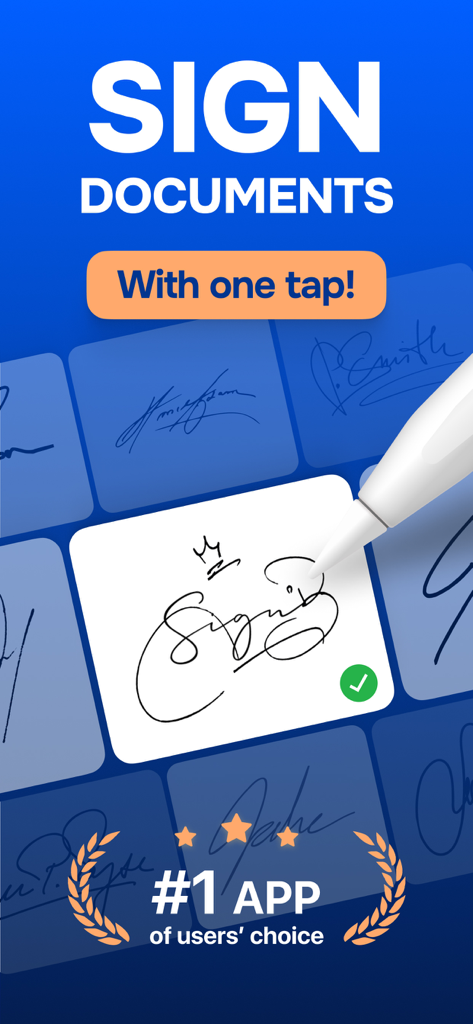
A digital signature being created on a mobile app with a stylus
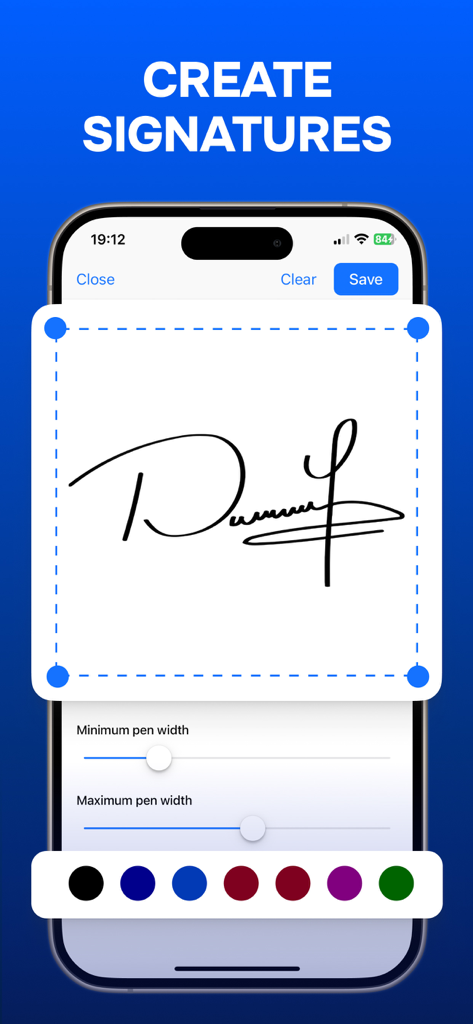
Interface for creating a digital signature with customizable pen width and color options
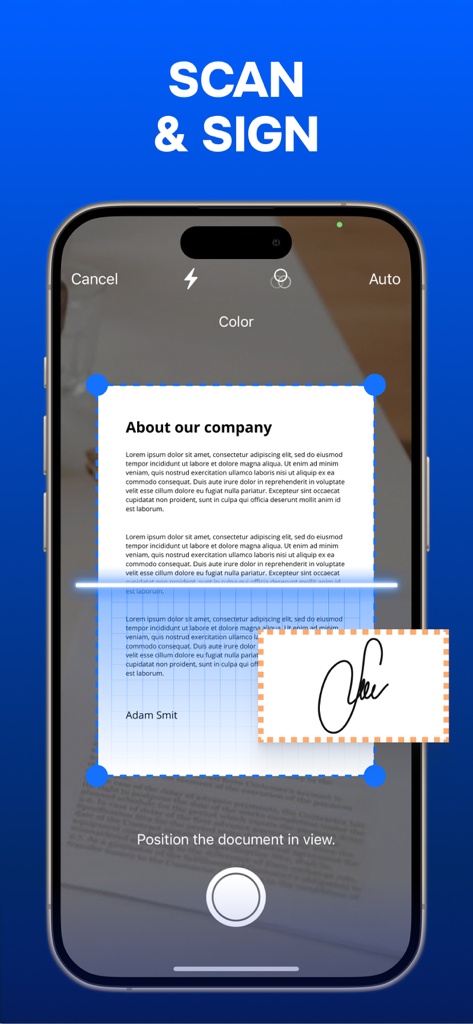
A mobile phone scanning a paper document to add a digital signature
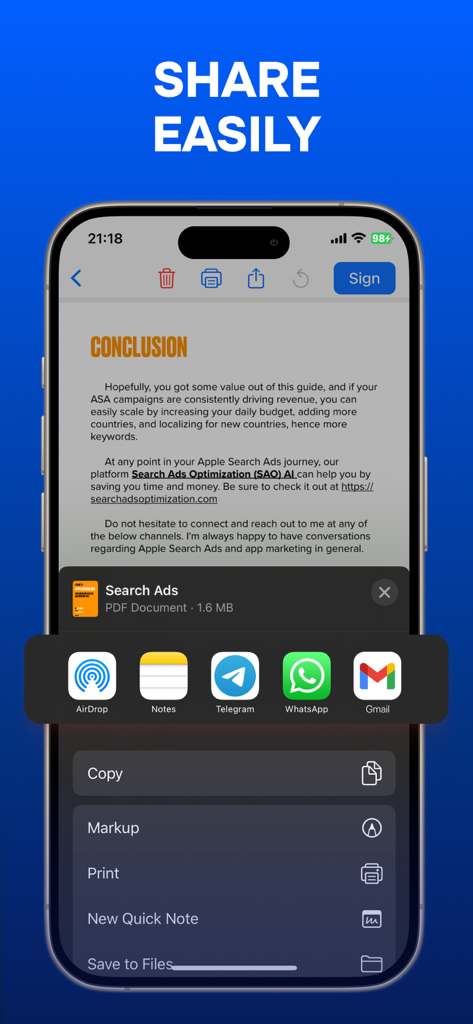
Smartphone screen showing options to share a signed PDF document via email and messaging apps
Description
Download
More Like This
Apps with similar features and user experience

Docusign - Upload & Sign Docs
Docusign

Sign.Me
SM, OOO (Apps)

Signeasy-Sign Documents App
Glykka LLC

Genius Sign: PDF doc signature
The Grizzly Labs

eSign - Fill & Sign Form Docs
B TO J PTY LTD

Sign Documents: PDF Signature
MR BIKRAMJIT SINGH

Fill & Sign Documents PDF Scan
Upsquare Technosys Private Limited

Receipt Maker - Sign & Send
SVG Apps

dotloop
DotLoop, LLC.
This page is not an official page of the app or its developer, but an independent editorial publication created for informational and commentary purposes. Unless expressly stated otherwise, neither the app nor its developer is affiliated with, endorsed by, sponsored by, authorized by, or otherwise officially connected with MWM, Apple, Google Play, the app publisher, or the app's developer, and nothing on this page implies that the app was developed using MWM's services. Any trademarks, logos, screenshots, and other content remain the property of their respective owners.