
This page is not an official page of the app or its developer, but an independent editorial publication created for informational and commentary purposes. Unless expressly stated otherwise, neither the app nor its developer is affiliated with, endorsed by, sponsored by, authorized by, or otherwise officially connected with MWM, Apple, Google Play, the app publisher, or the app's developer, and nothing on this page implies that the app was developed using MWM's services. Any trademarks, logos, screenshots, and other content remain the property of their respective owners.


GhostRadio
Harness authentic EMF and vibration sensor data to decode the unknown. Capture vocal patterns, export high-quality audio, and document your paranormal investigations with zero ads or tracking.
Downloads
0User Rating
Total Ratings
0Publisher
Category
LifestyleLocales
1Latest Version
1.0.0Size
14.9 MBFirst Released
Jan 23, 2025Professional Paranormal Tools for Every Investigator
Harness your device's internal sensors to detect electromagnetic shifts and translate environmental data into audible speech in real-time.
Real-Time Sensor Integration
No random generators. GhostRadio uses your device's Magnetometer and Accelerometer to detect actual changes in EMF and vibrations.
Advanced Speech Synthesis
Hear what the environment is saying. Raw sensor data is instantly transformed into words and phrases using a custom-built audio engine.
The following screenshots and description are sourced directly from the app's official store listing and are the property of the app developer.
App Store
Screenshots
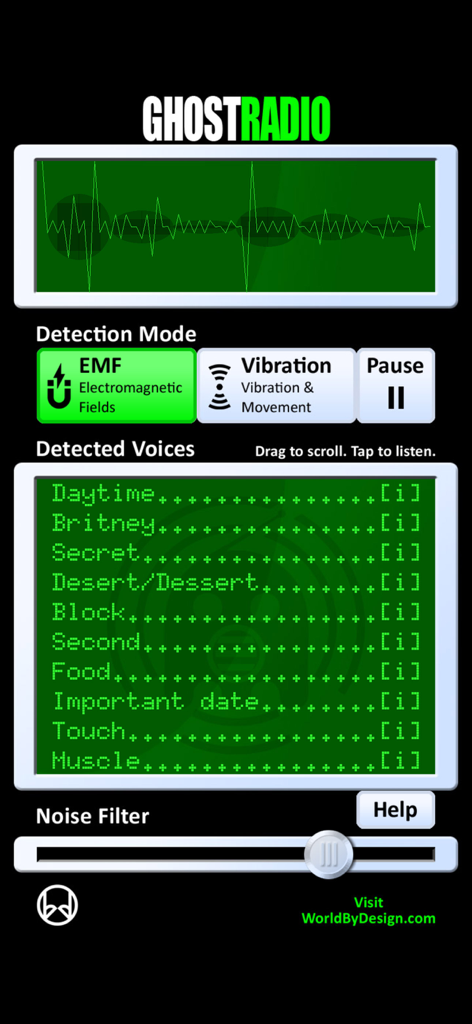
GhostRadio app screen showing signal waveform EMF detection mode and a list of detected voices
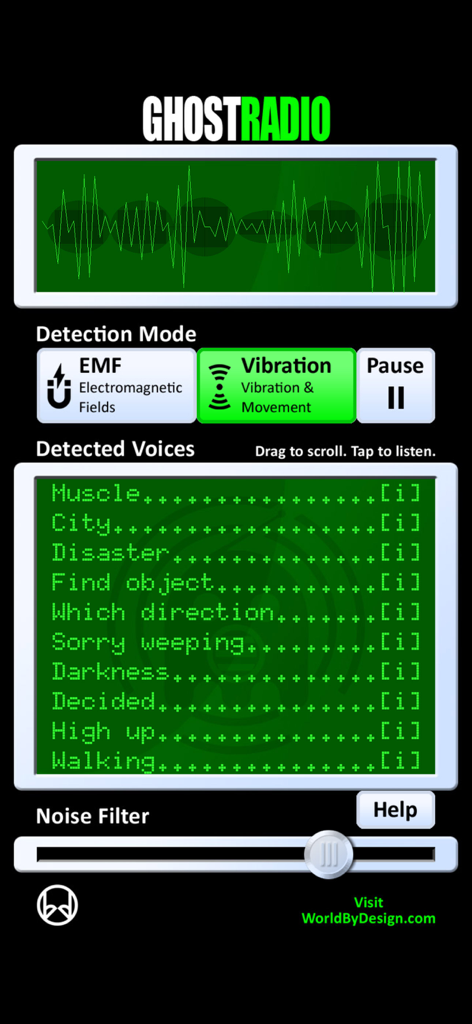
GhostRadio app showing vibration detection mode and detected voices list
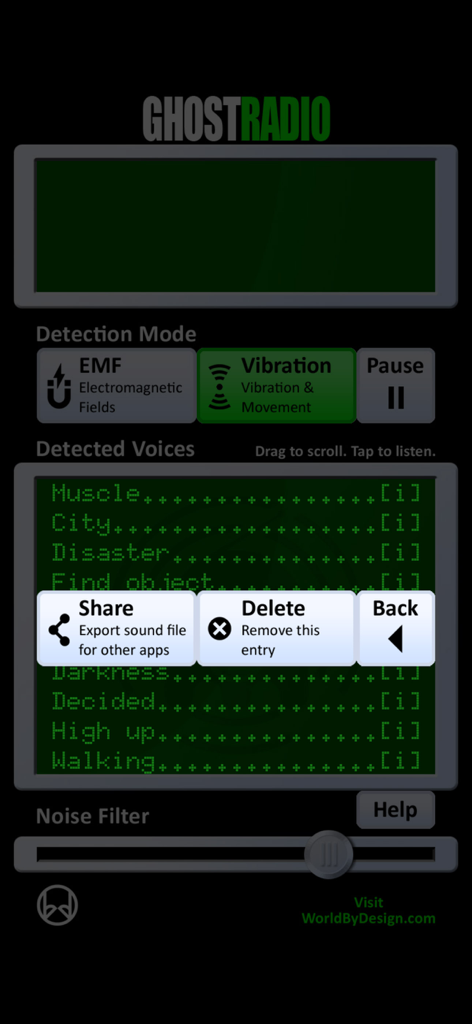
Interface of the GhostRadio app displaying a list of detected words with share and delete options.
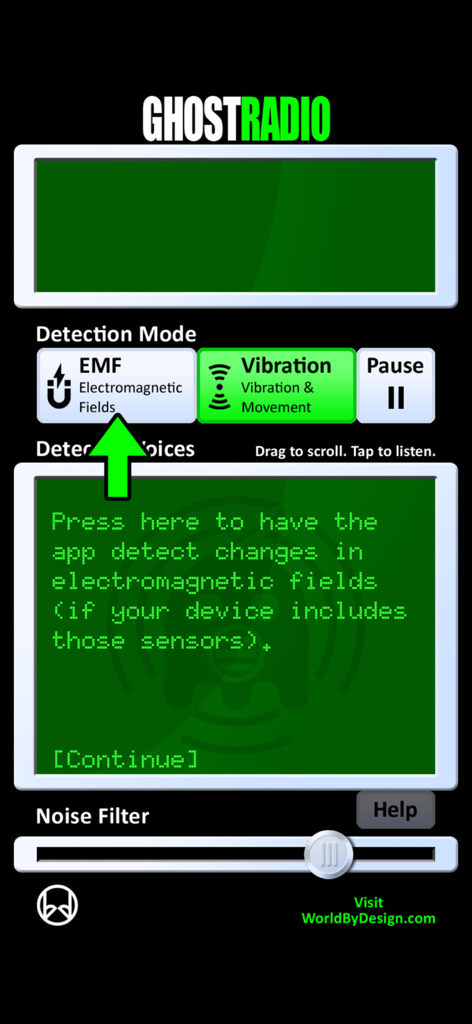
GhostRadio app interface showing EMF electromagnetic fields detection mode and noise filter settings
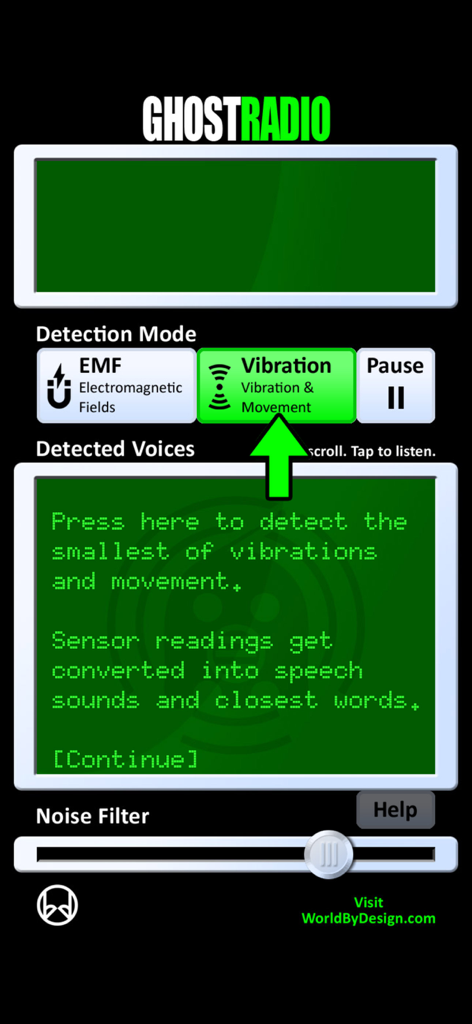
Interface of GhostRadio app highlighting the vibration detection mode and sensor instructions
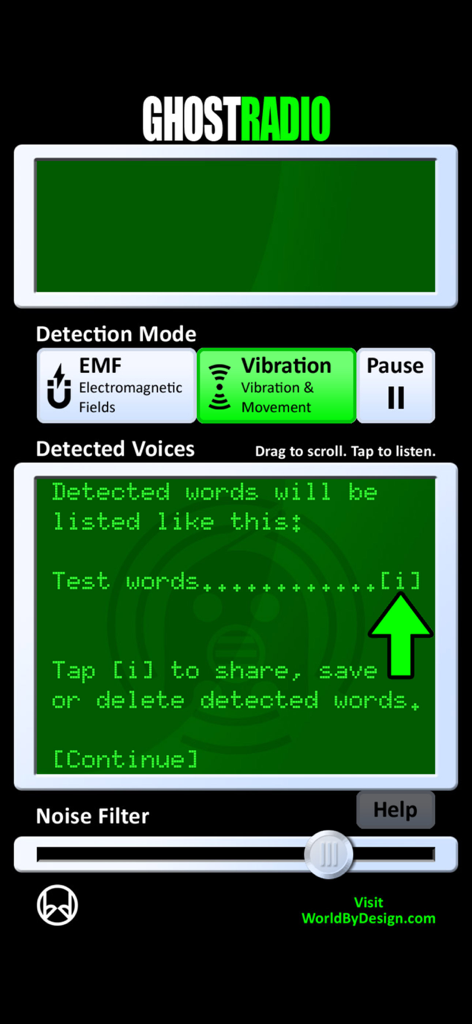
GhostRadio app interface showing EMF and vibration detection modes with a detected voices text log.
Description
Download
More Like This
Top-ranked apps in the same category

Pinterest, Inc.

Alipay - Simplify Your Life
Alipay (Hangzhou) Technology Co., Ltd.

美团-美好生活小帮手
Sankuai Technology Co., Ltd.

Dianping: Discover Good Places
Hanhai Information Technology (Shanghai) Co.Ltd

Lemon8 - Lifestyle Community
TIKTOK PTE. LTD.

Xiaomi Home
Beijing Xiaomi Co., Ltd

Tinder Dating App: Date & Chat
Tinder LLC

VNeTraffic
GLOBAL TECHNOLOGY - TELECOMMUNICATIONS CORPORATION

SmartThings
Samsung Electronics Co., Ltd.
This page is not an official page of the app or its developer, but an independent editorial publication created for informational and commentary purposes. Unless expressly stated otherwise, neither the app nor its developer is affiliated with, endorsed by, sponsored by, authorized by, or otherwise officially connected with MWM, Apple, Google Play, the app publisher, or the app's developer, and nothing on this page implies that the app was developed using MWM's services. Any trademarks, logos, screenshots, and other content remain the property of their respective owners.