GPS - Find My Family & Friends
Download on App Store

This page is not an official page of the app or its developer, but an independent editorial publication created for informational and commentary purposes. Unless expressly stated otherwise, neither the app nor its developer is affiliated with, endorsed by, sponsored by, authorized by, or otherwise officially connected with MWM, Apple, Google Play, the app publisher, or the app's developer, and nothing on this page implies that the app was developed using MWM's services. Any trademarks, logos, screenshots, and other content remain the property of their respective owners.


Logo of GPS - Find My Family & Friends
Download on App Store

GPS - Find My Family & Friends

Join over 100k families who trust our secure, battery-friendly tracker to keep kids and seniors safe. No complex setups—just scan a QR code and stay connected instantly.

Key Figures

Downloads

103K+

User Rating

4.1/5

Total Ratings

0

Publisher

Parth Pandya

Category

Navigation

Locales

7

Latest Version

4.0

Size

46.7 MB

First Released

Feb 5, 2016
Features

Safety and Peace of Mind for Your Busy Family

Join thousands of parents who trust us for real-time tracking, transparent sharing, and effortless connectivity without the complexity of bloated apps.

Instant QR-Code Pairing

Stop wasting time with complex invite codes. Simply scan a QR code to instantly sync with your children or elderly parents and start tracking in seconds.

Real-Time Safety Insights

Go beyond a simple dot on a map. See movement status, heading, and travel speed—essential for parents of new teen drivers who want peace of mind.

The following screenshots and description are sourced directly from the app's official store listing and are the property of the app developer.

App Store

Screenshots
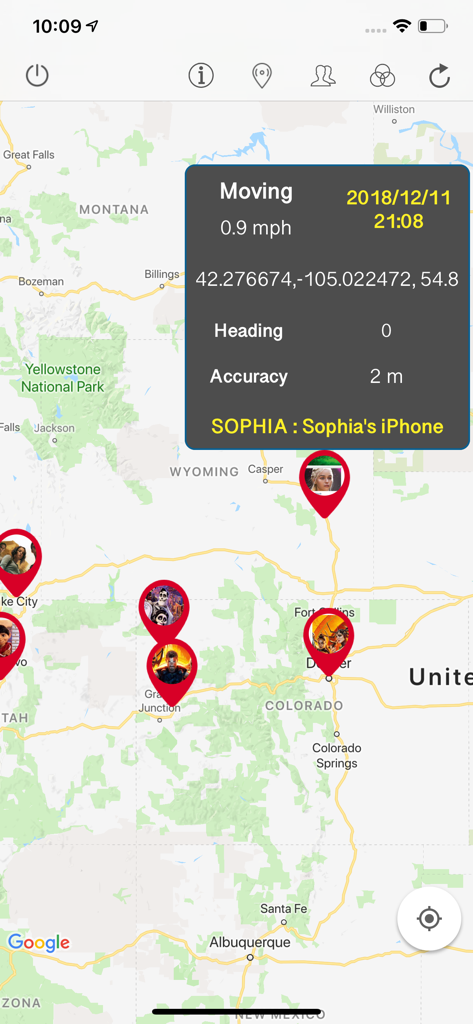
GPS - Find My Family & Friends - A map view showing multiple family members' locations with a detailed data overlay for Sophia's iPhone including speed and GPS coordinates.
A map view showing multiple family members' locations with a detailed data overlay for Sophia's iPhone including speed and GPS coordinates.

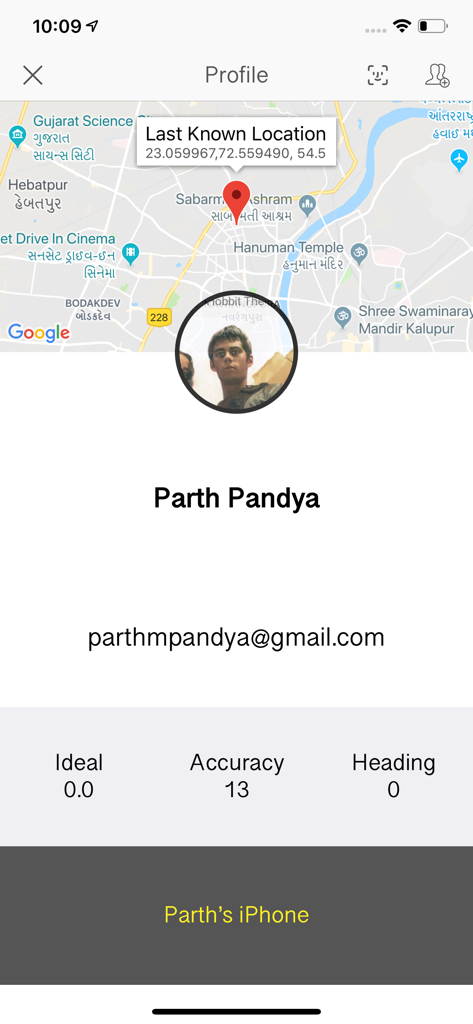
GPS - Find My Family & Friends - App interface displaying a family member profile with a map showing their last known location and device status
App interface displaying a family member profile with a map showing their last known location and device status

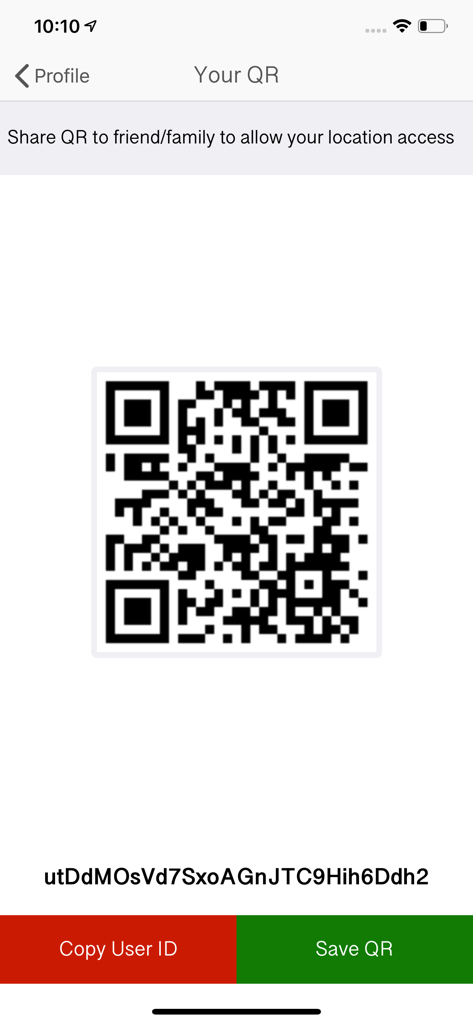
GPS - Find My Family & Friends - QR code screen for sharing location with family and friends
QR code screen for sharing location with family and friends

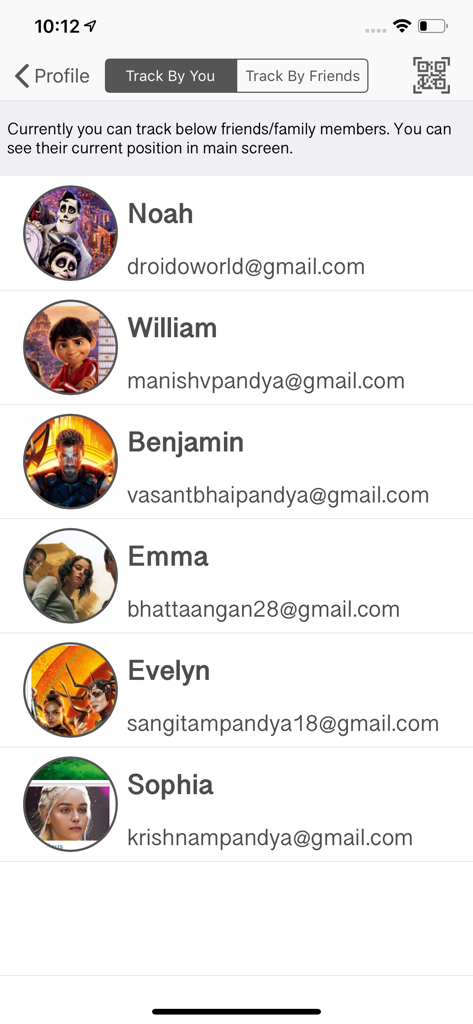
GPS - Find My Family & Friends - Mobile app interface showing a list of family members being tracked with their names and profile pictures
Mobile app interface showing a list of family members being tracked with their names and profile pictures

GPS - Find My Family & Friends - Interface showing a list of friends and family members with permission to track the user's location
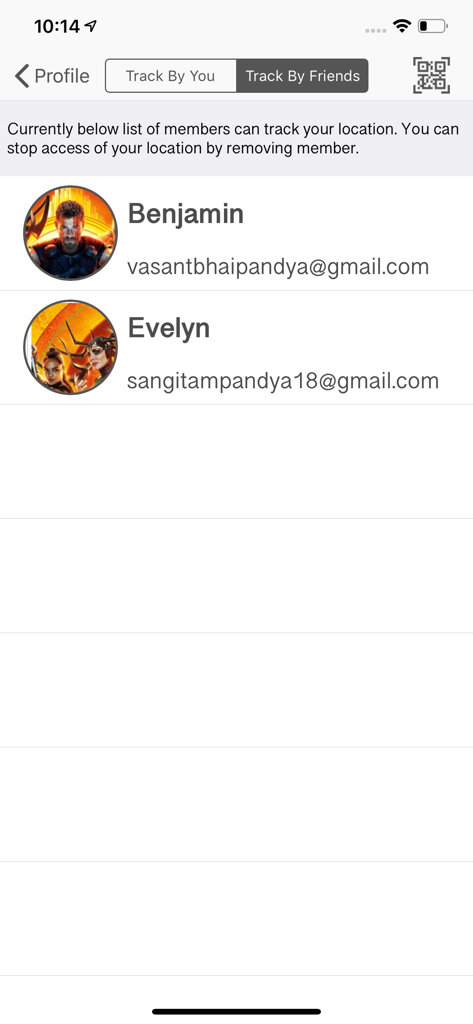
Interface showing a list of friends and family members with permission to track the user's location

GPS - Find My Family & Friends - A QR code and user ID screen for connecting family members within the GPS location sharing app
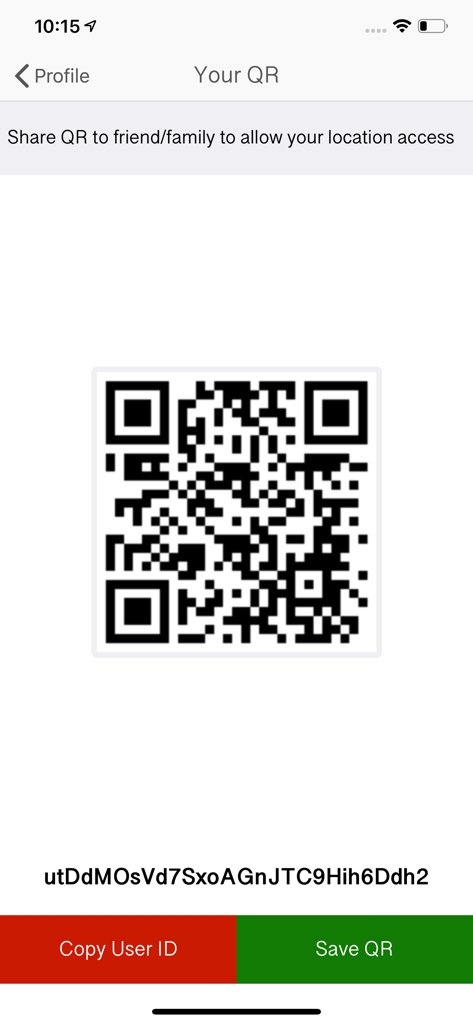
A QR code and user ID screen for connecting family members within the GPS location sharing app

GPS - Find My Family & Friends - Satellite map view of the Indian subcontinent in the GPS family safety app

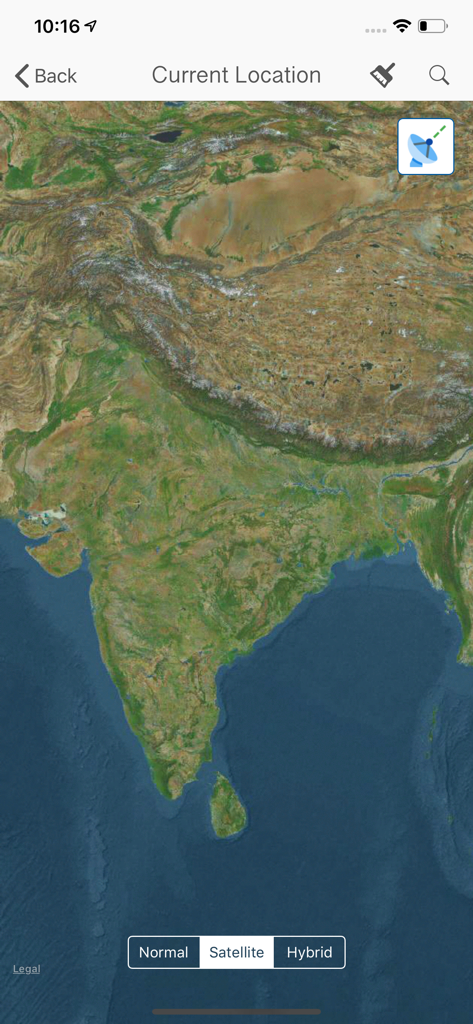
Satellite map view of the Indian subcontinent in the GPS family safety app

Description

Are you worried about your family members? Where they are going and what they are doing? Here is the solution and get free from this tension. This application will track your family members or friends and gives their latest location to you! Good to hear, isn’t it? App Features: > Track your family and friends in single screen instantly > Get latest updated location of your family member > Easy access to get authenticate Scan QR / User ID to track location > Get to know who are tracking you right now and you can deny them to your location. > Get detail location details of your family member with date, time, speed etc > Your current location and place finder HOW TO USE THIS APP? To easy understanding consider you as a FATHER and you want to track your daughter’s current location. 1. Download and create your own account and login. (Required information: Name, Email ID, Password, Profile Picture). 2. Start Tracking your daughter with entering her User ID / scan her QR. (Your daughter must have this app and need to login with her credentials, She can also deny you to access her location by removing you from her whitelist). NOTE that, If your daughter able to check that who are accessing her location and she can also able to deny those members. QUESTIONS: 1. What type of information will you get after accepting a request? Ans: After accepting request, FATHER(Consider above example to understand) will get, His daughter is ideal or moving. If moving then what is her speed, Her Exact Location, Timestamp, Device name from where her daughter accessing/Logged in this app, Heading, Accuracy of location, and altitude. 2. How many members can I include for tracking? Ans: You can track 2 members for FREE and then you need to buy package as per member requirements. Currently 3 pack is available for 5/7/10 member track request in minimum cost. 3. How to use it? You need to create your own account and share your QR / User Id to whom you allow to track access your location. Same way you need to scan QR / user Id of your family members to get access of their latest location. 4. How to get my UserId / QR? Login with your account > Go to Profile Screen > Go To 'Your QR' Screen. Here is your own QR and user Id below it. You can Copy user Id OR save QR to local storage also. 5. How To track my family member? Install this app to all device you want to track and create individual login credentials. Login with your own account > Go To 'Profile' Screen > Go To 'Track By You' Screen > Click On Top Right QR Scan Button to Scan your family member QR or enter their user id manually. (You can track maximum 2 members for free. You can buy track pack based on member requirements.) 6. I need help / support from technical side. Ans: Go to help center, You can directly Email to developer OR visit our web site. Or you also can join social page to discuss your problem. IMPORTANT: ——— 1. Continued use of GPS running in the background can dramatically decrease battery life. 2. This app will not send any personal data without your permission. 3. This app will access your current location and gallery to upload profile picture. 4. It never Encrypt / Decrypt personal data. 5. All tracking data is stored on secure server, There is no chance to have data.

Download

Download on App Store

This page is not an official page of the app or its developer, but an independent editorial publication created for informational and commentary purposes. Unless expressly stated otherwise, neither the app nor its developer is affiliated with, endorsed by, sponsored by, authorized by, or otherwise officially connected with MWM, Apple, Google Play, the app publisher, or the app's developer, and nothing on this page implies that the app was developed using MWM's services. Any trademarks, logos, screenshots, and other content remain the property of their respective owners.








