
Graphite - AI Pencil Artist

Bring your artistic vision to life with the power of AI. Transform your favorite moments into stunning, realistic pencil sketches, anime art, or ink drawings with a single tap.
Publisher
Category
Photo & VideoDownloads
2K+User Rating
Total Ratings
0Locales
10Discover the interface used by 2K+ users.
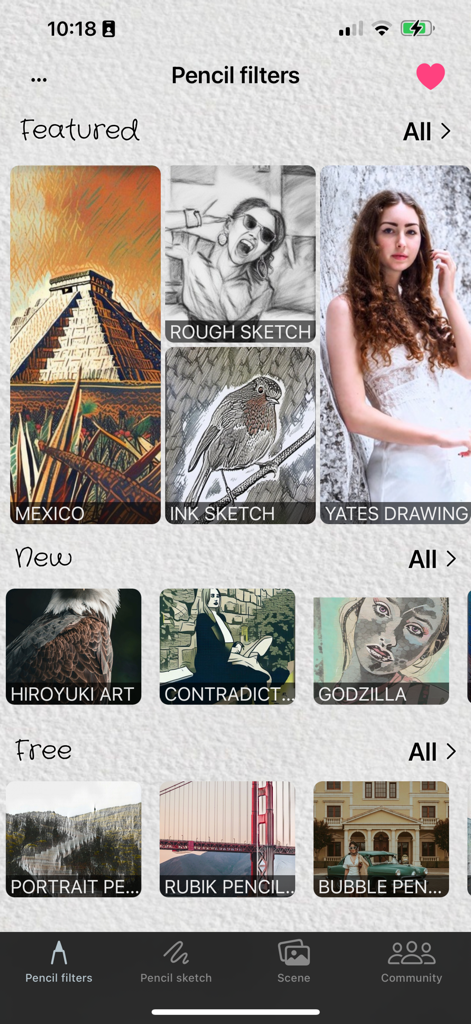
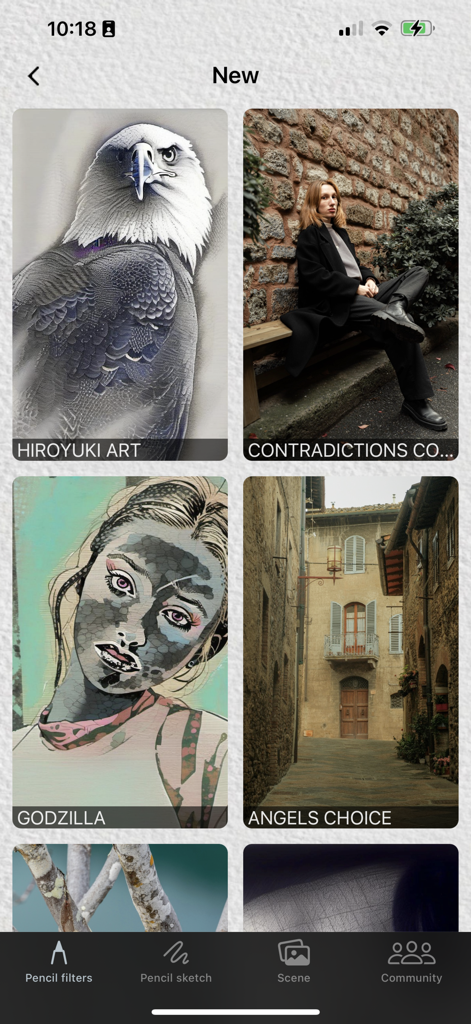
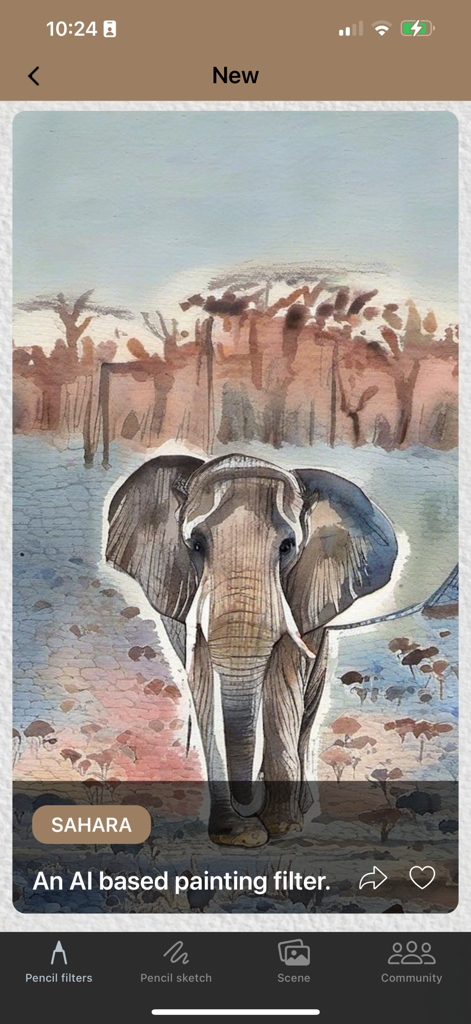
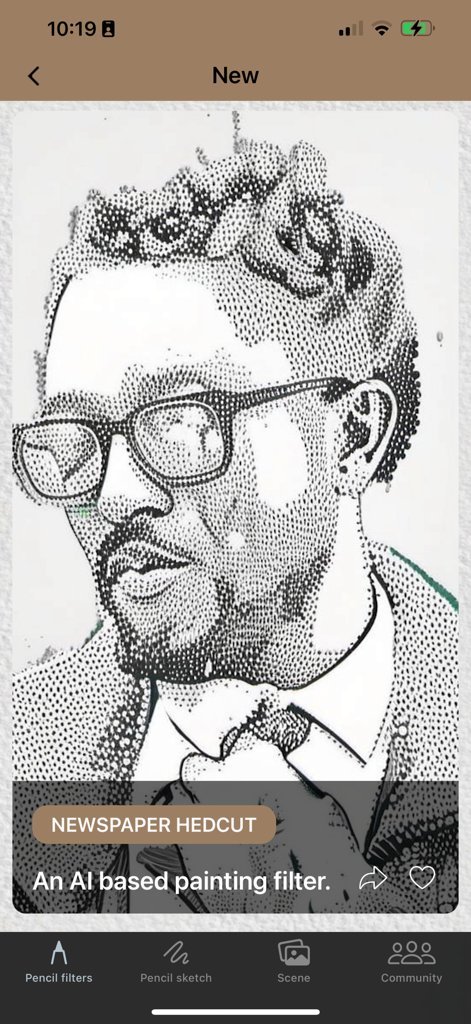
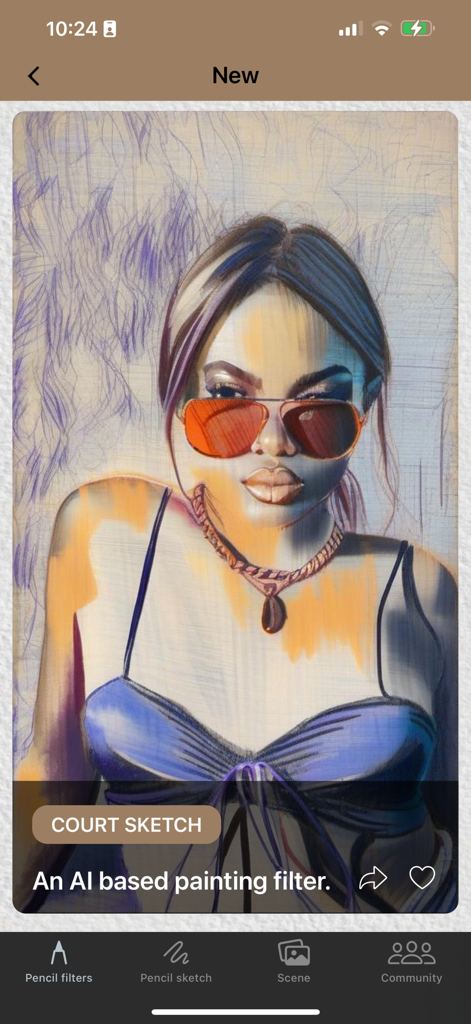
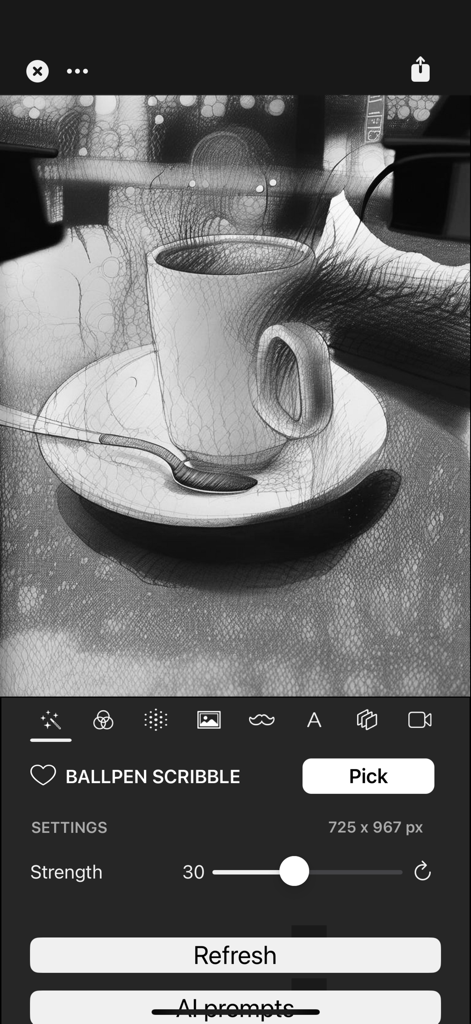
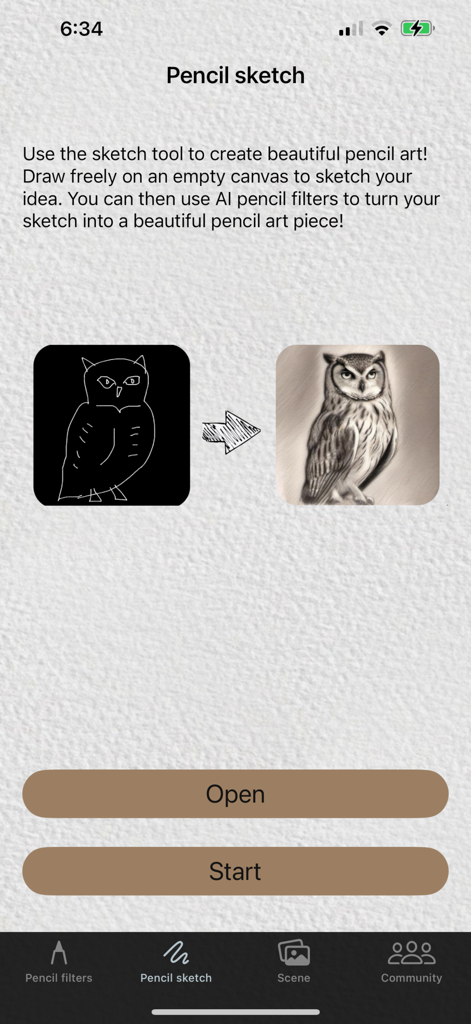
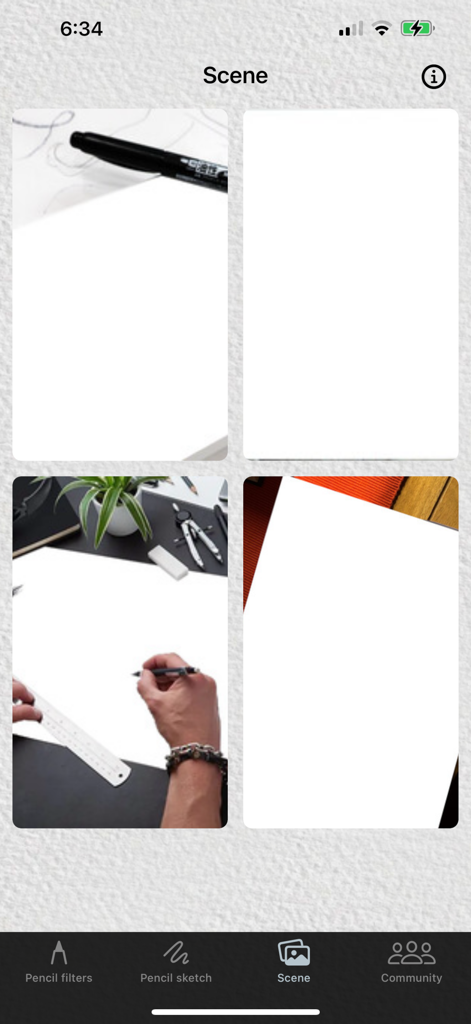
The tools that make this app stand out, trusted by 2K+ users.
Instantly turn your favorite photos into detailed pencil drawings, anime sketches, or ink wash art with professional-grade AI accuracy.
Sketch your ideas freely and let our AI-assisted tool refine your rough lines into polished, aesthetic artwork perfect for any creative project.
Bring your art to life by placing your creations in realistic scenes and frames, ready to be showcased on your curated social media feed.
Everything you need to know about Graphite - AI Pencil Artist.
Description
Latest Version
2.2.19
Size
321.4 MB
First Released
May 1, 2023
Join thousands of creators turning everyday moments into professional-grade pencil art. Download Graphite today and start your artistic journey for free on iPhone and iPad.
Everything you need to know about Graphite - AI Pencil Artist
Graphite - AI Pencil Artist transforms photos into realistic and beautiful AI-generated pencil drawings. It offers various artistic styles like sketch, crayon, and ink wash for photo conversion.
Graphite - AI Pencil Artist uses AI to automatically render chosen photos into detailed and faithful pencil drawings. Users simply select an image, and the AI processes it.
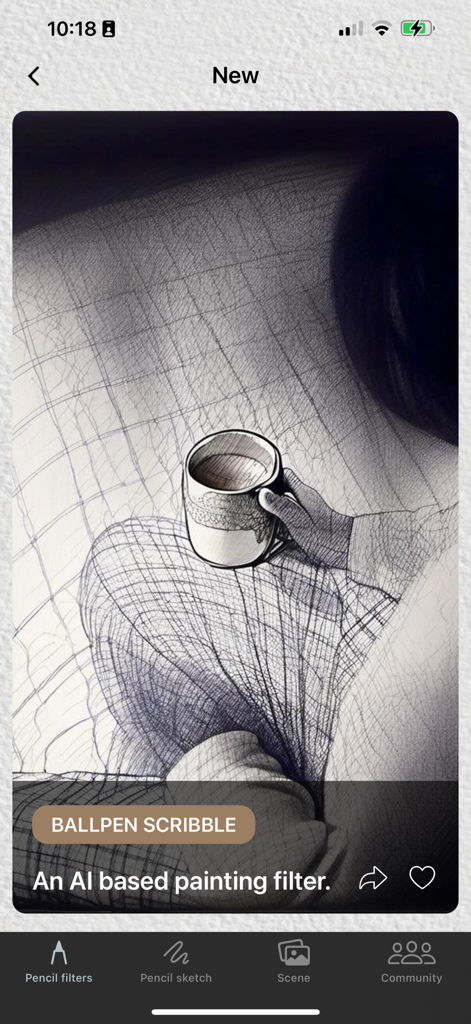
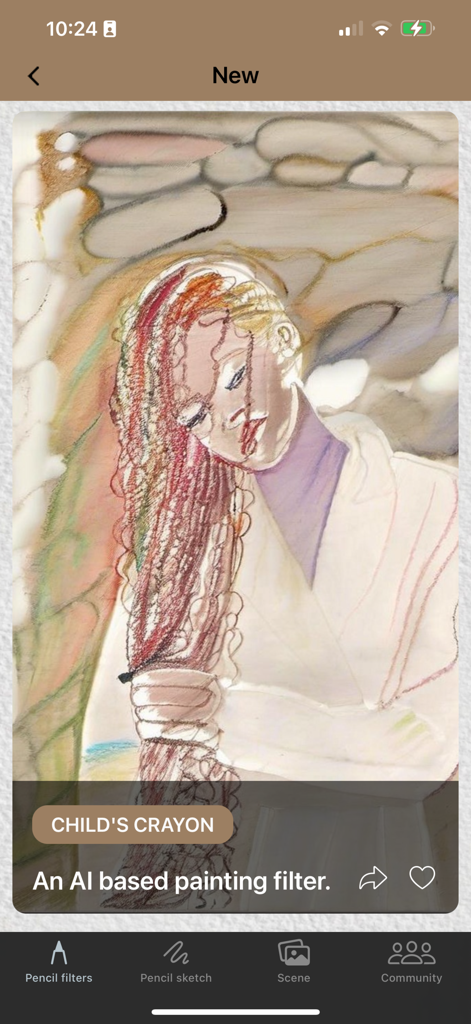
Graphite - AI Pencil Artist offers styles including sketch, realistic, crayon, Chinese drawing, ink wash, anime sketch, and ballpoint pen. Filters like "BALLPEN SCRIBBLE" and "CHILD'S CRAYON" are available.
Yes, Graphite - AI Pencil Artist includes an AI-assisted sketch tool. Users draw freely on an empty canvas, then apply AI pencil filters to transform their sketches into art pieces.
Yes, Graphite - AI Pencil Artist enables users to showcase their created pencil art by placing it within various realistic scene templates available directly in the app.
The terms governing Graphite - AI Pencil Artist are the standard Apple End User License Agreement (EULA). This EULA is accessible via the provided Apple legal link.
Yes, Graphite - AI Pencil Artist provides free filters. The "Pencil filters" section of the app's interface clearly displays a category labeled "Free" for user access.
Yes, filter settings are customizable. For instance, the "BALLPEN SCRIBBLE" filter allows users to adjust parameters like "Strength" using an interactive slider within the editing interface.
Top-ranked apps in the same category

BYTEDANCE PTE. LTD.

Instagram, Inc.

Google LLC

Canva Pty Ltd

Snap, Inc.

Beijing Kwai Technology Co., Ltd.

Instagram, Inc.

Xiamen Meitu Technology Co., Ltd.

Google LLC
App information, icons, screenshots, and descriptions displayed on this page are sourced from the Apple App Store and are the property of their respective developers. Download estimates and rankings are based on MWM's proprietary models and may not reflect actual figures. This page is provided for informational and analytical purposes only.
Believe this page infringes your intellectual property? File a dispute