
This page is not an official page of the app or its developer, but an independent editorial publication created for informational and commentary purposes. Unless expressly stated otherwise, neither the app nor its developer is affiliated with, endorsed by, sponsored by, authorized by, or otherwise officially connected with MWM, Apple, Google Play, the app publisher, or the app's developer, and nothing on this page implies that the app was developed using MWM's services. Any trademarks, logos, screenshots, and other content remain the property of their respective owners.

Green P
Skip the machines and pay in seconds. Get expiry alerts, extend your session remotely, and enter gated lots with a simple QR scan—all from your phone.
Downloads
1M+User Rating
Total Ratings
13K+Publisher
Category
TravelLocales
6Latest Version
9.6.6Size
105.8 MBFirst Released
Apr 7, 2011The Smarter Way to Park in Toronto
Join over 1 million drivers using the official Green P app for a frictionless, ticket-free parking experience across the city.
Remote Extensions & Alerts
Stop worrying about parking tickets. Get notified before your time expires and extend your session from your phone without returning to your car.
Contactless Gated Entry
Skip the paper tickets and payment machines. Simply scan a QR code to enter and exit gated carparks for a faster, touch-free experience.
Frequently Asked Questions
Everything you need to know about Green P
How to pay for parking using the Green P App?
The Green P App allows payment for on-street, non-gated, and participating gated carparks. Users pay using Apple Pay, PayPal, or credit card directly within the app.
Can I use the Green P App for gated parking lots?
Yes, the Green P App supports participating gated carparks. Users scan a QR code at entry, and the app calculates the total for seamless exit without a paper ticket.
What payment methods does the Green P App accept?
The Green P App accepts Apple Pay, PayPal, and credit card for parking payments. Users set up their preferred method in their profile.
Does the Green P App provide reminders for parking sessions?
Yes, the Green P App notifies users when their parking time is about to expire. This feature allows remote extension of parking sessions.
How can I extend my parking session with the Green P App?
Users can extend their parking session remotely from their phone via the Green P App. The app sends reminders before expiration, facilitating timely extensions.
Does the Green P App offer parking receipts?
Yes, the Green P App emails parking receipts directly to the user's inbox. Users can also view their complete parking transaction history within the app.
How does the Green P App help find carparks?
The Green P App includes a Green P Locator feature. This locator helps users find carparks using GPS, an address, or a landmark.
Can I manage my parking history in the Green P App?
Yes, the Green P App allows users to view their complete parking transaction history. This feature provides an overview of past parking sessions.
Who powers the Green P App?
The Green P App is powered by Passport. Passport is a leading provider of mobile payment technologies, ensuring reliable service.
Is it safe to use my phone while driving with the Green P App?
No, the Toronto Parking Authority reminds users that using a mobile phone while driving is unsafe and illegal in Ontario. Pull over or have a co-pilot navigate.
How do I enter and exit gated carparks using the Green P App?
To enter a gated carpark, scan a QR code at the entry gate. The app automatically calculates the total when ready to leave, enabling seamless exit without a paper ticket.
The following screenshots and description are sourced directly from the app's official store listing and are the property of the app developer.
App Store
Screenshots
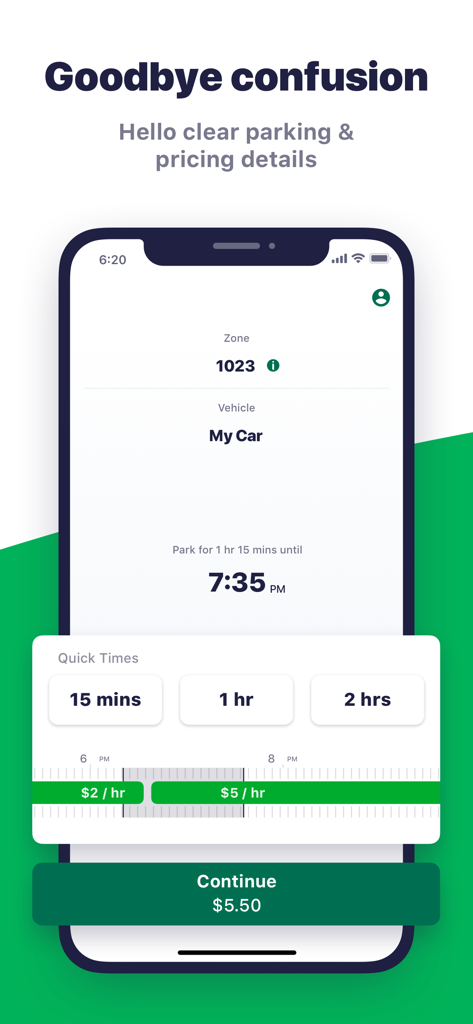
Interface of the Green P app showing parking duration selection and hourly pricing rates
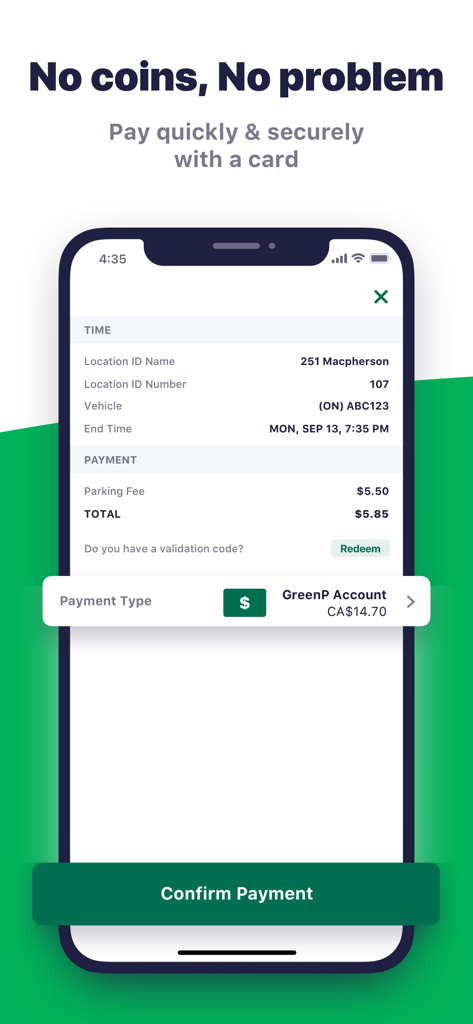
Green P parking app payment confirmation screen showing location details and payment total on a smartphone.
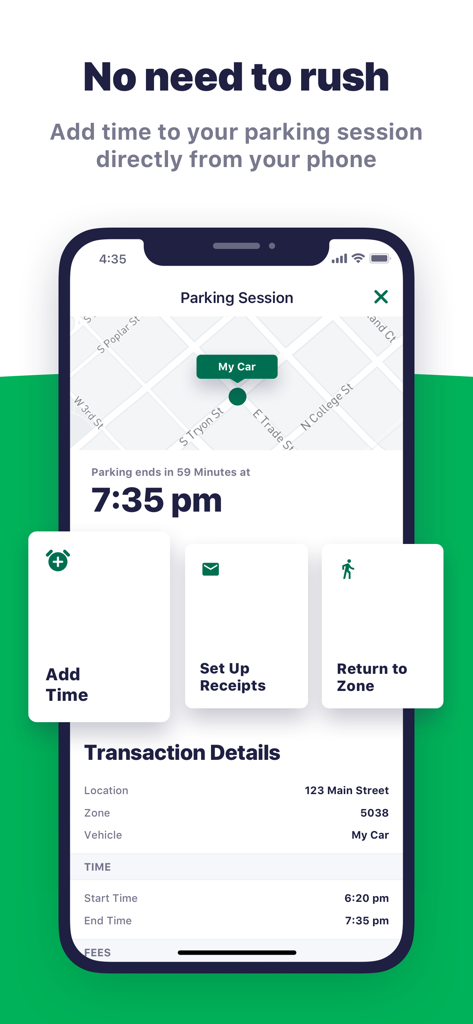
Interface of the Green P app displaying an active parking session with the option to remotely add time
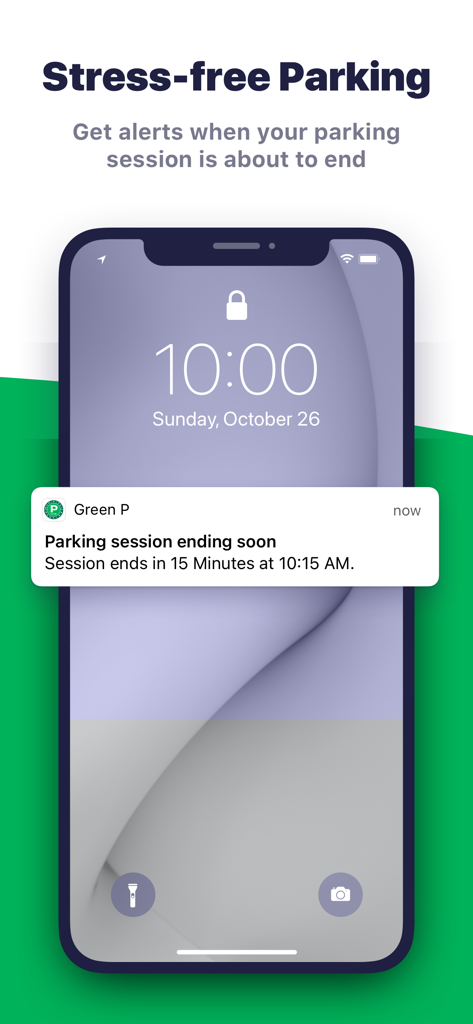
Green P app push notification on a smartphone lock screen alerting that a parking session is ending soon
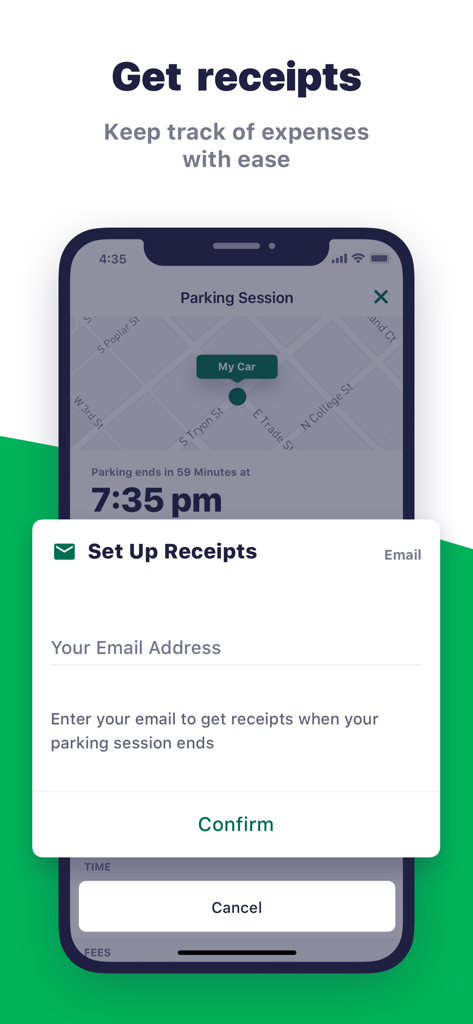
Green P mobile app screenshot showing the setup screen for automated email receipts to track parking expenses.
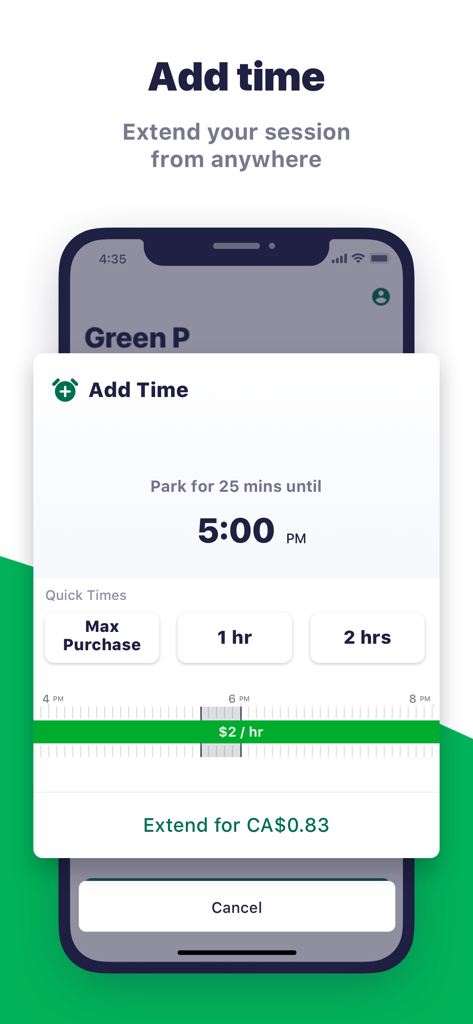
Green P app interface showing the add time feature to extend a parking session remotely
Description
Download
More Like This
Apps with similar features and user experience

ParkMobile: Park. Pay. Go.
Parkmobile USA, Inc

EasyPark - Parking made easy
Easy Park AS

SpotHero: #1 Rated Parking App
SpotHero, Inc.

ParkWhiz - #1 Parking App
ParkWhiz, Inc.

Metropolis: Remarkable Parking
Metropolis Technologies, Inc.

RingGo: Mobile Car Parking App
RingGo Ltd

Mobicité
Agence de mobilite durable de Montreal

HandyParken München
SWM Services GmbH

Parking Kitty
City of Portland
This page is not an official page of the app or its developer, but an independent editorial publication created for informational and commentary purposes. Unless expressly stated otherwise, neither the app nor its developer is affiliated with, endorsed by, sponsored by, authorized by, or otherwise officially connected with MWM, Apple, Google Play, the app publisher, or the app's developer, and nothing on this page implies that the app was developed using MWM's services. Any trademarks, logos, screenshots, and other content remain the property of their respective owners.