Grid Maker - Gridzilla
Download on App Store

This page is not an official page of the app or its developer, but an independent editorial publication created for informational and commentary purposes. Unless expressly stated otherwise, neither the app nor its developer is affiliated with, endorsed by, sponsored by, authorized by, or otherwise officially connected with MWM, Apple, Google Play, the app publisher, or the app's developer, and nothing on this page implies that the app was developed using MWM's services. Any trademarks, logos, screenshots, and other content remain the property of their respective owners.


Logo of Grid Maker - Gridzilla
Download on App Store

Grid Maker - Gridzilla

Stop settling for a boring feed. Create stunning high-resolution grids, add aesthetic fonts, and share your vision effortlessly with the all-in-one tool designed for influencers and creators.

Key Figures

Downloads

279K+

User Rating

4.8/5

Total Ratings

3K+

Publisher

Uzair Jamal

Category

Photo & Video

Locales

1

Latest Version

2024.5

Size

209.1 MB

First Released

May 16, 2016
Features

Elevate Your Instagram Aesthetic

Turn your profile into a curated digital gallery with high-resolution grids, creative fonts, and effortless sharing.

Stunning Grid Layouts

Split panoramic shots or high-res photos into perfect grids that turn your profile into a professional, scroll-stopping billboard.

Seamless Smart Posting

Save time with automatic tile ordering and direct sharing. No more manual cropping or messy camera rolls to manage.

The following screenshots and description are sourced directly from the app's official store listing and are the property of the app developer.

App Store

Screenshots
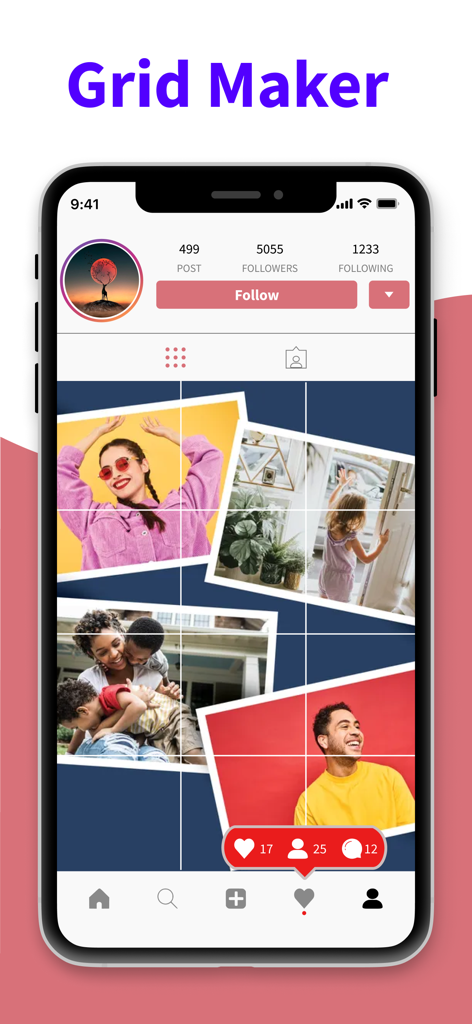
Grid Maker - Gridzilla - A mobile phone screen showing a custom Instagram photo grid layout created with the Gridzilla app

A mobile phone screen showing a custom Instagram photo grid layout created with the Gridzilla app
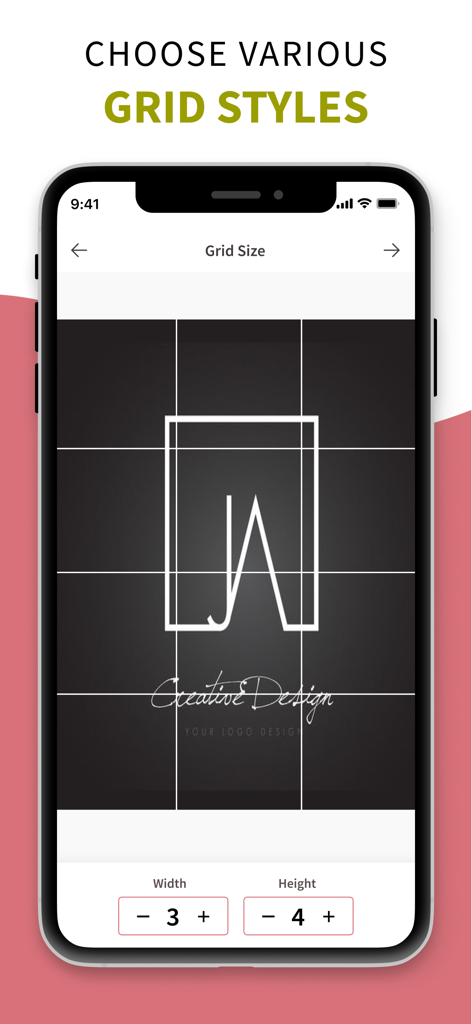
Grid Maker - Gridzilla - Gridzilla app screen showing custom grid size selection for Instagram photos
Gridzilla app screen showing custom grid size selection for Instagram photos

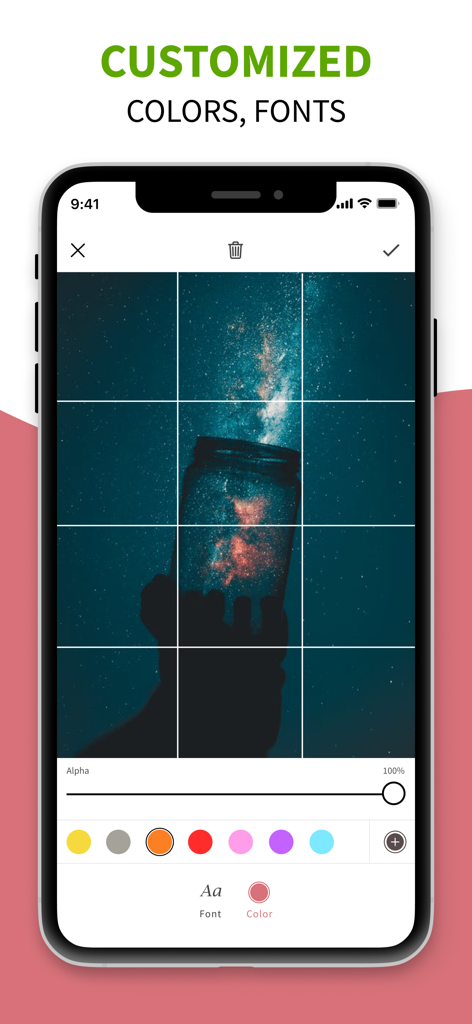
Grid Maker - Gridzilla - Grid Maker Gridzilla editing screen showing custom color and font options for a photo grid
Grid Maker Gridzilla editing screen showing custom color and font options for a photo grid

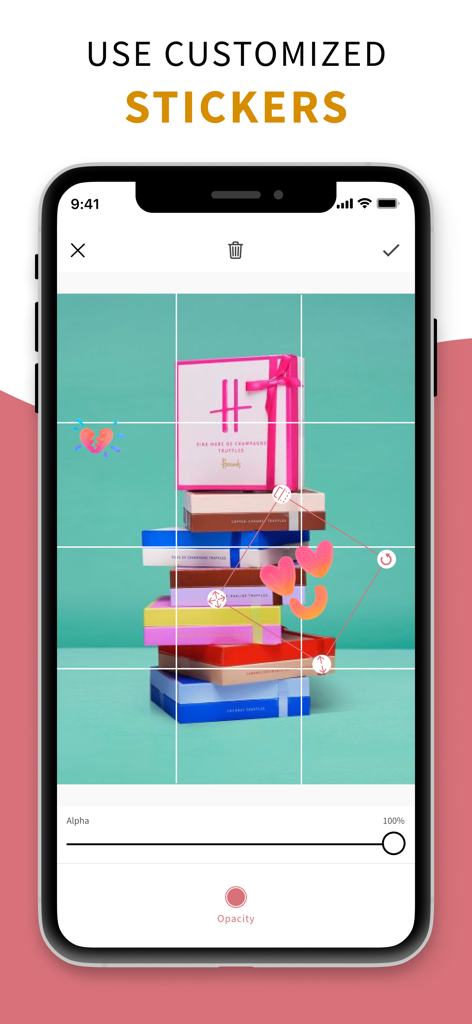
Grid Maker - Gridzilla - Editing stickers on a nine-square photo grid in Gridzilla app
Editing stickers on a nine-square photo grid in Gridzilla app

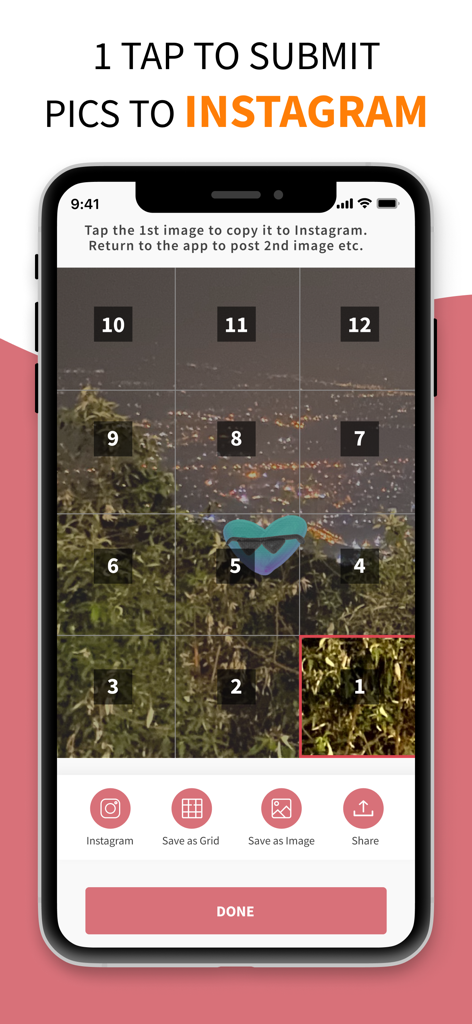
Grid Maker - Gridzilla - Mobile interface showing a landscape photo split into 12 numbered tiles for sequential posting to Instagram

Mobile interface showing a landscape photo split into 12 numbered tiles for sequential posting to Instagram

Description

Welcome to Gridzilla, the ultimate iOS app designed to elevate your Instagram game! Say goodbye to the limitations of traditional photo sharing and embrace the freedom to create mesmerizing grids effortlessly. Key Features: Unleash Your Creative Power Ignite your creativity with a suite of powerful editing tools, an extensive collection of stickers and vector elements, and a diverse array of fonts. Gridzilla empowers you to craft visually stunning content that stands out on your Instagram profile. Create Mesmerizing Instagram Grids Transform large photos or panoramic shots into captivating square pictures with Gridzilla. Choose your desired grid size, effortlessly break your images into tiles, and witness the seamless combination into a mind-blowing masterpiece on your profile. No more compromises on resolution – Gridzilla ensures your high-quality photos look amazing! Seamless Instagram Sharing Sharing your creations on Instagram has never been this easy! Let Gridzilla handle the cropping and submission process. The app automatically suggests the optimal order of images for a seamless upload experience. Share directly from the app without the need to save individual tiles to your device! How Gridzilla Works: 1. Select Grid Size: Choose from a variety of grid sizes to fit your creative vision. 2. Edit with Precision: Utilize powerful editing tools to enhance your photos and add a personal touch. 3. Effortless Splitting: Gridzilla effortlessly breaks your images into tiles, ready for the perfect grid. 4. Automatic Ordering: The app suggests the optimal order for a visually appealing grid on your Instagram profile. 5. Direct Sharing: Share your masterpiece directly from Gridzilla without the need to save individual tiles. Why Choose Gridzilla: - Save Time: No more manual cropping or resizing. Gridzilla streamlines the process, saving you valuable time. - High-Resolution Quality: Your photos deserve to shine. Gridzilla ensures your high-resolution images look stunning on Instagram. - Creative Freedom: With a plethora of editing options, stickers, and fonts, Gridzilla gives you the creative freedom to express yourself. Download Gridzilla now and transform your Instagram profile into a canvas of creativity! Unleash the power of visual storytelling with ease. You can get unlimited access to all the advanced functionality by subscribing to a monthly or a yearly plan inside the app. There's also a free 3 day trial period to get a taste of what Gridzilla Pro has to offer. Once expired, the trial period automatically changes to a paid monthly subscription. Payment will be charged to iTunes Account at confirmation of purchase. Subscription automatically renews unless auto-renew is turned off at least 24-hours before the end of the current period. Account will be charged for renewal within 24-hours prior to the end of the current period, and identify the cost of the renewal. Subscriptions may be managed by the user and auto-renewal may be turned off by going to the user's Account Settings after purchase. Any unused portion of a free trial period, if offered, will be forfeited when the user purchases a subscription to that publication, where applicable. Privacy Policy : https://sites.google.com/view/gridzillaprivacypolicy Terms of Use : https://sites.google.com/view/gridzillatermsconditions

Download

Download on App Store

This page is not an official page of the app or its developer, but an independent editorial publication created for informational and commentary purposes. Unless expressly stated otherwise, neither the app nor its developer is affiliated with, endorsed by, sponsored by, authorized by, or otherwise officially connected with MWM, Apple, Google Play, the app publisher, or the app's developer, and nothing on this page implies that the app was developed using MWM's services. Any trademarks, logos, screenshots, and other content remain the property of their respective owners.








