Grid Maker & No Crop Photo

Grid Maker & No Crop Photo

Download on App Store
Logo of Grid Maker & No Crop Photo

Grid Maker & No Crop Photo: Elevate Your Instagram Aesthetic

Transform your profile into a visual masterpiece. Split high-res photos into stunning giant grids or post full-sized images without cropping—designed for creators who demand feed perfection.

Publisher

Appwallet Technologies Private Limited

Category

Photo & Video

Downloads

84K+

User Rating

4.7/5

Total Ratings

800

Locales

1

Master Your Feed Aesthetic

Discover the interface used by 84K+ users.
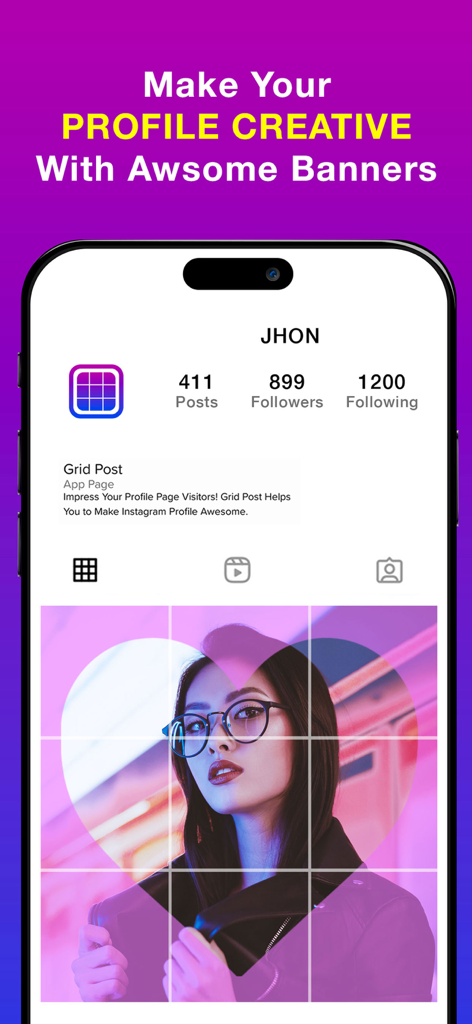
Mobile app screen showing a creative Instagram profile banner made with a 3x3 photo grid.

Mobile app screen showing a creative Instagram profile banner made with a 3x3 photo grid.

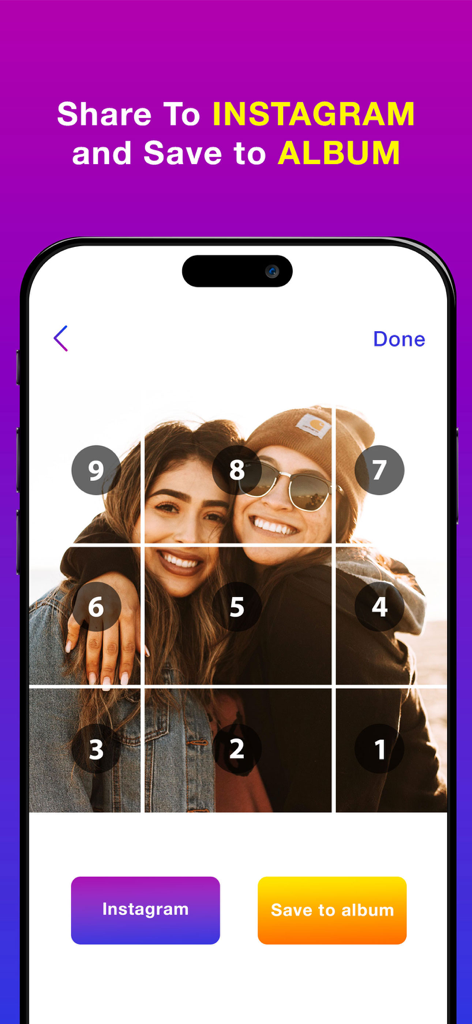
A 3x3 photo grid split into numbered tiles for sequential Instagram posting.

A 3x3 photo grid split into numbered tiles for sequential Instagram posting.

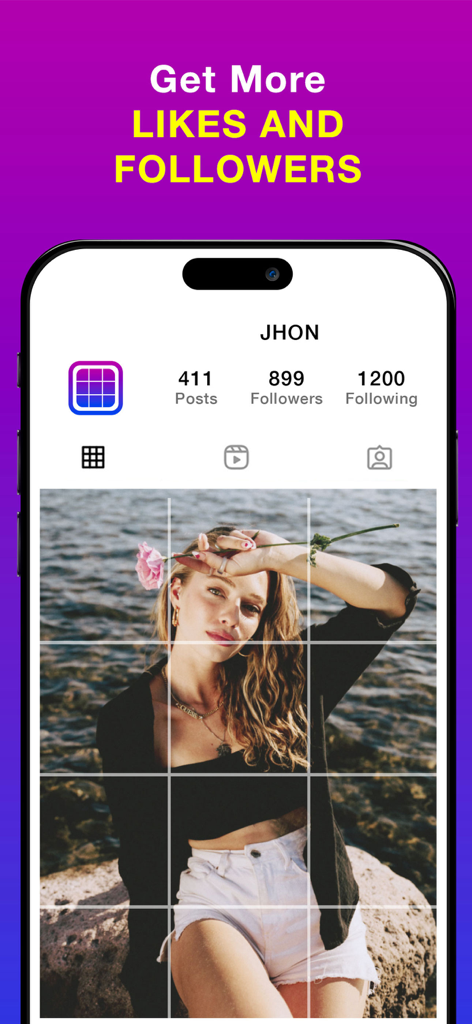
An iPhone screen displaying a 3x3 photo grid on a mock Instagram profile with the text Get More Likes and Followers.

An iPhone screen displaying a 3x3 photo grid on a mock Instagram profile with the text Get More Likes and Followers.

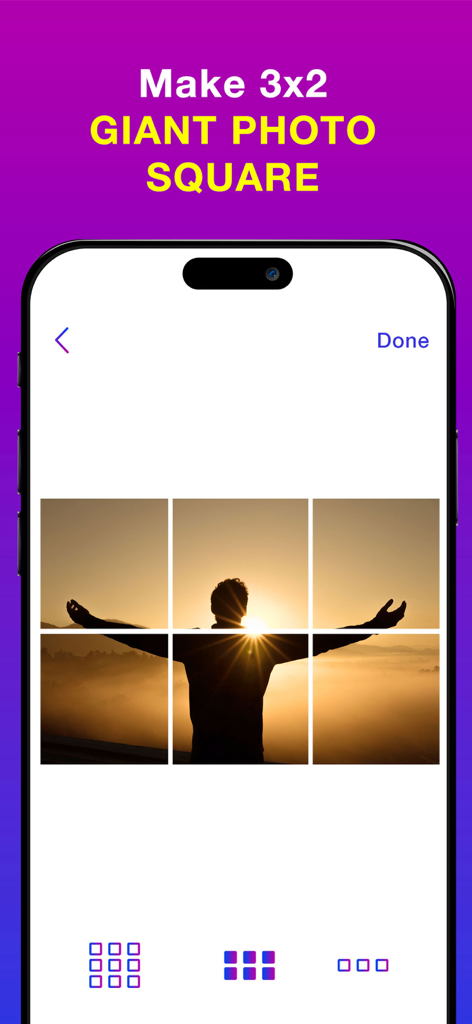
Interface of the Grid Maker app showing a person at sunset split into a 3x2 giant photo square grid for social media

Interface of the Grid Maker app showing a person at sunset split into a 3x2 giant photo square grid for social media

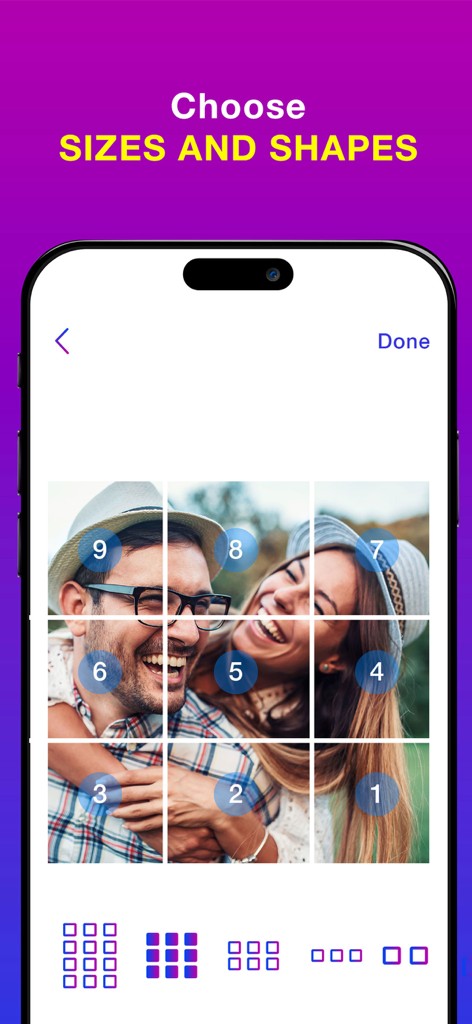
A 3x3 photo grid layout showing the numbered posting order for an Instagram feed

A 3x3 photo grid layout showing the numbered posting order for an Instagram feed

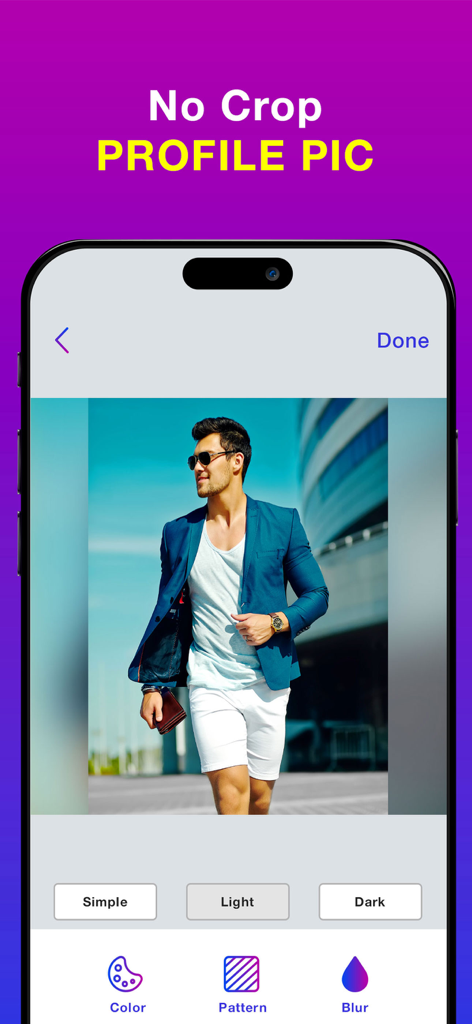
App interface showing a no crop profile picture with a blurred background

App interface showing a no crop profile picture with a blurred background

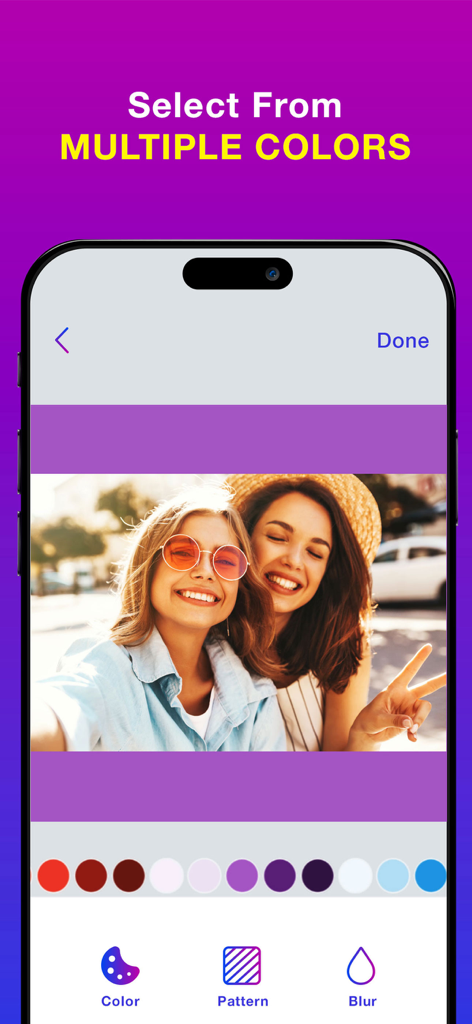
Choosing a colorful background for a no crop photo in the Grid Maker app

Choosing a colorful background for a no crop photo in the Grid Maker app

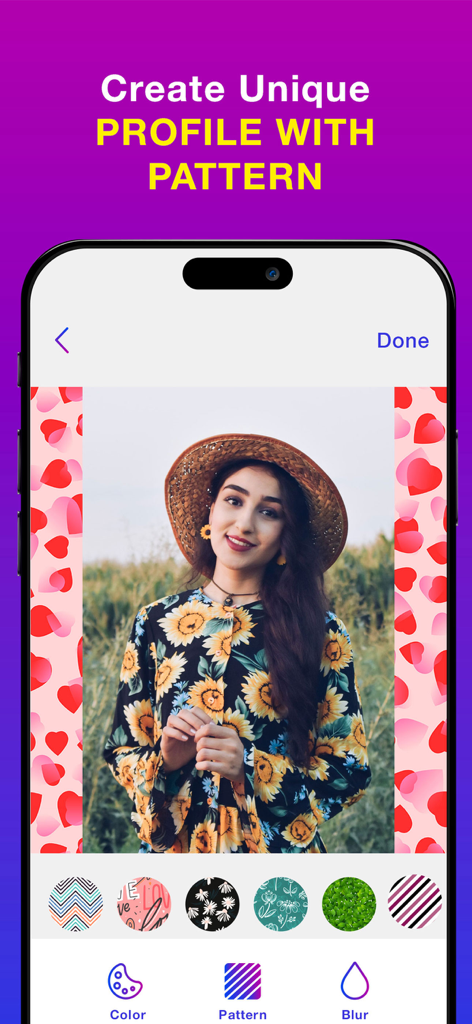
A mobile interface for an app showing how to add a heart pattern background to a portrait photo using the no crop feature

A mobile interface for an app showing how to add a heart pattern background to a portrait photo using the no crop feature

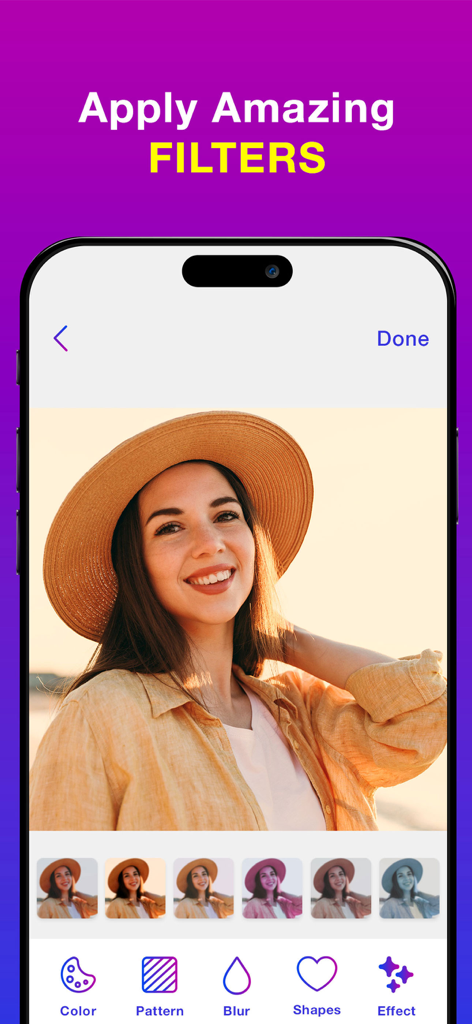
Mobile app interface showing photo filters being applied to a portrait of a woman wearing a straw hat.

Mobile app interface showing photo filters being applied to a portrait of a woman wearing a straw hat.

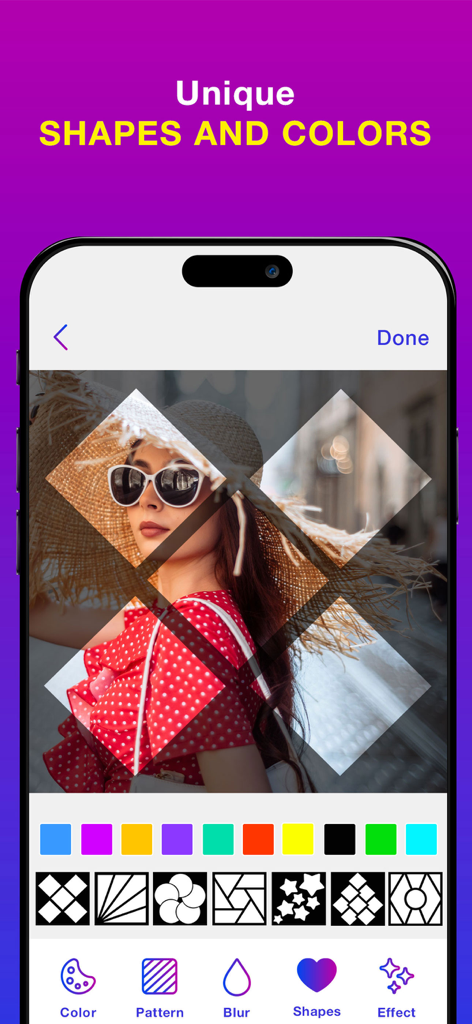
Mobile app interface showing unique geometric shapes and color patterns applied to a portrait photo.

Mobile app interface showing unique geometric shapes and color patterns applied to a portrait photo.

Level Up Your Grid Aesthetic

The tools that make this app stand out, trusted by 84K+ users.

🧩

Impactful Giant Grids

Split your photos into stunning 1x3, 1x6, or 1x9 square layouts that turn your feed into a professional-looking gallery.

✨

Full-Frame Freedom

Post your vertical and horizontal shots without losing any details. Add chic blurs or patterns to fit the square format perfectly.

💎

Pro-Level Resolution

Maintain crystal-clear image quality. Our engine ensures every tile stays sharp and high-res for a premium, influencer-style look.

About the app

Everything you need to know about Grid Maker & No Crop Photo.

Description

Split Pic into the grid styles Grid:- Grid Style app allows you to photo split(crop) your large rectangular photos into a number of square pics and upload them to Instagram and impress your friends and your profile page visitors! Photo Grid app introduces a totally new way of using your Instagram, wrapped in simple and easy to use designs. Don't miss the chance to express yourself by adorning your profile page and posting breathtaking large scale images. This free photo grid app which allows to make the photo divider easily, portrait or an unforgettable landscapes into a few small spilt pic giant squares to get the grid post directly from your device, it will form a masterpiece in your feed. All you need is to take a picture from the photo gallery (or) albums, choose a grid you like and enable insta grid to cut it for you. Photo Split which lets you to slice any photo into the 1x9,1x6,1x3 giant square styles to get the grids for instagram profile while keeping it in a high resolution. In Photo Split, you can zoom in, move, or even rotate your photo to instantly see how it will look like on your Instagram full picture profile. It then quickly lets you post the split images to Instagram to show it as one big photo on your profile. Further, even easier, with a slight movement of the hand you can post the received tiles in the order the app offers. Elevate your facing the giants layout for instagram by giving your profile a professional look. This autostitch panorama is the most popular split the pic for instagram app to get griddy post and share them directly to the Instagram. Pic Grid for instagram is a new era of using posts, ease of use and great design make picture splitter giant square to be a share the griddy posts to the Instagram. Do not miss the opportunity to express yourself by decorating the grids for instagram profile. Using the Insta Grids you'll be on top of popularity among your friends, acquaintances and your followers! Features:- *Choose from a variety of the photo divider grid options: 1x9, 1x6,1x3 insta grid styles. *Move, Zoom or Rotate to get the perfect fit. * Keeps images in high resolution. Does not reduce quality after splitting. Will not blur the image. *If you like, save the spilt pictures to library and get the grid posts with this free photo grid app. *Share the images directly to Instagram to get the social media followers easily. No Crop:- No Crop for Instagram app which provides the best way to post full size photo. Square No Crop for Instagram help you save your time, If you are tired of cropping images, Square quick is the best way to square your photos quickly. Need to take a picture from photo gallery (or) albums, choose the no crop amazing options like colors, patterns, blur to make the full size- the easy no crop the best resizer story for instagram app to get a square no crop for instagram posts. Features:- *Simple and easy to use interface. *No Crop Feature which helps to post the entire photo. The best and full size- the easy no crop photo editor. *This is a best square no crop for instagram to make the color background no crop square photos. *Add the pattern backgrounds to the full size- the easy no crop to get resizer story for instagram square photos. *Make the blur background for snap pic and no crop square function with three options like simple, light and dark blur modes. *Save the high quality photos and share to media social networks. Terms of Use: https://www.apple.com/legal/internet-services/itunes/dev/stdeula/ Privacy Policy: http://178.128.6.196/privacypolicyiosapp.php

Latest Version

1.2

Size

67.3 MB

First Released

Jan 6, 2022

Start Curating Your Dream Feed

Join over 84,000 creators transforming their profiles with professional-grade grids and high-resolution no-crop photos. Your aesthetic evolution is just one tap away.

Download on App Store

App information, icons, screenshots, and descriptions displayed on this page are sourced from the Apple App Store and are the property of their respective developers. Download estimates and rankings are based on MWM's proprietary models and may not reflect actual figures. This page is provided for informational and analytical purposes only.

Believe this page infringes your intellectual property? File a dispute