
This page is not an official page of the app or its developer, but an independent editorial publication created for informational and commentary purposes. Unless expressly stated otherwise, neither the app nor its developer is affiliated with, endorsed by, sponsored by, authorized by, or otherwise officially connected with MWM, Apple, Google Play, the app publisher, or the app's developer, and nothing on this page implies that the app was developed using MWM's services. Any trademarks, logos, screenshots, and other content remain the property of their respective owners.

Grid Post Pic Collage Maker
Transform your social media feed into a professional digital portfolio. Split your photos and videos into seamless giant squares with 50+ aesthetic grid styles designed to help you stand out and grow your following.
Downloads
2M+User Rating
Total Ratings
22K+Publisher
Category
Graphics & DesignLocales
2Latest Version
3.6Size
71.8 MBFirst Released
Aug 4, 2015Turn Your Profile Into a Digital Masterpiece
Go beyond the standard feed. Use professional grid layouts to create a cohesive, high-impact aesthetic that turns profile visitors into loyal followers.
Seamless Giant Grids
Choose from over 50 grid styles to split your photos into stunning full-profile banners that capture attention the moment someone lands on your bio.
Guided Step-by-Step Posting
Eliminate the guesswork with a smart numbering system that tells you exactly which tile to post next, ensuring your layout is always perfectly aligned.
Frequently Asked Questions
Everything you need to know about Grid Post Pic Collage Maker
What is Grid Post Pic Collage Maker?
Grid Post Pic Collage Maker is an application that enables users to create unique social media posts by dividing photos and videos into multiple parts. This forms a large, cohesive banner on their social network profile.
Can I add videos to my grid posts with Grid Post Pic Collage Maker?
Yes, Grid Post Pic Collage Maker allows users to add videos to their grid posts. This feature helps create dynamic and creative video banners for social media profiles.
How many types of grids does Grid Post Pic Collage Maker offer?
Grid Post Pic Collage Maker offers a wide variety of grid types, with over 50 options available. Additionally, it provides hundreds of layouts for users to choose from.
Does Grid Post Pic Collage Maker suggest which image parts to post?
Yes, the Grid Post Pic Collage Maker app includes a smart feature that suggests the optimal order for posting the divided image parts one by one.
Does Grid Post Pic Collage Maker have built-in picture editing features?
Yes, Grid Post Pic Collage Maker features powerful picture editing tools. Users can crop images directly within the app and access various color and filter options.
How do I subscribe to Grid Post Pic Collage Maker?
Users can subscribe to Grid Post Pic Collage Maker through an in-app purchase. Payment is charged to the iTunes Account upon confirmation of purchase.
How can I cancel my Grid Post Pic Collage Maker subscription?
To cancel a Grid Post Pic Collage Maker subscription, users must turn off auto-renewal via their iTunes Account Settings. This action must be performed at least 24 hours before the current period ends.
Can I cancel my Grid Post Pic Collage Maker subscription during an active period?
No, cancellation of the current Grid Post Pic Collage Maker subscription is not permitted during an active subscription period. Auto-renewal can be turned off, but the active period will not be refunded.
Is there a free trial for Grid Post Pic Collage Maker?
Yes, Grid Post Pic Collage Maker offers a free trial period. Users must cancel the free trial via iTunes Account Settings at least 24 hours before its end to avoid being charged.
Where can I find the Privacy Policy for Grid Post Pic Collage Maker?
The Privacy Policy for Grid Post Pic Collage Maker is available at: https://www.freeprivacypolicy.com/live/468be400-20f9-4aad-97e0-a2bfe6687be9. This link is provided in the app's description.
The following screenshots and description are sourced directly from the app's official store listing and are the property of the app developer.
App Store
Screenshots
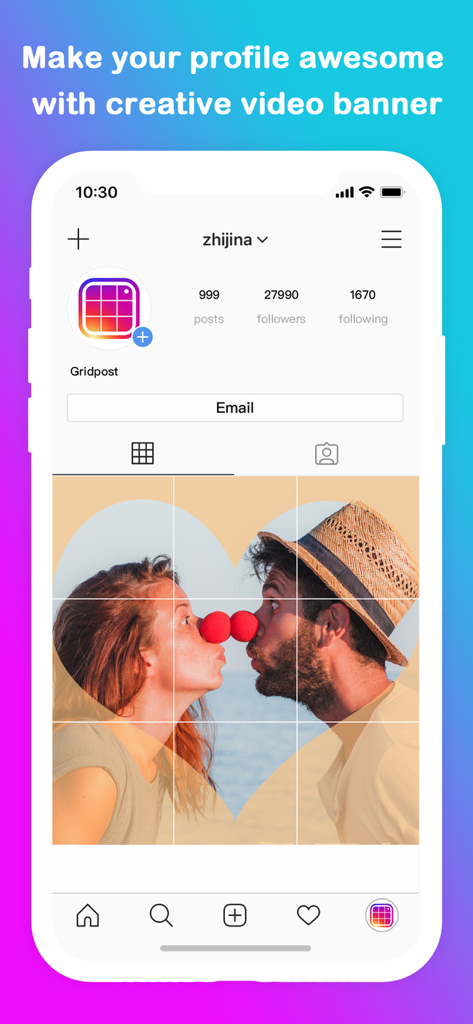
Large 3x3 photo grid banner on an Instagram profile page
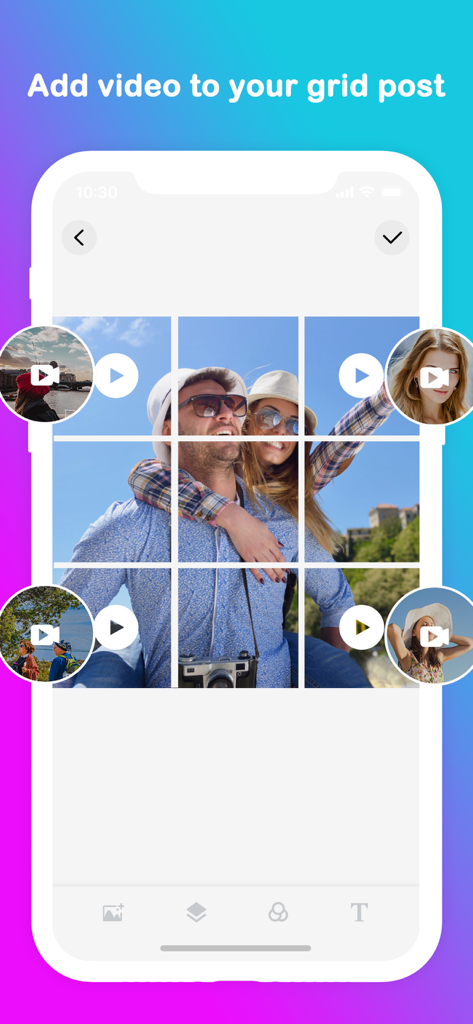
Mobile app interface showing a 3x3 grid layout with a photo and video bubbles on top for social media
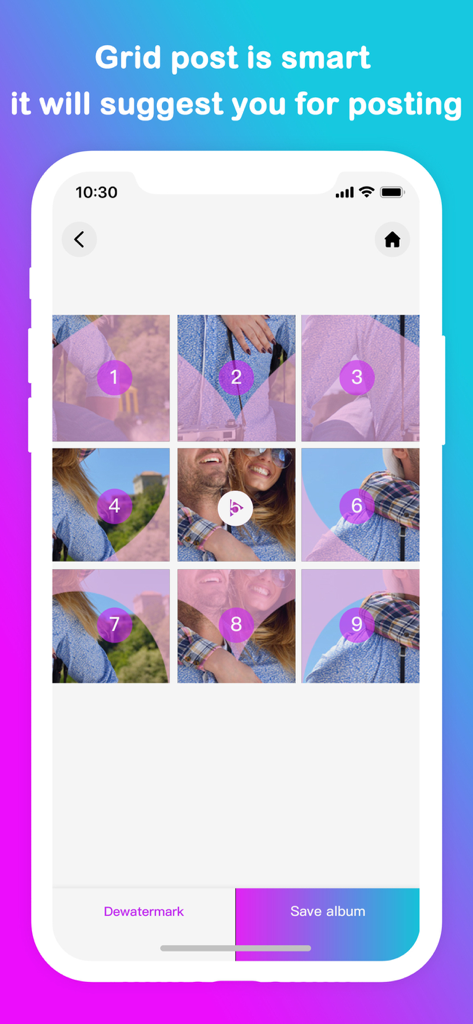
A 3x3 grid of a photo with numbers indicating the order to post on social media
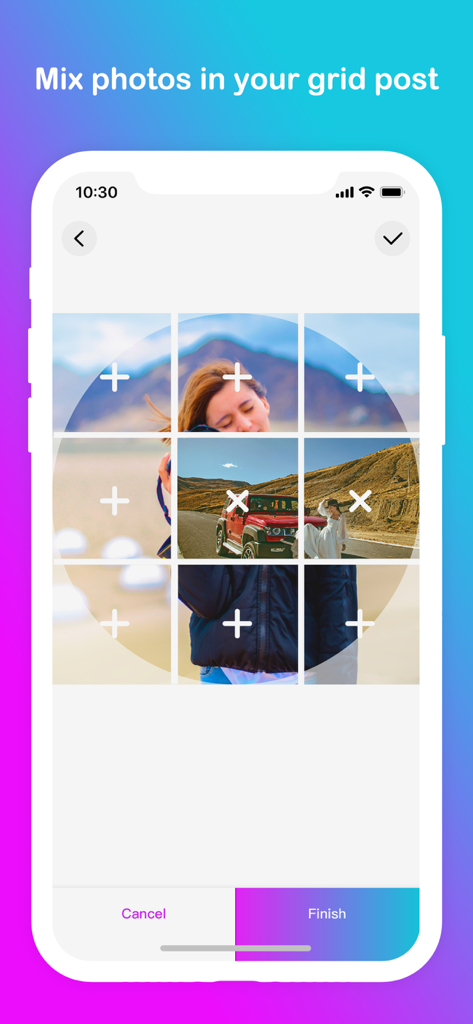
Interface of the Grid Post app showing how to mix multiple photos into a 3x3 grid layout.
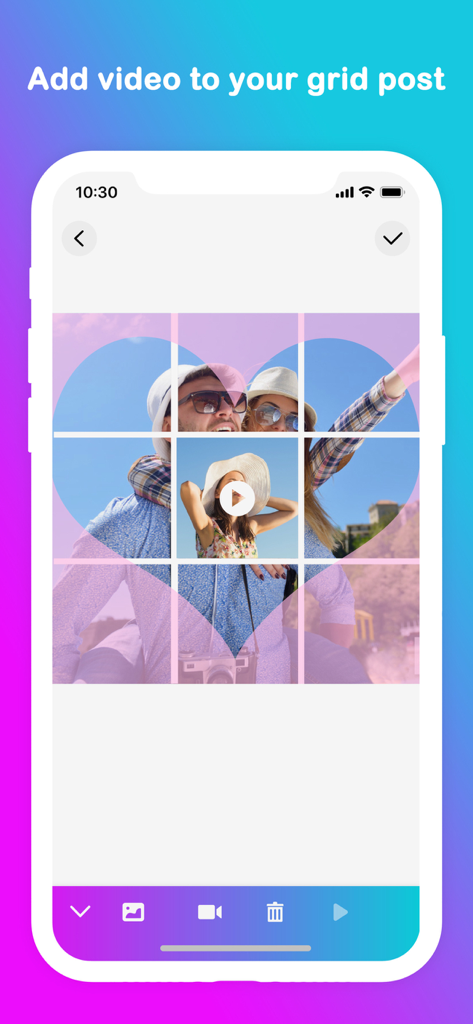
Mobile app interface showing a 3x3 grid post with a heart-shaped photo overlay and an integrated video play button.
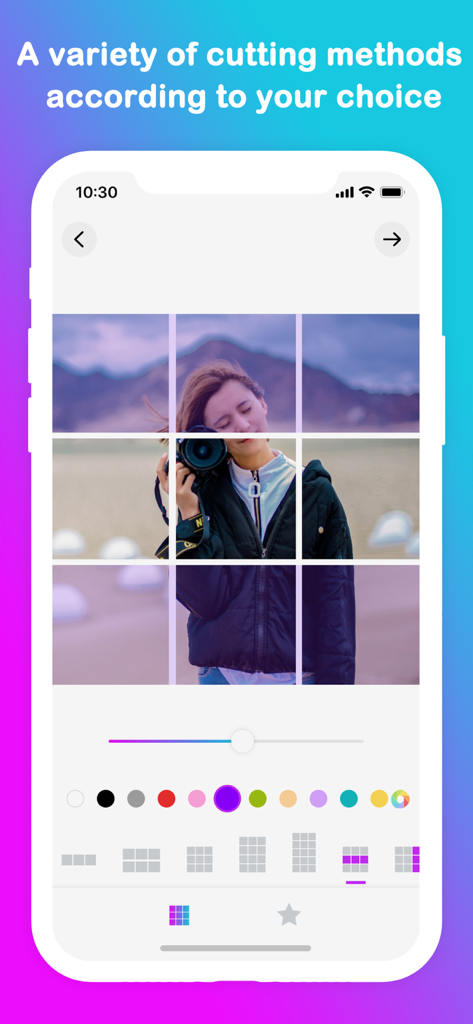
Mobile app interface showing a 3x3 photo grid split for Instagram profile design
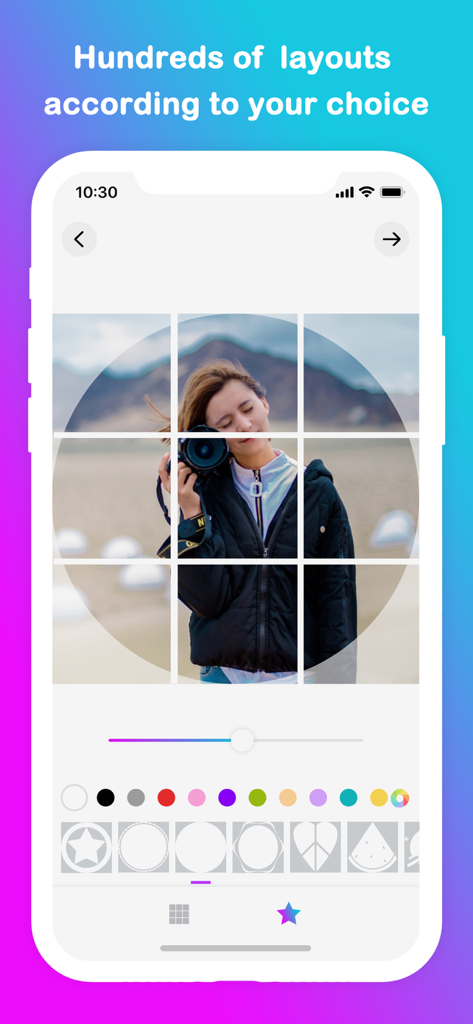
Mobile app interface showing a 3x3 photo grid with a camera subject and various geometric shape overlays for social media design
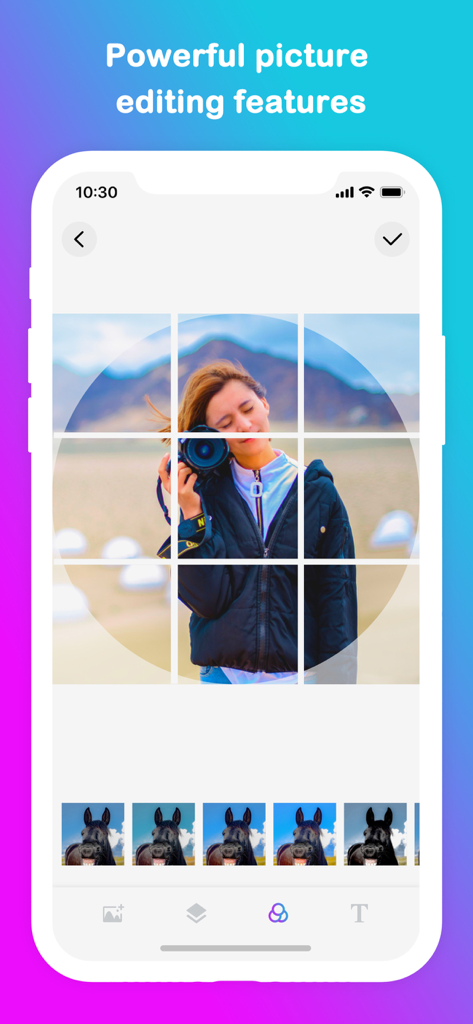
A mobile interface of Grid Post app showing a woman holding a camera in a nine square grid layout with filter options
Description
Download
More Like This
Apps with similar features and user experience

Crsel: Carousel & Story Maker
Georgy Romelashvili

Layout for Instagram・Inpreview
Onelight Apps CY Ltd

Carousel Layout Maker・SwipeMix
Onelight Apps CY Ltd

PanoCut: Panorama Scroll Maker
Hashone Tech LLP

PhotoSplit for Instagram
Tech Positive Inc.

Setty: Photo Filters & Presets
A Color Story LLC

Preview Feed for Insta・Layout
Appslead Ltd

Feed Preview Planner IG・InPlan
Cubetix Ltd.

Feeds: Post & Template Maker
WNDR11 LTD
This page is not an official page of the app or its developer, but an independent editorial publication created for informational and commentary purposes. Unless expressly stated otherwise, neither the app nor its developer is affiliated with, endorsed by, sponsored by, authorized by, or otherwise officially connected with MWM, Apple, Google Play, the app publisher, or the app's developer, and nothing on this page implies that the app was developed using MWM's services. Any trademarks, logos, screenshots, and other content remain the property of their respective owners.