
This page is not an official page of the app or its developer, but an independent editorial publication created for informational and commentary purposes. Unless expressly stated otherwise, neither the app nor its developer is affiliated with, endorsed by, sponsored by, authorized by, or otherwise officially connected with MWM, Apple, Google Play, the app publisher, or the app's developer, and nothing on this page implies that the app was developed using MWM's services. Any trademarks, logos, screenshots, and other content remain the property of their respective owners.

Griddy Pro: Split Pic in Grids
Join over 350,000 creators using HD grid layouts and seamless panoramas to transform your profile into a professional, scroll-stopping digital masterpiece.
Downloads
353K+User Rating
Total Ratings
800Publisher
Category
Social NetworkingLocales
1Latest Version
3.0.6Size
27.1 MBFirst Released
May 18, 2016Elevate Your Instagram Aesthetic
Transform your profile into a professional digital storefront with high-impact layouts and seamless visual storytelling tools.
Stunning Grid Mosaics
Split your photos into massive 3x3 or 4x3 grids to make a bold statement and capture attention the moment someone lands on your profile.
Immersive Carousel Splits
Turn panoramas into seamless multi-slide posts. Perfect for hacking the algorithm and keeping your audience engaged for longer.
The following screenshots and description are sourced directly from the app's official store listing and are the property of the app developer.
App Store
Screenshots
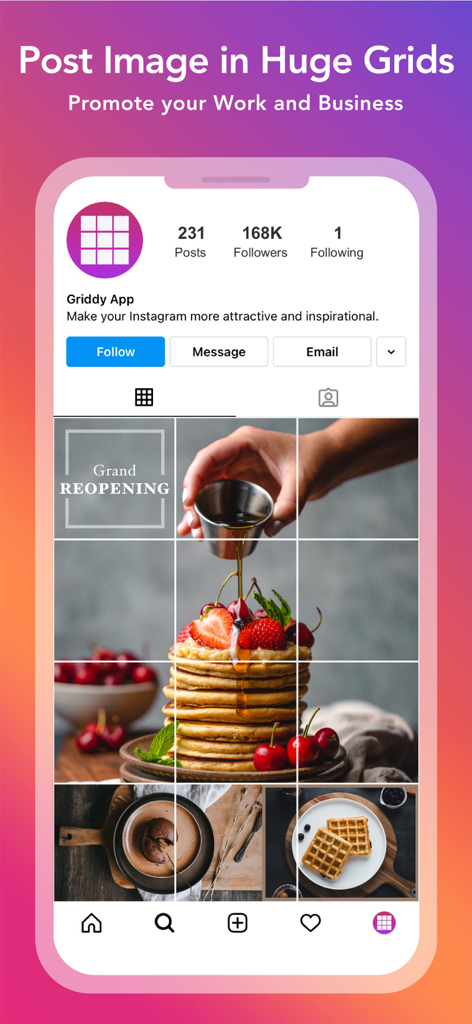
A large image of pancakes split into a grid layout on a professional Instagram profile.
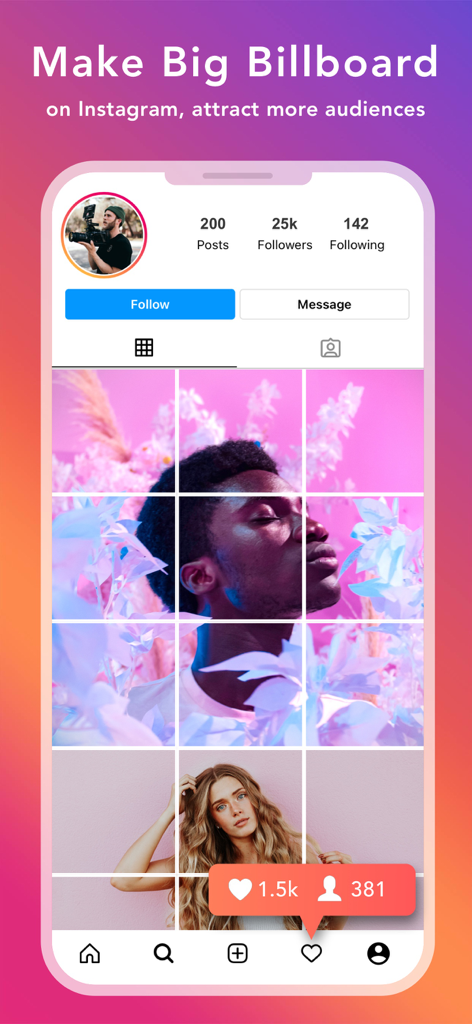
A 3x3 photo grid mosaic on an Instagram profile layout made with Griddy Pro.
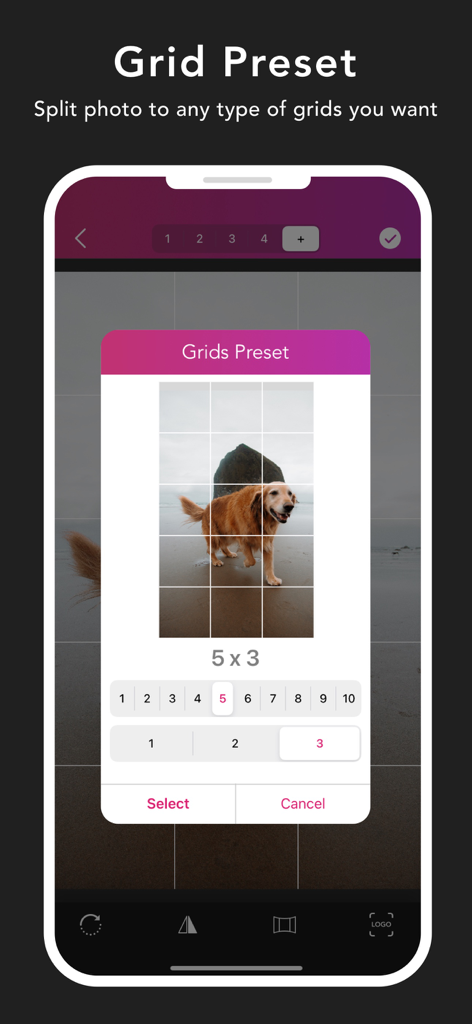
Griddy Pro app interface showing a photo of a dog being split into a five by three grid layout
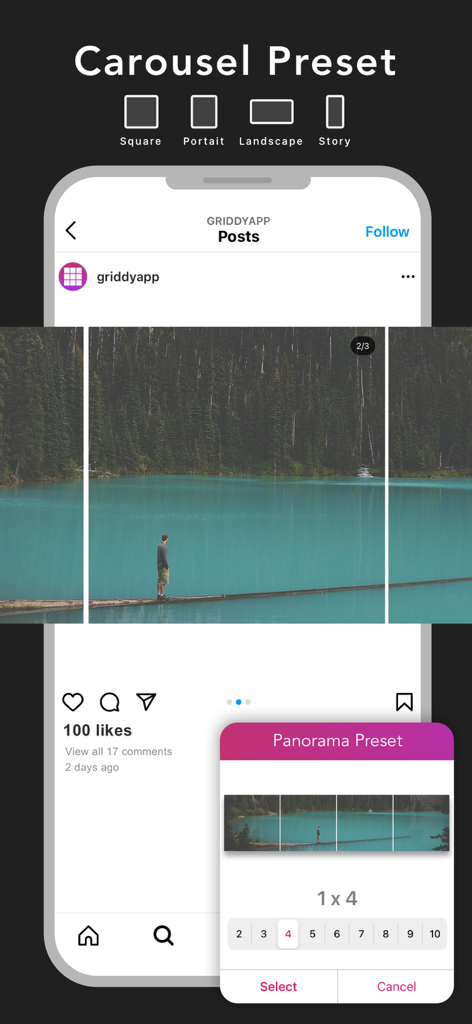
Griddy Pro app interface showing a panorama photo split into a 1x4 Instagram carousel preset
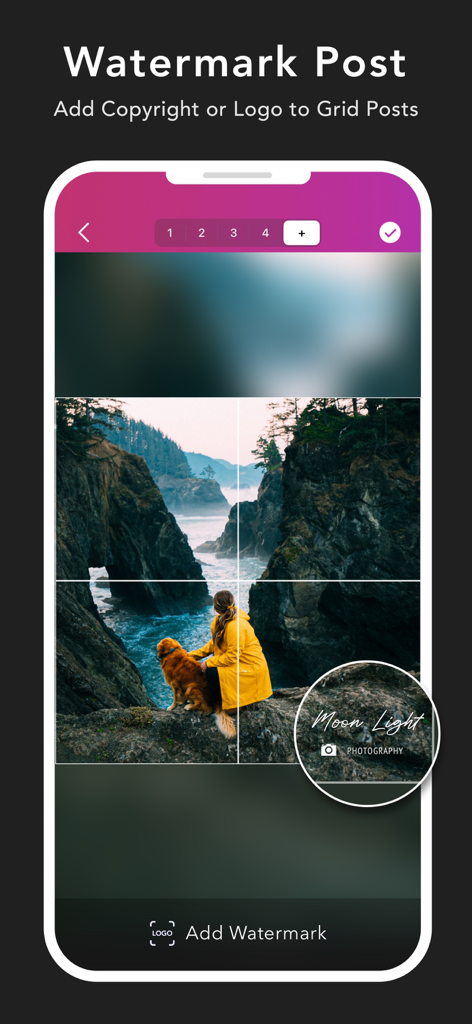
A mobile app interface showing a landscape photo split into a grid with a custom watermark logo added.
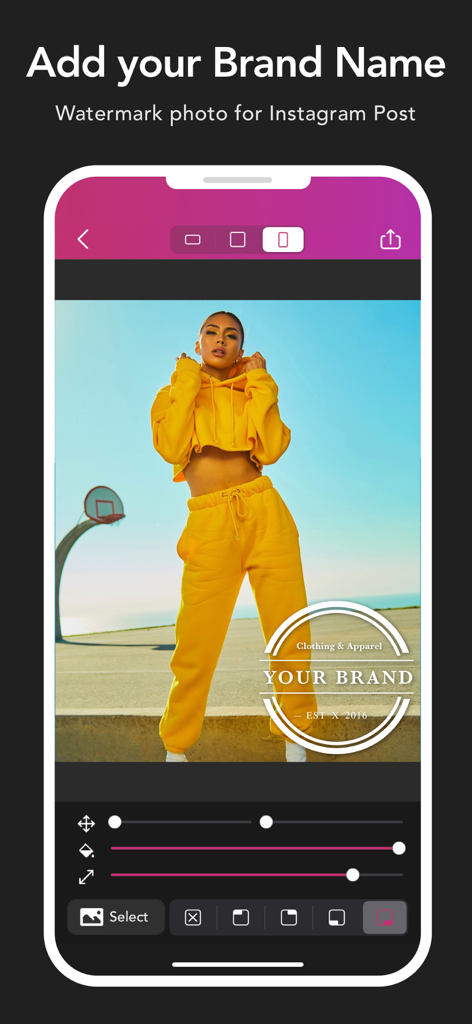
Interface of the Griddy Pro app showing how to add a brand name watermark to a fashion photo for Instagram.
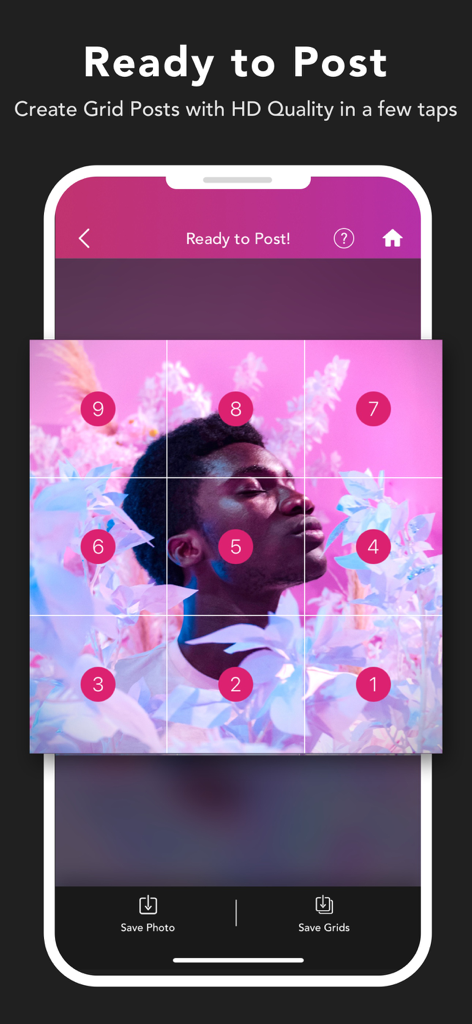
Interface showing a 3x3 grid split of a portrait with numbered squares ready to post on Instagram
Description
Download
More Like This
Apps with similar features and user experience

Crsel: Carousel & Story Maker
Georgy Romelashvili

Layout for Instagram・Inpreview
Onelight Apps CY Ltd

Carousel Layout Maker・SwipeMix
Onelight Apps CY Ltd

PanoCut: Panorama Scroll Maker
Hashone Tech LLP

PhotoSplit for Instagram
Tech Positive Inc.

Setty: Photo Filters & Presets
A Color Story LLC

Preview Feed for Insta・Layout
Appslead Ltd

Feed Preview Planner IG・InPlan
Cubetix Ltd.

Feeds: Post & Template Maker
WNDR11 LTD
This page is not an official page of the app or its developer, but an independent editorial publication created for informational and commentary purposes. Unless expressly stated otherwise, neither the app nor its developer is affiliated with, endorsed by, sponsored by, authorized by, or otherwise officially connected with MWM, Apple, Google Play, the app publisher, or the app's developer, and nothing on this page implies that the app was developed using MWM's services. Any trademarks, logos, screenshots, and other content remain the property of their respective owners.