
This page is not an official page of the app or its developer, but an independent editorial publication created for informational and commentary purposes. Unless expressly stated otherwise, neither the app nor its developer is affiliated with, endorsed by, sponsored by, authorized by, or otherwise officially connected with MWM, Apple, Google Play, the app publisher, or the app's developer, and nothing on this page implies that the app was developed using MWM's services. Any trademarks, logos, screenshots, and other content remain the property of their respective owners.


GridMaker
Design perfectly scaled templates for crafting, fine art, or technical projects. Customize every detail in inches or metric and export high-quality SVG or PDF files—all with zero ads and total privacy.
Downloads
20K+User Rating
Total Ratings
100Publisher
Category
EducationLocales
1Latest Version
1.29.5Size
130.3 MBFirst Released
Dec 22, 2016Precision Tools for Every Maker
Create, customize, and export professional-grade grids tailored to your craft. Whether you are a fiber artist, technical designer, or fine painter, GridMaker provides the accuracy you need with zero ads and total privacy.
Unmatched Mathematical Precision
Switch instantly between metric and imperial units. Define exact line weights and spacing for knitting, woodworking, or complex technical layouts.
Built for Modern Fabricators
Export your grids as SVG, PDF, or PNG. Seamlessly integrate your designs with laser cutters, Cricut machines, and professional design software.
The following screenshots and description are sourced directly from the app's official store listing and are the property of the app developer.
App Store
Screenshots
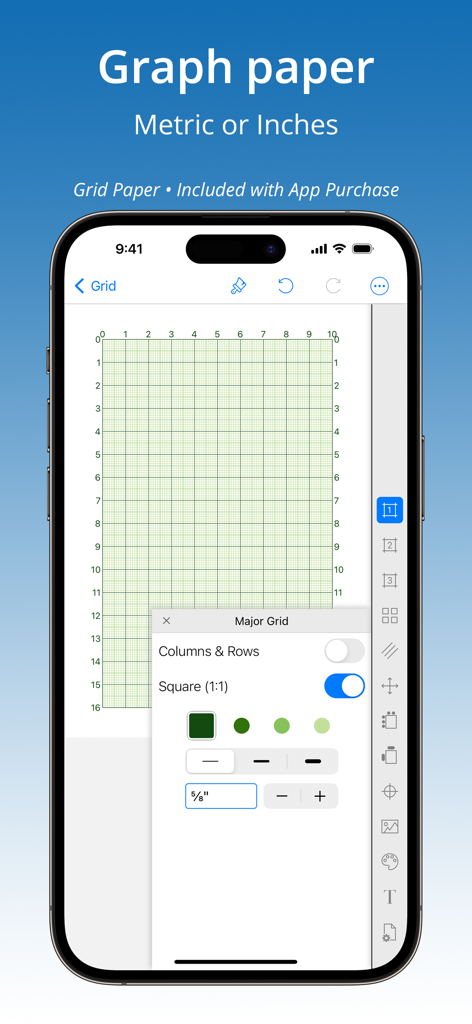
Smartphone screen showing GridMaker app with custom graph paper settings
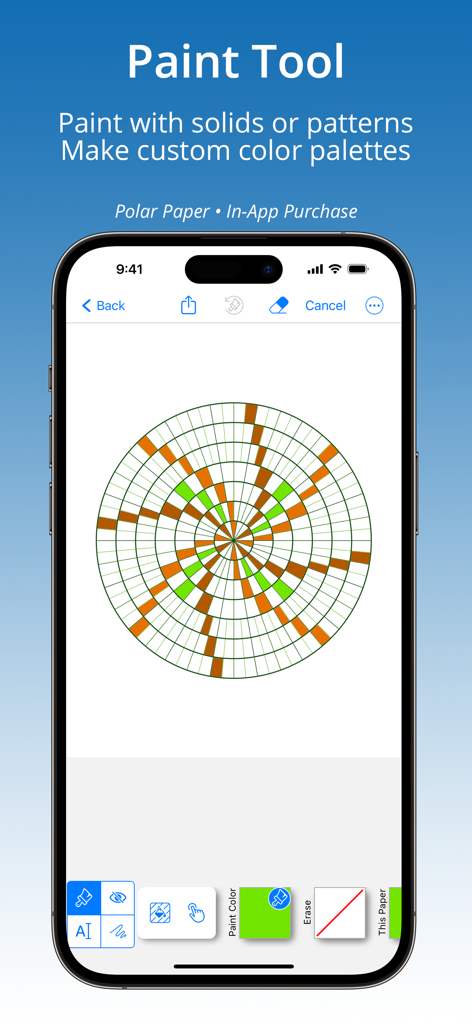
GridMaker app interface demonstrating the paint tool on a circular polar paper grid with a green and brown pattern
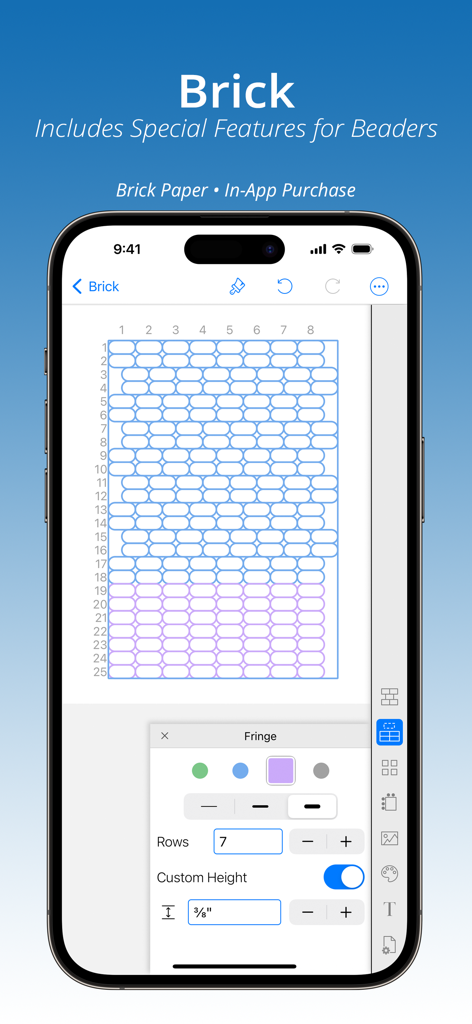
Interface of the GridMaker app showing a brick pattern grid customized for beadwork and crafting projects.
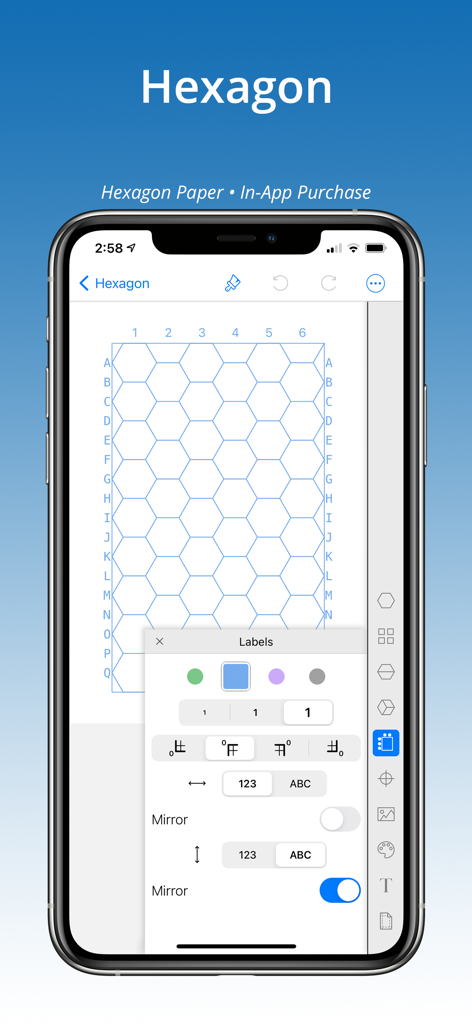
Smartphone screen showing a customizable hexagon grid with alphanumeric labels in the GridMaker app
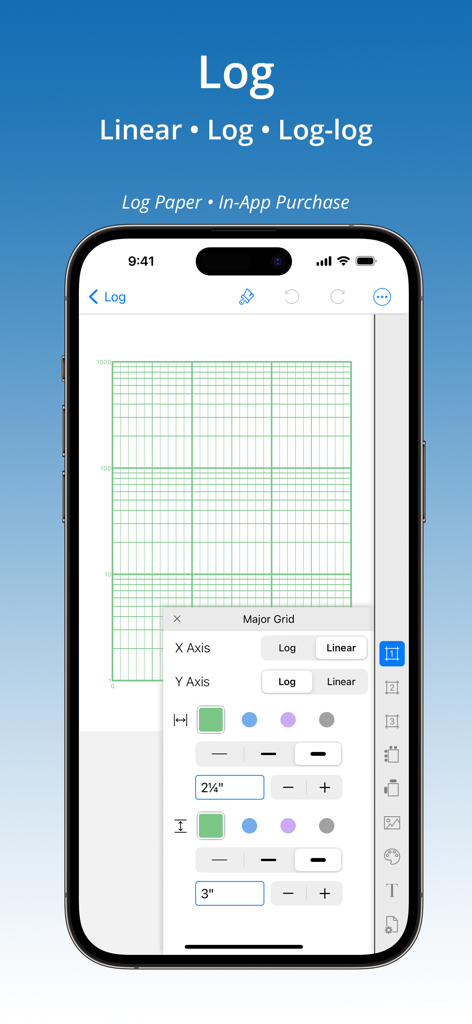
Interface of GridMaker app on iPhone showing customization options for log and log-log graph paper
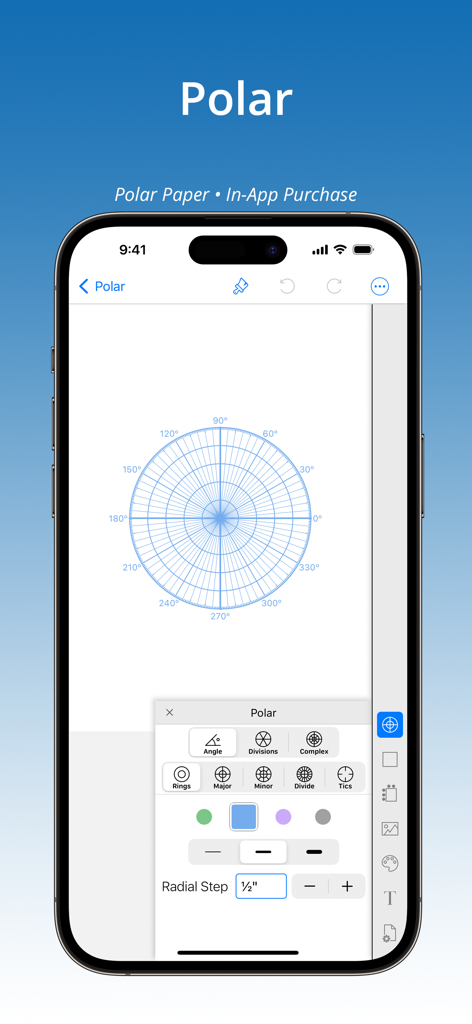
GridMaker app interface on iPhone displaying custom polar grid settings and radial steps.
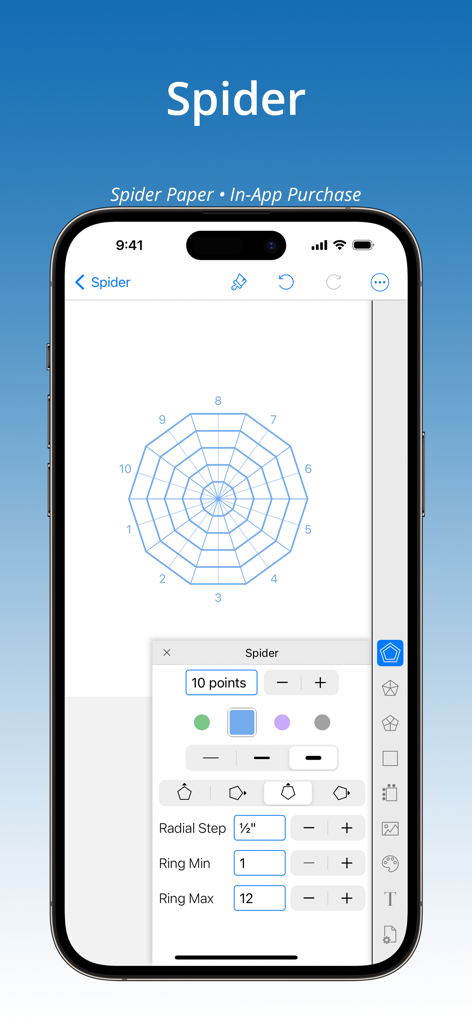
GridMaker app interface showing the customization options for a radial spider grid paper
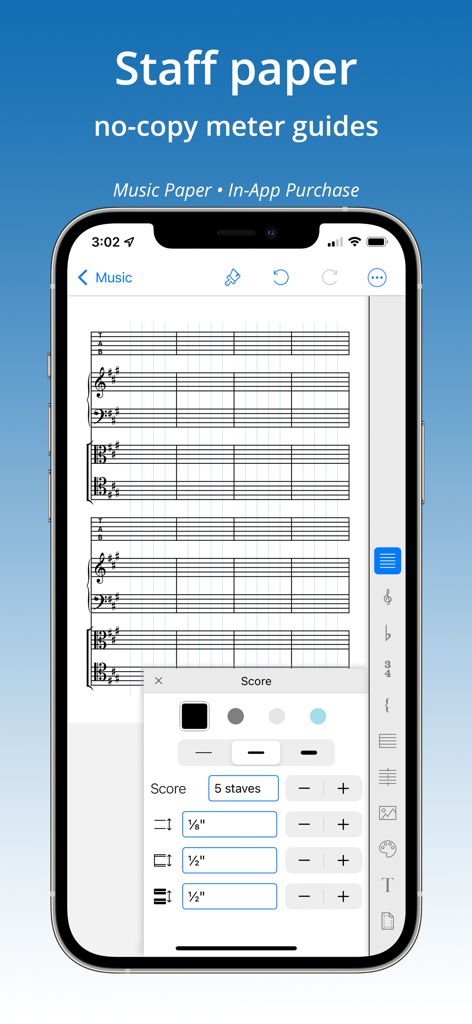
GridMaker app interface for creating custom music staff paper
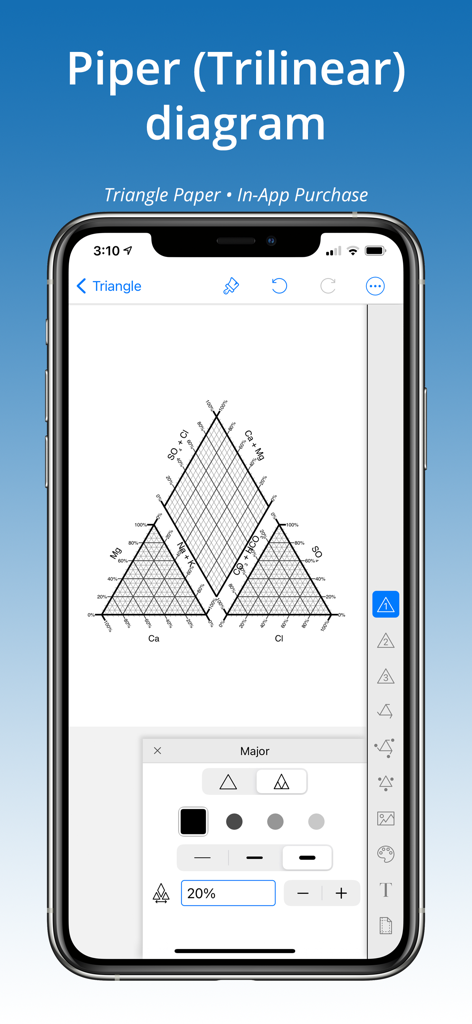
iPhone screen showing a Piper trilinear diagram created in the GridMaker app
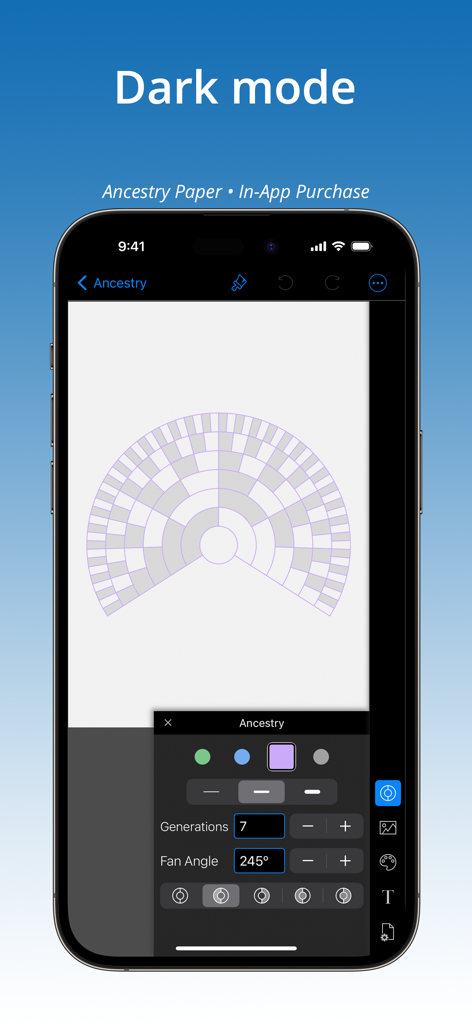
GridMaker mobile app interface in dark mode showing a customizable ancestry fan chart grid
Description
Download
More Like This
Top-ranked apps in the same category

Duolingo - Language Lessons
Duolingo, Inc

Speak & Learn English: Learna
DEEP FLOW SOFTWARE SERVICES - FZCO

驾考宝典-科一科四驾驶证考试驾考通
Wuhan Jiakaobaodian Information Service Co., Ltd.

Toca Boca World
Toca Boca AB

Google Classroom
Google LLC

作业帮-中小学家长作业检查和辅导工具
Guangzhou Polar Future Culture Technology Co., Ltd

Gauth: AI Study Companion
GAUTHTECH PTE. LTD.

学信网
Student Information Consultation Service Co., Ltd.

ArtWorkout: Learn How to Draw
Aleksandr Ulitin
This page is not an official page of the app or its developer, but an independent editorial publication created for informational and commentary purposes. Unless expressly stated otherwise, neither the app nor its developer is affiliated with, endorsed by, sponsored by, authorized by, or otherwise officially connected with MWM, Apple, Google Play, the app publisher, or the app's developer, and nothing on this page implies that the app was developed using MWM's services. Any trademarks, logos, screenshots, and other content remain the property of their respective owners.