Grids – Giant Square Layout
Download on App Store

This page is not an official page of the app or its developer, but an independent editorial publication created for informational and commentary purposes. Unless expressly stated otherwise, neither the app nor its developer is affiliated with, endorsed by, sponsored by, authorized by, or otherwise officially connected with MWM, Apple, Google Play, the app publisher, or the app's developer, and nothing on this page implies that the app was developed using MWM's services. Any trademarks, logos, screenshots, and other content remain the property of their respective owners.

Logo of Grids – Giant Square Layout
Download on App Store

Grids – Giant Square Layout

Join the world’s top creators and stop the scroll. Create high-impact tile layouts that turn your profile into a stunning professional gallery in seconds.

Key Figures

Downloads

0

User Rating

4.0/5

Total Ratings

0

Publisher

PLATFORM INC.

Category

Photo & Video

Locales

9

Latest Version

1.0.5

Size

71.0 MB

First Released

Apr 22, 2018
Features

Curate a Profile That Stops the Scroll

Join top influencers and brands using Grids to transform their Instagram feed into a high-impact, professional visual experience.

Precision Grid Splitting

Turn any landscape or portrait into a seamless 3x3 layout with high-resolution detail that commands attention.

Advanced Aesthetic Styles

Go beyond standard photos by substituting tiles with custom gradients or solid colors for a unique brand identity.

The following screenshots and description are sourced directly from the app's official store listing and are the property of the app developer.

App Store

Screenshots
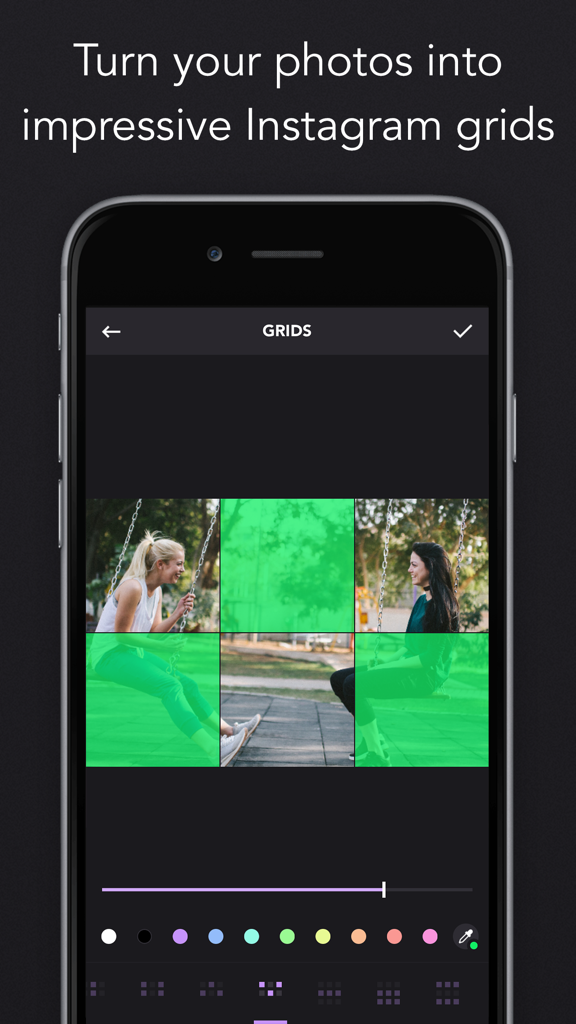
Grids – Giant Square Layout - Smartphone screen showing the Grids app interface where a photo is split into a 3x2 grid layout for Instagram.
Smartphone screen showing the Grids app interface where a photo is split into a 3x2 grid layout for Instagram.

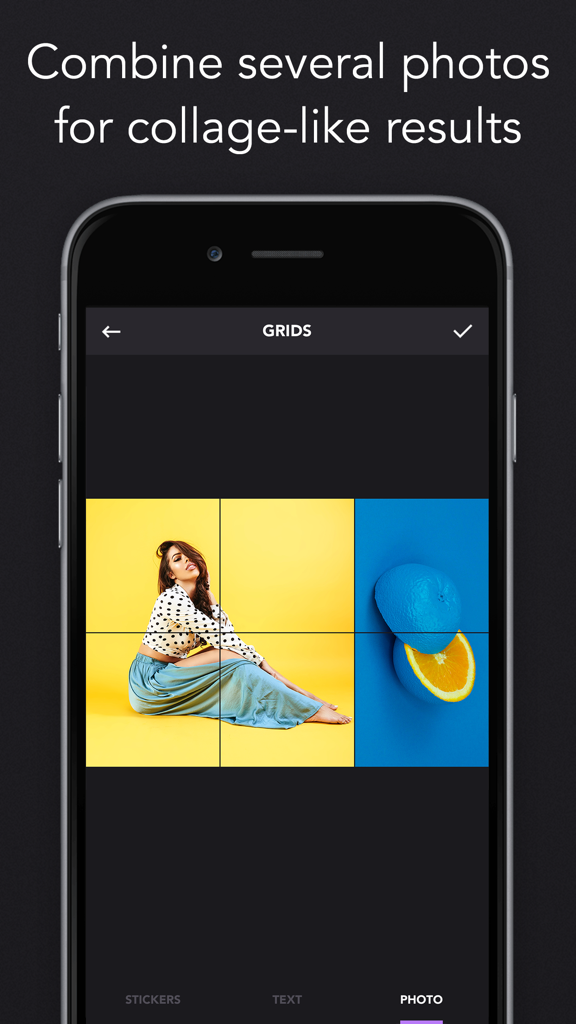
Grids – Giant Square Layout - Smartphone screen showing the Grids app interface combining multiple photos into a creative square grid layout
Smartphone screen showing the Grids app interface combining multiple photos into a creative square grid layout

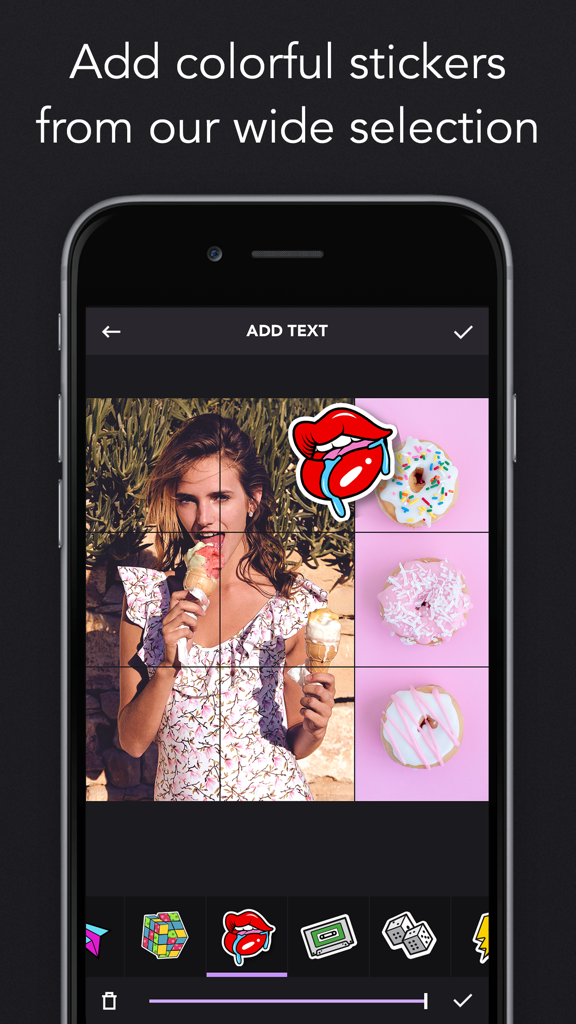
Grids – Giant Square Layout - A screenshot of the Grids app showing a user adding a colorful sticker of lips to a photo grid layout.
A screenshot of the Grids app showing a user adding a colorful sticker of lips to a photo grid layout.

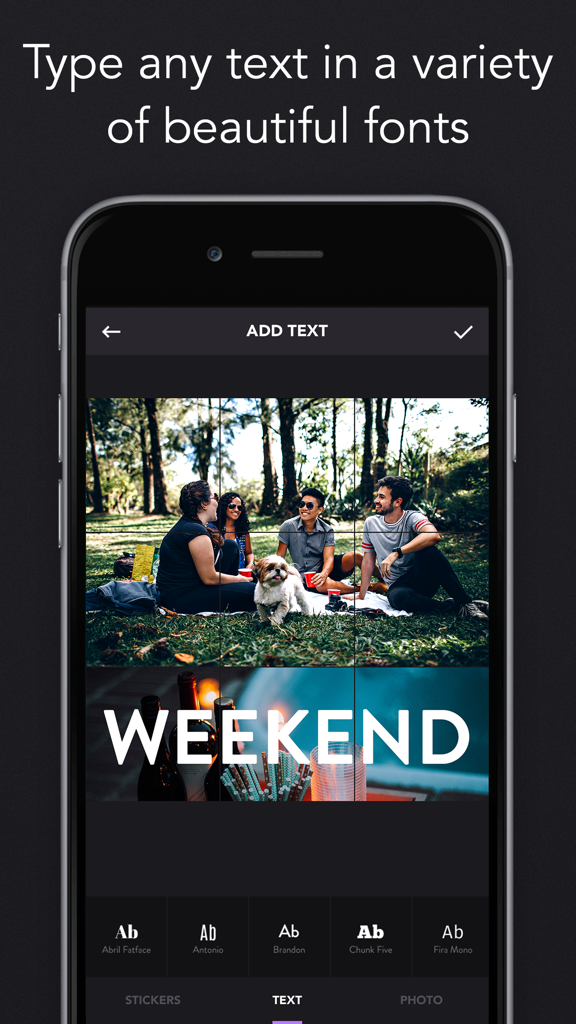
Grids – Giant Square Layout - Mobile app interface for adding custom text and fonts to a giant square photo grid layout
Mobile app interface for adding custom text and fonts to a giant square photo grid layout

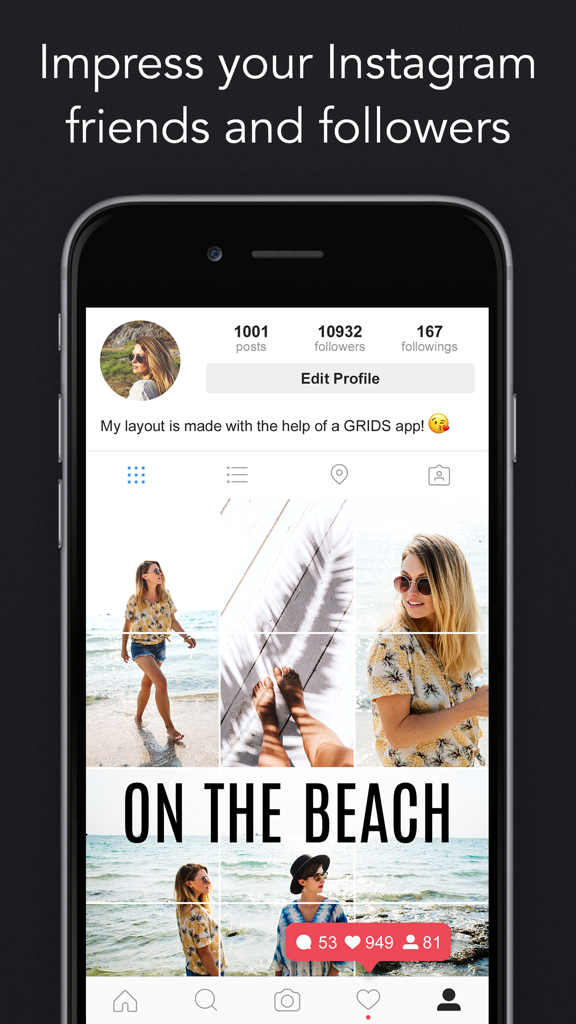
Grids – Giant Square Layout - A smartphone screen showing an Instagram profile with a multi-tile giant square photo layout

A smartphone screen showing an Instagram profile with a multi-tile giant square photo layout

Description

Break your photos into a number of square pics and upload them to Instagram to awe your friends and impress your profile page visitors! Watch separate tiles combine into one mind blowing image allowing for unparalleled level of detailing and flexible scaling options! Be it a casual self shot or a mountain landscape, with Grids they will look amazing on your profile page! Grids is a go-to app for social marketers and bloggers, it is used by celebrities and huge corporate accounts to build suspense, freshen up their feed and instantly grab attention of potential followers. Creating an eye-catching across-the-grid Instagram collage with Grids is a lot easier than you’d think! Take a new picture right from within the app or upload an existing one from your Library, choose a suitable sizing option among the available options, and let Grids crop the image for you! All you have to do is to share the resulting pics to your Instagram in the order suggested by the app. Combine it with our Plans! app and you have new updates sorted out for days! You are not limited to solid grids: choose one of the more intricate styles with the possibility to substitute certain squares with colour or gradient for amazing results! SUBSCRIPTIONS Weekly subscription for $4.99 Yearly subscription for $29.99 You can get unlimited access to all the advanced functionality by subscribing to a weekly or a yearly plan inside the app. There's also a free 7 day trial period to get a taste of what Grids Pro has to offer. Once expired, the trial period automatically changes to a paid weekly subscription ($2.99 a week). The subscription is continuous and automatically renews for the same price each week or year depending on the plan unless it is cancelled at least 24 hours before the end of the current period. Any unused portion of a free trial period will be forfeited when the user purchases a subscription. You can cancel your subscription and turn off auto renewal any time in the subscription settings of your iTunes account. To avoid being charged for the next period this should be done at least 24 hours before the end of the current period. Refunds will not be provided for any unused portion of the subscription period. Privacy policy: http://ultralabapps.com/privacy_policy Terms of Use: http://ultralabapps.com/subscription_terms?app=Grids Grids introduces a totally new way of using your Instagram, wrapped in simple and beautiful design. Don't miss the chance to express yourself and stand out with this unconventional way to share photos!

Download

Download on App Store

This page is not an official page of the app or its developer, but an independent editorial publication created for informational and commentary purposes. Unless expressly stated otherwise, neither the app nor its developer is affiliated with, endorsed by, sponsored by, authorized by, or otherwise officially connected with MWM, Apple, Google Play, the app publisher, or the app's developer, and nothing on this page implies that the app was developed using MWM's services. Any trademarks, logos, screenshots, and other content remain the property of their respective owners.