Guide for iCloud & iCloud Drive - Backup & Restore your Photos

Guide for iCloud & iCloud Drive - Backup & Restore your Photos


Download on App Store
Logo of Guide for iCloud & iCloud Drive - Backup & Restore your Photos

Guide for iCloud & iCloud Drive: Your Easy Step-by-Step Manual to Mastering the Cloud

Never worry about losing your precious family photos or running out of storage again. We provide simple, clear instructions to help you safely back up, sync, and protect everything on your iPhone and iPad.

Publisher

A Bodewell Production UG

Category

Productivity

Downloads

3M+

User Rating

2.1/5

Total Ratings

1K+

Locales

1

A Look Inside

Discover the interface used by 3M+ users.
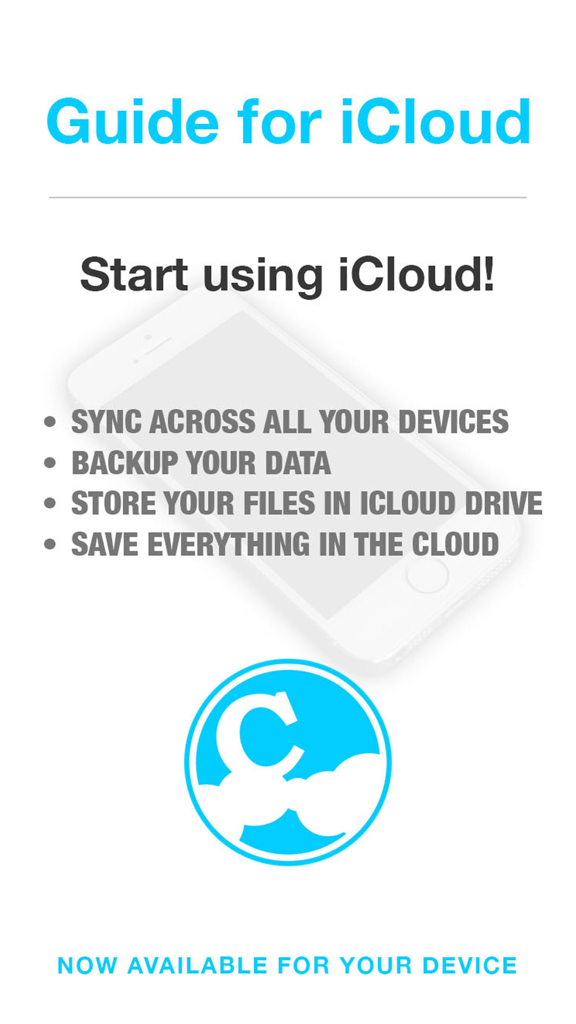
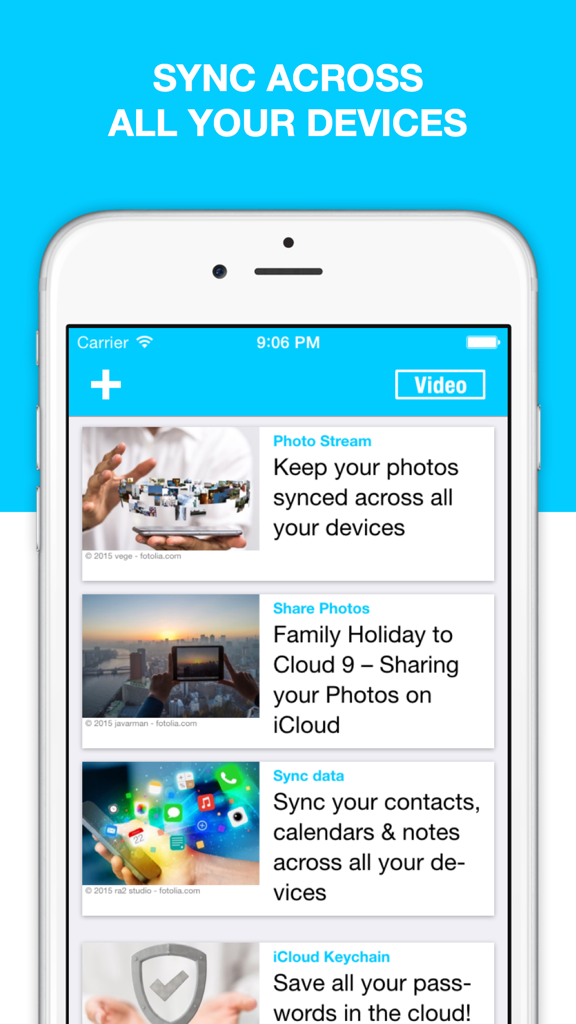
Introductory screen of the Guide for iCloud app showing features like data backup and device syncing

Introductory screen of the Guide for iCloud app showing features like data backup and device syncing

Guide for iCloud app interface showing instructions for syncing photos and data across devices

Guide for iCloud app interface showing instructions for syncing photos and data across devices

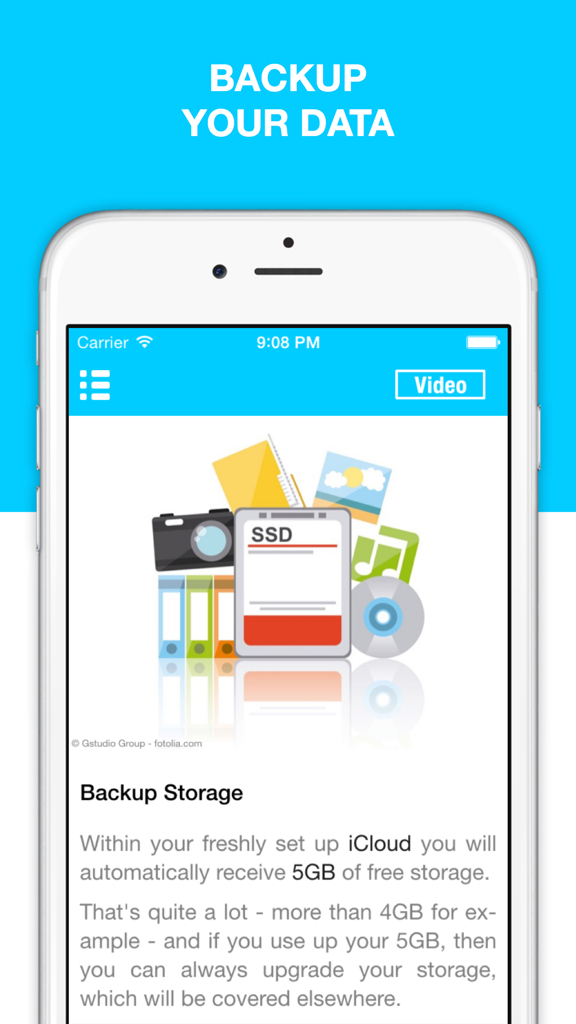
Screenshot of a mobile app guide explaining how to backup data and use iCloud storage on an iPhone.

Screenshot of a mobile app guide explaining how to backup data and use iCloud storage on an iPhone.

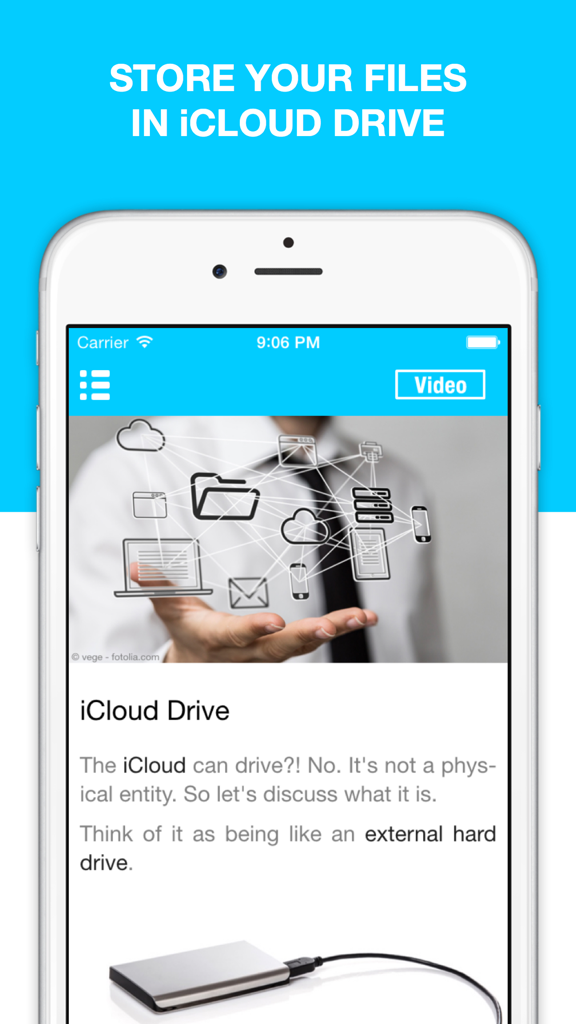
App screenshot explaining iCloud Drive as a virtual external hard drive for file storage

App screenshot explaining iCloud Drive as a virtual external hard drive for file storage

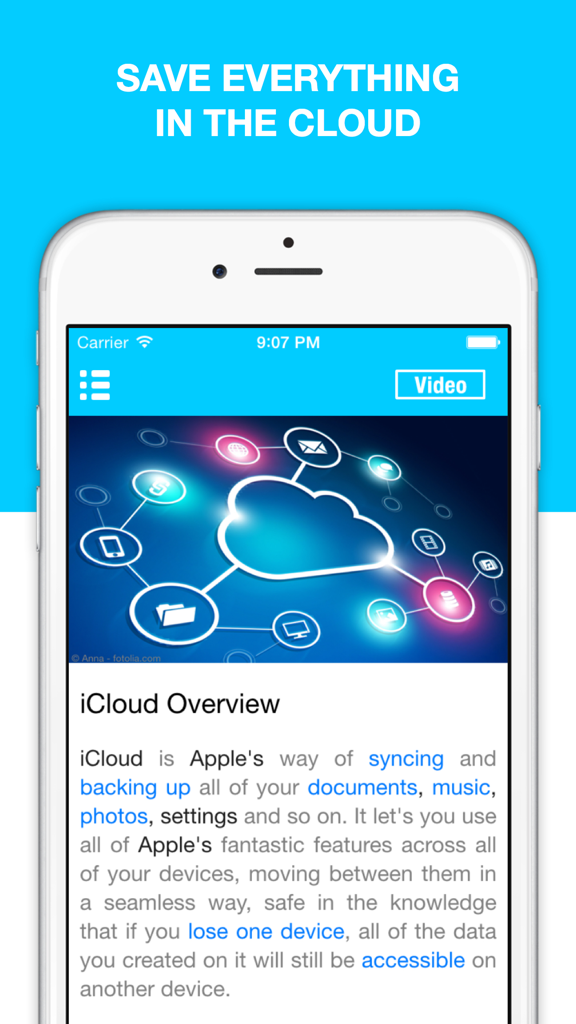
Screenshot of the Guide for iCloud app showing an overview of syncing and backing up documents and photos

Screenshot of the Guide for iCloud app showing an overview of syncing and backing up documents and photos

Master Your iPhone with Confidence

The tools that make this app stand out, trusted by 3M+ users.

📸

Never Lose a Memory Again

Learn exactly how to back up your family photos and videos automatically so they are safe even if you lose your phone.

🔒

Keep Your Information Secure

Master the tools that keep your passwords private and help you locate your device if it is ever misplaced or stolen.

🔄

Sync Your Devices Effortlessly

Discover how to access your contacts, notes, and documents on both your iPhone and iPad without any technical headache.

About the app

Everything you need to know about Guide for iCloud & iCloud Drive - Backup & Restore your Photos.

Description

Guide for iCloud shows you how to use iCloud on your iPhone and iPad. iCloud backs up, syncs, and transfers all your music, photos, calendars, contacts, documents, and more on all your devices, automatically. This guide shows you how to use iCloud to: • Backup all your data safely on all your devices • Sync photos, contacts, videos, calendars, reminders, bookmarks, notes, mail, & more on every device • Use iCloud Drive to keep all your important documents on all your devices • Protect your iPhone & iPad from theft with Find my iPhone • Keep your passwords safe with iCloud Keychain • Edit your Microsoft Office & iWork documents on your iPhone • And much more ** “I learned a lot about iCloud in this app. I never really knew how to use it, but now, I can work with my iPhone a lot more efficiently” - UK ** ** “I downloaded this app, because I wanted to know how to use iCloud Drive. It taught me that, and some other neat functions. Good job! Thanks.” - Switzerland **

Latest Version

9.3.2

Size

55.2 MB

First Released

Oct 25, 2011

Stop Worrying About Your Photos and Take Control of Your iCloud Today

Download our easy-to-follow, step-by-step manual and join over 3 million users who have mastered their iPhone backup and secured their most precious memories.

Download on App Store

App information, icons, screenshots, and descriptions displayed on this page are sourced from the Apple App Store and are the property of their respective developers. Download estimates and rankings are based on MWM's proprietary models and may not reflect actual figures. This page is provided for informational and analytical purposes only.

Believe this page infringes your intellectual property? File a dispute