
This page is not an official page of the app or its developer, but an independent editorial publication created for informational and commentary purposes. Unless expressly stated otherwise, neither the app nor its developer is affiliated with, endorsed by, sponsored by, authorized by, or otherwise officially connected with MWM, Apple, Google Play, the app publisher, or the app's developer, and nothing on this page implies that the app was developed using MWM's services. Any trademarks, logos, screenshots, and other content remain the property of their respective owners.

Holman Home
Take full control of your garden’s irrigation, lighting, and weather monitoring from anywhere. Save water with smart sensors, automate your DIY lighting scenes, and keep your landscape thriving with one intuitive app.
Downloads
164K+User Rating
Total Ratings
2K+Publisher
Category
LifestyleLocales
1Latest Version
1.1.8Size
205.2 MBFirst Released
Nov 19, 2019Complete Outdoor Command Center
Holman Home brings together irrigation, lighting, and weather data into one intuitive app, empowering you to create a beautiful, efficient landscape with professional results.
Remote Watering Management
Monitor and adjust your irrigation zones from your phone, ensuring your garden thrives even when you're away on vacation or at the office.
DIY Smart Lighting
Transform your home's curb appeal with plug-and-play lighting automations and custom color scenes—no expensive electrician required.
The following screenshots and description are sourced directly from the app's official store listing and are the property of the app developer.
App Store
Screenshots
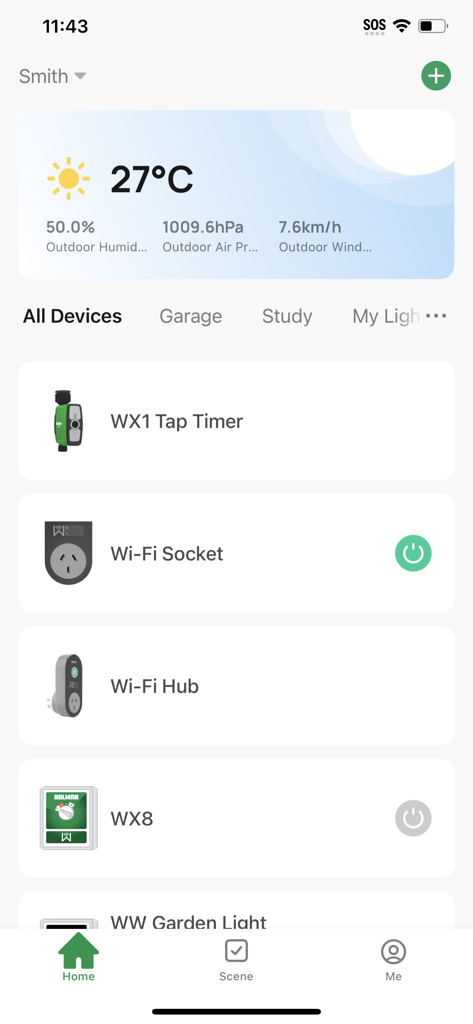
Holman Home app home screen displaying outdoor weather data and a list of connected smart irrigation and lighting devices.
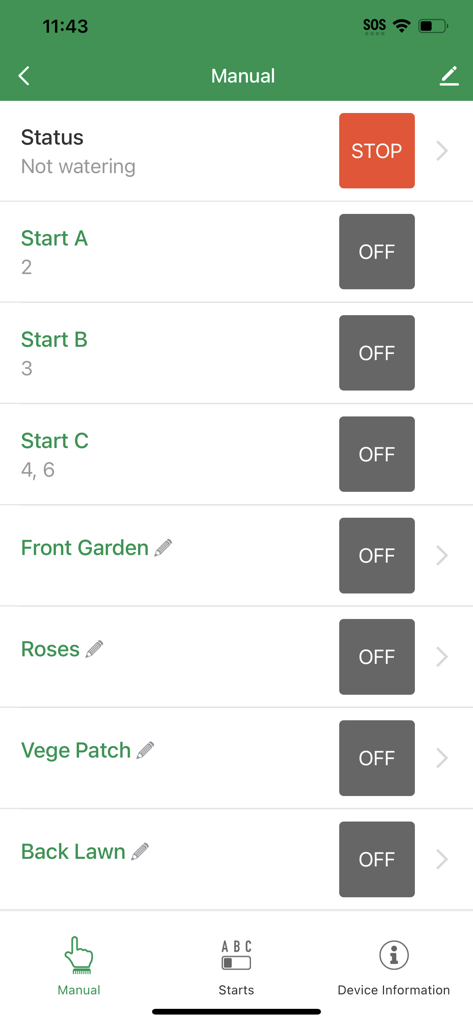
Manual watering control screen in the Holman Home app showing irrigation zones like front garden roses and vegetable patch
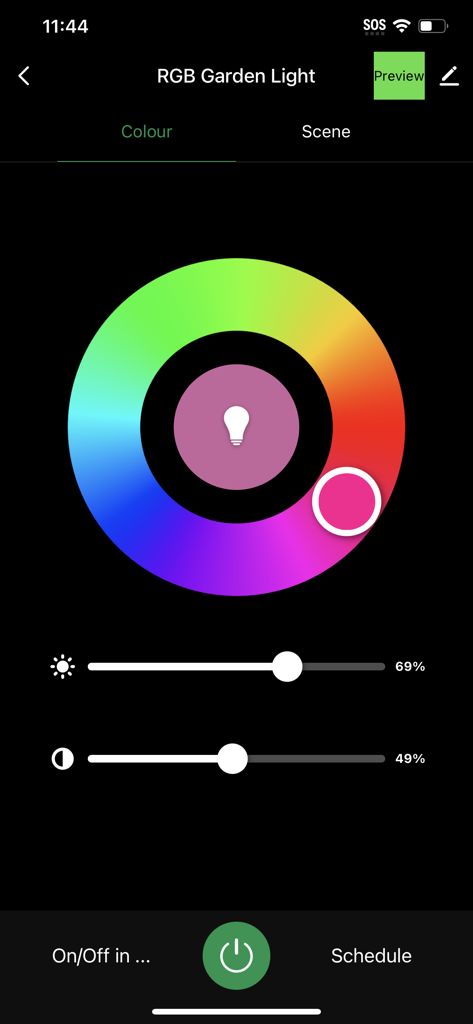
Holman Home app interface for controlling RGB garden lights featuring a large color wheel and brightness sliders
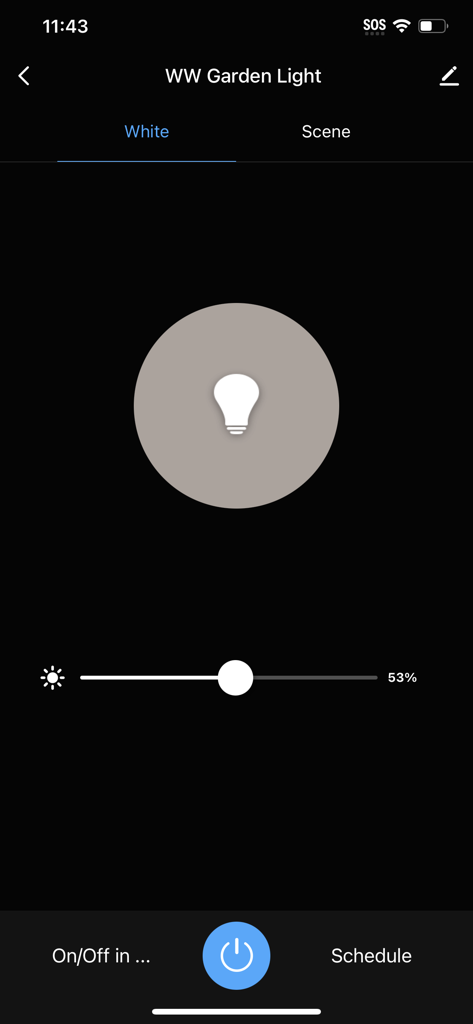
Holman Home app interface for adjusting the brightness of warm white garden lights with a slider control
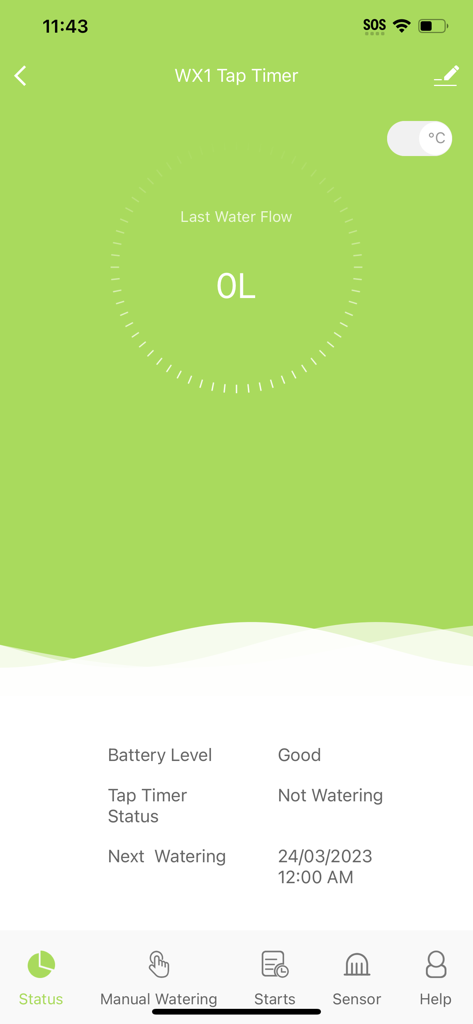
Holman Home app WX1 Tap Timer status dashboard showing water flow and battery level
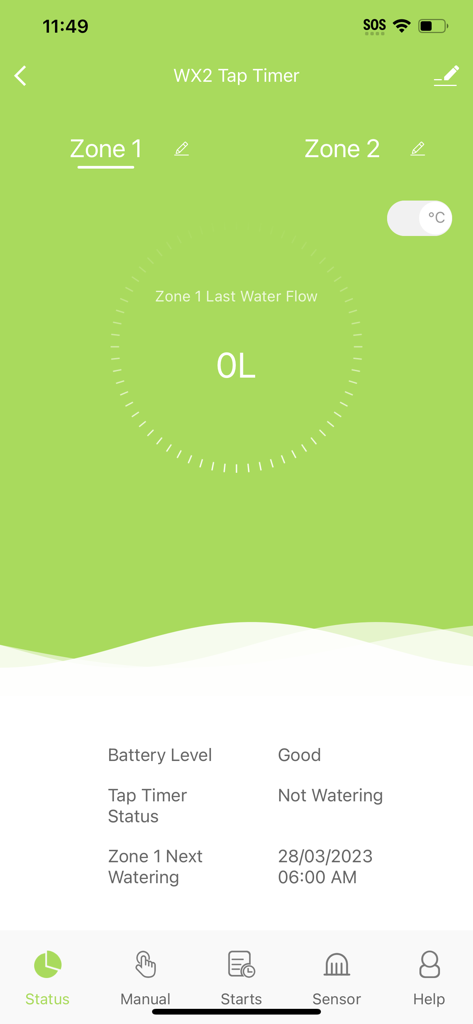
Holman Home app WX2 tap timer status screen showing watering zone details and battery level
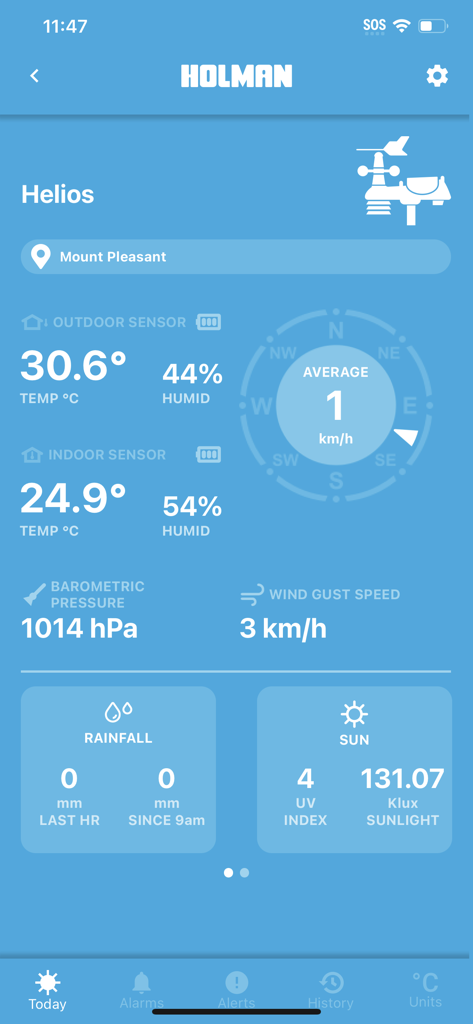
Holman Home app dashboard showing real-time weather data from a Helios weather station
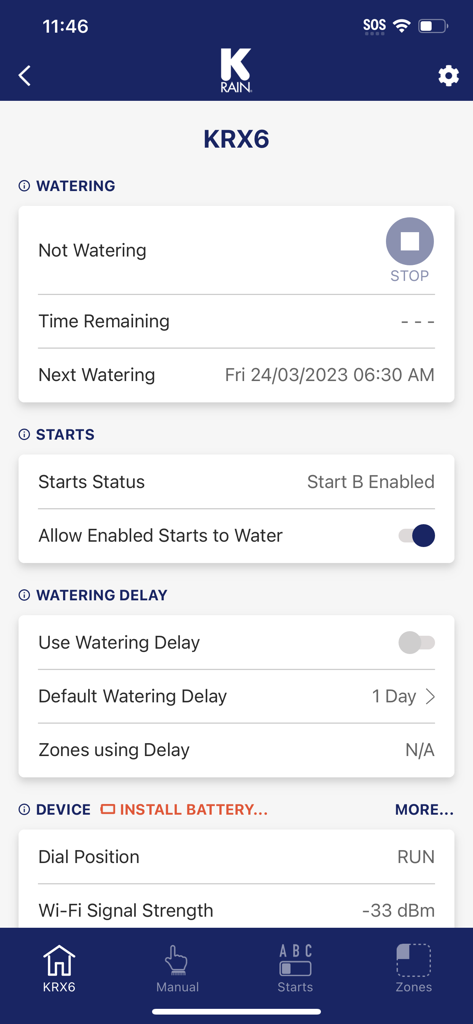
Holman Home app interface for the KRX6 irrigation controller showing watering status and schedule settings
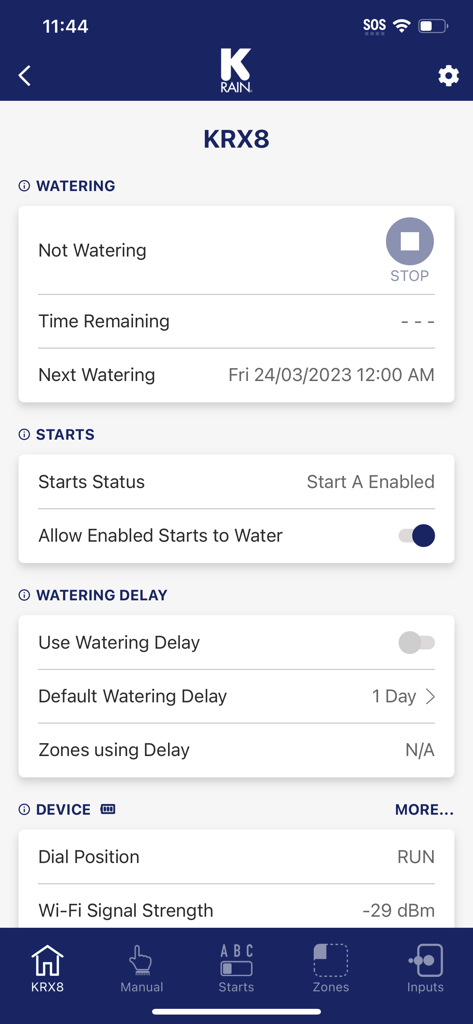
Holman Home app interface for the K-Rain KRX8 controller showing watering status starts and delay settings
Description
Download
More Like This
Top-ranked apps in the same category

Pinterest, Inc.

Alipay - Simplify Your Life
Alipay (Hangzhou) Technology Co., Ltd.

Dianping: Discover Good Places
Hanhai Information Technology (Shanghai) Co.Ltd

美团-美好生活小帮手
Sankuai Technology Co., Ltd.

Lemon8 - Lifestyle Community
TIKTOK PTE. LTD.

Xiaomi Home
Beijing Xiaomi Co., Ltd

Tinder Dating App: Date & Chat
Tinder LLC

SmartThings
Samsung Electronics Co., Ltd.

VNeTraffic
GLOBAL TECHNOLOGY - TELECOMMUNICATIONS CORPORATION
This page is not an official page of the app or its developer, but an independent editorial publication created for informational and commentary purposes. Unless expressly stated otherwise, neither the app nor its developer is affiliated with, endorsed by, sponsored by, authorized by, or otherwise officially connected with MWM, Apple, Google Play, the app publisher, or the app's developer, and nothing on this page implies that the app was developed using MWM's services. Any trademarks, logos, screenshots, and other content remain the property of their respective owners.