
This page is not an official page of the app or its developer, but an independent editorial publication created for informational and commentary purposes. Unless expressly stated otherwise, neither the app nor its developer is affiliated with, endorsed by, sponsored by, authorized by, or otherwise officially connected with MWM, Apple, Google Play, the app publisher, or the app's developer, and nothing on this page implies that the app was developed using MWM's services. Any trademarks, logos, screenshots, and other content remain the property of their respective owners.


i-NTER SHOT2 for microscope
Transform your iPhone into a high-resolution scientific camera. Capture vibration-free photos with gesture-controlled shutters, add integrated scale bars, and manage clinical documentation with manual controls built for pathologists, researchers, and engineers.
Downloads
140K+User Rating
Total Ratings
0Publisher
Category
MedicalLocales
2Latest Version
2.3.2Size
146.0 MBFirst Released
Oct 30, 2015Professional Microscopy, Redefined
Transform your iPhone into a high-performance digital imaging system with precision controls and scientific-grade documentation tools designed for the lab.
Vibration-Free Pass Shutter
Capture crystal-clear images by simply waving your hand over the sensor. Eliminate touch-induced blur and ensure flawless high-magnification shots every time.
Integrated Scale & Metadata
Maintain scientific accuracy by embedding precise scale bars, grids, and professional comments directly into your photos for easy analysis and documentation.
Frequently Asked Questions
Everything you need to know about i-NTER SHOT2 for microscope
What is i-NTER SHOT2 for microscope?
i-NTER SHOT2 for microscope is an innovative application that supports high-quality microscope photographing using an iPhone. It requires the dedicated i-NTER LENS adaptor.
How does the Pass Shutter feature work in i-NTER SHOT2 for microscope?
The Pass Shutter feature, or Touchless Shot, allows users to take pictures without touching the screen. Passing a hand over the iPhone's front speaker activates the camera shutter, preventing vibrations.
Does i-NTER SHOT2 for microscope include an Electron Microscope mode?
Yes, i-NTER SHOT2 for microscope features an Electron Microscope mode. This new function enhances the application's imaging capabilities for specific microscopic observations.
Can i-NTER SHOT2 for microscope display a measurement scale on images?
Yes, i-NTER SHOT2 for microscope can display a measurement scale and embed it into pictures. This 'Display Ruler' feature helps users accurately record object sizes.
What information can i-NTER SHOT2 for microscope capture and embed with photos?
i-NTER SHOT2 for microscope can capture and embed information such as date, time, camera settings, user comments, and microscope magnification directly into the picture.
Does i-NTER SHOT2 for microscope support video recording?
Yes, i-NTER SHOT2 for microscope supports video recording with its dedicated Video mode. Users can capture dynamic microscopic observations.
How can users adjust white balance in i-NTER SHOT2 for microscope?
i-NTER SHOT2 for microscope offers both automatic and manual white balance adjustments. Users can manually adjust Color Temperature and Tint for ideal color representation.
Can i-NTER SHOT2 for microscope correct exposure for dark microscope specimens?
Yes, i-NTER SHOT2 for microscope provides Exposure Correction. It offers auto compensation and manual brightness modification, allowing users to photograph dark fluorescent specimens effectively.
How does i-NTER SHOT2 for microscope manage captured photos?
i-NTER SHOT2 for microscope includes a dedicated photo list to manage pictures taken with the app. It also offers a Disclosure/Non-Disclosure mode to hide app photos from general albums.
Do I need additional hardware to use i-NTER SHOT2 for microscope?
Yes, i-NTER SHOT2 for microscope requires the dedicated adaptor 'i-NTER LENS' to attach an iPhone to a microscope. The app is designed to function with this specific attachment.
The following screenshots and description are sourced directly from the app's official store listing and are the property of the app developer.
App Store
Screenshots
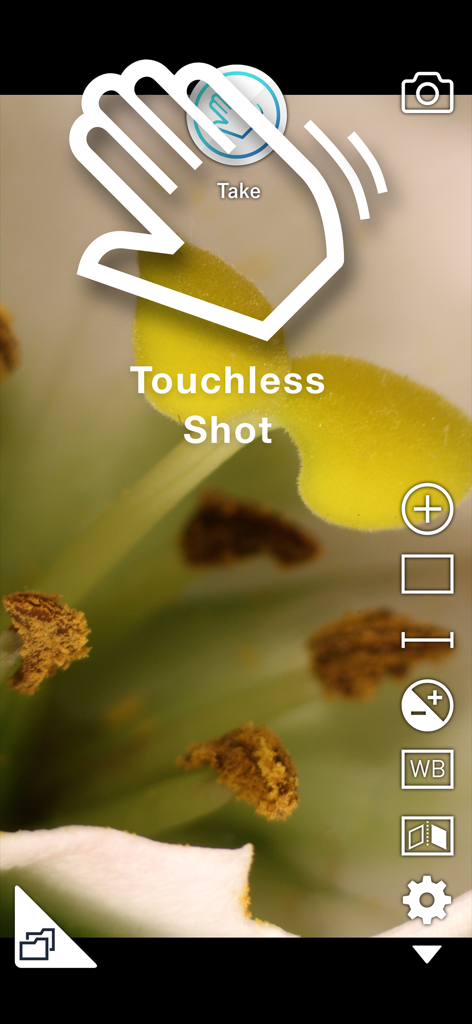
i-NTER SHOT2 app interface showing the touchless shot gesture feature for vibration-free microscopy photography
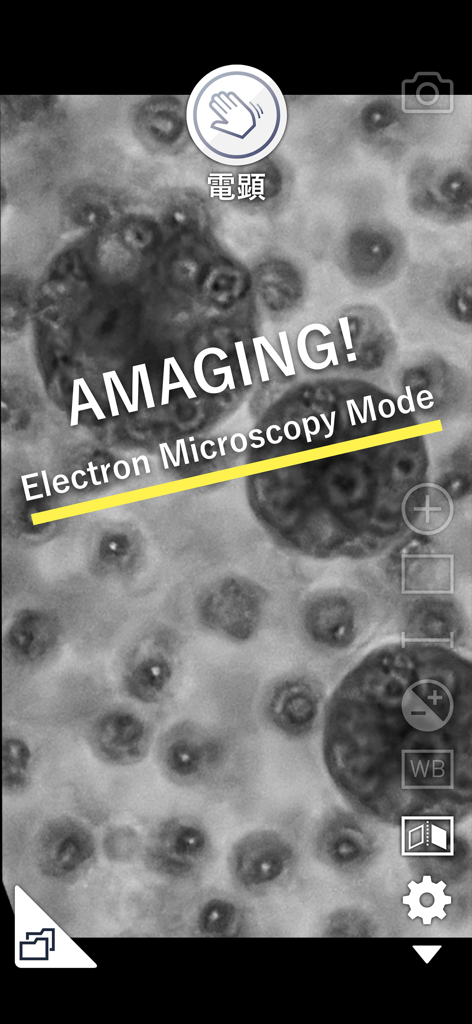
Smartphone app interface showing a monochrome specimen in Electron Microscopy Mode with a hand wave shutter icon
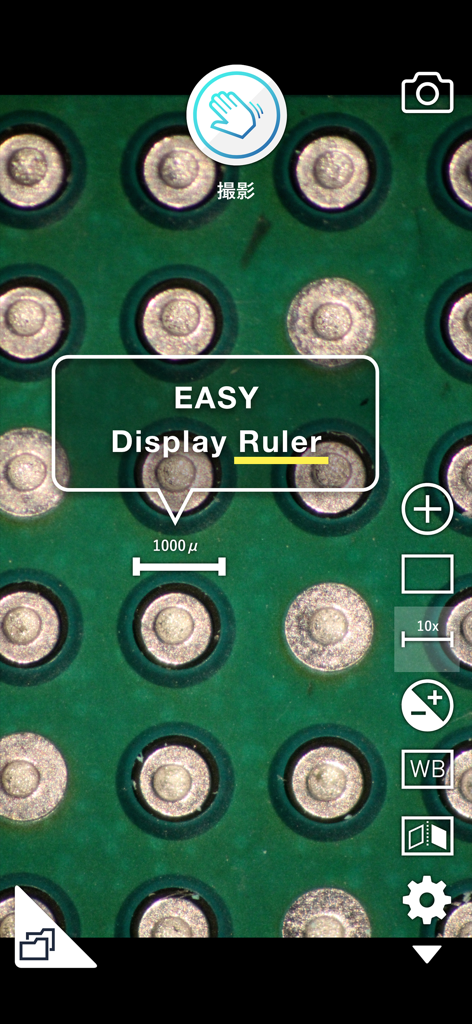
Microscopic view of a circuit board with a 1000 micrometer digital scale ruler overlay in the i-NTER SHOT2 app
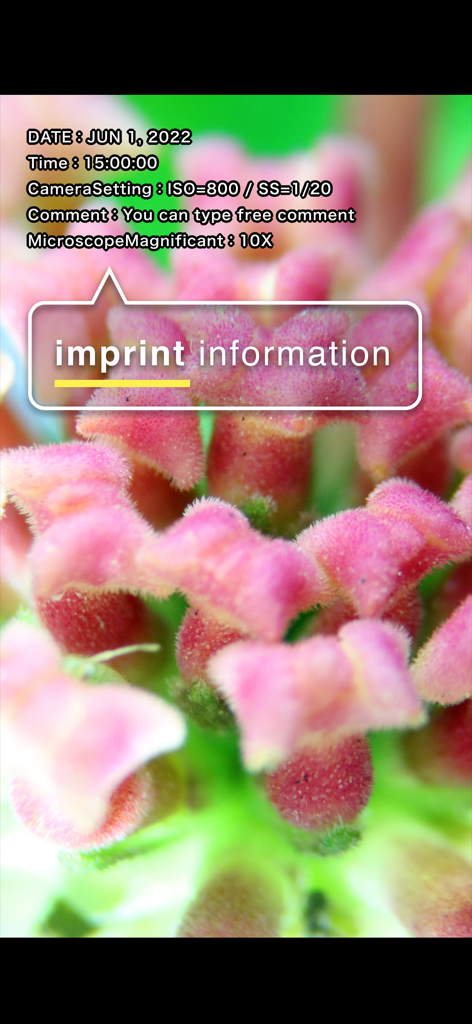
Microscope photograph showing the imprint information feature with technical camera settings and custom comments
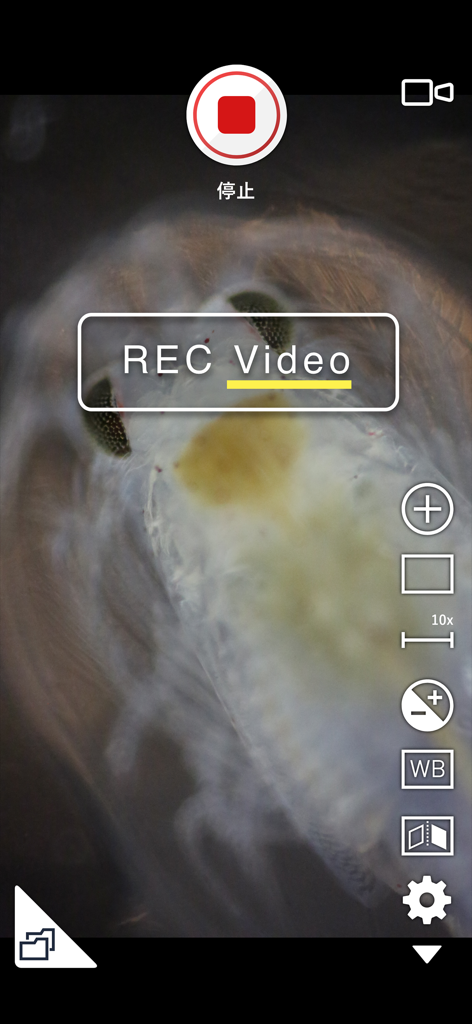
A microscope video recording of a biological specimen in i-NTER SHOT2.
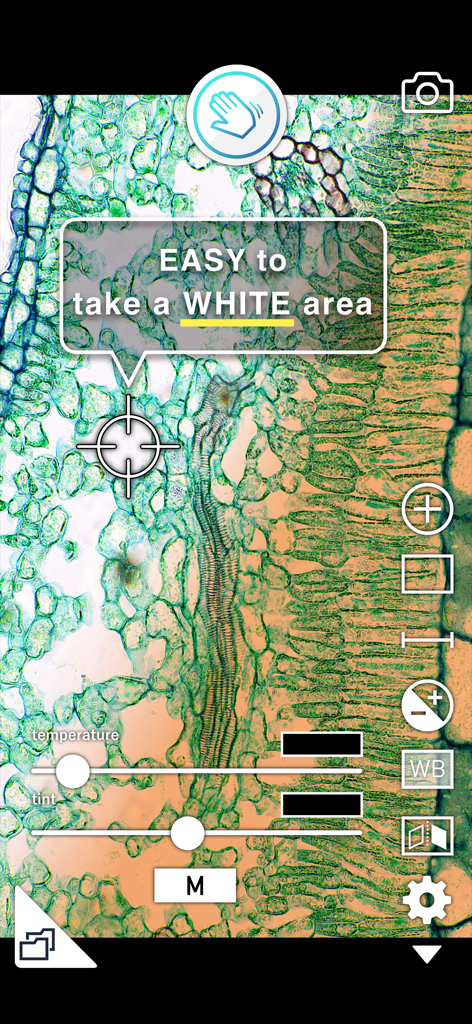
Microscope app interface showing manual white balance temperature and tint sliders over a plant specimen
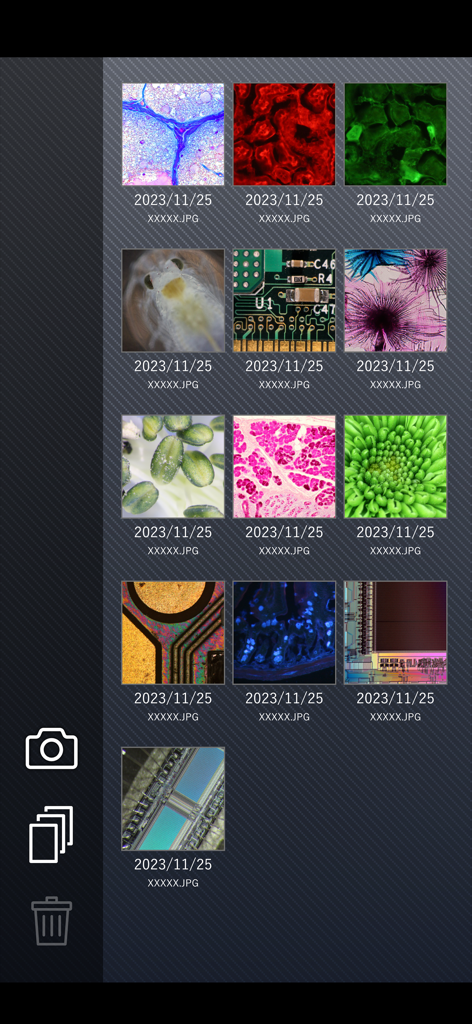
Gallery view within the i-NTER SHOT2 app showing a grid of captured microscopic images including biological samples and electronic circuits.
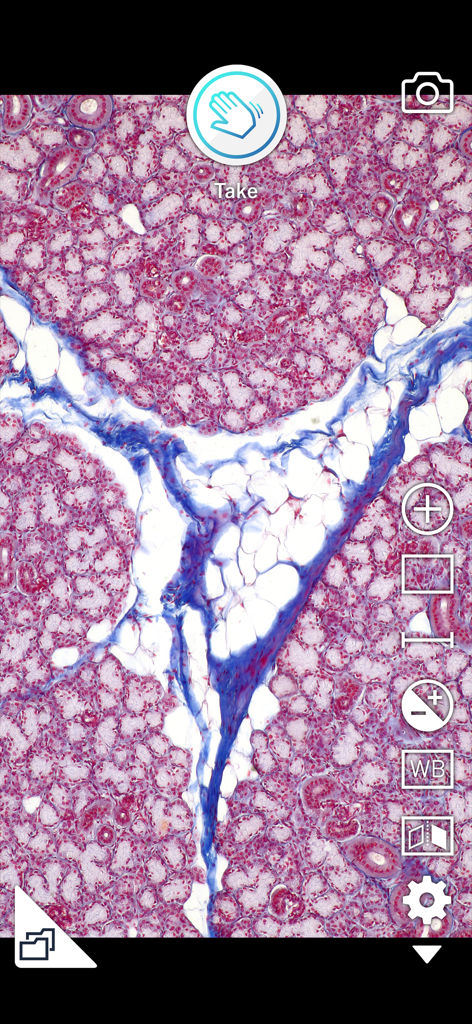
Microscopic tissue view in the i-NTER SHOT2 app interface with imaging controls
Description
Download
More Like This
Top-ranked apps in the same category

国家医保服务平台
National Healthcare Security Administration

MyChart
Epic Systems Corporation

Doctolib - Your health partner
Doctolib

Pregnancy + | Tracker App
Philips Digital UK Limited

CVS Health
CVS Pharmacy

江苏医保云
Jiangsu Healthcare Security Bureau

UnitedHealthcare
UNITED HEALTHCARE SERVICES, INC.

京东健康
BEIJING JINGDONG 360 DU E-COMMERCE LTD.

Meu SUS Digital
Servicos e Informacoes do Brasil
This page is not an official page of the app or its developer, but an independent editorial publication created for informational and commentary purposes. Unless expressly stated otherwise, neither the app nor its developer is affiliated with, endorsed by, sponsored by, authorized by, or otherwise officially connected with MWM, Apple, Google Play, the app publisher, or the app's developer, and nothing on this page implies that the app was developed using MWM's services. Any trademarks, logos, screenshots, and other content remain the property of their respective owners.