Haptics - Test Haptic Feedback

Haptics - Test Haptic Feedback

Download on App Store
Logo of Haptics - Test Haptic Feedback

Haptics - Master the Taptic Engine with Precision

The essential developer utility to prototype, test, and generate Swift code for haptic feedback. Save hours of development time and craft the perfect tactile experience for iPhone and Apple Watch without building a single demo app.

Download on App Store

Publisher

Adam Foot

Category

Developer Tools

Downloads

10K+

User Rating

3.9/5

Total Ratings

0

Locales

1

Inside the Haptic Lab

Discover the interface used by 10K+ users.
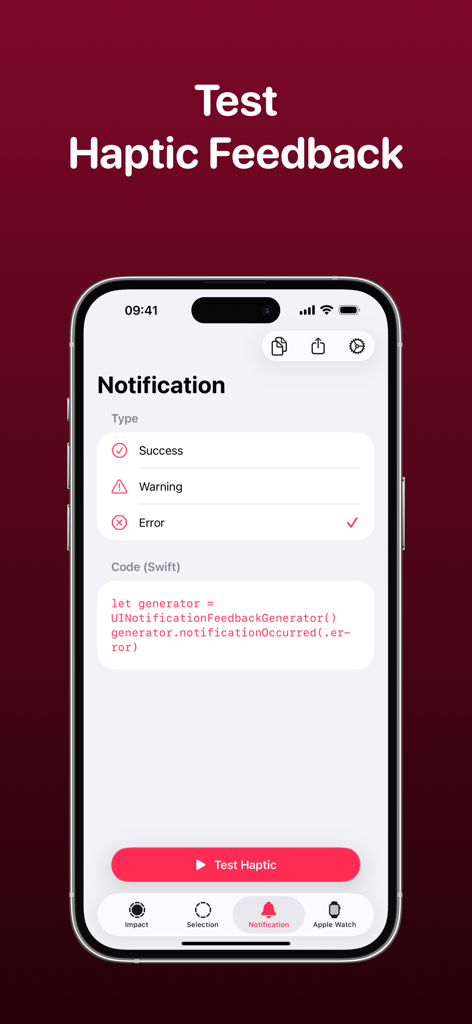
iPhone screenshot showing haptic notification feedback types and the corresponding Swift code for developers.

iPhone screenshot showing haptic notification feedback types and the corresponding Swift code for developers.

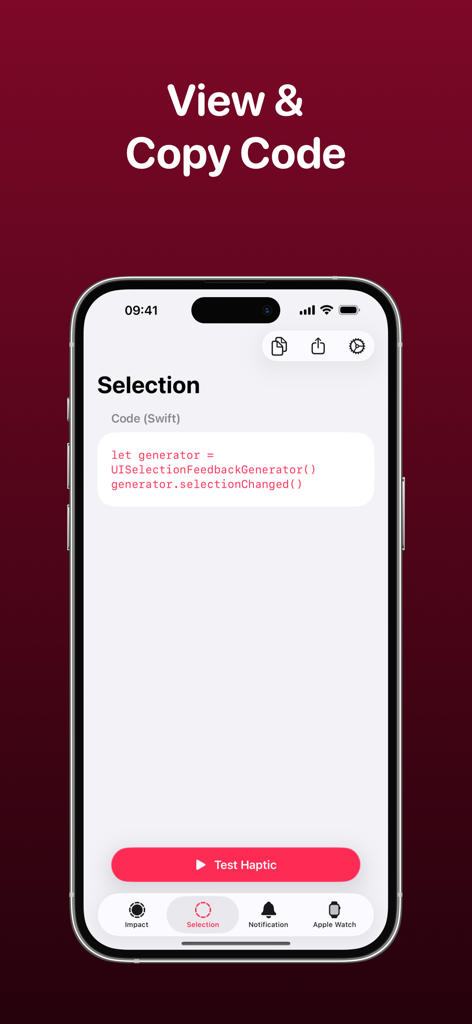
A screenshot of the Haptics app showing the view and copy Swift code feature for iOS developers.

A screenshot of the Haptics app showing the view and copy Swift code feature for iOS developers.

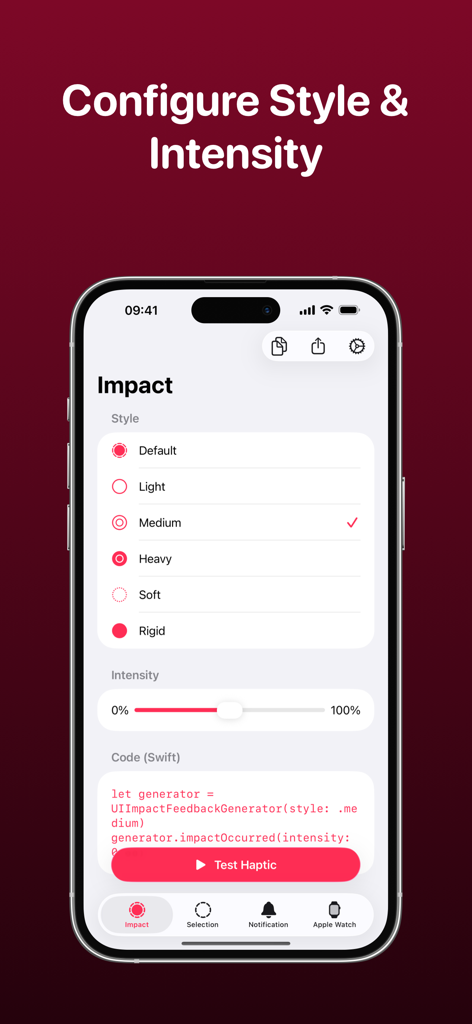
Screenshot of the Haptics app showing options to configure impact style and intensity with a Swift code preview

Screenshot of the Haptics app showing options to configure impact style and intensity with a Swift code preview

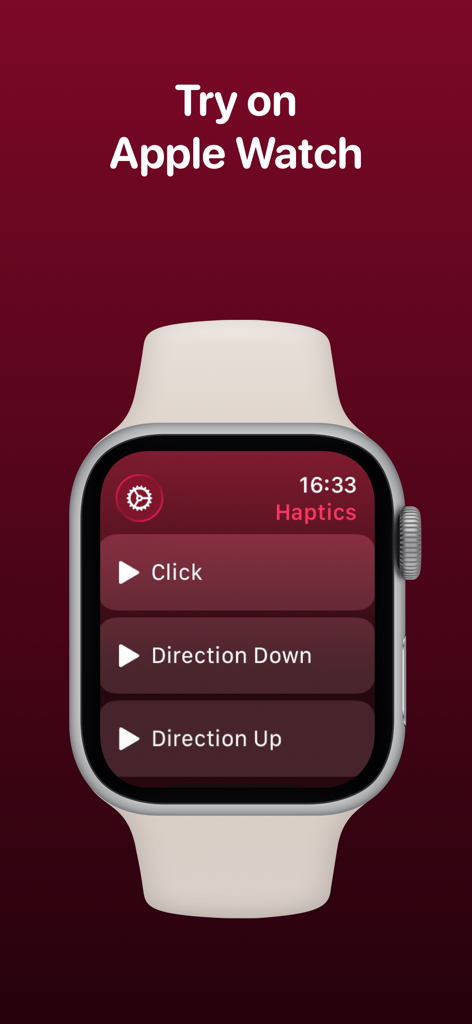
Haptics app interface on Apple Watch for testing feedback patterns

Haptics app interface on Apple Watch for testing feedback patterns

Perfect Your App's Tactile Feel

The tools that make this app stand out, trusted by 10K+ users.

🕹️

Instant Prototyping

Toggle between notification, impact, and selection styles to find the perfect tactile response for your UI in seconds.

✍️

Real-Time Code Export

Eliminate boilerplate. View and copy Swift snippets that update dynamically as you adjust your haptic configurations.

Full Ecosystem Support

Test your configurations across iPhone and Apple Watch to maintain a consistent, premium feel across the entire Apple ecosystem.

About the app

Everything you need to know about Haptics - Test Haptic Feedback.

Description

Haptics makes it easy to test variations of the built-in haptic feedback types on iPhone and Apple Watch. * As featured on 9to5Mac * Developed for Apple platform developers, you can configure the haptic feedback types for testing or viewing of the code without having to create a demo app. Haptics contains these great features: CONFIGURE It’s quick and easy to get started. Simply choose a haptic feedback type and use the built-in controls to select the variation of that haptic feedback you’d like to view. TEST Using your iPhone or Apple Watch, you can test how your configured haptic feedback vibrations will feel to your user. VIEW CODE Haptics provides you the ability to preview what the code will look like for your configuration in real-time. As you update the configuration, the code updates. COPY & SHARE CODE To use the Swift code in your project, you can use the copy and share options. UNIVERSAL PURCHASE Get this app across multiple Apple platforms with a single purchase. If you like this app, I’d really appreciate it if you could take the time to leave a positive review! Having issues? Please get in touch: Email: support@adamfoot.dev Website: https://adamfoot.dev

Latest Version

3.0

Size

9.4 MB

First Released

Sep 19, 2019

Ready to Master the Taptic Engine?

Stop the build-and-test cycle. Join thousands of iOS developers and designers who preview haptic feedback instantly and copy production-ready Swift code directly into their Xcode projects.

Download on App Store

App information, icons, screenshots, and descriptions displayed on this page are sourced from the Apple App Store and are the property of their respective developers. Download estimates and rankings are based on MWM's proprietary models and may not reflect actual figures. This page is provided for informational and analytical purposes only.

Believe this page infringes your intellectual property? File a dispute