CSV File Viewer - Smart CSV

CSV File Viewer - Smart CSV


Download on App Store
Logo of CSV File Viewer - Smart CSV

CSV File Viewer - Smart CSV: Your AI-Powered Mobile Data Lab

Stop wrestling with clunky mobile spreadsheets. Query data with SQL or AI, visualize trends with instant charts, and transform raw CSVs into professional, styled PDFs—all from your pocket.

Download on App Store

Publisher

Hue Nguyen

Category

Productivity

Downloads

1K+

User Rating

2.6/5

Total Ratings

0

Locales

1

Insights in Action

Discover the interface used by 1K+ users.
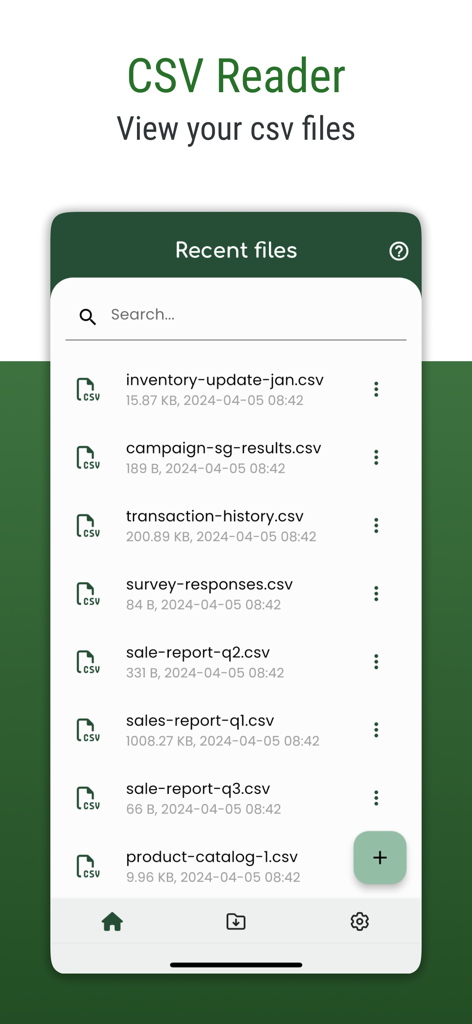
Interface of the Smart CSV app showing a list of recently viewed CSV files including inventory and sales reports.

Interface of the Smart CSV app showing a list of recently viewed CSV files including inventory and sales reports.

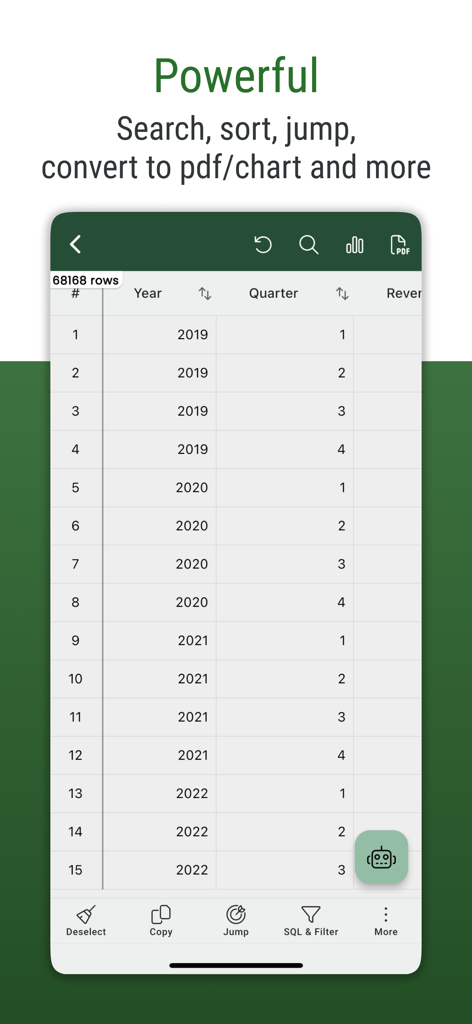
Screenshot of the Smart CSV app showing a data table with options to search, sort, and convert files to PDF or charts.

Screenshot of the Smart CSV app showing a data table with options to search, sort, and convert files to PDF or charts.

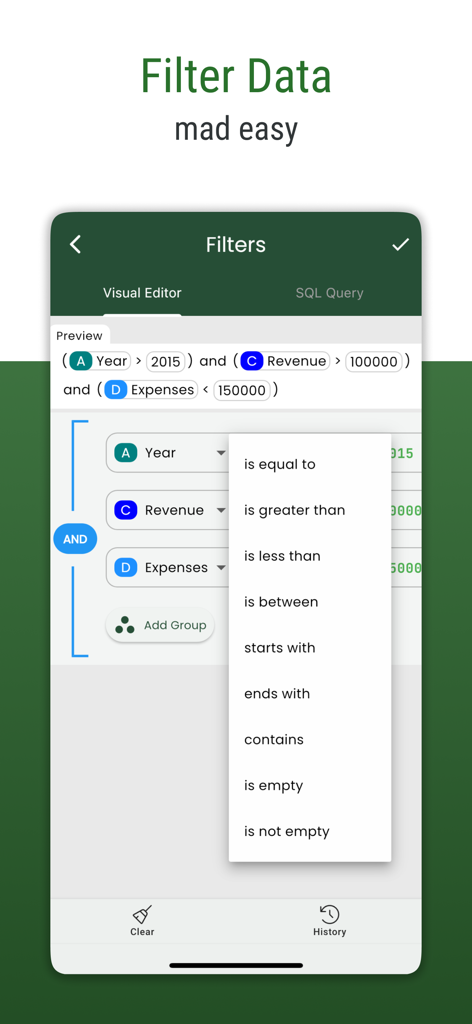
Visual data filter screen in the Smart CSV app showing logic operators and query builder.

Visual data filter screen in the Smart CSV app showing logic operators and query builder.

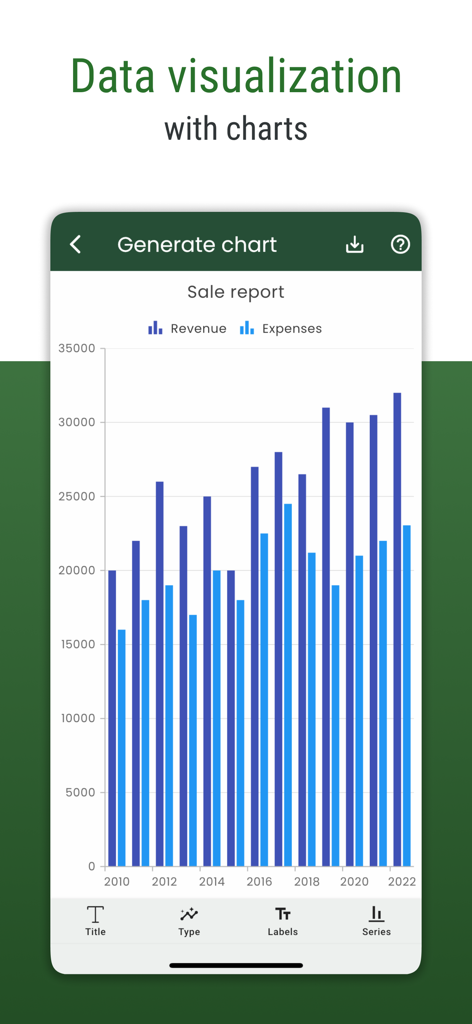
Sales report bar chart visualization in the Smart CSV mobile app.

Sales report bar chart visualization in the Smart CSV mobile app.

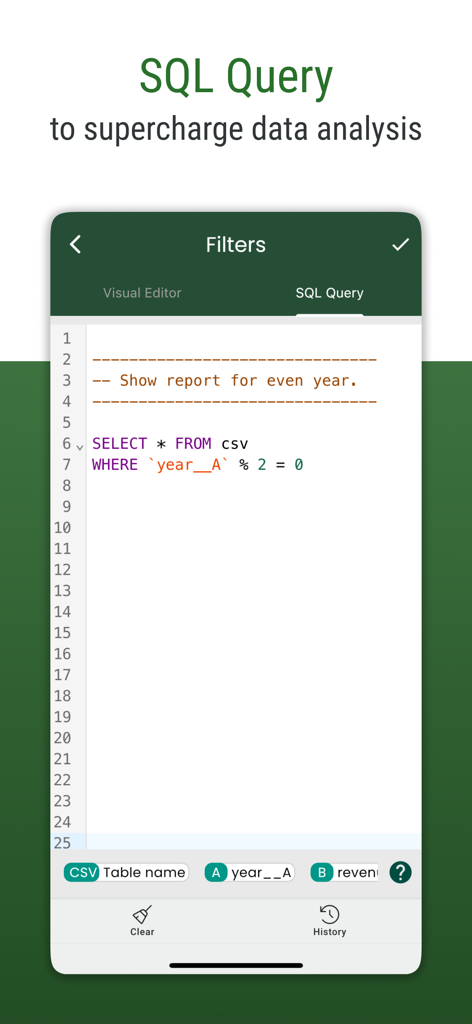
Interface showing SQL query feature in Smart CSV app for data filtering

Interface showing SQL query feature in Smart CSV app for data filtering

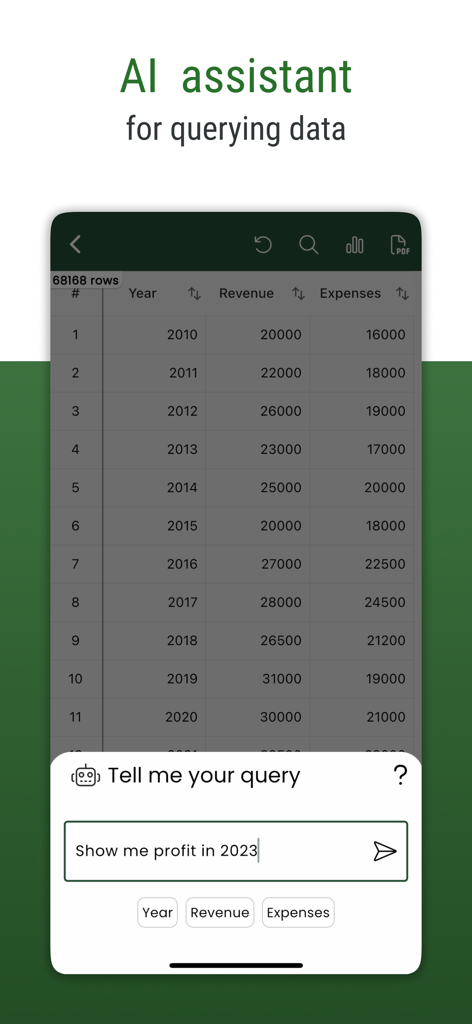
Smart CSV app interface showing the AI assistant feature for querying spreadsheet data

Smart CSV app interface showing the AI assistant feature for querying spreadsheet data

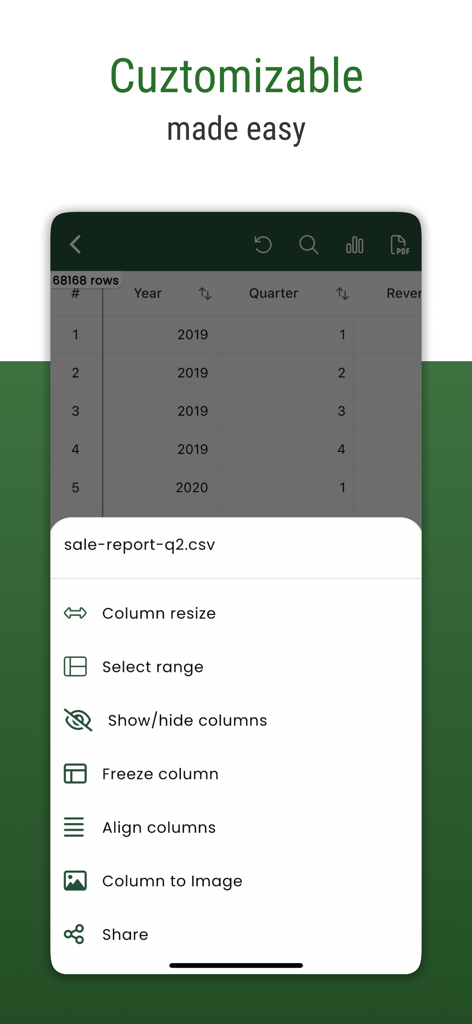
A mobile app screen showing customization options for a CSV file like column resizing, freezing columns, and converting columns to images.

A mobile app screen showing customization options for a CSV file like column resizing, freezing columns, and converting columns to images.

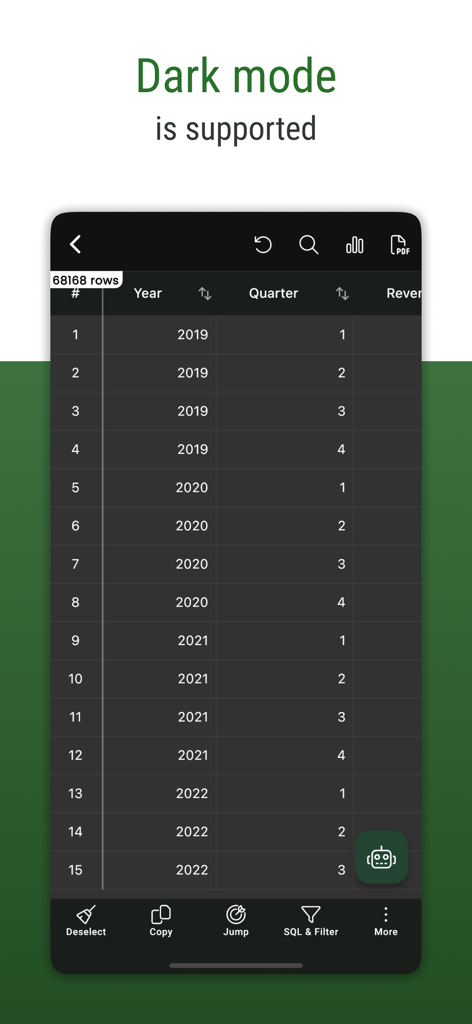
Smart CSV app interface in dark mode displaying a data table with year and quarter columns

Smart CSV app interface in dark mode displaying a data table with year and quarter columns

Transform Your Mobile Data Workflow

The tools that make this app stand out, trusted by 1K+ users.

🤖

AI-Powered Data Insights

Ask questions in plain English or use SQL for surgical precision to extract answers from massive datasets instantly.

🖼️

Visual Inventory & Charts

Instantly render image URLs and generate dynamic charts to audit product catalogs and track performance trends visually.

📄

Professional PDF Reports

Turn raw CSV rows into beautiful, styled PDF documents ready to be shared with clients or stakeholders directly from your phone.

About the app

Everything you need to know about CSV File Viewer - Smart CSV.

Description

More than a basic csv reader, it's your comprehensive CSV file explorer. Uncover all this with Smart CSV Viewer: - Easy to view your CSV files. (Support both csv - comma/tab - tsv files format) - Use AI Assistant to query CSV content. - Show column image URL as an image. - Query your CSV by using SQL query. - Create chart from csv data. - Convert to pdf file. A CSV file can be custom data and style to convert to a pdf file as you want. - Manage all the exported files and share them with your friends. - Easy to filter with Visual filter. - Easy to search your content. - Copy the selected rows. - and more. # FAQ - Q: Which chart types are supported? - A: Currently, Smart CSV Viewer support column chart, bar chart, line chart, area chart, spline chart, scatter chart, step line chart, and step area chart. --- - Q: What do you mean by “customizable”? - A: In Smart CSV Viewer you can custom as much as you can. For example, when you only want to copy a part of data in a row, you can use the “filter” feature to exclude it. You can extract data by column. When you export to a pdf file, you can custom the style (color scheme) to match your expectation. More than a CSV converter tool, now you can change the look of your pdf file by styling it. --- - Q: How to resize/change the column width? - A: You can resize the column width by using one of the following methods: - Long-press on the header, and then drag the resize indicator to change the column width. - Click on the resize icon. The resize dialog will appear, allowing you to set a specific column width value so that all columns will have the same width. Alternatively, you can enable automatic resizing, and the app will adjust the column size automatically. If you have any questions, don't hesitate to contact us: Email: imuosdev@gmail.com We hope you are more productive with Smart CSV! --- Terms of Use: https://mygems.app/term Privacy Policy: https://mygems.app/privacy

Latest Version

2025.11.02

Size

61.1 MB

First Released

Apr 20, 2022

Ready to Master Your Data on the Go?

Join thousands of professionals using AI-powered queries and visual insights to turn raw CSVs into actionable reports—right from your pocket.

Download on App Store

App information, icons, screenshots, and descriptions displayed on this page are sourced from the Apple App Store and are the property of their respective developers. Download estimates and rankings are based on MWM's proprietary models and may not reflect actual figures. This page is provided for informational and analytical purposes only.

Believe this page infringes your intellectual property? File a dispute