
This page is not an official page of the app or its developer, but an independent editorial publication created for informational and commentary purposes. Unless expressly stated otherwise, neither the app nor its developer is affiliated with, endorsed by, sponsored by, authorized by, or otherwise officially connected with MWM, Apple, Google Play, the app publisher, or the app's developer, and nothing on this page implies that the app was developed using MWM's services. Any trademarks, logos, screenshots, and other content remain the property of their respective owners.

mood.camera
Rediscover the joy of photography with an authentic analog experience. Get cinematic color and realistic film grain straight out of your iPhone—no over-processing, just pure character.
Downloads
196K+User Rating
Total Ratings
100Publisher
Category
Photo & VideoLocales
1Latest Version
1.11.2Size
49.5 MBFirst Released
Apr 12, 2024Photography With Soul
Break free from over-processed smartphone shots. mood.camera recreates the organic warmth and serendipity of film for a more authentic, effortless aesthetic.
Intentional Simplicity
Reclaim your creative focus. With no live previews or post-capture editing, you can stay present in the moment and let the camera handle the vibe.
Cinematic Color Science
Choose from 14 meticulously crafted emulations featuring rich palettes and realistic halation to give your photos an instant indie-film character.
Frequently Asked Questions
Everything you need to know about mood.camera
What is mood.camera?
mood.camera is a point-and-shoot iPhone camera that captures natural photos full of character, featuring realistic film grain and cinematic halation, without any in-app editing tools.
Does mood.camera offer a free trial?
Yes, mood.camera offers a 7-day unrestricted free trial for new users with no subscription required. After the trial, a limited free version is available or users can subscribe.
Does mood.camera have editing tools?
No, mood.camera does not include live "filter" preview or editing tools within the app. It encourages users to focus on capturing moments without constant adjustments.
What photo effects does mood.camera provide?
mood.camera provides expressive color emulations, realistic film grain, and cinematic halation. It aims to give photos character and a rich color palette straight out of the camera.
Can I create custom presets in mood.camera?
Yes, mood.camera allows users to create custom presets. You can add a touch of warmth to a favorite preset or start from scratch to develop an original style.
Which iPhone models support cinematic halation in mood.camera?
Cinematic halation in mood.camera is available on iPhone 12 or newer models. This feature uses the iPhone’s dynamic range gain map to create a realistic halation effect.
How many color emulations does mood.camera offer?
mood.camera offers 14 meticulously crafted color emulations. These emulations give every photo character and a rich color palette, enhancing the overall aesthetic.
Does mood.camera support custom frames?
Yes, mood.camera supports custom frames. Users can elevate their photos with a custom frame, which the app automatically adds when a photo is snapped.
Can I adjust the exposure in mood.camera?
Yes, mood.camera includes an on-screen exposure dial. This feature makes it easy to achieve different styles through under or over exposed images, inspiring creativity.
What are the pricing options for mood.camera after the free trial?
After the 7-day free trial, mood.camera users can continue using a limited free version or purchase a lifetime membership or a monthly subscription for full access.
Does mood.camera have a live filter preview?
No, mood.camera does not have a live "filter" preview. This design choice mirrors classic film cameras, encouraging users to focus on capturing the moment without distractions.
Does mood.camera offer portrait mode features?
Yes, mood.camera offers a "Next Level Portraits" mode. It provides photos with smoother object separation and convincing bokeh on iPhone 11 or newer models.
What resolution photos does mood.camera capture?
mood.camera captures high-resolution 24MP photos on compatible devices. This feature is available on iPhone 14 Pro, 15 Pro, and 16 Pro models.
How does mood.camera achieve realistic film grain?
mood.camera uses film grain algorithms modeled on the physical development process. This approach adds authentic texture and physicality to photos while retaining detail.
Where can I find the privacy policy for mood.camera?
The privacy policy for mood.camera is available at the provided link: https://mood.camera/privacy. This link is listed at the end of the app description.
The following screenshots and description are sourced directly from the app's official store listing and are the property of the app developer.
App Store
Screenshots
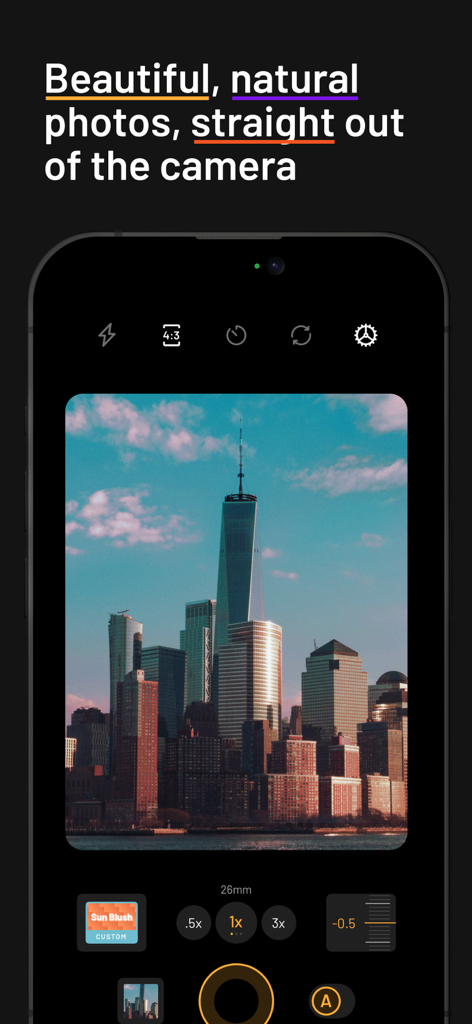
A smartphone interface showing the mood.camera app capturing a film-style photo of a city skyline including One World Trade Center.
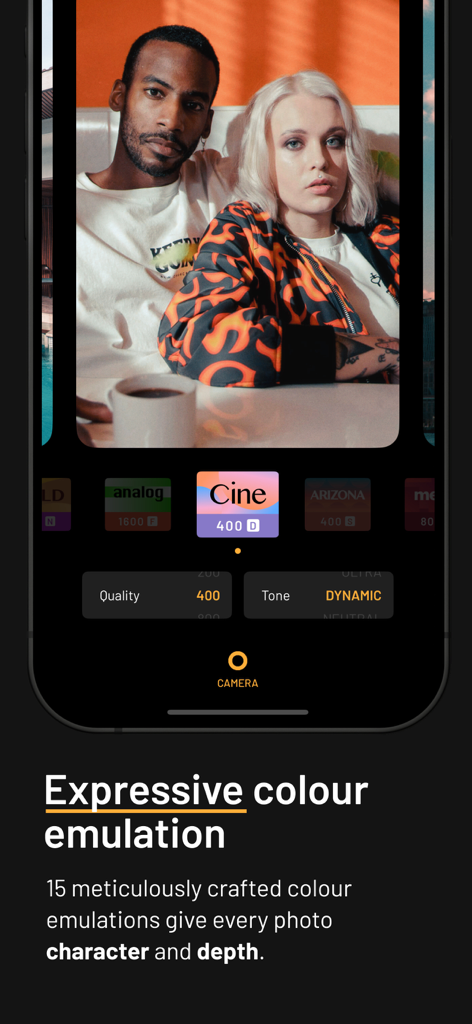
A smartphone interface showing a portrait photo edited with expressive film color emulation in the mood camera app.

Ferris wheel with realistic film grain texture and analog aesthetic
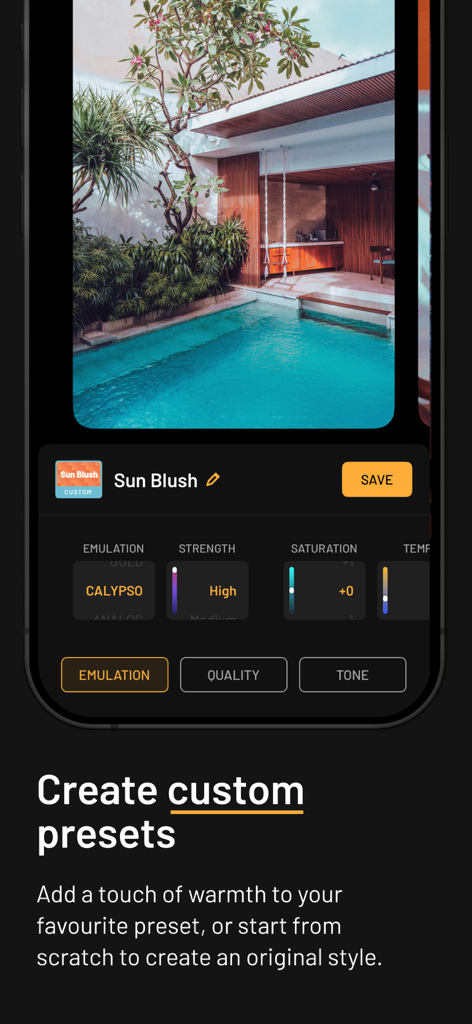
Interface of mood.camera app showing custom preset settings with a tropical pool photo
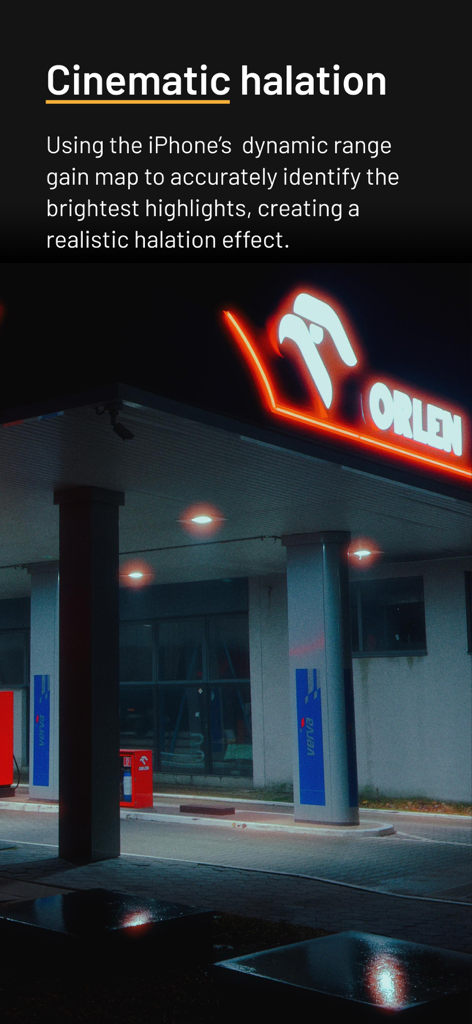
Cinematic halation light effect on a neon sign at night
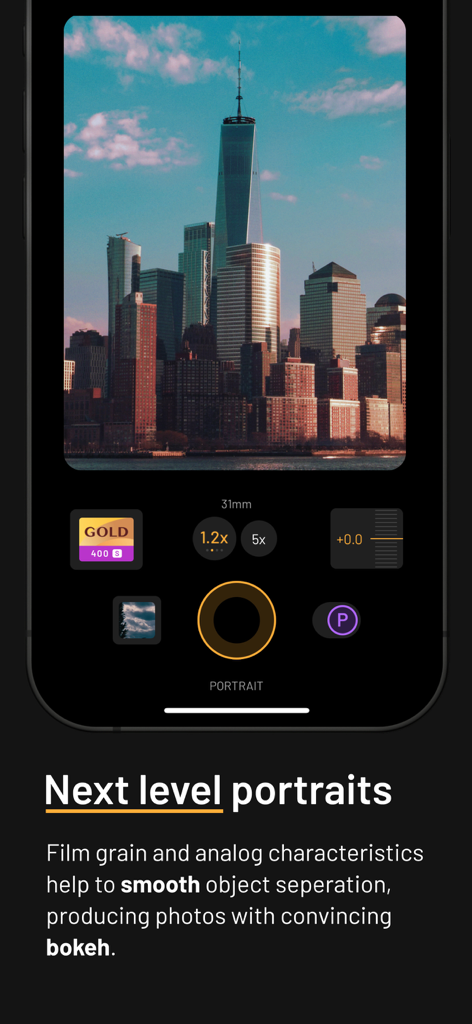
Interface of the mood camera app showing portrait mode with a film style photo of skyscrapers
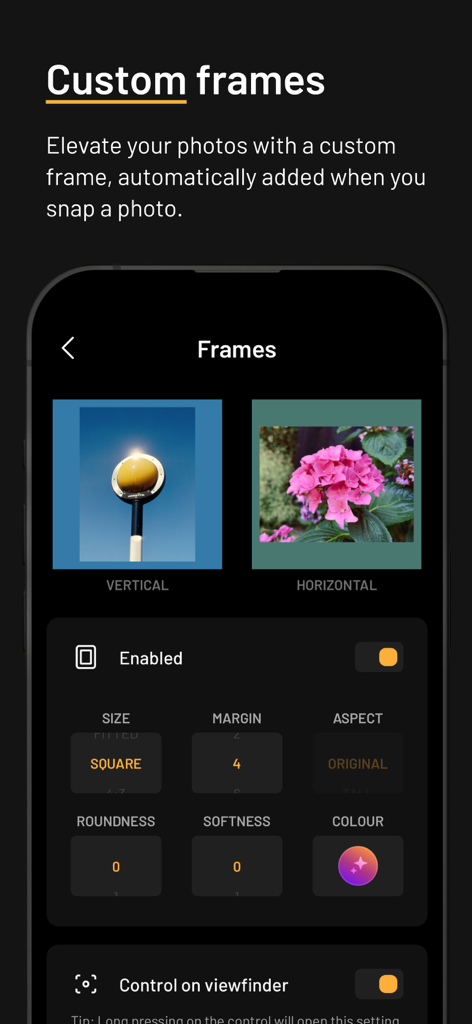
Interface of the mood.camera app showing settings for adding custom frames to photos with options for size and color.
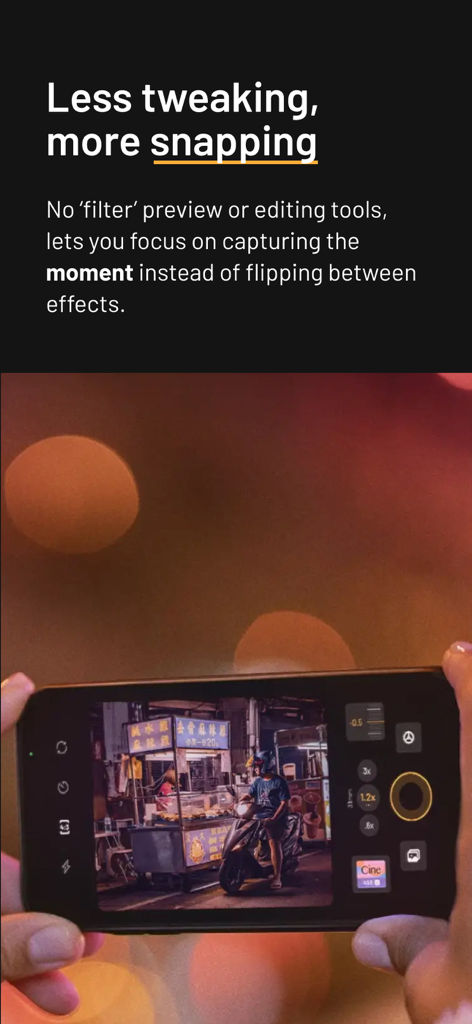
A person using the mood.camera app on an iPhone to capture a street food stall at night without using filters.
Description
Download
More Like This
Apps with similar features and user experience
Dazz Cam - Vintage Camera
DAZZ PTE. LTD.

Kapi - Vintage Film Camera
Shanghai Yuhuan Technology Co., Ltd.
ProCCD - Digital Film Camera
秉妍 蔡

Fomz - Vintage Analog Camera
Guangzhou Mengdong Information Technology Co., Ltd.

Liit - Photo & Video Editor
DAZZ PTE. LTD.
1998 Cam - Vintage Camera
Huu Nguyen Chi
y2k: 2000s photo editor
Abel Thomas Noble

Uplens: Photo & Video Editor
MPGAMES LTD

Buttercam
Beijing Muke Technology Co., Ltd.
This page is not an official page of the app or its developer, but an independent editorial publication created for informational and commentary purposes. Unless expressly stated otherwise, neither the app nor its developer is affiliated with, endorsed by, sponsored by, authorized by, or otherwise officially connected with MWM, Apple, Google Play, the app publisher, or the app's developer, and nothing on this page implies that the app was developed using MWM's services. Any trademarks, logos, screenshots, and other content remain the property of their respective owners.