KUPERTINO BIL. YAZ. HALIL IBRAHIM KARAHAN SAFFET ARSLAN MUSTAFA AYTEN MUHAMMET YALCIN OZDEMIR K. S.
Thermal Camera Filter App: Professional Thermal & Night Vision for Bold Creators
Turn every shot into a high-tech aesthetic. Master real-time thermal palettes, infrared moods, and low-light clarity with pro-grade manual controls for photos and videos that stand out on any feed.
Publisher
KUPERTINO BIL. YAZ. HALIL IBRAHIM KARAHAN SAFFET ARSLAN MUSTAFA AYTEN MUHAMMET YALCIN OZDEMIR K. S.
Category
Photo & Video
Downloads
10K+
User Rating
4.4/5
Total Ratings
200
Locales
1
Experience the Invisible
Discover the interface used by 10K+ users.
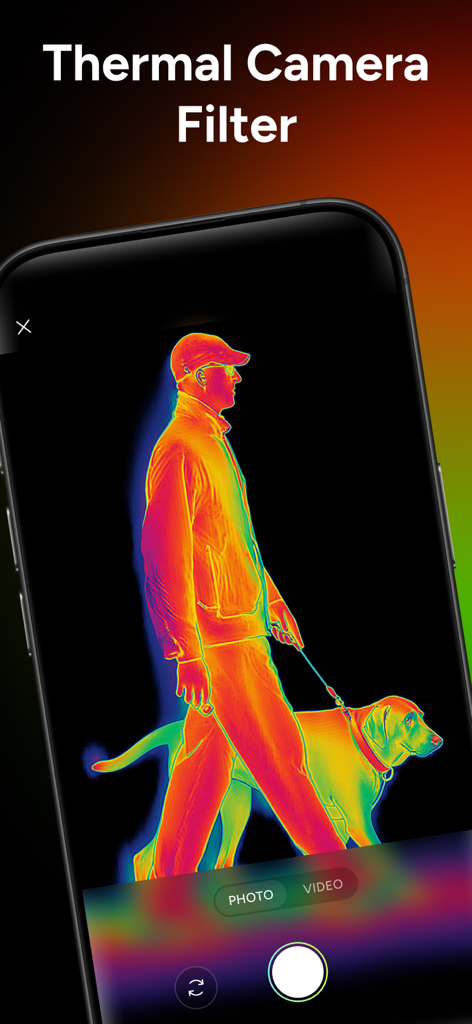
Smartphone screen showing a thermal heat map filter applied to a man walking his dog
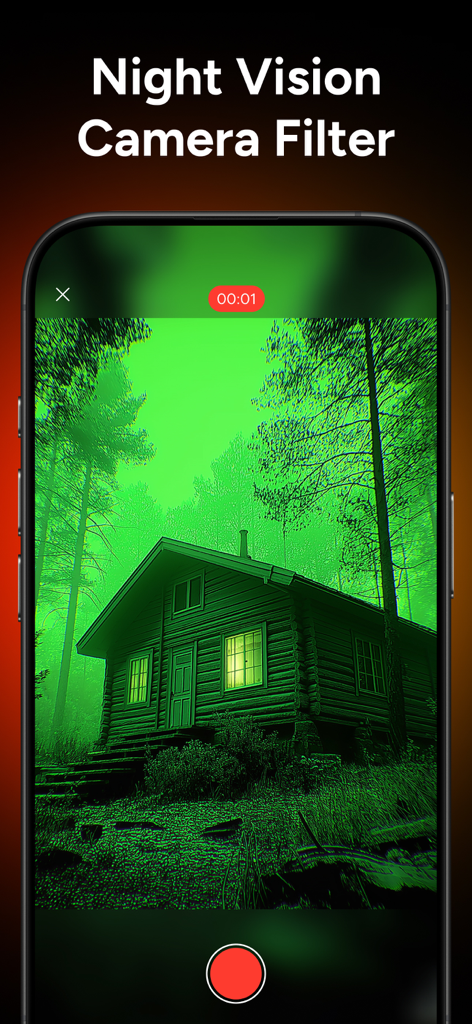
Smartphone screen showing a green night vision filter applied to a wooden cabin in the woods
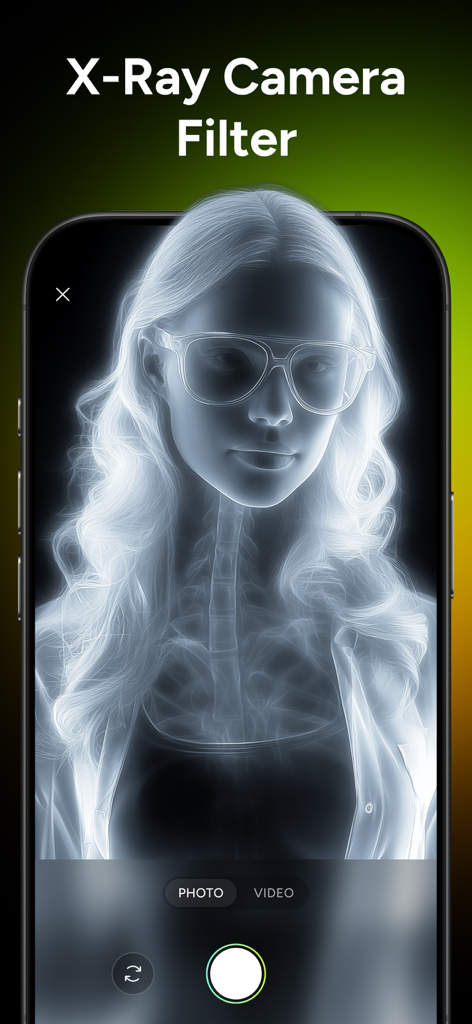
A smartphone displaying an X-ray camera filter effect on a portrait of a woman with glasses.
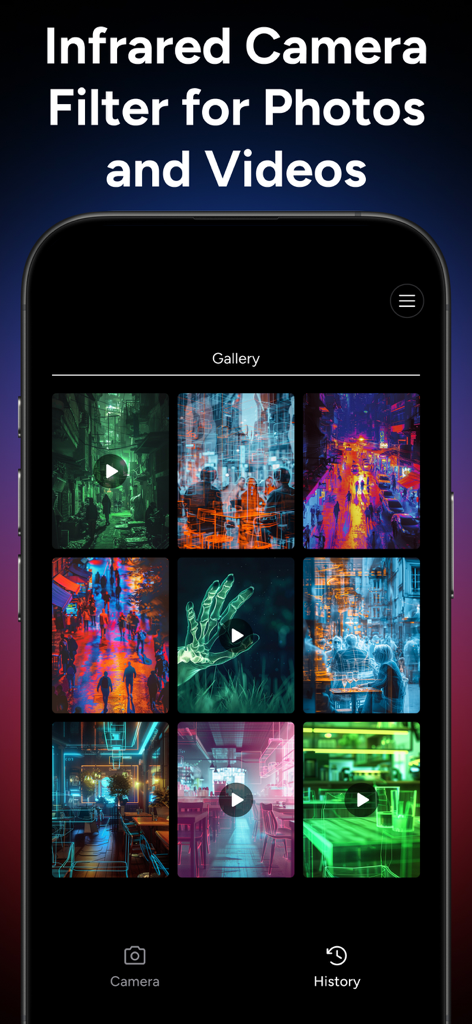
Gallery of infrared and thermal camera filters in a mobile app
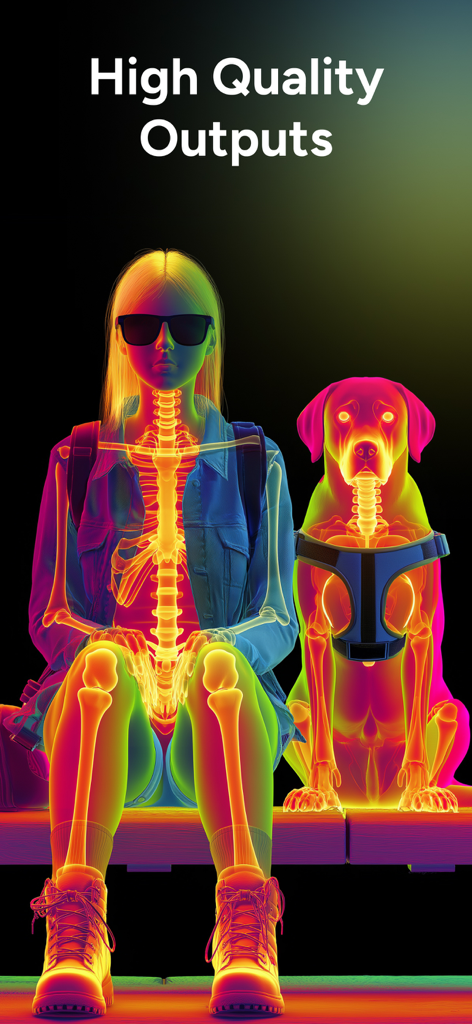
A woman and a dog shown with colorful thermal and x-ray vision filters
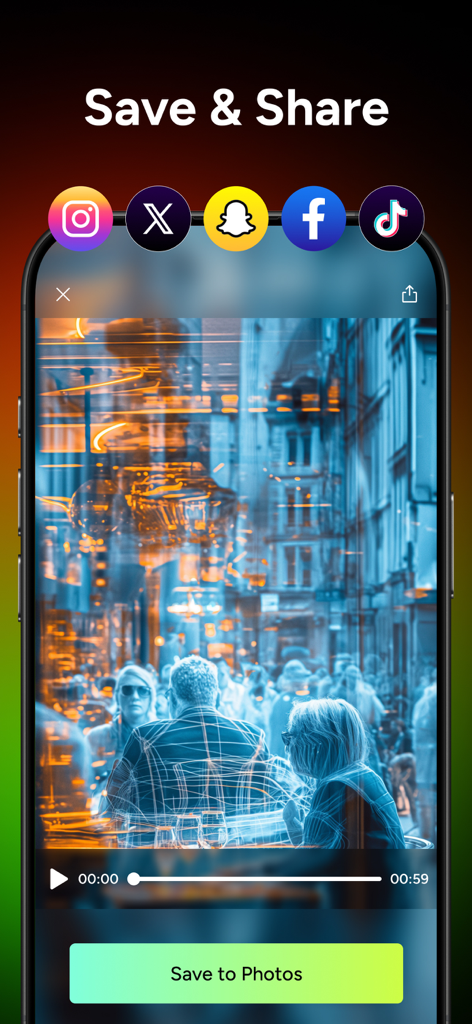
Thermal Camera Filter App interface showing the save and share screen with social media icons and a blue thermal filtered video preview of people in a city
Master the Futuristic Aesthetic
The tools that make this app stand out, trusted by 10K+ users.
🌡️
Signature Thermal looks
Stand out on social with vivid Fire, Iron, and Arctic heat-maps that turn any shot into a high-energy visual masterpiece.
🌃
Enhanced Night Vision
Capture the city after dark. Lift shadows and reduce noise for clean, moody footage of late-night adventures and urban exploration.
🎬
Pro Creator Toolkit
Take full control with live histograms, focus peaking, and manual ISO for cinematic, stabilized video exports ready for TikTok and Reels.
About the app
Everything you need to know about Thermal Camera Filter App.
Description
View the world as if seen through thermal vision. Create bold visuals with thermal camera palettes, night vision camera enhancements, and infrared camera moods for photos and videos record on the spot or edit what you already shot. Switch looks instantly, fine-tune intensity and contrast, and bring out hidden character in city nights, moody interiors, neon streets, and outdoor adventures.
Go from cool, heat-mapped color to crisp low-light clarity in a tap. The thermal camera look maps scene intensity into vivid palettes (Fire, Iron, Arctic, Viridis) that make subjects pop in both photos and videos. The night vision camera mode lifts shadows, reduces noise, and preserves detail so evening walks and dim rooms look clean and cinematic—again for photos and videos. Prefer something futuristic? The xray camera effect adds high-contrast, edge-focused visuals for striking silhouettes and graphic style across photos and videos. And when you want ethereal tones, the infrared camera vibe delivers dramatic monochrome and false-color moods that stand out on social.
Everything works live with real-time preview, so you can compose confidently before you hit record—or apply the effects later to clips and shots you already have. Adjust exposure, gamma, sharpness, and hue, then export high-quality results with metadata intact. Whether you’re capturing fresh video or crafting a standout photo from your gallery, you’ll get consistent, eye-catching results in seconds.
Ready to push your creativity further day or night? Explore thermal camera, night vision camera, xray camera, and infrared camera looks in one streamlined toolkit for both photos and videos.
What you can do:
- Thermal Camera Filter: Map intensity and contrast into vivid palettes for that signature thermal heat camera aesthetic—great for highlighting subjects in both photos and videos.
- Night Vision Camera Filter: Reveal details in dark scenes with smart exposure, denoise, and contrast controls—perfect for camping, city nights, and indoor low light. Works for photos and videos.
- X-Ray Camera Filter: Add striking high-contrast, edge-focused effects for a futuristic vibe (visual filters only).
Style, clarity, and control in one:
- Photo & Video modes everywhere: Every effect is built to shine on photos and videos—switch without changing apps.
- Live preview: See your look before you shoot with responsive, real-time controls.
- Pro palettes & looks: Fire, Iron, Arctic, Viridis, Monochrome, and more to dial in your thermal camera or infrared camera vibe.
- Manual + smart controls: ISO, shutter, focus peaking, zebras, histogram, and adaptive denoise for confident low-light shooting like a night vision camera.
- Stabilized video: Smoother handheld clips in tough lighting.
- High-quality exports: Preserve detail with high-bitrate video and crisp stills, including metadata.
The app uses advanced image processing, low-light enhancement, and color mapping to produce thermal camera, night vision camera, and infrared camera inspired visuals. Results depend on your scene and device capabilities. Visual effects like X-Ray/UV are artistic filters.
Note: These are vision effects and enhancements. They don’t see through objects, walls, or clothing and shouldn’t be used for safety-critical tasks.
Privacy Policy: https://kupertinolabs.com/privacy-policy
Terms of Use: https://kupertinolabs.com/terms-of-use
Latest Version
1.0.2
Size
119.5 MB
First Released
Oct 13, 2025
Capture the Heat. Own the Night.
Join thousands of creators turning dark streets and moody interiors into futuristic masterpieces. Download now to unlock the ultimate thermal and night vision toolkit.
App information, icons, screenshots, and descriptions displayed on this page are sourced from the Apple App Store and are the property of their respective developers. Download estimates and rankings are based on MWM's proprietary models and may not reflect actual figures. This page is provided for informational and analytical purposes only.
Believe this page infringes your intellectual property? File a dispute