
This page is not an official page of the app or its developer, but an independent editorial publication created for informational and commentary purposes. Unless expressly stated otherwise, neither the app nor its developer is affiliated with, endorsed by, sponsored by, authorized by, or otherwise officially connected with MWM, Apple, Google Play, the app publisher, or the app's developer, and nothing on this page implies that the app was developed using MWM's services. Any trademarks, logos, screenshots, and other content remain the property of their respective owners.


InFrame - Photo editor collage
Create your perfect aesthetic in seconds. Turn everyday photos into stunning artworks with high-standard layouts, artistic filters, and the ultimate freestyle editor designed for your social feed.
Downloads
4M+User Rating
Total Ratings
81K+Publisher
Category
Photo & VideoLocales
25Latest Version
1.8.8Size
259.6 MBFirst Released
Sep 20, 2016Level Up Your Aesthetic
The all-in-one photo editor designed to turn your everyday moments into high-end social media masterpieces with zero effort.
Pro-Level Frames
Give your photos a professional edge with curated frames that make every post look like it belongs in a high-fashion magazine.
Mood-Setting Filters
Express your unique vibe using cinematic color schemes designed to convey emotion and capture your audience's attention.
Frequently Asked Questions
Everything you need to know about InFrame - Photo editor collage
What features does InFrame - Photo editor collage offer?
InFrame offers frames, filters, background customization, text addition, and handy photo editing operations like moving, rotating, scaling, and cropping. It also includes collage and Light FX tools to level up Instagram posts.
Is InFrame - Photo editor collage free to use?
Yes, InFrame is available for free download. The app description states, "Check it out for free!" It also offers an InFrame Pro Subscription for additional features or content, requiring in-app purchases.
How does InFrame help upgrade photos with frames?
InFrame helps upgrade photos with frames by providing various high-standard photo frames. These frames enhance the beauty of photos, achieving a professional look, and users can create unique posts.
Can users express mood with filters in InFrame - Photo editor collage?
Yes, InFrame allows users to express their mood with filters. The app provides numerous filters with distinct color schemes, enabling users to convey feelings and styles without words.
What background customization options are available in InFrame?
InFrame provides Blur Style to highlight subjects, Color Style for modifying background colors, and 'InFrame' style for unique background patterns using Instagram-inspired colors. These options customize the photo's background.
How can I add text to photos using InFrame - Photo editor collage?
Users add text with plentiful fonts and colors to photos within InFrame. This feature helps record the story behind the post, including details like time, companions, location, and emotions, allowing for personalized signatures.
Where can I share photos created with InFrame - Photo editor collage?
InFrame supports sharing photos to Instagram, WhatsApp, Messenger, Twitter, or any other social networking service. Users can also save their edited photos directly to their camera roll.
How do I manage my InFrame Pro subscription?
Users manage their InFrame Pro subscription and auto-renewal through their iTunes Account Settings after purchase. Auto-renewal must be turned off at least 24 hours before the current period ends.
Where can I find the Terms of use and Privacy Policy for InFrame?
The Terms of Use for InFrame are located at 'https://inframe.app/terms_of_use.html'. The Privacy Policy is available at 'https://inframe.app/privacy.html'. Both links are provided directly in the app description.
Does InFrame - Photo editor collage include a collage maker?
Yes, InFrame includes a 'Collage Maker' feature. It allows users to combine multiple photos into various layouts, as demonstrated in the application's interface, providing creative collage options.
What is the 'Light FX' feature in InFrame?
The 'Light FX' feature in InFrame applies various lighting effects, such as 'Smoke', 'Neon', and 'Love' themes, to photos. These effects enhance visual appeal and add artistic elements.
Can I crop photos in InFrame - Photo editor collage?
Yes, InFrame allows users to crop photos freely. The app provides options to crop photos with any desired proportion and position, ensuring ease-of-use and precise control over edits.
The following screenshots and description are sourced directly from the app's official store listing and are the property of the app developer.
App Store
Screenshots
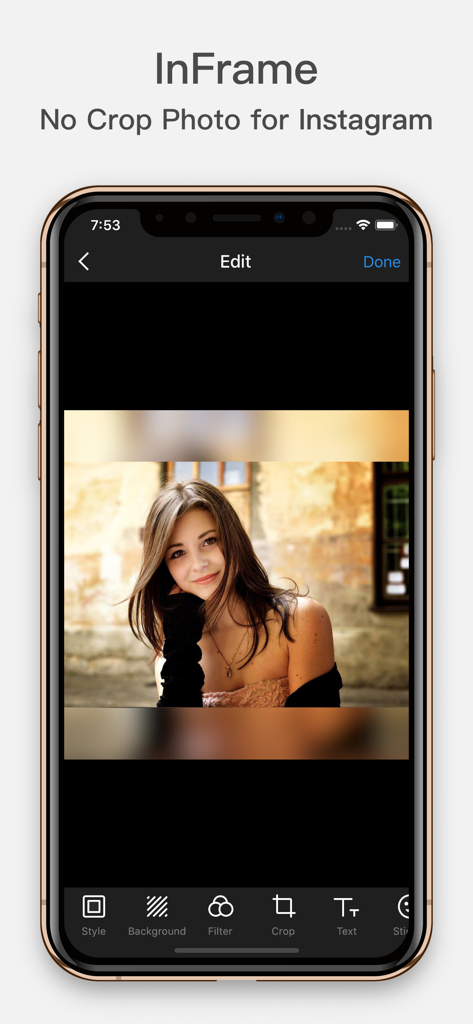
InFrame photo editor interface featuring a no crop portrait with a blurred background effect
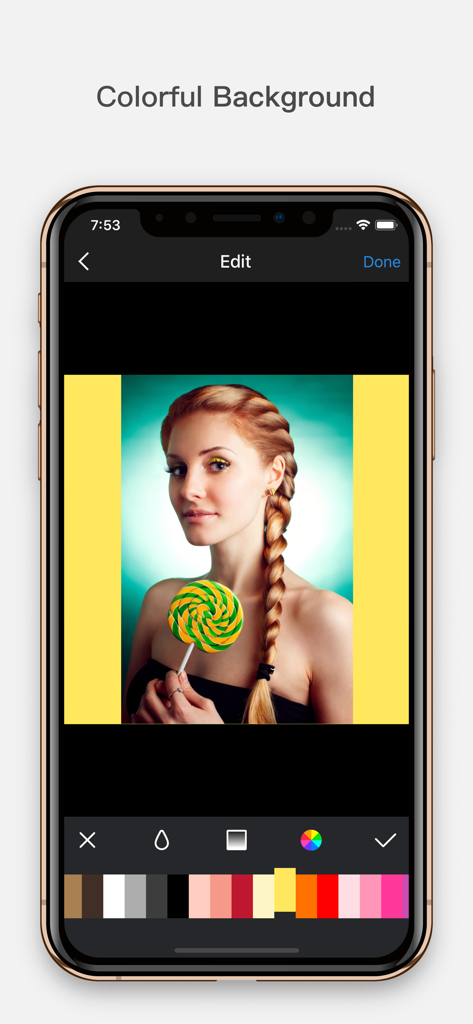
Mobile app interface showing a portrait photo with a bright yellow background being selected from a color palette.
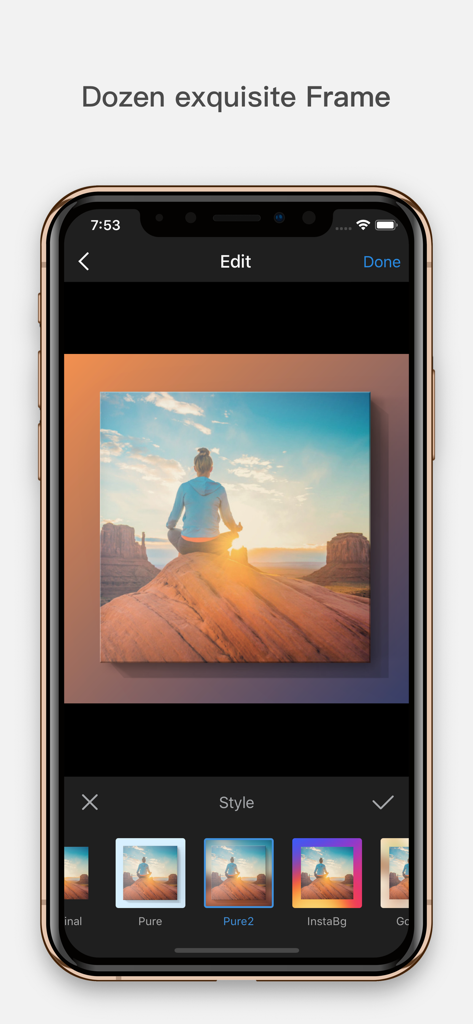
Interface of the InFrame app showing a landscape photo being edited with different exquisite frame styles
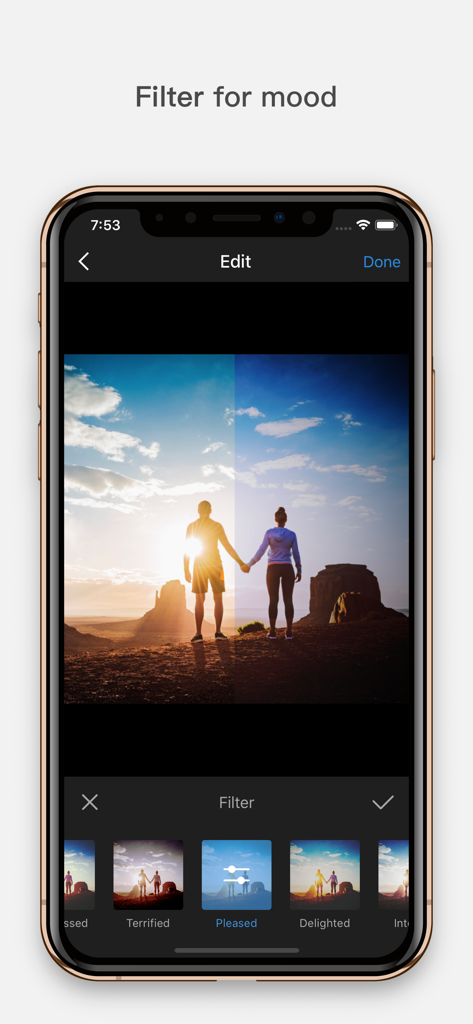
InFrame photo editor screen displaying various mood filters for a sunset landscape photo of a couple
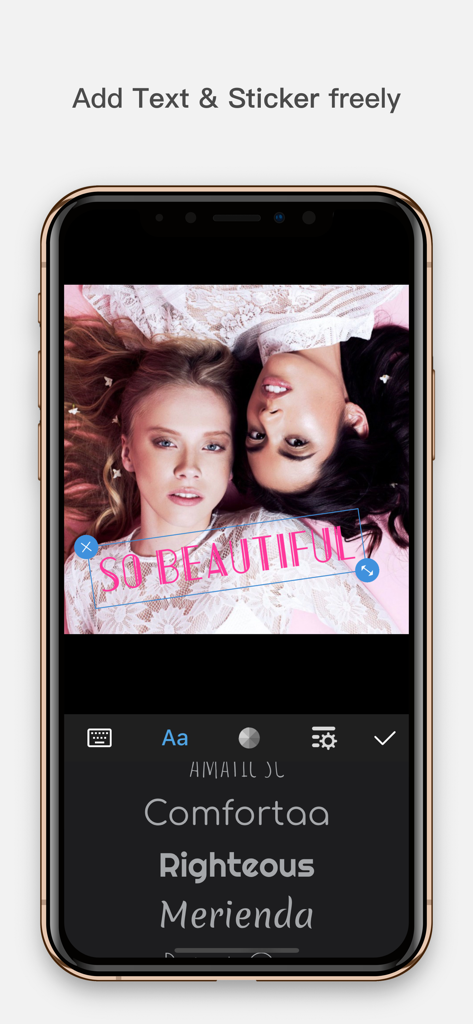
Smartphone screen displaying InFrame photo editor with pink text overlay and font selection menu
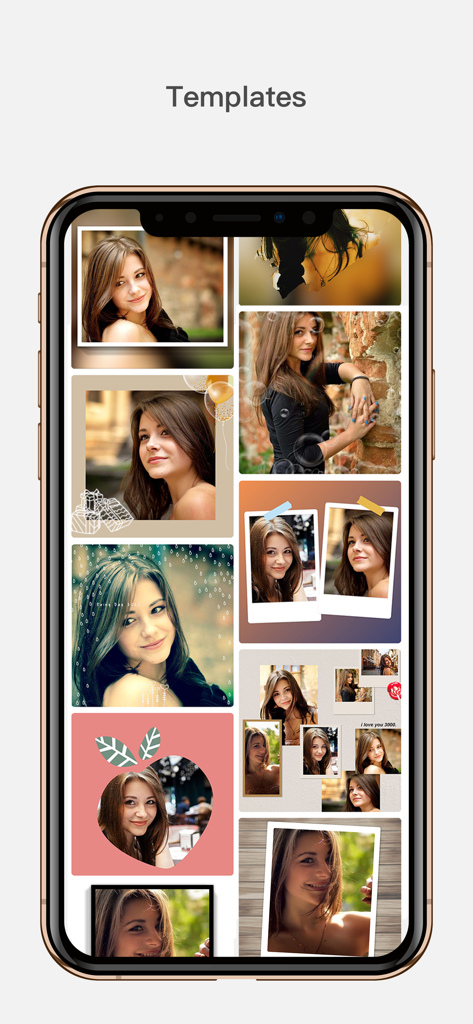
A smartphone display showing a collection of creative photo collage templates and artistic frames in the InFrame app
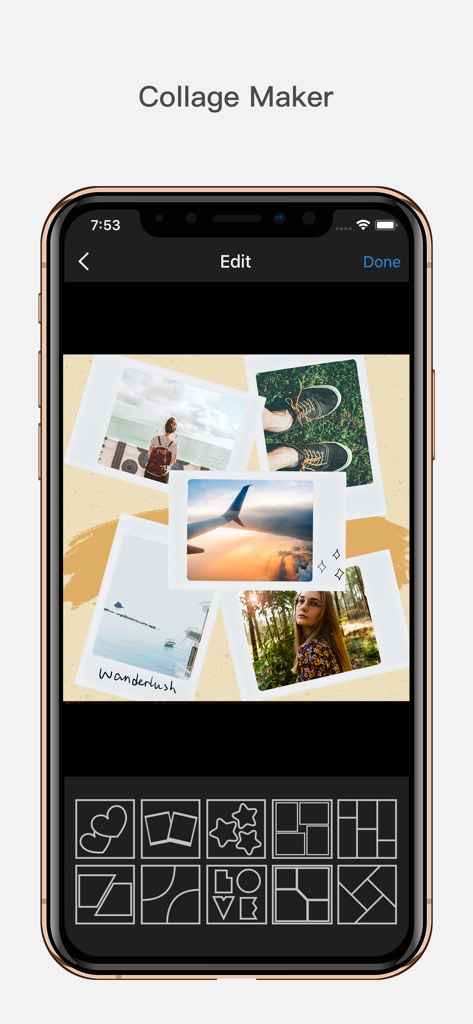
Mobile app interface of InFrame showing a collage maker with polaroid style photos and various grid layout options.
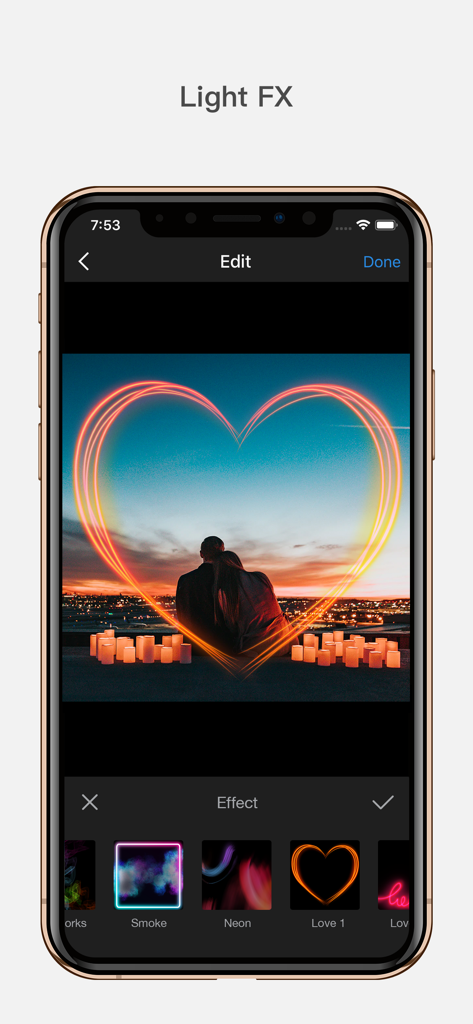
InFrame app interface displaying a neon heart light effect on a romantic sunset photo.
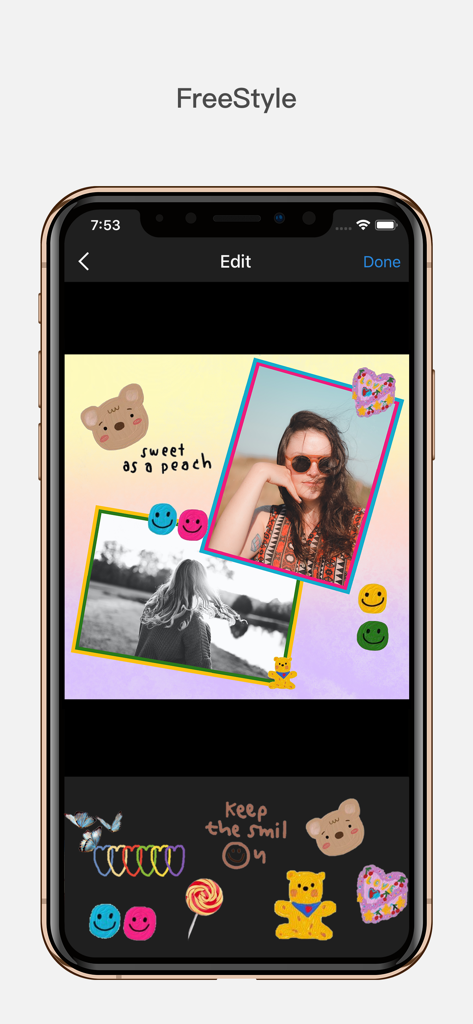
InFrame mobile app interface showing freestyle collage editing with photos stickers and text decorations
Description
Download
More Like This
Apps with similar features and user experience

WataameCamera
kenji hara

MagicBrew: AI Photo Editor
Cardinal Blue Software, Inc

Graphite: Turn Photo to Sketch
Digital Masterpieces GmbH
BeCasso: Photo to Painting App
Digital Masterpieces GmbH

YingLow
立肯 郑

Colorify: Coloring Book Maker
YOYA MOBILE TEKNOLOJI ANONIM SIRKETI

Banana Studio: AI Photo Editor
Ozan Kilic

Artifex AI - AI photo Editor
Walrus Holdings(Hong Kong)Limited

Coloring Pop – Photo Art Maker
Pal Patel
This page is not an official page of the app or its developer, but an independent editorial publication created for informational and commentary purposes. Unless expressly stated otherwise, neither the app nor its developer is affiliated with, endorsed by, sponsored by, authorized by, or otherwise officially connected with MWM, Apple, Google Play, the app publisher, or the app's developer, and nothing on this page implies that the app was developed using MWM's services. Any trademarks, logos, screenshots, and other content remain the property of their respective owners.