Graphite: Turn Photo to Sketch
Download on App Store

This page is not an official page of the app or its developer, but an independent editorial publication created for informational and commentary purposes. Unless expressly stated otherwise, neither the app nor its developer is affiliated with, endorsed by, sponsored by, authorized by, or otherwise officially connected with MWM, Apple, Google Play, the app publisher, or the app's developer, and nothing on this page implies that the app was developed using MWM's services. Any trademarks, logos, screenshots, and other content remain the property of their respective owners.

Logo of Graphite: Turn Photo to Sketch
Download on App Store

Graphite: Turn Photo to Sketch

Transform your photos and videos into high-resolution digital art with AI-powered pencil and charcoal filters. Precision editing meets total privacy on your iPhone, iPad, and Mac.

Key Figures

Downloads

1M+

User Rating

4.8/5

Total Ratings

15K+

Publisher

Digital Masterpieces GmbH

Category

Photo & Video

Locales

11

Latest Version

4.3.3

Size

558.4 MB

First Released

Oct 23, 2019
Features

Elevate Your Photos into Timeless Art

Graphite uses cutting-edge AI to instantly transform your images and videos into high-quality sketches, providing professional tools to refine every detail.

Precision Creative Control

Take command with the Apple Pencil to adjust outlines and retouch facial features for a truly hand-drawn finish.

Private & High-Resolution

Your photos never leave your device. Create in total security and export masterpieces in stunning 64MP or 4K video.

The following screenshots and description are sourced directly from the app's official store listing and are the property of the app developer.

App Store

Screenshots
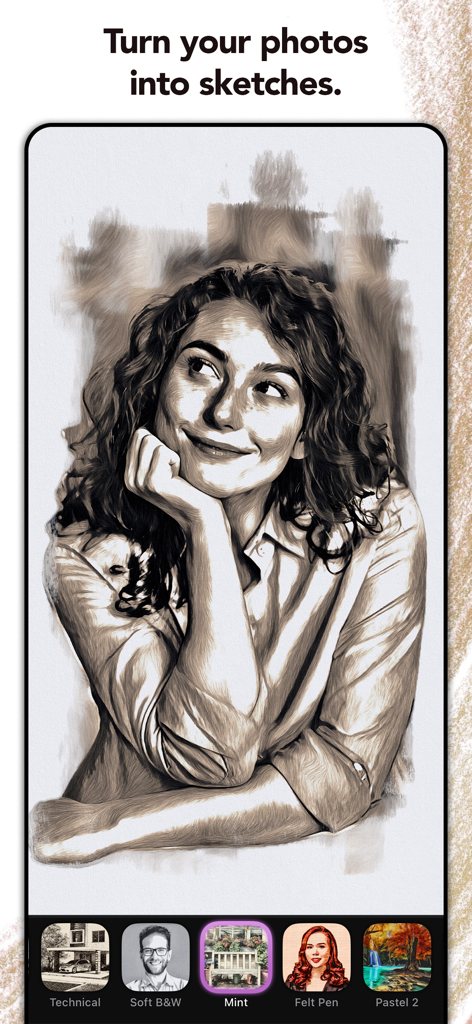
Graphite: Turn Photo to Sketch - A professional pencil sketch of a smiling woman created from a photo using the Graphite app
A professional pencil sketch of a smiling woman created from a photo using the Graphite app

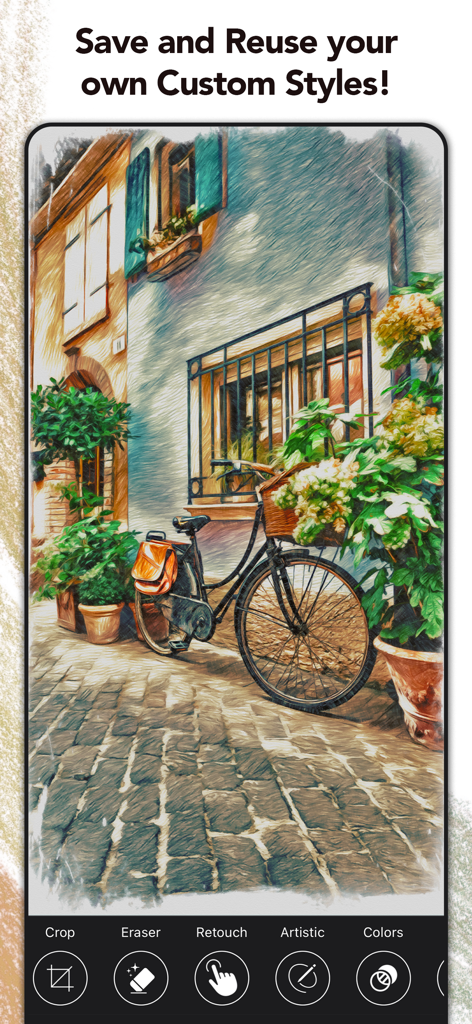
Graphite: Turn Photo to Sketch - A bicycle leaning against a building transformed into a colorful pencil sketch using custom styles in the Graphite app
A bicycle leaning against a building transformed into a colorful pencil sketch using custom styles in the Graphite app

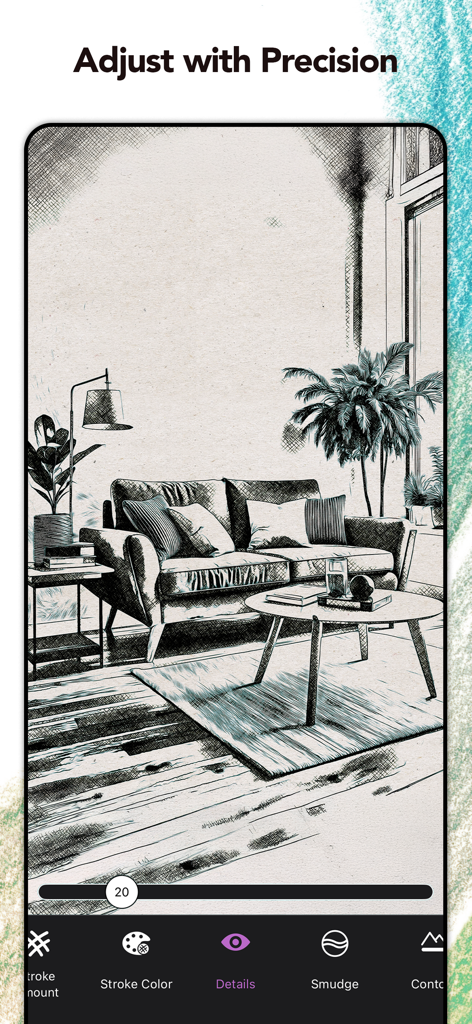
Graphite: Turn Photo to Sketch - A living room photo converted to a pencil sketch being adjusted with precision tools in the Graphite app
A living room photo converted to a pencil sketch being adjusted with precision tools in the Graphite app

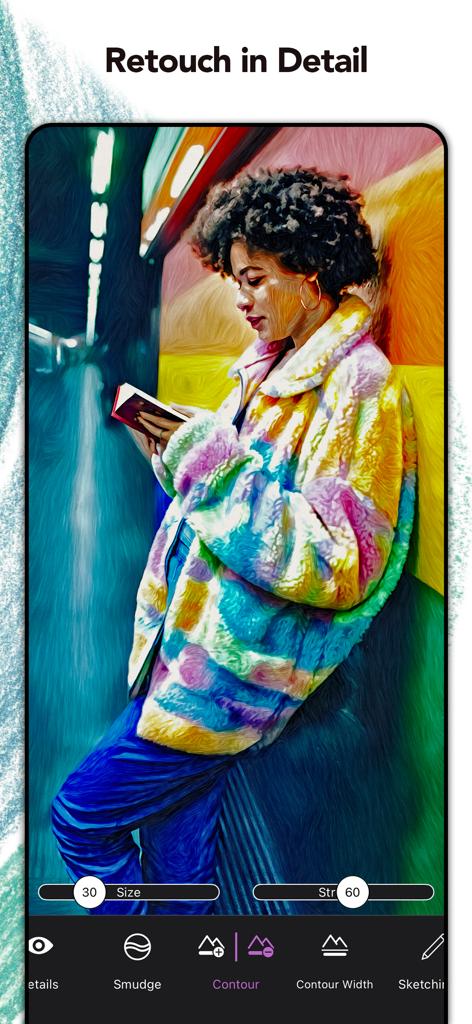
Graphite: Turn Photo to Sketch - Screenshot of Graphite app showing detailed retouching and contour tools on a colorful sketch portrait
Screenshot of Graphite app showing detailed retouching and contour tools on a colorful sketch portrait

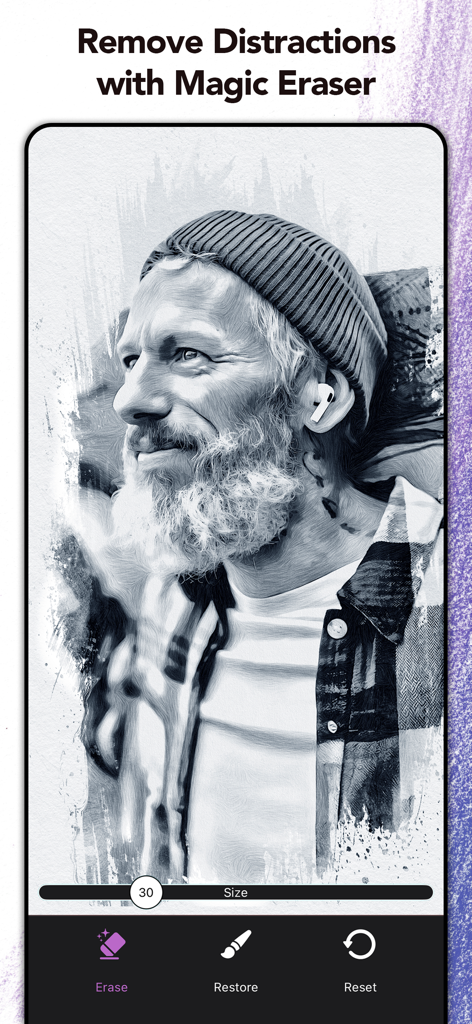
Graphite: Turn Photo to Sketch - A digital charcoal sketch of a man being edited with the Magic Eraser tool in the Graphite app.
A digital charcoal sketch of a man being edited with the Magic Eraser tool in the Graphite app.

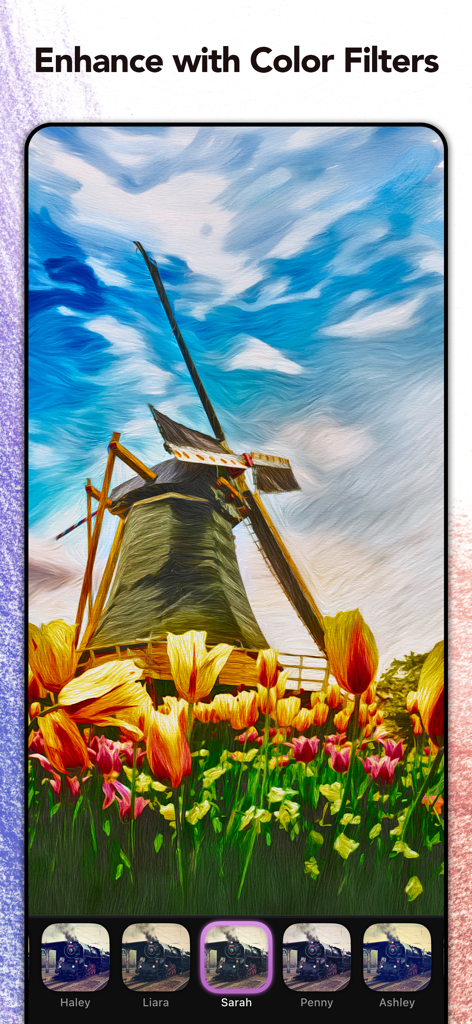
Graphite: Turn Photo to Sketch - Screenshot of Graphite app showing a windmill photo enhanced with a vibrant color filter and artistic brush strokes
Screenshot of Graphite app showing a windmill photo enhanced with a vibrant color filter and artistic brush strokes

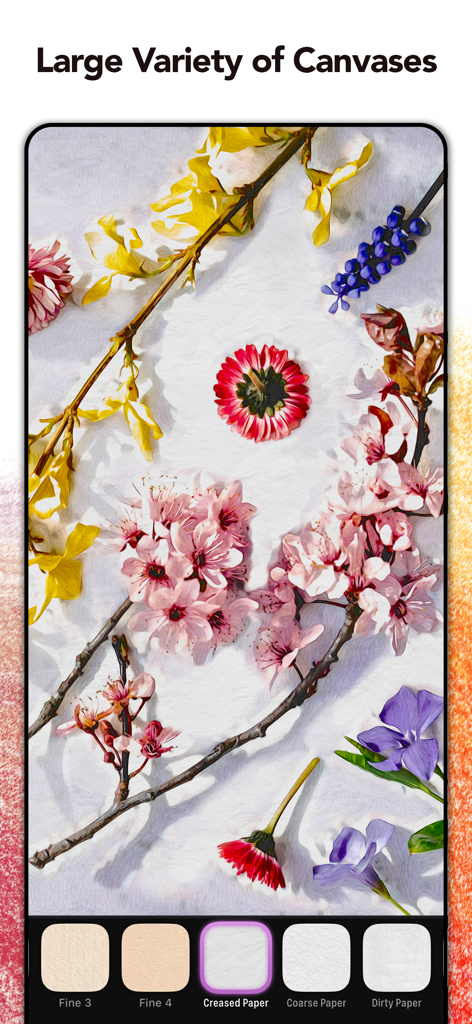
Graphite: Turn Photo to Sketch - Graphite app interface showing a floral sketch with various paper and canvas texture options like creased and coarse paper.
Graphite app interface showing a floral sketch with various paper and canvas texture options like creased and coarse paper.

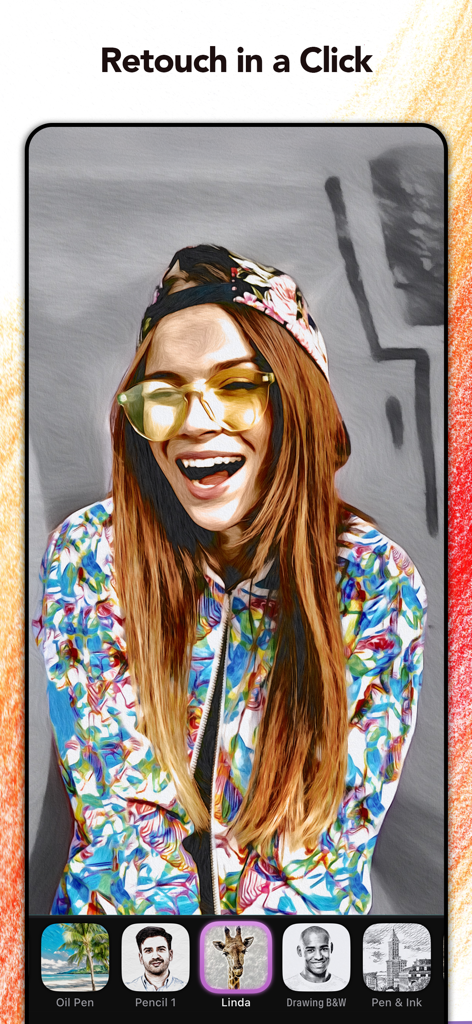
Graphite: Turn Photo to Sketch - A woman portrait edited with a sketch filter in the Graphite app showing various artistic style options
A woman portrait edited with a sketch filter in the Graphite app showing various artistic style options

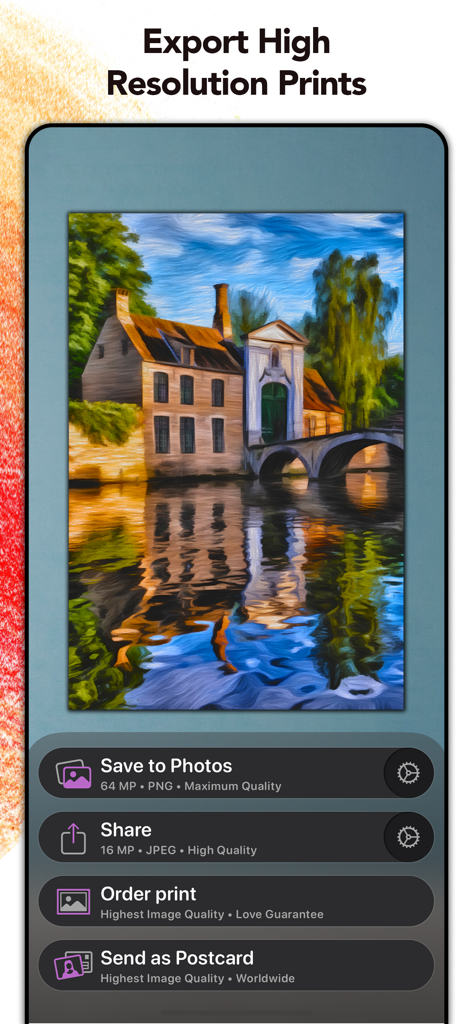
Graphite: Turn Photo to Sketch - Screenshot of Graphite app showing options to save to photos share order prints or send as a postcard for a digital painting
Screenshot of Graphite app showing options to save to photos share order prints or send as a postcard for a digital painting

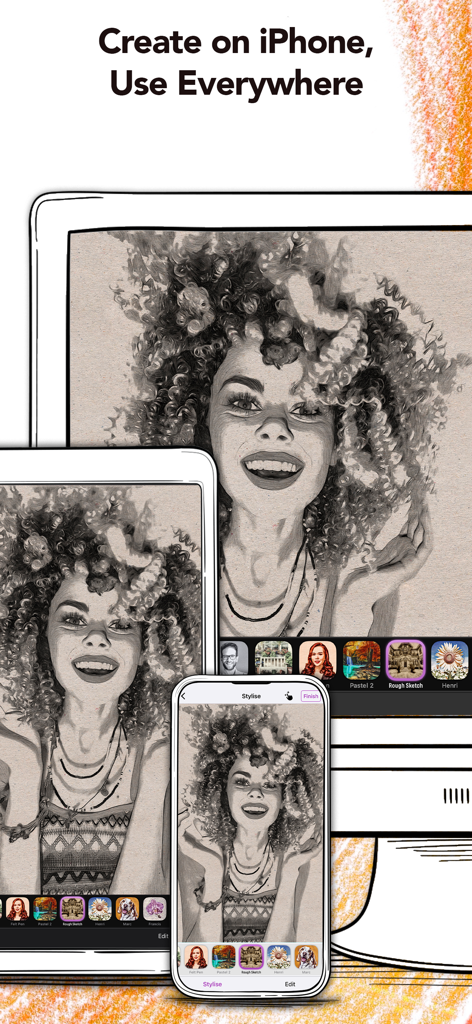
Graphite: Turn Photo to Sketch - Graphite app showing a pencil sketch portrait on iPhone, iPad, and Mac.

Graphite app showing a pencil sketch portrait on iPhone, iPad, and Mac.

Description

Graphite is a picture and video editing app that instantly transforms your photos and videos into high-quality drawings, sketches, and illustrations—directly on your Mac, iPhone or iPad. Listed as TechRadar’s Best Free Photo and Video Editing iPad App of 2022. Use Graphite for free! - Instantly transform as many photos as you like into high-detail pencil, charcoal or technical drawings. - Transform and enhance your videos** with the most cutting edge Graphite filters. - Utilize Graphite’s unique AI technology to get the most out of your digital masterpieces. - Apply all art effects directly on your Mac, iPhone or iPad. It is safe—your photos never leave your device! - Export your transformed snaps in high resolution (up to 64 MP) or high quality video (up to 4K)*, and share them on Instagram, Snapchat, Youtube, TikTok and Facebook. As a plus, Graphite Premium* gives you the ability for pixel-precise fine-tuning: Use your finger or Apple Pencil to adjust the level of detail, to remove unwanted outlines, or to make your drawings sketchier. This way you can retouch facial features in photos and create stunning technical illustrations of hand-drawn quality! Try the Adjustment Tool to create your own unique style. Finally, make your digital masterpieces special with Graphite’s integrated color filters, fine-art papers, and vignettes. Share your drawings or surprise your friends with a print. We work together with MyPostcard (www.mypostcard.com) and CanvasPop (www.canvaspop.com) to offer an integrated printing service. Send your awesome images as a real postcard for only $2.69 (free shipping!) to your loved ones, or have your favorite moment produced as frameable art delivered straight to your door. Even large sizes are not a problem thanks to our high-quality, high-resolution technology. HOW DOES IT WORK? ・ Select a photo or video* from your library. ・ Choose between various sketch, pencil and technical illustration effects ・ Adjust outlines, details and the sketchiness of your picture* ・ Retouch portraits or even landscapes with your finger or Apple Pencil* ・ Set your drawings in the right mood with a color filter* ・ Choose between different papers and canvases to give your sketch the extra arty touch* ・ Save your sketch or illustration in high resolution (up to 64 MP), or export up to 4K in video resolution**. ・ With Custom Styles you can personalize and save your very own styles with ease. ・ Share your arty pictures and videos on social media like TikTok, Youtube, Snapchat, Instagram and Facebook. ・ Print your results with our integrated printing services, e.g., order a postcard for just $2.69 (free shipping included!) ・ Create high fidelity videos* perfectly suited for digital productions or go for an arty-stop motion look in your videos. Download the app for free now! Optimized for OS 26, the iPhone 17 and iPhone 17 Pro. SUPPORT If you have any questions or feedback for us, please feel free to send us an email at support@digitalmasterpieces.com. Our team is on hand 24 hours a day, so we'll get right on it. * Subscribe to unlock all features Terms of Use: https://www.digitalmasterpieces.com/app-terms-of-use/

Download

Download on App Store

This page is not an official page of the app or its developer, but an independent editorial publication created for informational and commentary purposes. Unless expressly stated otherwise, neither the app nor its developer is affiliated with, endorsed by, sponsored by, authorized by, or otherwise officially connected with MWM, Apple, Google Play, the app publisher, or the app's developer, and nothing on this page implies that the app was developed using MWM's services. Any trademarks, logos, screenshots, and other content remain the property of their respective owners.