iDrop - Pick a Color!

iDrop - Pick a Color!

Logo of iDrop - Pick a Color!

iDrop - Pick a Color! Turn Real-World Inspiration into Digital Palettes

Capture precise hex codes from any pixel, curate unique color collections, and export them directly to CSS. The ultimate shortcut for designers and developers to bring their vision to life.

Publisher

Emre Oner

Category

Productivity

Downloads

100+

User Rating

1.0/5

Total Ratings

0

Locales

1

From Pixels to Palettes

Discover the interface used by 100+ users.
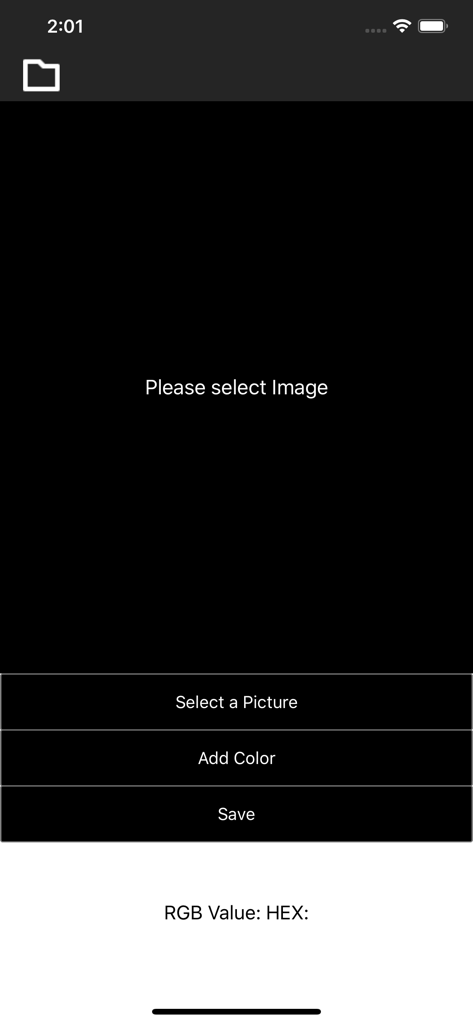
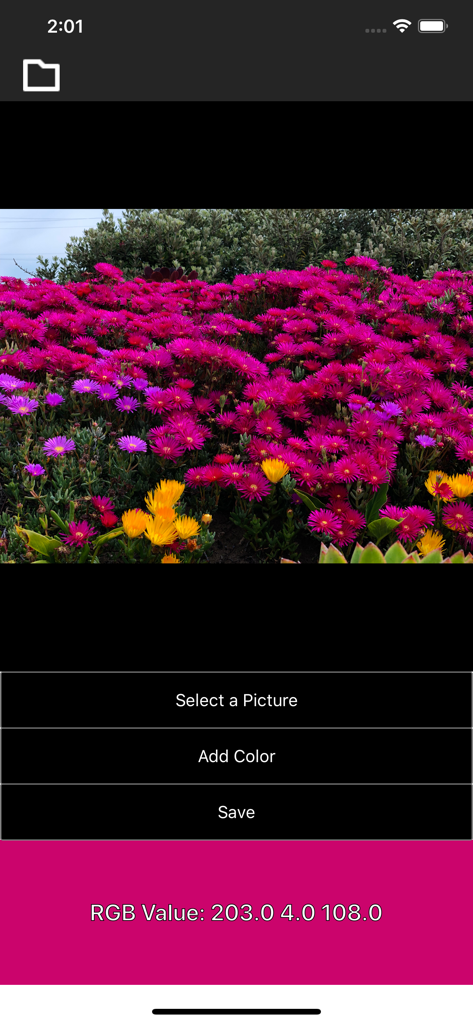
Main interface of iDrop app showing buttons to select a picture and add color for hex extraction

Main interface of iDrop app showing buttons to select a picture and add color for hex extraction

iDrop app interface showing a magenta color picked from a flower photo with RGB values

iDrop app interface showing a magenta color picked from a flower photo with RGB values

The iDrop app extracting RGB color codes from an image of bright pink flowers

The iDrop app extracting RGB color codes from an image of bright pink flowers

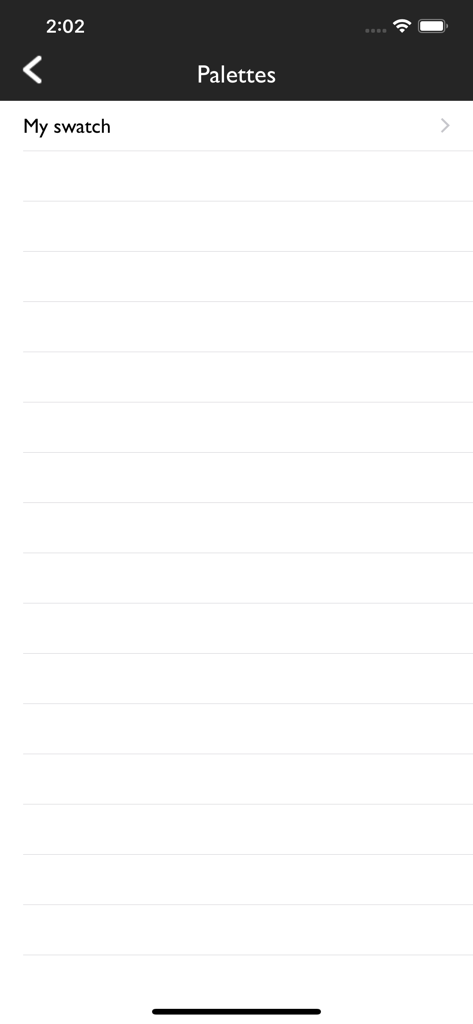
The palettes screen of the iDrop app showing a list of saved color collections.

The palettes screen of the iDrop app showing a list of saved color collections.

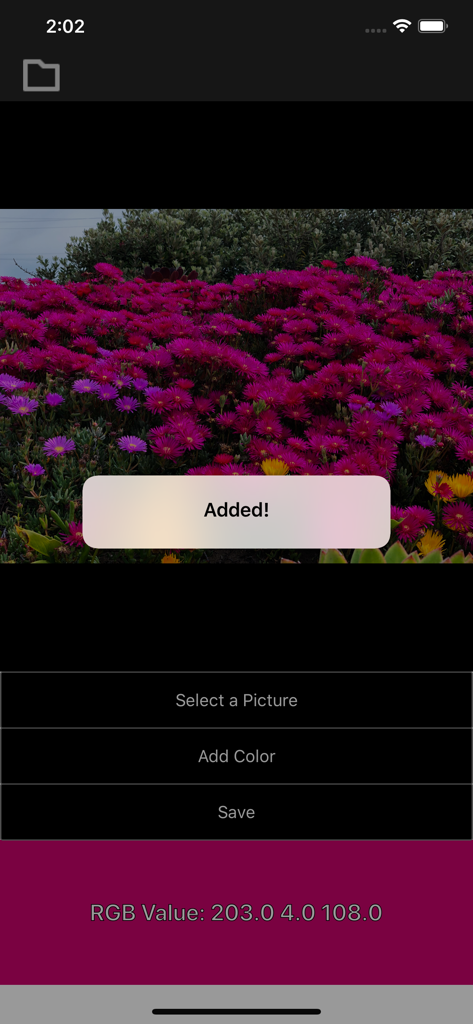
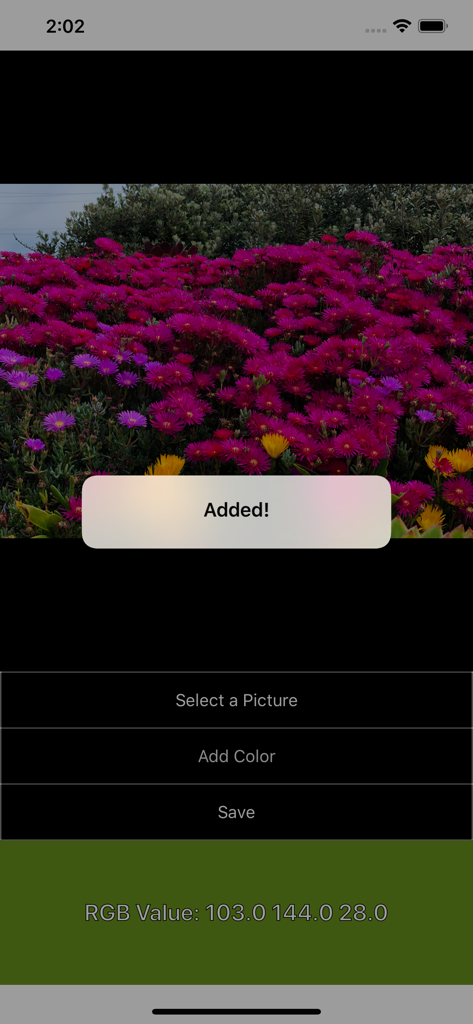
idrop app extracting RGB color values from a photo of flowers with an added confirmation popup

idrop app extracting RGB color values from a photo of flowers with an added confirmation popup

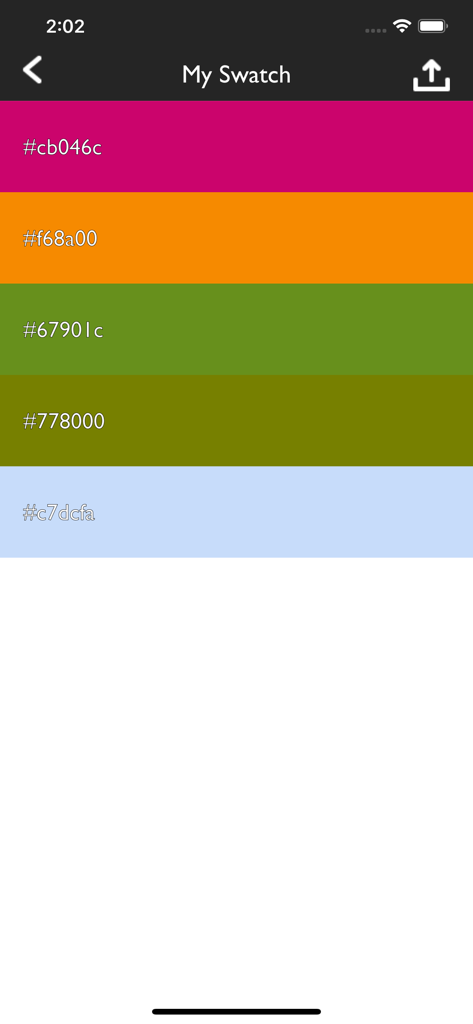
A list of saved color strips with their corresponding hex codes in the iDrop app

A list of saved color strips with their corresponding hex codes in the iDrop app

Design Faster with Professional Color Tools

The tools that make this app stand out, trusted by 100+ users.

🎯

Pixel-Perfect Extraction

Pinpoint and extract exact hex codes from any pixel in your photos with high-precision sampling.

💻

Instant CSS Export

Stop manual typing and export your palettes directly into CSS files for your web projects and cloud storage.

🎨

Curated Palette Libraries

Build and organize unique color themes to maintain brand consistency across all your creative assets.

About the app

Everything you need to know about iDrop - Pick a Color!.

Description

Using this application, you can extract color hex codes from any pixel of any photograph or picture you desire. You can add any color you want, and create your very own unique color palette! Furthermore, you can save those colors in CSS file format on your computer and/or your cloud accounts. WARNING: Your color palettes are saved on your mobile phone (unless you transfer them somewhere else); so if you delete the application or switch to a new mobile phone, unfortunately all your saved color palettes will be gone.

Latest Version

1.5

Size

0.4 MB

First Released

Feb 9, 2019

Ready to Code Your Inspiration?

Download iDrop today to transform any photo into a professional color palette. Extract hex codes and export CSS instantly to keep your creative workflow moving.

App information, icons, screenshots, and descriptions displayed on this page are sourced from the Apple App Store and are the property of their respective developers. Download estimates and rankings are based on MWM's proprietary models and may not reflect actual figures. This page is provided for informational and analytical purposes only.

Believe this page infringes your intellectual property? File a dispute