
This page is not an official page of the app or its developer, but an independent editorial publication created for informational and commentary purposes. Unless expressly stated otherwise, neither the app nor its developer is affiliated with, endorsed by, sponsored by, authorized by, or otherwise officially connected with MWM, Apple, Google Play, the app publisher, or the app's developer, and nothing on this page implies that the app was developed using MWM's services. Any trademarks, logos, screenshots, and other content remain the property of their respective owners.


IDVaaS
Skip the office and verify your identity in minutes. Securely scan your ePassport and confirm biometrics from your smartphone—no physical visits or document mailing required.
Downloads
19K+User Rating
Total Ratings
0Publisher
Category
UtilitiesLocales
1Latest Version
8.0.925Size
224.9 MBFirst Released
Apr 19, 2025Secure Identity Verification at Your Fingertips
IDVaaS eliminates the need for physical appointments and paperwork. Verify your identity for immigration or digital services in minutes, not weeks.
Skip the Office
Complete your verification remotely without ever visiting a government facility or enrollment center.
Secure Chip Reading
Use your phone's NFC reader to securely validate your ePassport or ID. No physical mailing required.
Frequently Asked Questions
Everything you need to know about IDVaaS
What is the Entrust IDVaaS app used for?
The Entrust IDVaaS solution enables remote verification of an individual's claimed identity. It is used for immigration, border management, or digital services delivery by utilizing smartphone technology.
How does the IDVaaS app verify identity?
The IDVaaS app verifies identity by reading and validating electronic machine-readable travel documents (ePassports/eIDs) with a smartphone, combined with accessing trusted biometrics for comparison with a live facial biometric.
What documents does the Entrust IDVaaS app use for verification?
The Entrust IDVaaS app utilizes electronic machine-readable travel documents (ePassports or eIDs) for verification. It reads these documents with a smartphone's camera and contactless NFC reader functionality.
Is the IDVaaS identity verification process secure?
Yes, the IDVaaS identity verification process is secure. It uses encrypted end-to-end security for transmission over public networks and features Security-by-Design architecture to mitigate risks from untrusted smartphones.
How long does it take to complete identity verification with the IDVaaS app?
For first-time users, completing an application with the IDVaaS app typically takes about five to ten minutes. Near real-time approval is granted once the process is complete.
Does the Entrust IDVaaS app require a physical visit for identity verification?
No, the Entrust IDVaaS app does not require a physical visit to a biometric enrollment facility. It offers a convenient remote alternative, eliminating the need for physical submission of identity documents.
How does the IDVaaS app use my smartphone for verification?
The IDVaaS app uses your smartphone's camera to image documents, and its contactless NFC reader to check information stored in electronic identity documents. It also uses the camera to scan your face and take a photo.
Does IDVaaS support identity checks for lost or stolen documents?
Yes, the IDVaaS solution facilitates checks and alerts for lost or stolen identity documents. It also supports watchlist checks as part of its verification process.
Can the Entrust IDVaaS app detect fraud during facial biometric verification?
Yes, the Entrust IDVaaS app performs secure facial biometric identity verification, which includes liveness detection and other counter-fraud features to enhance security.
Is the Entrust IDVaaS app compliant with privacy regulations?
Yes, the Entrust IDVaaS app is compliant with international security requirements and privacy regulations, including GDPR and Privacy by Design principles.
The following screenshots and description are sourced directly from the app's official store listing and are the property of the app developer.
App Store
Screenshots
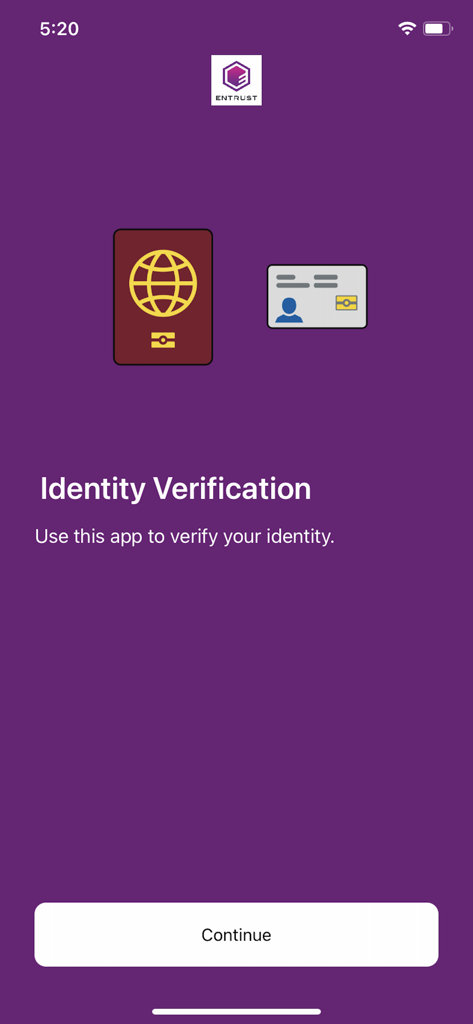
Entrust IDVaaS welcome screen for identity verification featuring icons of a passport and an identity card
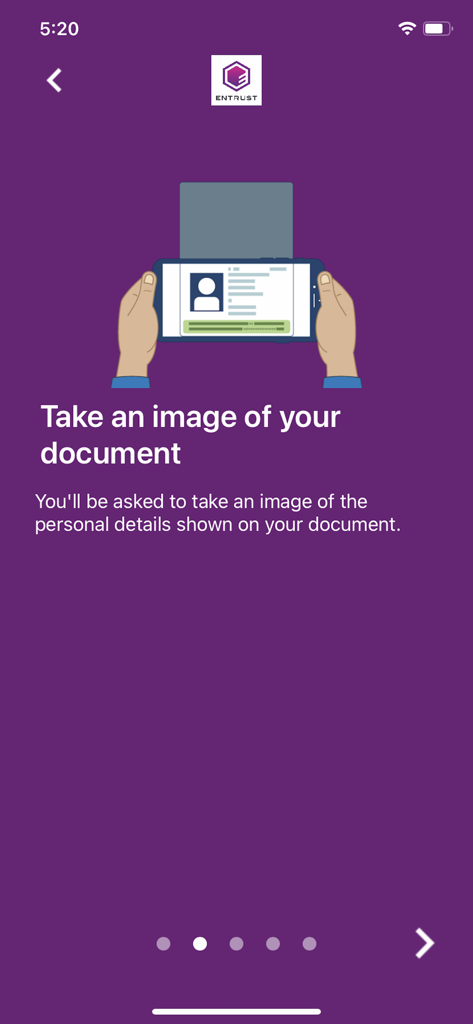
Instructional screen in the IDVaaS app showing an illustration of a smartphone scanning an identity document
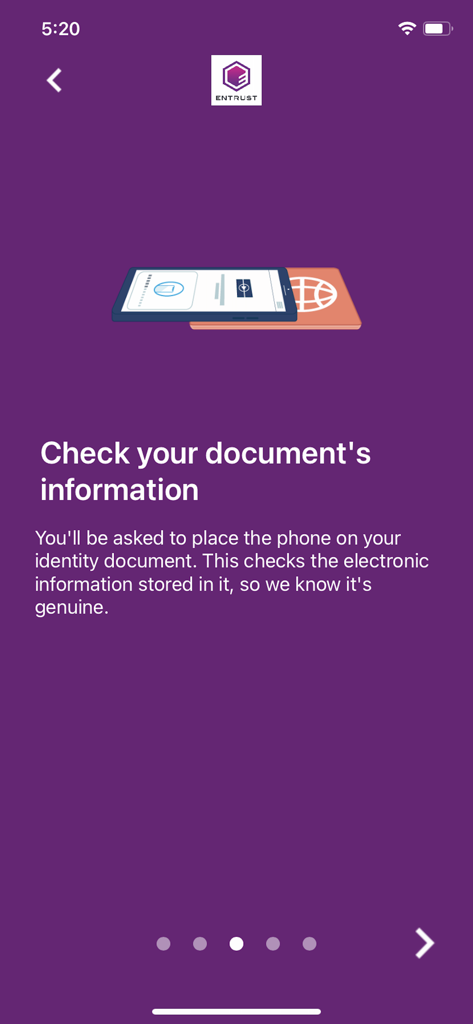
Instructional screen showing a smartphone scanning an electronic passport.
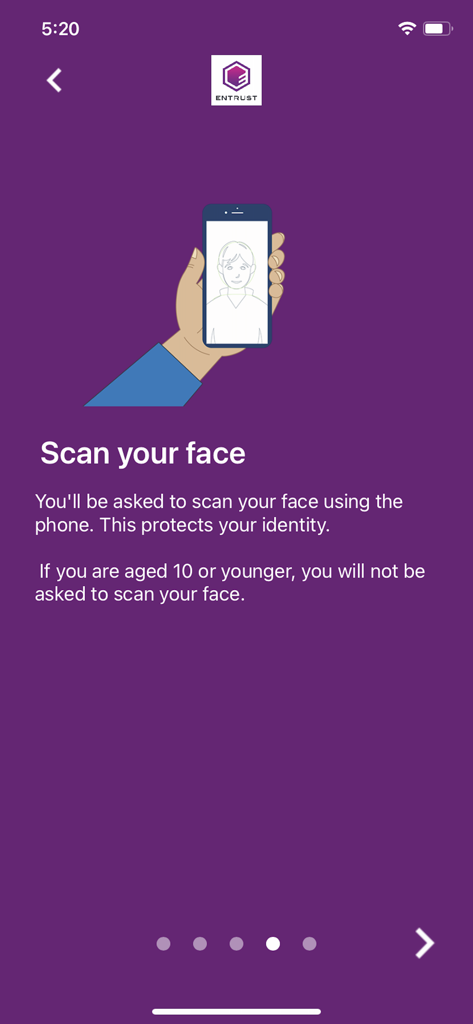
IDVaaS app instruction screen for facial scanning with a purple background and an illustration of a hand holding a smartphone.
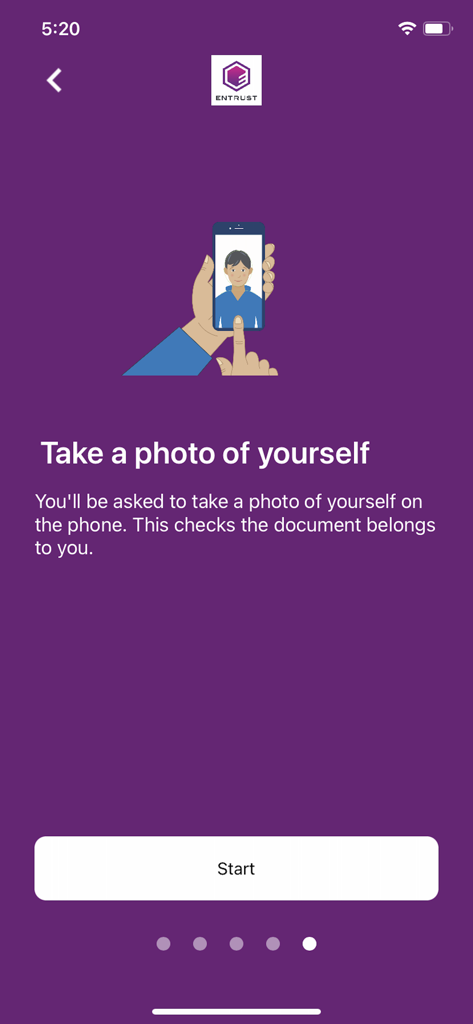
A screen from the IDVaaS app instructing users to take a photo of themselves for identity verification
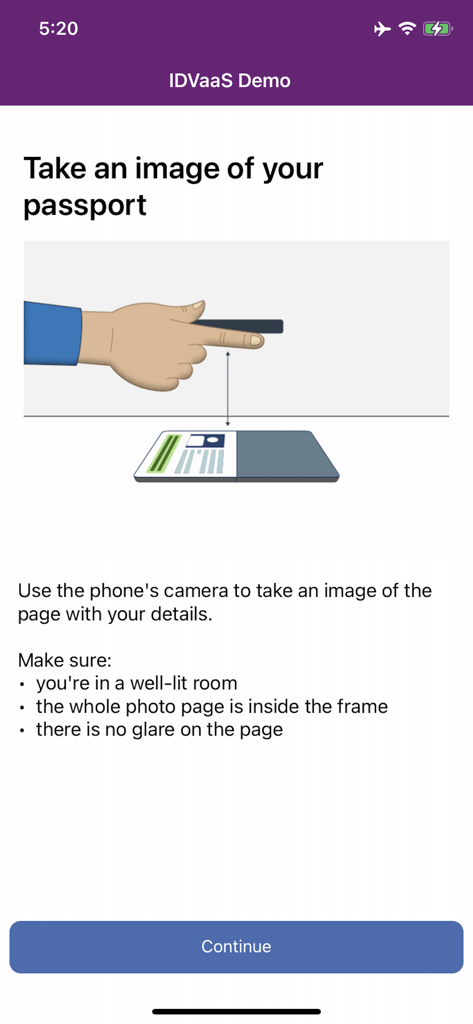
IDVaaS app screen showing instructions and an illustration on how to take a photo of a passport page
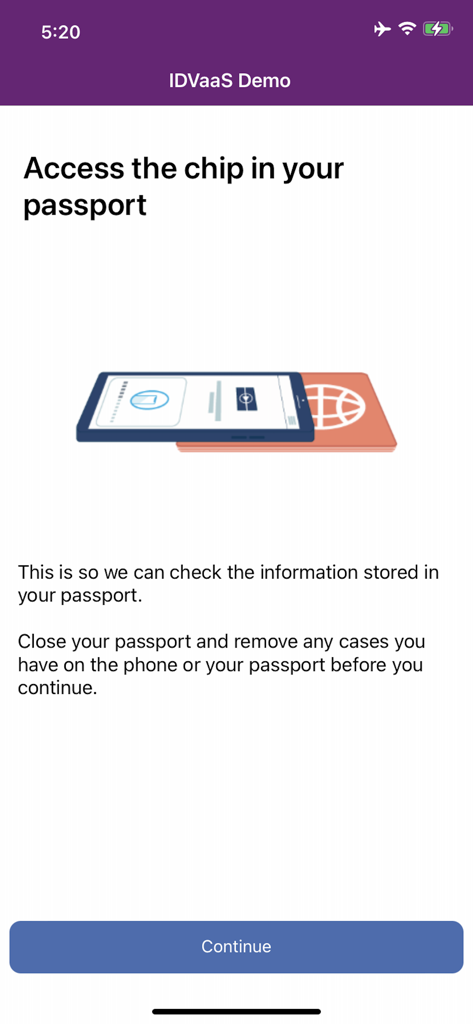
Instructional screen from the IDVaaS app showing how to position a smartphone over a passport to scan its electronic chip for identity verification
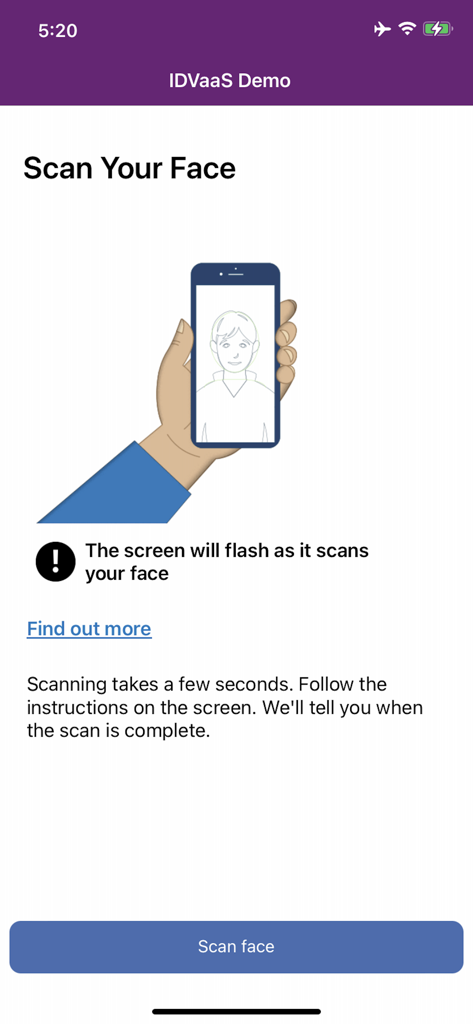
Instruction screen for facial biometric scanning in the IDVaaS identity verification app.
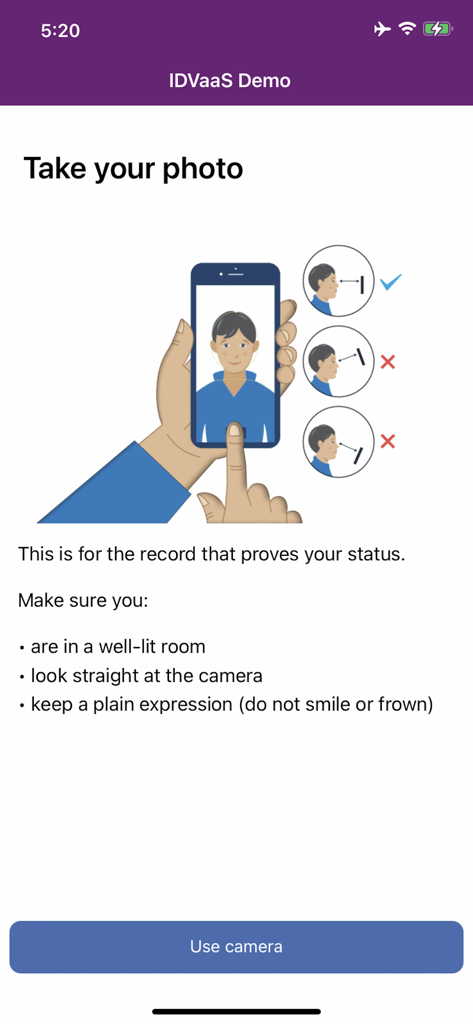
IDVaaS app interface showing instructions and illustrations for taking a biometric photo for identity verification.
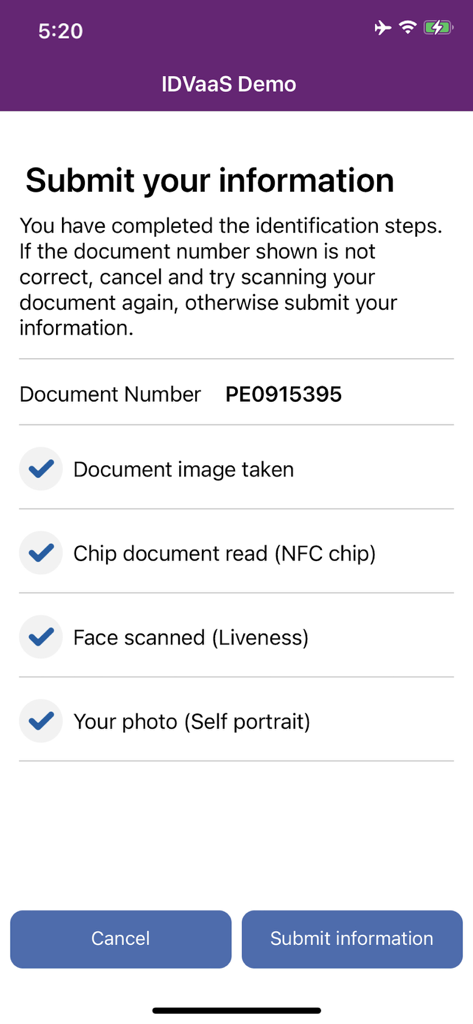
IDVaaS app interface showing a checklist of completed identity verification steps including document scan, NFC chip read, and facial liveness check.
Description
Download
More Like This
Apps with similar features and user experience

HPO
HD SAISON FINANCE CO.,LTD

ALDI TALK Registrierung
MEDION AG
GOV.UK ID Check
Government Digital Service

IDnow AutoIdent
IDnow Gmbh

ID-Pal
ID-Pal Ltd.

MyID O'zbekiston
Center UZINFOCOM SUE

Ockto
Ockto B.V.
Experian Candidate RTW
T4 Communications UK Limited

Datakeeper
Datakeeper B.V.
This page is not an official page of the app or its developer, but an independent editorial publication created for informational and commentary purposes. Unless expressly stated otherwise, neither the app nor its developer is affiliated with, endorsed by, sponsored by, authorized by, or otherwise officially connected with MWM, Apple, Google Play, the app publisher, or the app's developer, and nothing on this page implies that the app was developed using MWM's services. Any trademarks, logos, screenshots, and other content remain the property of their respective owners.