
This page is not an official page of the app or its developer, but an independent editorial publication created for informational and commentary purposes. Unless expressly stated otherwise, neither the app nor its developer is affiliated with, endorsed by, sponsored by, authorized by, or otherwise officially connected with MWM, Apple, Google Play, the app publisher, or the app's developer, and nothing on this page implies that the app was developed using MWM's services. Any trademarks, logos, screenshots, and other content remain the property of their respective owners.
iFocus Stacking
Unlock the power of advanced focus stacking algorithms on your iPhone and iPad. Combine multiple exposures into a single, artifact-free masterpiece with professional alignment controls and batch processing.
Downloads
100+User Rating
Total Ratings
0Publisher
Category
Photo & VideoLocales
1Latest Version
4.0.7Size
50.1 MBFirst Released
Sep 22, 2025Professional-Grade Depth for Every Detail
Achieve unprecedented sharpness with advanced focus stacking algorithms designed for the most demanding photographers and high-resolution mobile sensors.
Pixel-Perfect Alignment
Leverage ECC registration and multi-scale pyramid processing to eliminate artifacts and camera shake for tack-sharp, professional results.
Advanced Processing Control
Fine-tune your output with specialized presets for Macro and Landscapes, or take manual command of alignment and noise suppression parameters.
The following screenshots and description are sourced directly from the app's official store listing and are the property of the app developer.
App Store
Screenshots
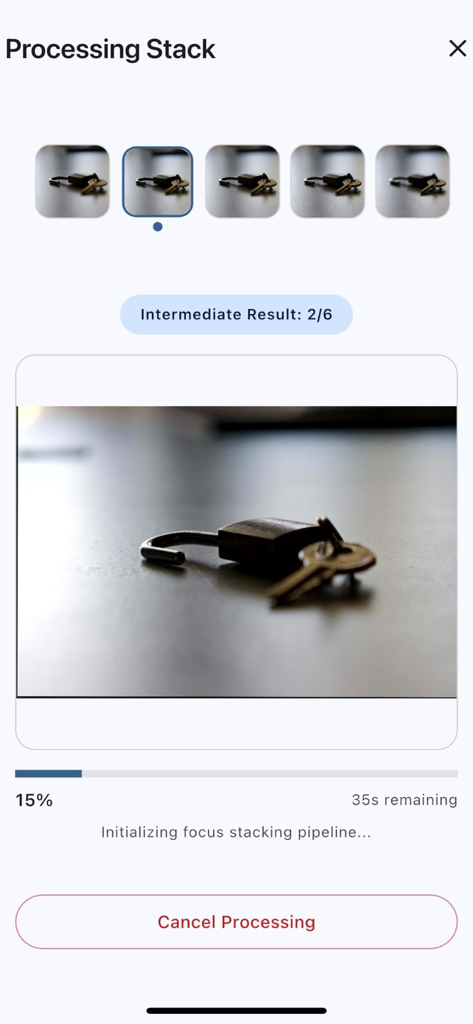
iFocus Stacking app interface showing the real-time progress of focus stacking for a macro photo of a padlock.
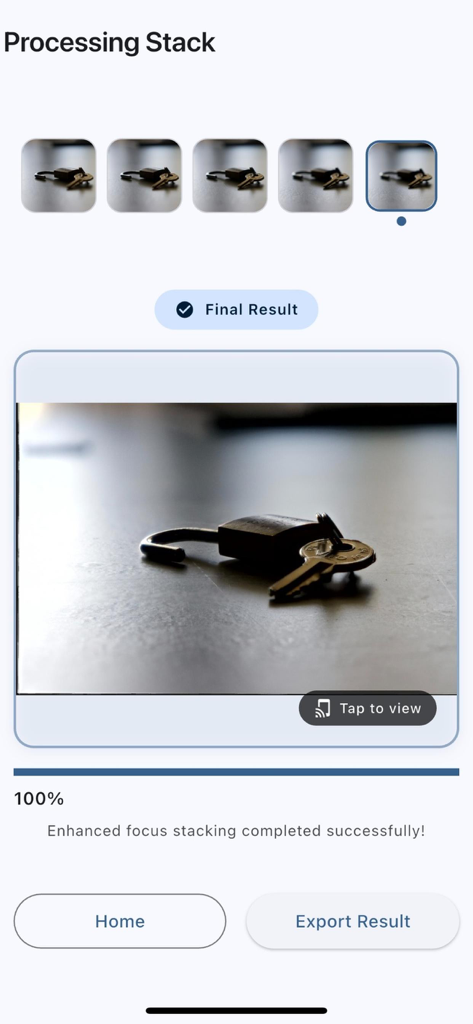
A clear macro image of a padlock and keys after focus stacking is complete in the iFocus Stacking app
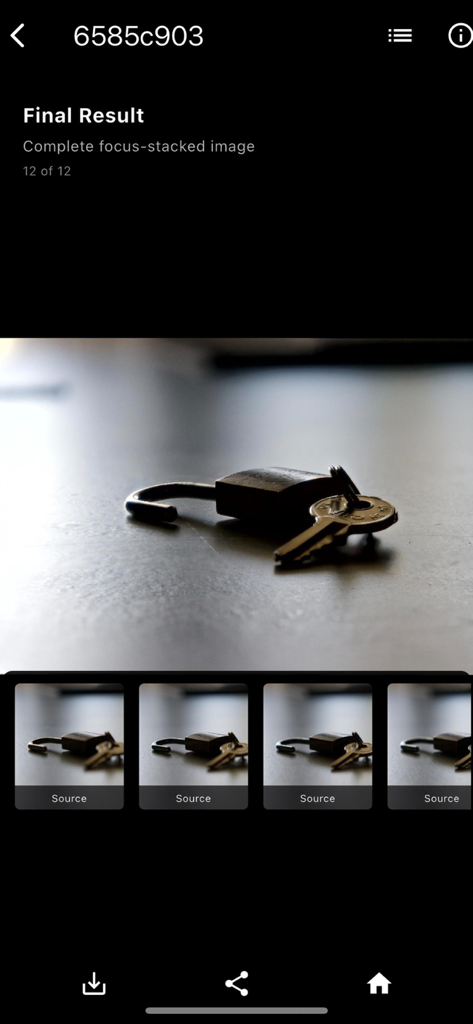
A sharp macro photograph of a padlock and keys created using the iFocus Stacking app
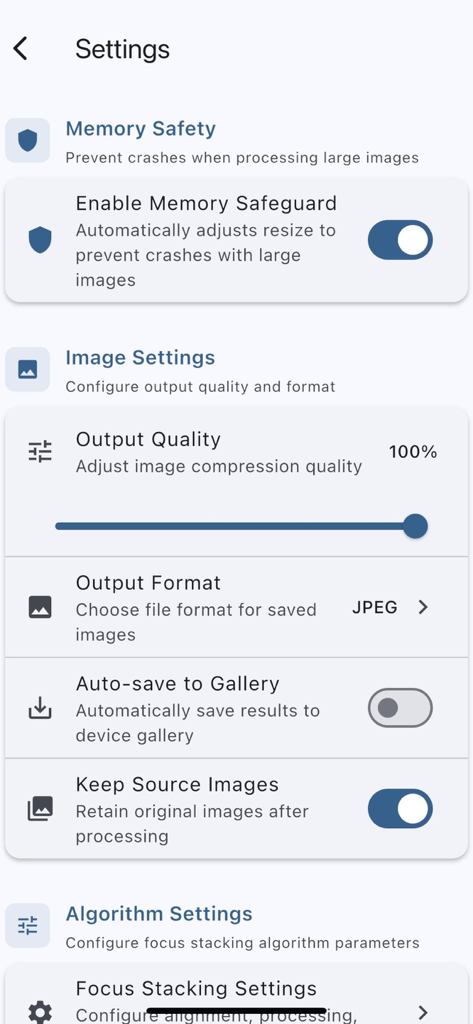
Settings menu of the iFocus Stacking app showing professional configuration for image quality and processing algorithms
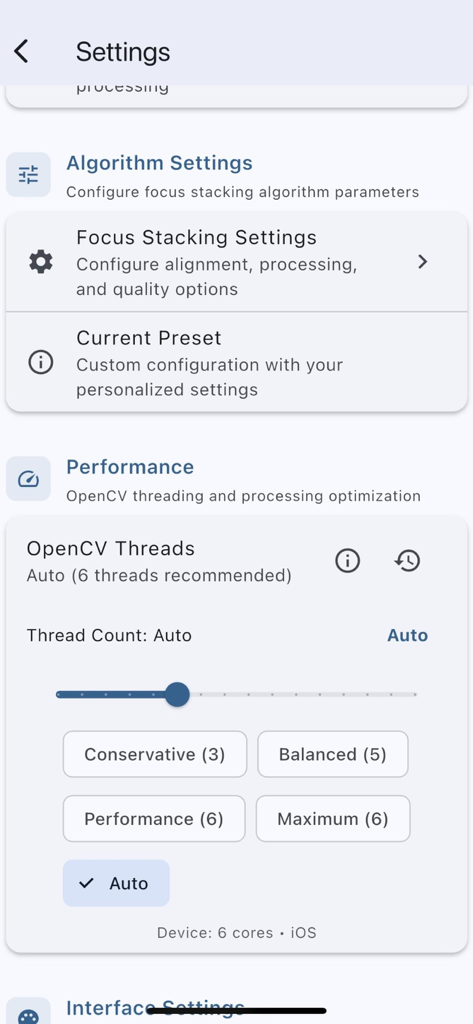
The settings menu of iFocus Stacking app displaying professional controls for algorithm and performance optimization including OpenCV thread count selection.
Description
Download
More Like This
Top-ranked apps in the same category

CapCut: Photo & Video Editor
BYTEDANCE PTE. LTD.

Instagram, Inc.

YouTube
Google LLC

Canva: AI Photo & Video Editor
Canva Pty Ltd

快手
Beijing Kwai Technology Co., Ltd.

Snapchat
Snap, Inc.

Meta AI - Vibes & AI Glasses
Meta Platforms, Inc.

Edits: Video Editor
Instagram, Inc.

Meitu- AI Photo & Video Editor
Xiamen Meitu Technology Co., Ltd.
This page is not an official page of the app or its developer, but an independent editorial publication created for informational and commentary purposes. Unless expressly stated otherwise, neither the app nor its developer is affiliated with, endorsed by, sponsored by, authorized by, or otherwise officially connected with MWM, Apple, Google Play, the app publisher, or the app's developer, and nothing on this page implies that the app was developed using MWM's services. Any trademarks, logos, screenshots, and other content remain the property of their respective owners.