
This page is not an official page of the app or its developer, but an independent editorial publication created for informational and commentary purposes. Unless expressly stated otherwise, neither the app nor its developer is affiliated with, endorsed by, sponsored by, authorized by, or otherwise officially connected with MWM, Apple, Google Play, the app publisher, or the app's developer, and nothing on this page implies that the app was developed using MWM's services. Any trademarks, logos, screenshots, and other content remain the property of their respective owners.

Image Converter: HEIC-JPG-PNG
Stop struggling with unsupported file formats. Convert HEIC photos to JPG or PNG instantly on your device—no cloud uploads, no internet needed, and 100% privacy guaranteed.
Downloads
5K+User Rating
Total Ratings
0Publisher
Category
Photo & VideoLocales
1Latest Version
1.1.2Size
10.9 MBFirst Released
Feb 24, 2023Seamless Compatibility for Your Workflow
The fastest way to convert iPhone photos for work, school, and web uploads without compromising your privacy.
Privacy-First Processing
Conversion happens entirely on your device. No cloud uploads, no data tracking, and works perfectly without an internet connection.
Ready for Any Platform
Instantly turn HEIC images into JPG or PNG, making your photos 100% compatible with Windows PCs and marketplaces like Etsy or eBay.
Frequently Asked Questions
Everything you need to know about Image Converter: HEIC-JPG-PNG
What is Image Converter: HEIC-JPG-PNG?
Image Converter: HEIC-JPG-PNG is an app designed to transform photos into different image formats, including JPG/JPEG, PNG, or HEIC/HEIF. It processes conversions directly on your device.
What image formats does Image Converter: HEIC-JPG-PNG support for conversion?
The Image Converter: HEIC-JPG-PNG app supports conversion to and from JPG/JPEG, PNG, and HEIC/HEIF formats. Users can select these as output options directly within the application.
Is Image Converter: HEIC-JPG-PNG free to use?
Yes, Image Converter: HEIC-JPG-PNG is free to use forever without cost. Premium features like ad removal and multiple image selection are available via subscription.
Does Image Converter: HEIC-JPG-PNG process images on my device or in the cloud?
Image Converter: HEIC-JPG-PNG processes all image conversions directly on your device. It does not upload images to the cloud, ensuring user privacy and data security.
Can I use Image Converter: HEIC-JPG-PNG without an internet connection?
Yes, Image Converter: HEIC-JPG-PNG functions entirely offline. All conversions occur locally on your device, eliminating any requirement for an active internet connection.
How do I convert images using the Image Converter: HEIC-JPG-PNG app?
To convert images with Image Converter: HEIC-JPG-PNG, select your images, choose the output format (JPG, PNG, or HEIC/HEIF), and the converted files are saved to your device's Photos app.
Where are converted images saved in Image Converter: HEIC-JPG-PNG?
Converted images from Image Converter: HEIC-JPG-PNG are automatically saved to the preinstalled 'Photos' app on your device after the conversion process is complete.
Can I select multiple images for conversion in Image Converter: HEIC-JPG-PNG?
Yes, Image Converter: HEIC-JPG-PNG allows selecting multiple images for conversion. This capability is part of the premium subscription features offered by the app.
Does Image Converter: HEIC-JPG-PNG allow sharing converted images?
Yes, Image Converter: HEIC-JPG-PNG enables users to share converted images directly. You can share them with friends or other applications installed on your device.
What premium features are available in Image Converter: HEIC-JPG-PNG?
Premium features for Image Converter: HEIC-JPG-PNG subscribers include the removal of advertisements and the ability to select multiple images for conversion simultaneously.
The following screenshots and description are sourced directly from the app's official store listing and are the property of the app developer.
App Store
Screenshots
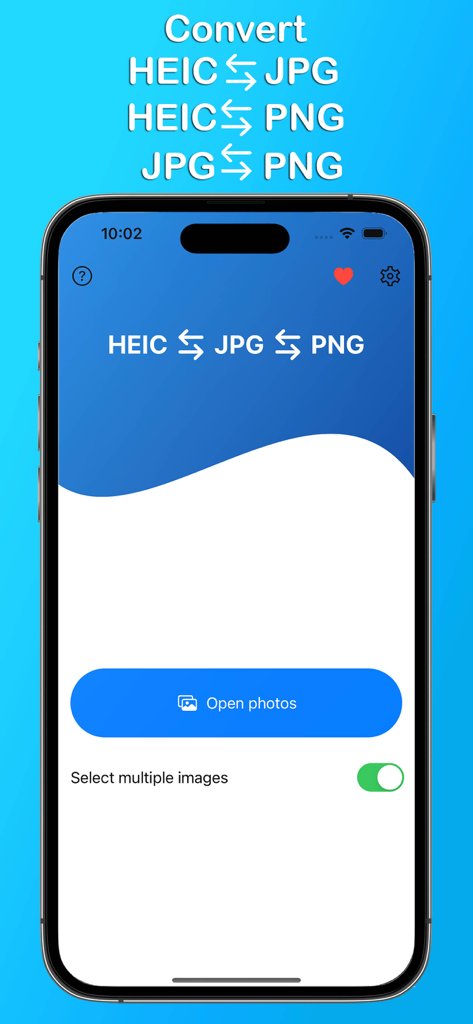
Mobile app interface showing options to convert between HEIC JPG and PNG image formats
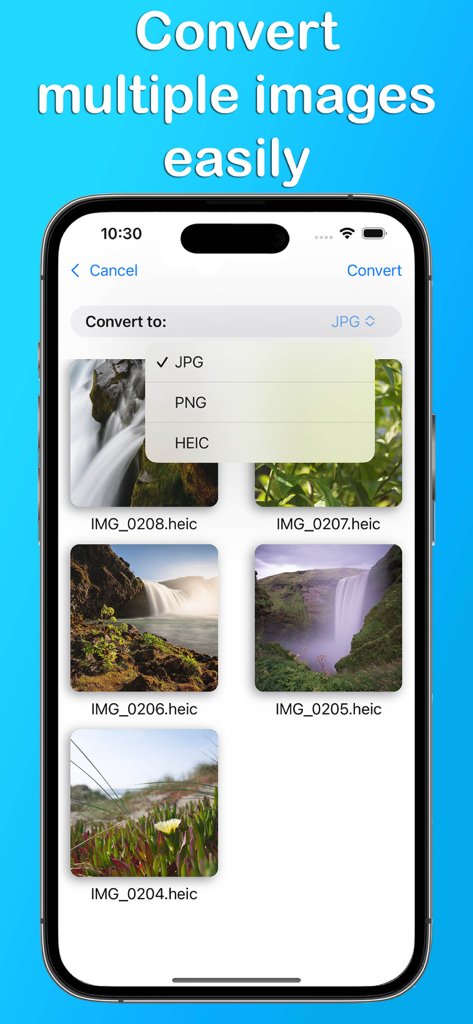
iPhone app screen showing multiple HEIC photos selected for batch conversion to JPG or PNG format.
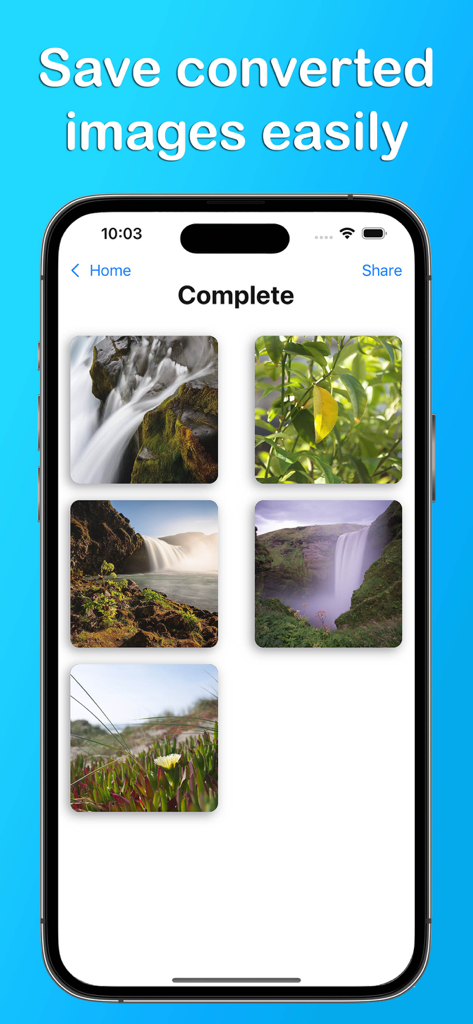
iPhone screen showing a grid of successfully converted nature photos with a Save converted images easily headline.
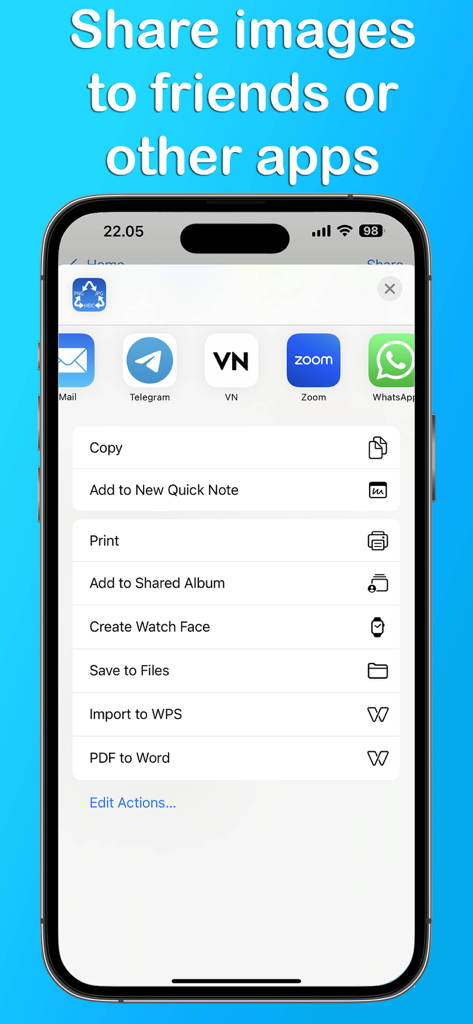
Smartphone displaying the iOS share sheet with options to send converted images to apps like Mail, Telegram, and WhatsApp.
Description
Download
More Like This
Top-ranked apps in the same category

CapCut: Photo & Video Editor
BYTEDANCE PTE. LTD.

Instagram, Inc.

YouTube
Google LLC

Canva: AI Photo & Video Editor
Canva Pty Ltd

快手
Beijing Kwai Technology Co., Ltd.

Snapchat
Snap, Inc.

Edits: Video Editor
Instagram, Inc.

Google Photos: Backup & Edit
Google LLC

Meta AI - Vibes & AI Glasses
Meta Platforms, Inc.
This page is not an official page of the app or its developer, but an independent editorial publication created for informational and commentary purposes. Unless expressly stated otherwise, neither the app nor its developer is affiliated with, endorsed by, sponsored by, authorized by, or otherwise officially connected with MWM, Apple, Google Play, the app publisher, or the app's developer, and nothing on this page implies that the app was developed using MWM's services. Any trademarks, logos, screenshots, and other content remain the property of their respective owners.