Image Converter : JPG to PDF — The Fastest Way to Convert, Compress, and Share
Transform photos into high-quality PDFs, bridge the HEIC gap, and optimize files for any platform. Secure, mobile-first conversion for students and professionals alike.
Publisher
TROSTUN LTD
Category
Productivity
Downloads
7K+
User Rating
4.6/5
Total Ratings
100
Locales
51
Efficiency at a Glance
Discover the interface used by 7K+ users.
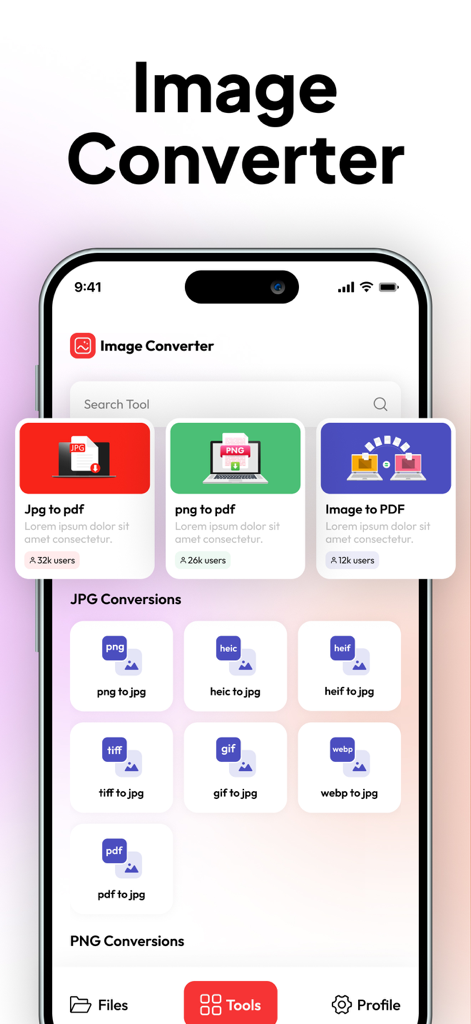
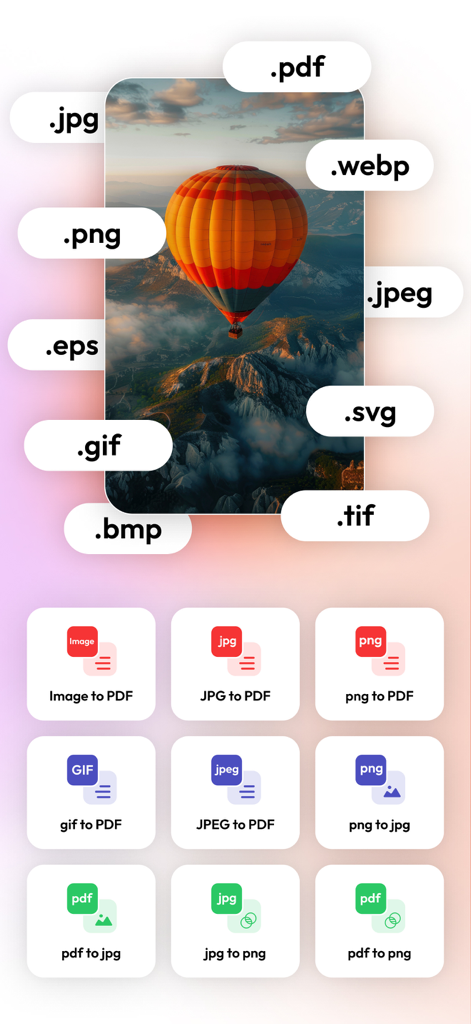
Mobile app interface of Image Converter showing options for JPG to PDF and various image format conversions
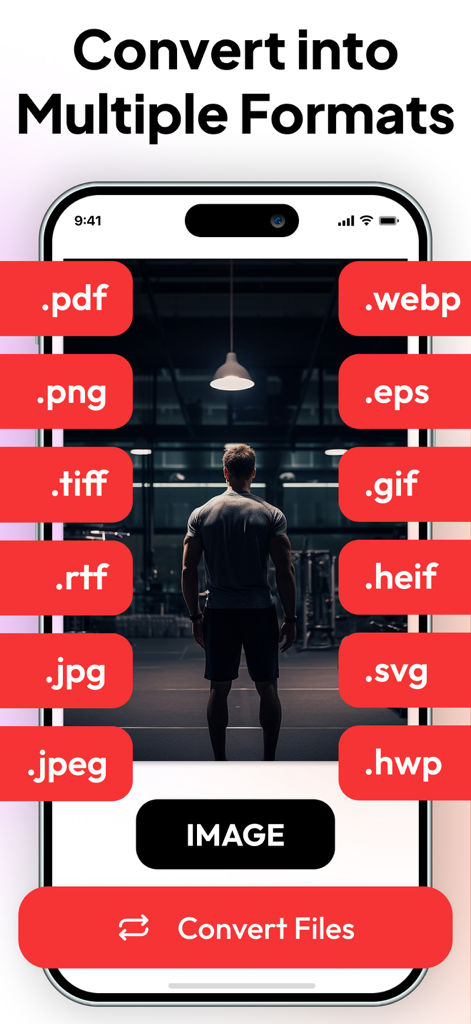
Mobile app interface displaying various image conversion options including JPG to PDF and PNG to JPG
Smartphone screen showing options to convert images into various formats like PDF JPG and PNG
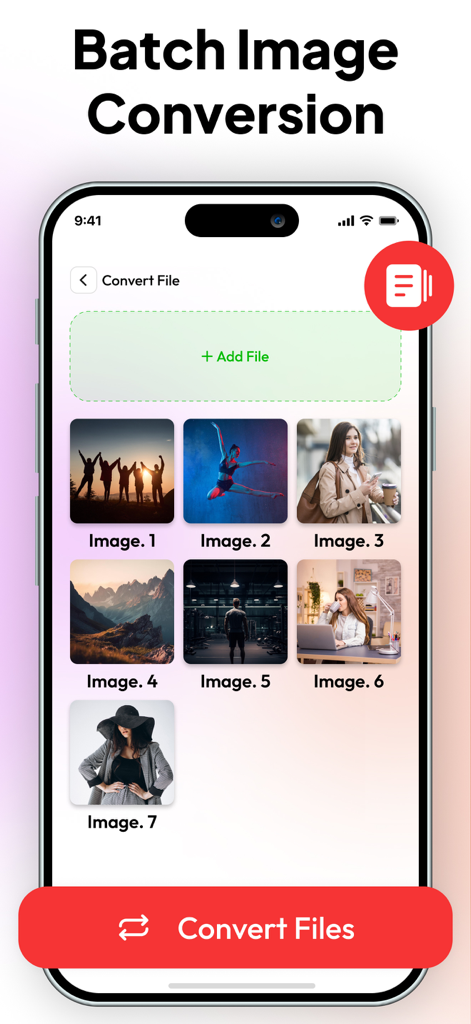
App screen showing multiple photos selected for batch image conversion
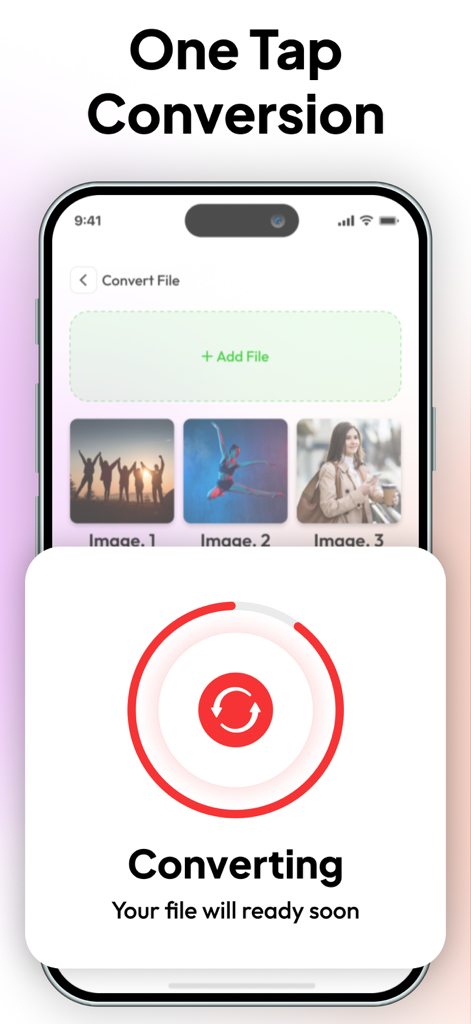
Mobile app interface showing a one tap image conversion process with a progress indicator
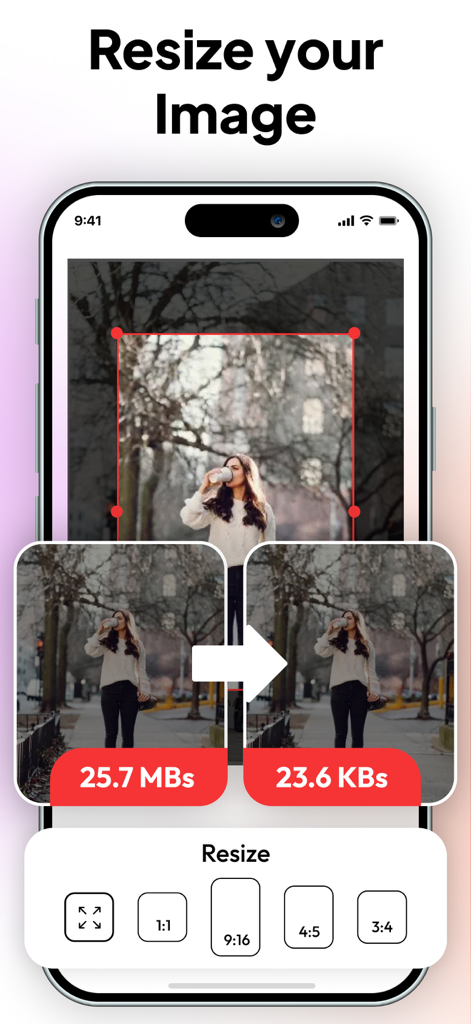
Mobile app interface showing image resizing and file size compression from megabytes to kilobytes
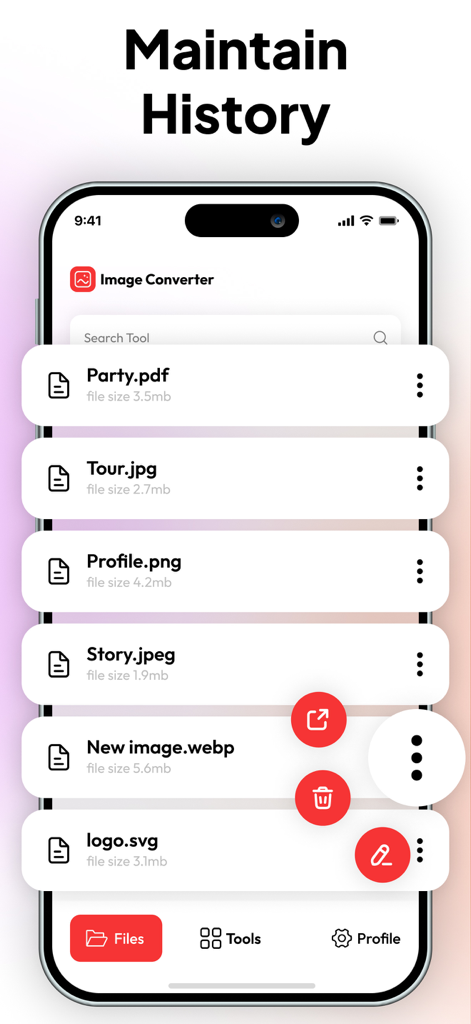
A screen showing the file conversion history in the Image Converter app with a list of PDF JPG and PNG files.
Master Your Image Workflow
The tools that make this app stand out, trusted by 7K+ users.
🔄
Instant Format Conversion
Say goodbye to 'file not supported' errors. Quickly convert HEIC, WebP, and TIFF files to universal JPG or PNG formats for seamless sharing.
📄
Professional PDF Creation
Turn your photos into high-quality PDFs. The perfect solution for submitting school assignments, signed contracts, or expense reports on the go.
🔒
Optimize and Protect
Shrink large files to bypass email size limits and add custom watermarks to secure your intellectual property before uploading to the web.
About the app
Everything you need to know about Image Converter : JPG to PDF.
Description
IMAGE CONVERTER – FAST AND SIMPLE FILE CONVERSION
Image Converter is a powerful tool designed to convert, compress, resize, and prepare images in just a few taps. Whether you need to turn photos into PDFs, change image formats, or optimize files for sharing, this app delivers fast, accurate results with a clean and easy workflow.
IMAGE TO PDF
Quickly convert any image into a high-quality PDF, perfect for documents, forms, and multi-page files.
FORMAT TO PDF
Convert multiple image formats directly into PDF files with reliable, crisp output.
Includes: JPG to PDF, PNG to PDF, GIF to PDF, TIFF to PDF, WebP to PDF, HEIC to PDF, HEIF to PDF.
IMAGE FORMAT CONVERSION
Change your images into the format you need with consistent quality and fast processing.
Includes:
• PNG to JPG, HEIC to JPG, HEIF to JPG, TIFF to JPG, GIF to JPG, WebP to JPG, PDF to JPG
• JPG to PNG, HEIC to PNG, HEIF to PNG, TIFF to PNG, GIF to PNG, WebP to PNG, PDF to PNG
• PNG to WebP, JPG to WebP
IMAGE COMPRESSION
Reduce file size without losing clarity. Perfect for uploading, emailing, and saving storage space.
ADD WATERMARK
Protect your images with custom text watermarks. Adjust size, opacity, and placement easily.
CONVERT TO ZIP
Instantly compress your images into a ZIP file for easier sharing and storage.
RESIZE IMAGE
Resize photos to exact dimensions or custom percentages while keeping high-quality output.
FAST, CLEAN, AND EASY TO USE
Image Converter is built for speed, accuracy, and simplicity. With support for all major image formats and powerful tools in one place, it’s the ideal solution for creators, professionals, students, and anyone handling images daily.
https://www.trostun.com/terms-of-use/
Latest Version
1.2.5
Size
34.9 MB
First Released
Mar 16, 2023
Ready to Professionalize Your Workflow?
Join thousands of students and professionals who convert, compress, and secure their images in seconds. Download the all-in-one toolkit for your iPhone and iPad today.
App information, icons, screenshots, and descriptions displayed on this page are sourced from the Apple App Store and are the property of their respective developers. Download estimates and rankings are based on MWM's proprietary models and may not reflect actual figures. This page is provided for informational and analytical purposes only.
Believe this page infringes your intellectual property? File a dispute