Image Converter PNG JPG JPEG

Image Converter PNG JPG JPEG

Download on App Store
Logo of Image Converter PNG JPG JPEG

Image Converter PNG JPG JPEG: Professional Conversion & Compression for Every Image

Stop struggling with incompatible formats like HEIC. Instantly batch convert, resize, and compress your photos to PNG, JPG, or PDF while maintaining crystal-clear quality.

Publisher

MONIQ TAP COMPANY LIMITED

Category

Photo & Video

Downloads

5K+

User Rating

1.0/5

Total Ratings

0

Locales

1

Efficiency in Action

Discover the interface used by 5K+ users.
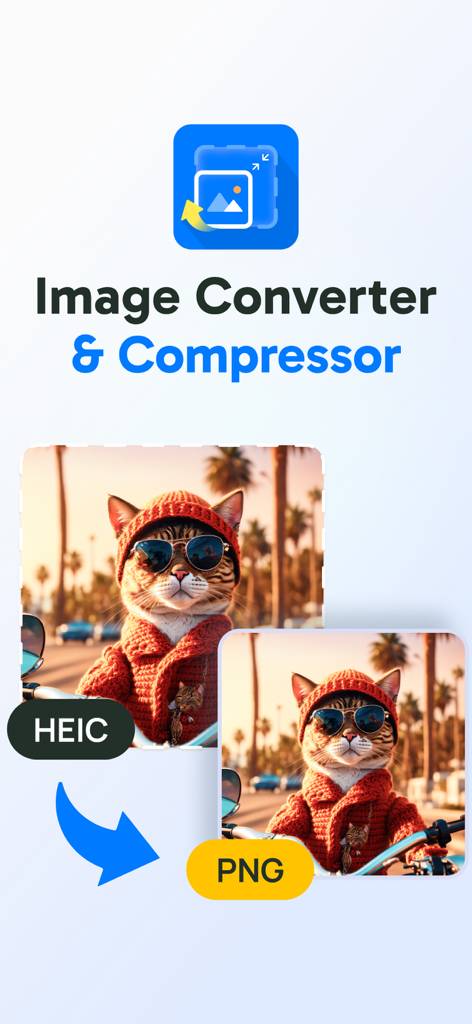
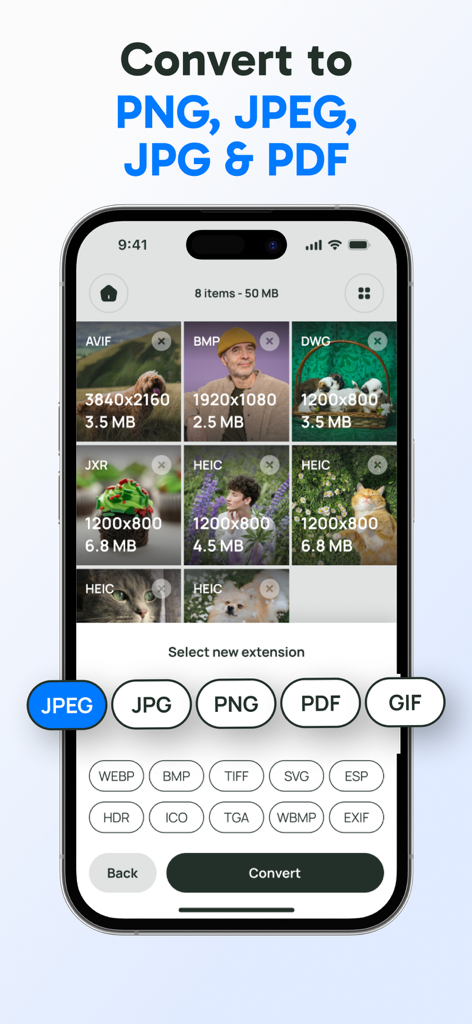
Interface showing conversion from HEIC to PNG image format

Interface showing conversion from HEIC to PNG image format

Smartphone screen displaying image conversion options for various file formats including PNG and JPEG

Smartphone screen displaying image conversion options for various file formats including PNG and JPEG

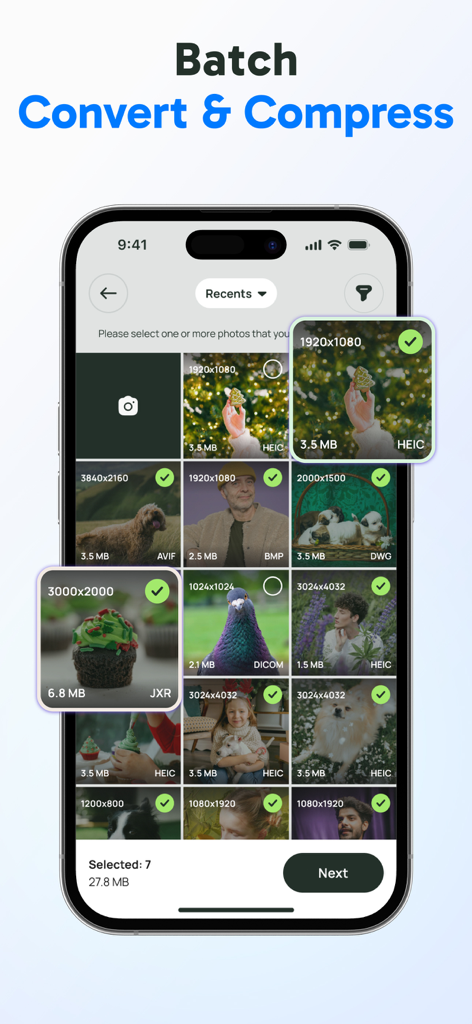
Mobile app interface for selecting multiple images for batch conversion and compression.

Mobile app interface for selecting multiple images for batch conversion and compression.

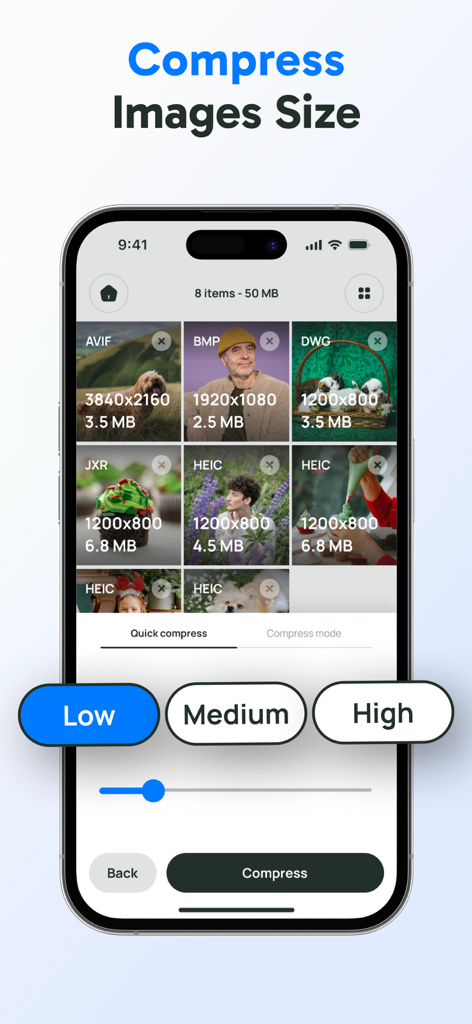
Mobile app interface showing image compression options with low medium and high quality settings for multiple file formats

Mobile app interface showing image compression options with low medium and high quality settings for multiple file formats

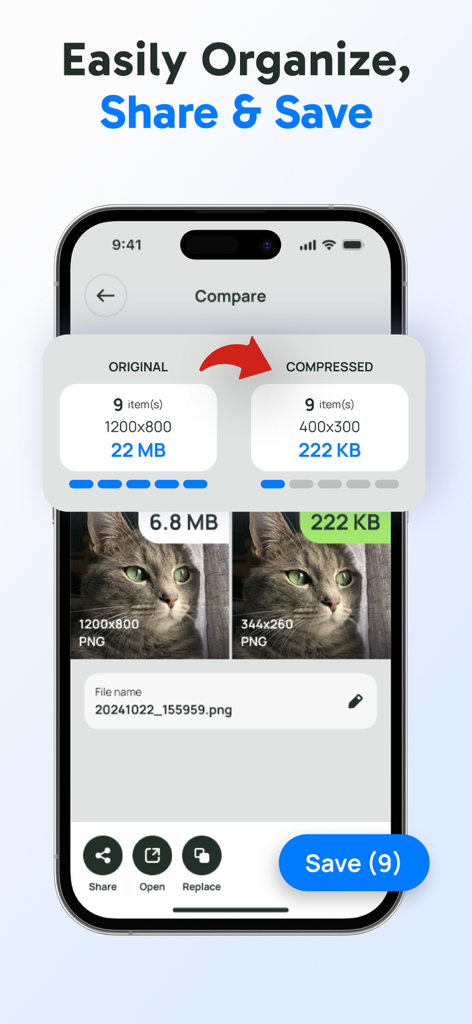
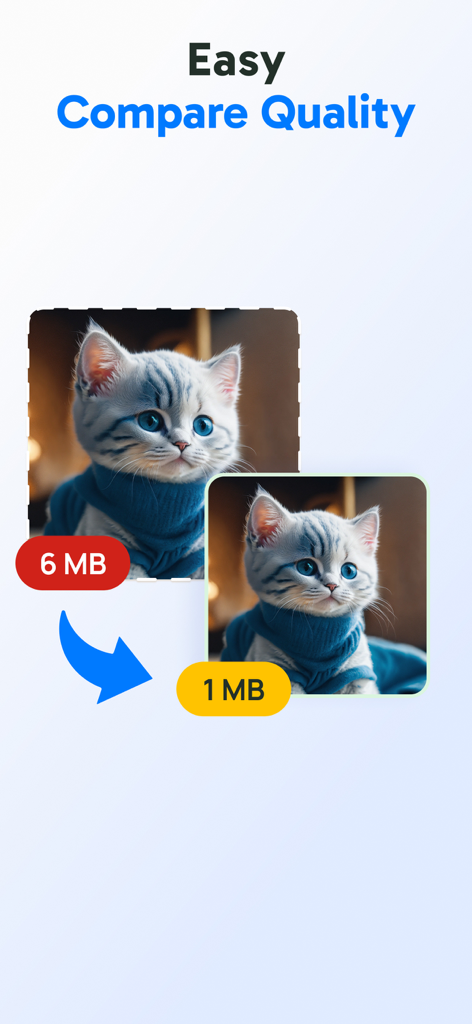
Screenshot of the Image Converter app showing a side-by-side quality and file size comparison between original and compressed images

Screenshot of the Image Converter app showing a side-by-side quality and file size comparison between original and compressed images

Comparison showing a photo reduced from 6MB to 1MB while maintaining image quality

Comparison showing a photo reduced from 6MB to 1MB while maintaining image quality

Professional Image Tools for Your Workflow

The tools that make this app stand out, trusted by 5K+ users.

🔄

Instant Format Switching

Quickly convert HEIC, PNG, and JPEG to PDF or SVG. Perfect for meeting strict upload requirements on school portals, job boards, and government sites.

High-Speed Batch Processing

Stop converting images one by one. Save hours by resizing and transforming hundreds of photos simultaneously with our powerful automation engine.

💎

Lossless File Compression

Shrink oversized photos to free up phone storage while maintaining crystal-clear resolution using our unique side-by-side quality comparison tool.

About the app

Everything you need to know about Image Converter PNG JPG JPEG.

Description

Struggling with wrong format image and oversized photo? Tired of losing quality while converting or compressing your images? Easily convert images, compress, resize photos, and manage file formats with this all-in-one app. Transform PNG, JPEG, JPG, PDF, and SVG files and export them in the exact format you need. With batch processing and custom resizing options, managing your image library has never been easier. App Features: - Convert To All Image Formats: Quickly convert photos to popular formats like PNG, JPEG, JPG, PDF, SVG and more. - Compress Image & Optimize File Size: Reduce file sizes to save storage space or share easily, while keeping quality intact. - Batch Convert & Compress: Save time by converting & compressing multiple images or photos at once - Organize, Compare, & Save: Compare quality before and after conversion, and save or share files effectively. Your all-in-one tool for PNG, JPEG, HEIC, JPG, PDF, and SVG conversion. Download Image Converter & Photo Compressor to resize, convert, and compress images like a professional. Notice: - This app are free-to-install, but has some premium features that need purchase/subscribe to use. - Subscriptions automatically renew unless cancelled 24 hours before the end of the period. - Manage your subscription and turn off auto-renewal in your account settings. - Any unused portion of a free trial will be forfeited if you subscribe. Term of use: https://moniqtap.com/terms-of-use/ Privacy Policy: https://moniqtap.com/privacy-policy/

Latest Version

1.1

Size

60.0 MB

First Released

Mar 21, 2025

Stop Struggling with Formats and Oversized Files

Batch-convert, compress, and resize your photos with professional precision. Join 5K+ users who trust our all-in-one toolkit for a faster, smarter workflow.

Download on App Store

App information, icons, screenshots, and descriptions displayed on this page are sourced from the Apple App Store and are the property of their respective developers. Download estimates and rankings are based on MWM's proprietary models and may not reflect actual figures. This page is provided for informational and analytical purposes only.

Believe this page infringes your intellectual property? File a dispute