
This page is not an official page of the app or its developer, but an independent editorial publication created for informational and commentary purposes. Unless expressly stated otherwise, neither the app nor its developer is affiliated with, endorsed by, sponsored by, authorized by, or otherwise officially connected with MWM, Apple, Google Play, the app publisher, or the app's developer, and nothing on this page implies that the app was developed using MWM's services. Any trademarks, logos, screenshots, and other content remain the property of their respective owners.


InCalc
Protect your personal photos and videos behind a fully functional utility. Keep snoops away with break-in alerts, fake password mode, and an instant emergency lock.
Downloads
2M+User Rating
Total Ratings
109K+Publisher
Category
UtilitiesLocales
11Latest Version
5.5.1Size
81.6 MBFirst Released
Sep 21, 2016Privacy You Can Count On
Keep your personal media hidden behind a fully functional calculator. InCalc offers clever camouflage and powerful security tools to protect your digital life from prying eyes.
Hidden in Plain Sight
Disguise your vault as a working calculator and customize the home screen icon to ensure your privacy never raises suspicion.
Total Panic Protection
Use a Fake Password to show decoy folders if pressured, or simply flip your phone face-down to lock the app instantly.
The following screenshots and description are sourced directly from the app's official store listing and are the property of the app developer.
App Store
Screenshots

Interface of InCalc photo vault app showing a numeric keypad to unlock hidden media

InCalc app interface showing unlimited photo storage and biometric fingerprint security for private media

InCalc app interface showing private photo albums and cloud drive backup option
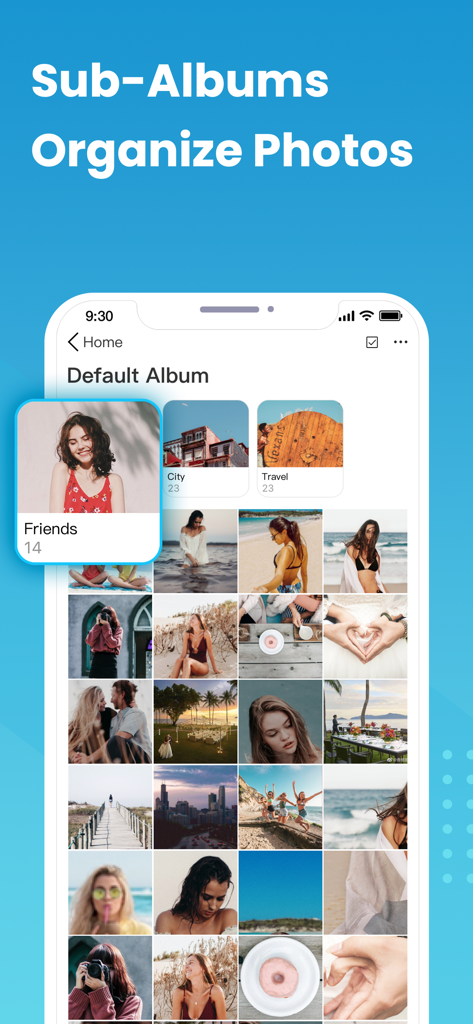
InCalc app interface showing organized sub-albums for photos and videos.

Screenshot of the break in alert feature showing photos of intruders who entered the wrong PIN

Interface for changing the InCalc app icon with various disguise options

The InCalc app interface showing its built-in private browser with an image search results page for downloading photos securely.

InCalc app interface demonstrating the Wi-Fi photo transfer feature between two devices
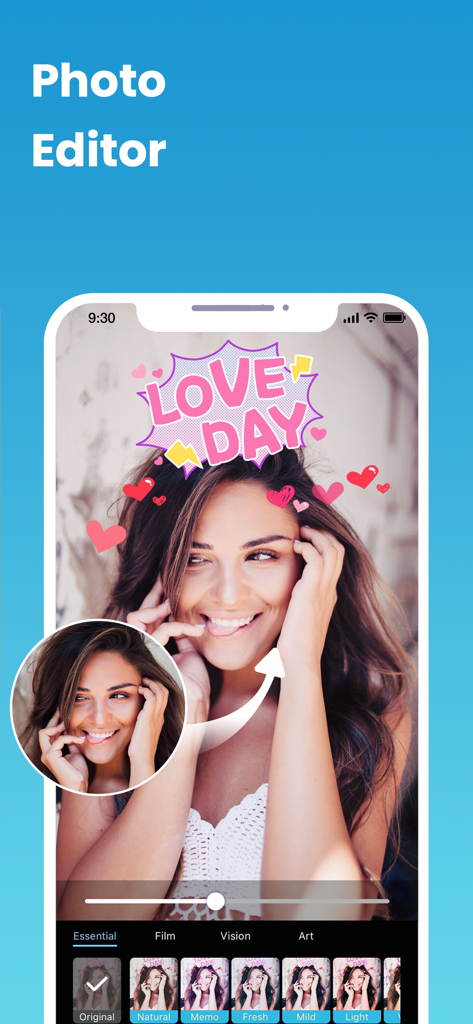
InCalc app interface showing a photo editor with filters stickers and a picture of a smiling woman

InCalc app interface displaying photo vault albums in dark mode with a moon icon
Description
Download
More Like This
Apps with similar features and user experience

Private Photo Vault - Pic Safe
Legendary Software Labs LLC

PBox-Private Photo Vault
宇 刘

Safe Lock - Hidden Photo Vault
Katerina Akhlebinina

SV - Private Photo Vault PRO
Legendary Software Labs LLC

PV - Secret Photo Album
Haibin Jiao

Converter: Hidden Photo Vault
Dmitry Petrov

Calculator Lock - Secure Vault
MacyMind

Secret Photo Vault: Keepsafe
KeepSafe Software, Inc

Digiposte: secure storage
la poste
This page is not an official page of the app or its developer, but an independent editorial publication created for informational and commentary purposes. Unless expressly stated otherwise, neither the app nor its developer is affiliated with, endorsed by, sponsored by, authorized by, or otherwise officially connected with MWM, Apple, Google Play, the app publisher, or the app's developer, and nothing on this page implies that the app was developed using MWM's services. Any trademarks, logos, screenshots, and other content remain the property of their respective owners.