
This page is not an official page of the app or its developer, but an independent editorial publication created for informational and commentary purposes. Unless expressly stated otherwise, neither the app nor its developer is affiliated with, endorsed by, sponsored by, authorized by, or otherwise officially connected with MWM, Apple, Google Play, the app publisher, or the app's developer, and nothing on this page implies that the app was developed using MWM's services. Any trademarks, logos, screenshots, and other content remain the property of their respective owners.


Indigo Nav
A fully accessible GPS designed specifically for the blind and low-vision community. Experience superior spatial awareness with our unique LookAround Wand, haptic feedback, and custom breadcrumb waypoints.
Downloads
9K+User Rating
Total Ratings
0Publisher
Category
NavigationLocales
6Latest Version
6.1.0Size
51.7 MBFirst Released
Dec 9, 2014Navigate Your World with Total Independence
Indigo Nav goes beyond standard GPS, offering hyper-local details and specialized tools designed by and for the blind and low-vision community.
Precision Waypoint Recording
Create custom breadcrumb paths by shaking your phone, allowing you to save and repeat reliable routes with absolute accuracy.
Interactive LookAround Wand
Point your phone to hear exactly what is in your immediate vicinity, turning your device into a powerful digital tool for spatial awareness.
The following screenshots and description are sourced directly from the app's official store listing and are the property of the app developer.
App Store
Screenshots

Indigo Nav account creation screen showing phone number entry field and send code button
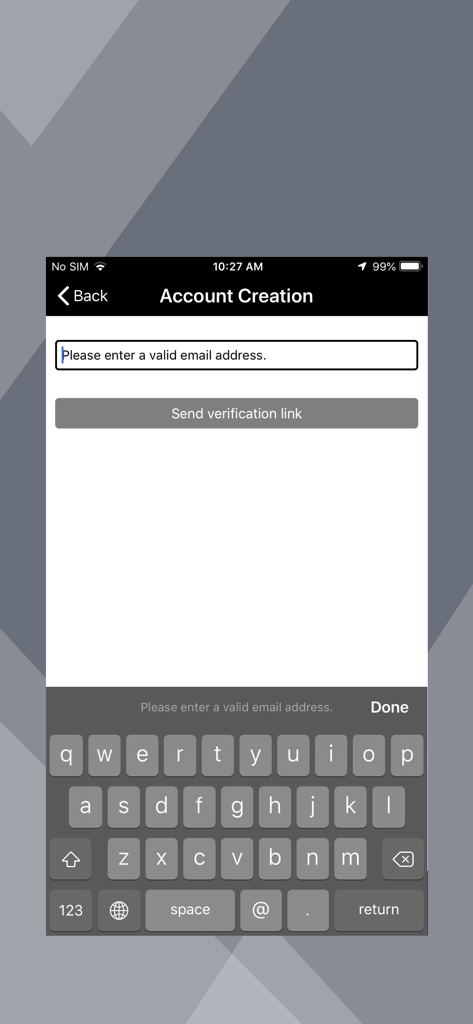
High contrast account creation screen for the Indigo Nav navigation app showing an email input field and send verification link button.
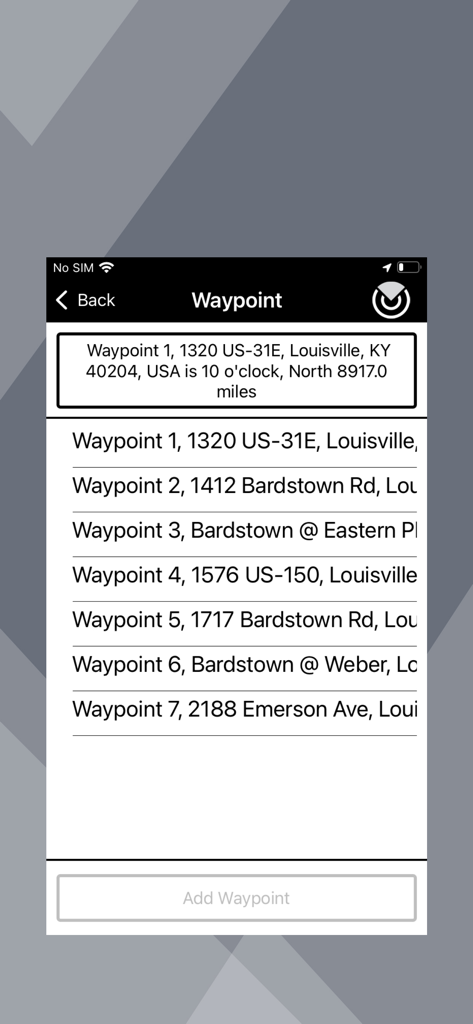
Indigo Nav app screenshot showing a list of navigation waypoints with addresses and clockface direction information.
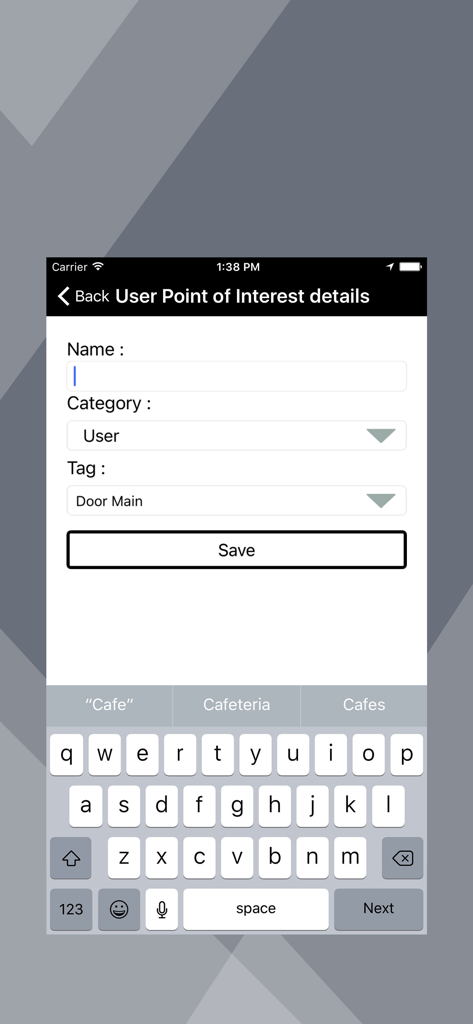
Interface for adding a custom point of interest including name category and tag fields
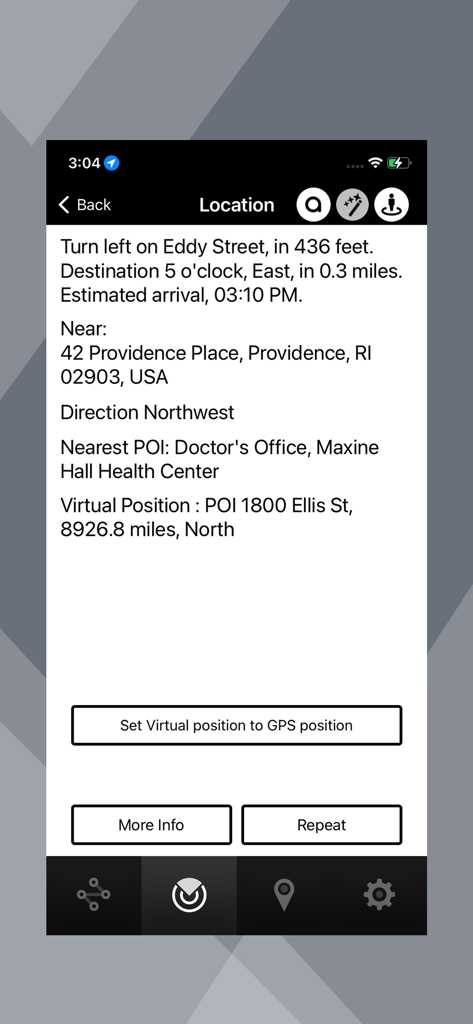
Indigo Nav location screen showing detailed navigation info and nearby points of interest
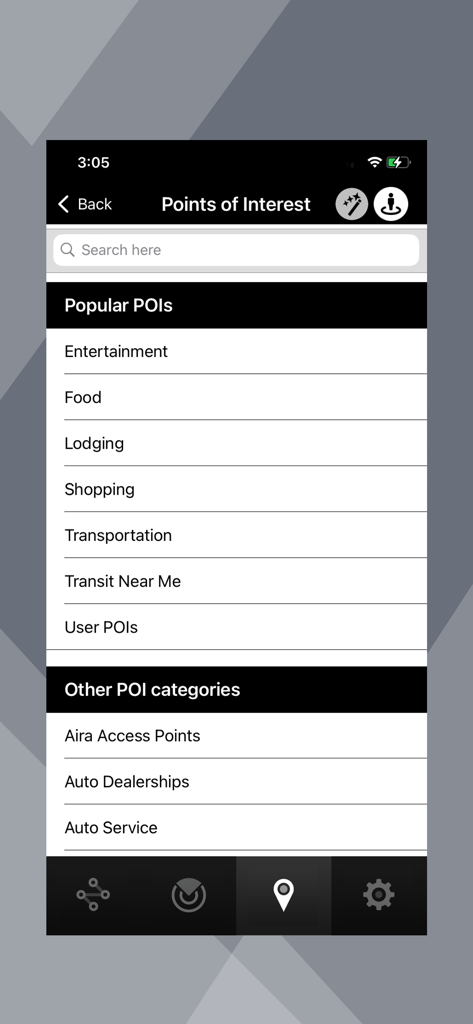
Points of Interest menu in Indigo Nav showing high contrast categories for easy navigation.
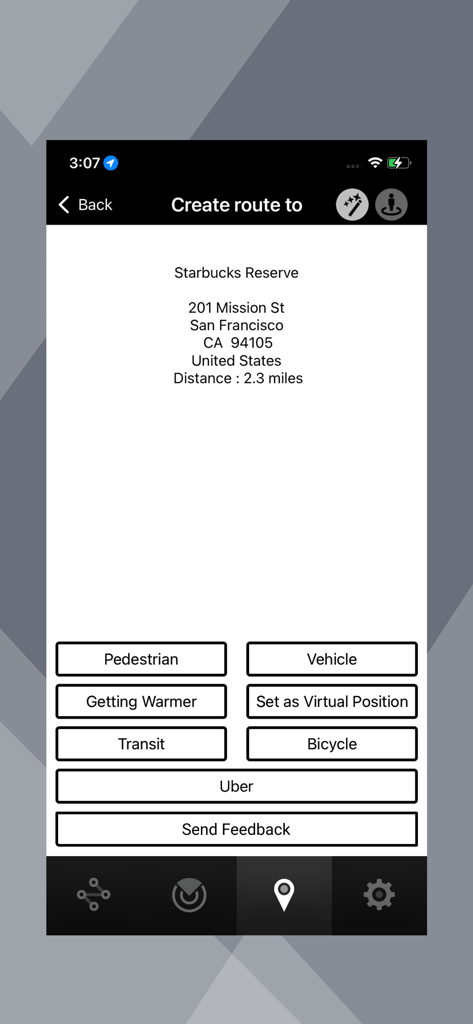
Indigo Nav app route creation screen showing destination details for a Starbucks and various transportation mode buttons like pedestrian and transit.
Description
Download
More Like This
Top-ranked apps in the same category

Google Maps
Google LLC

Waze Navigation & Live Traffic
waze

AMap Global
AutoNavi Information Technology Co. Ltd.

百度地图-路线规划,出行必备
Beijing Baidu Netcom Science & Technology Co.,Ltd

Moovit: Bus & Transit Tracker
Moovit App Global LTD

Transit • Subway & Bus Times
9280-0366 Quebec inc.

ParkMobile: Park. Pay. Go.
Parkmobile USA, Inc

腾讯地图-路线规划,导航地铁打车出行
Shenzhen Tencent Computer Systems Company Limited

Île-de-France Mobilités
Ile de France Mobilites
This page is not an official page of the app or its developer, but an independent editorial publication created for informational and commentary purposes. Unless expressly stated otherwise, neither the app nor its developer is affiliated with, endorsed by, sponsored by, authorized by, or otherwise officially connected with MWM, Apple, Google Play, the app publisher, or the app's developer, and nothing on this page implies that the app was developed using MWM's services. Any trademarks, logos, screenshots, and other content remain the property of their respective owners.