Inventory Control with Scanner

Inventory Control with Scanner


Download on App Store
Logo of Inventory Control with Scanner

Inventory Control with Scanner: Professional Stock Management Made Simple

The ultimate tool for small businesses and prosumers to track inventory, scan barcodes, and generate custom labels on the fly. Work anywhere with full offline support and seamless multi-device sync.

Download on App Store

Publisher

Starkode Limited Company

Category

Productivity

Downloads

283K+

User Rating

4.5/5

Total Ratings

2K+

Locales

34

Efficiency in View

Discover the interface used by 283K+ users.
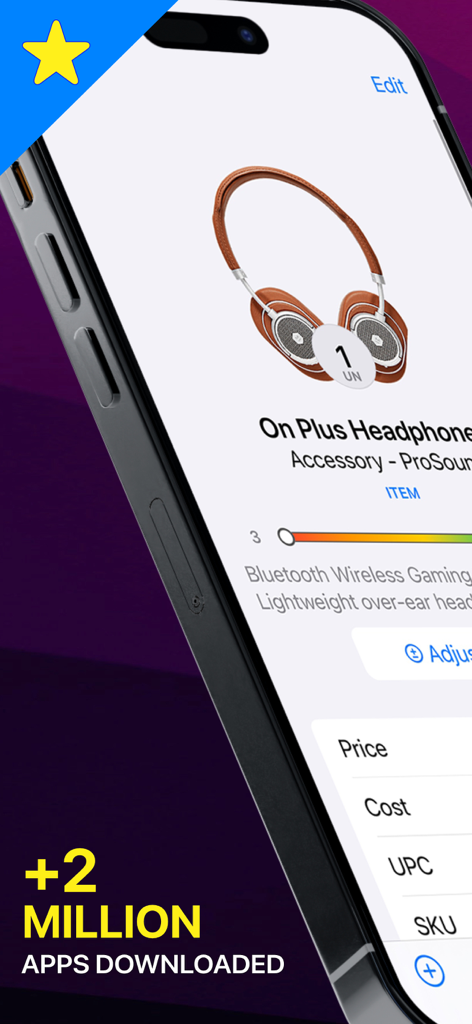
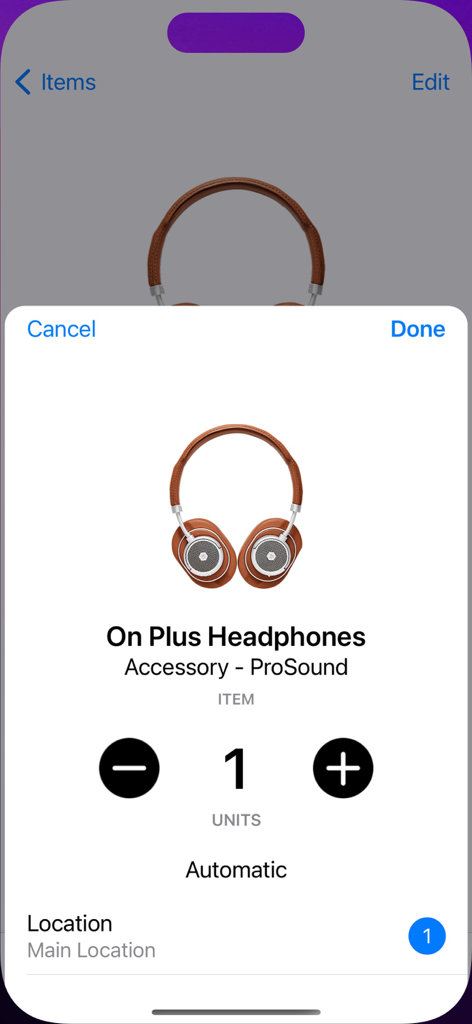
Inventory management app showing item details for headphones with stock level and barcode data

Inventory management app showing item details for headphones with stock level and barcode data

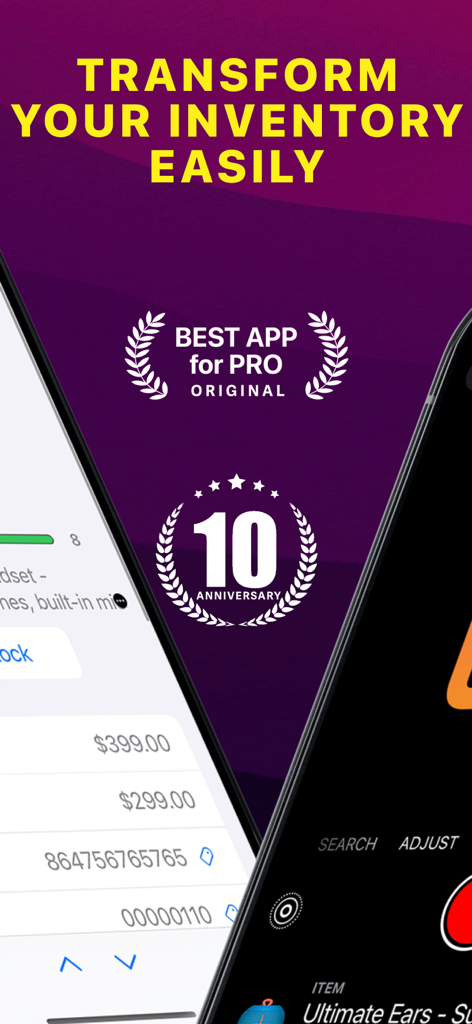
Marketing screen for Inventory Control with Scanner app showing 10th anniversary badge and professional features

Marketing screen for Inventory Control with Scanner app showing 10th anniversary badge and professional features

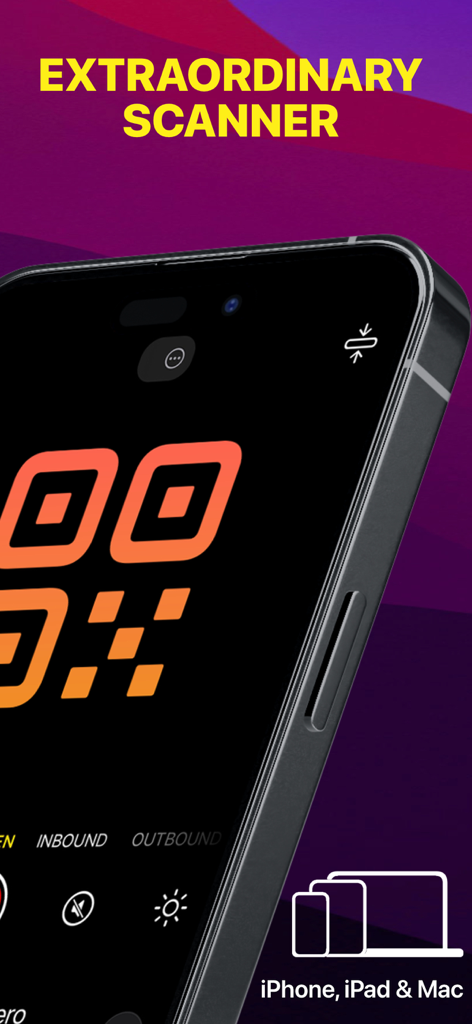
A smartphone screen using the Inventory Control app to scan a large orange QR code.

A smartphone screen using the Inventory Control app to scan a large orange QR code.

Mobile application screen for managing and updating product stock levels

Mobile application screen for managing and updating product stock levels

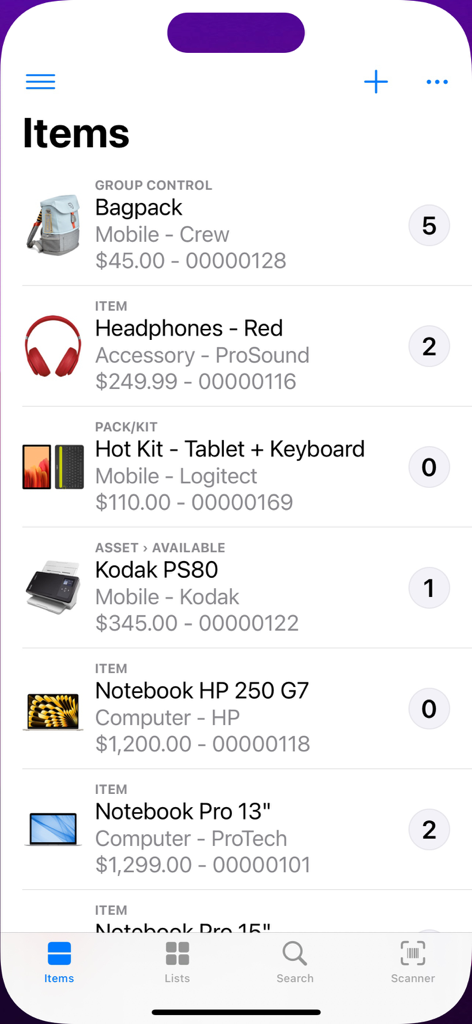
Inventory control app interface showing a list of products with stock quantities and prices

Inventory control app interface showing a list of products with stock quantities and prices

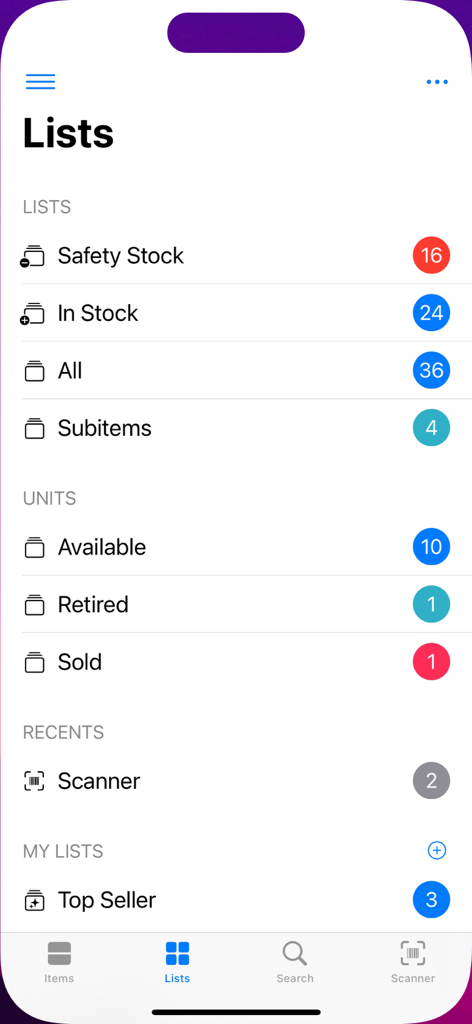
The Lists view of the Inventory Control app displaying stock categories and item counts

The Lists view of the Inventory Control app displaying stock categories and item counts

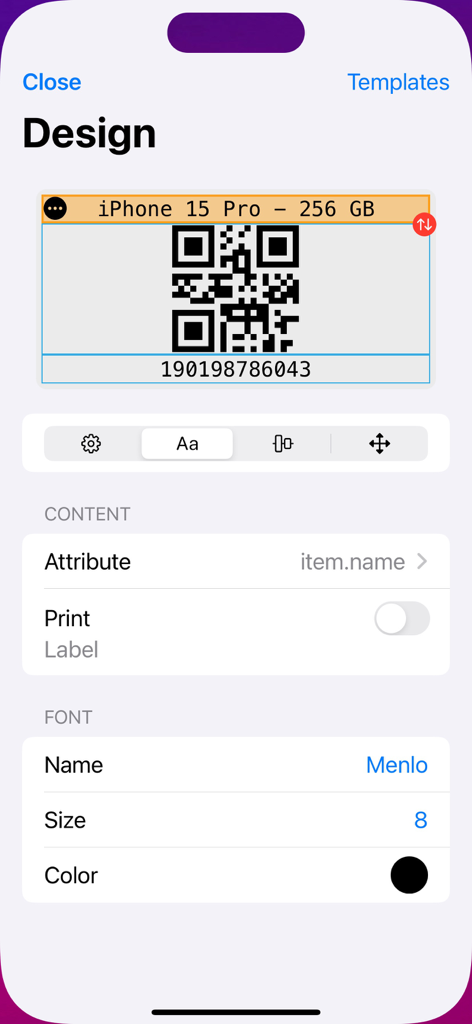
Interface for designing custom QR code and barcode labels for inventory items including font and attribute settings.

Interface for designing custom QR code and barcode labels for inventory items including font and attribute settings.

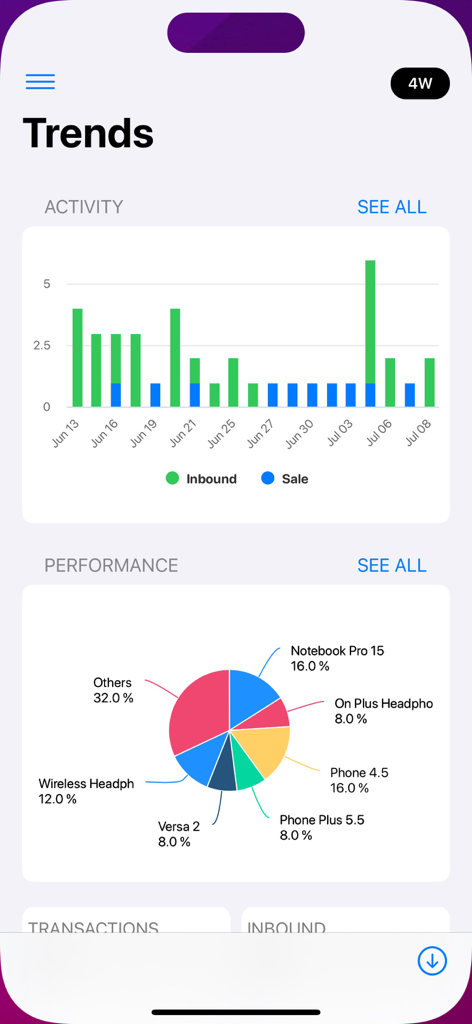
Mobile app dashboard showing inventory trends with activity bar charts and product performance pie chart

Mobile app dashboard showing inventory trends with activity bar charts and product performance pie chart

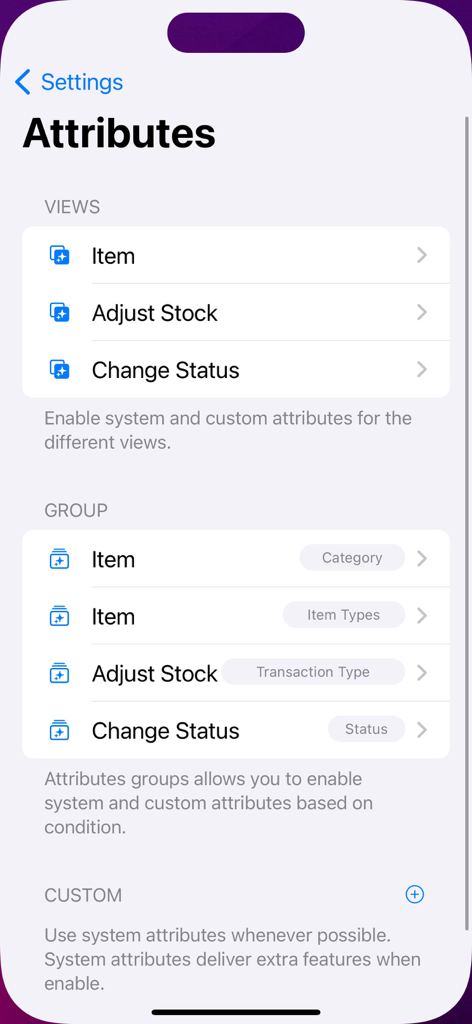
Inventory management app screen showing attribute settings for items and stock adjustments.

Inventory management app screen showing attribute settings for items and stock adjustments.

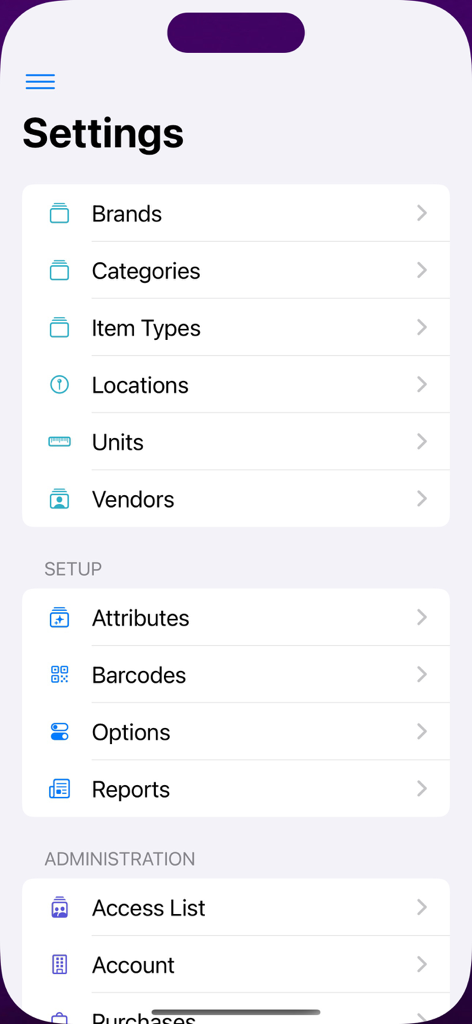
Settings menu of the Inventory Control app showing options for brands, categories, barcodes, and reports

Settings menu of the Inventory Control app showing options for brands, categories, barcodes, and reports

Master Your Stock with Precision

The tools that make this app stand out, trusted by 283K+ users.

Lightning-Fast Scanning

Instantly adjust stock levels and view pricing on the fly with our high-performance scanner—no more manual entry or data friction.

📋

Professional Labeling & Reports

Design custom barcodes and export sleek PDF reports that give your small business the professional edge of a major retailer.

📶

Total Offline Freedom

Work anywhere from metal-sided warehouses to remote job sites. Manage your data without needing a Wi-Fi or cellular connection.

About the app

Everything you need to know about Inventory Control with Scanner.

Description

Inventory Control with Scanner is the fastest and easiest way to organize and track your inventory using a powerful barcode scanner. Keep your inventory organized and available at all times. Quickly scan an item and get stock and price information on the fly without switching views. Recently scanned items are listed while you scan, so you can scan all items and work on them later. Designed for professional and personal use, it is highly customizable and easy to use. INVENTORY • Maintain item information and stock smoothly. • Add items manually or through barcode scan. • Snap a picture of your products and share them as stock items. • Personalize your own item categories, storage areas, supply list, merchants and currencies. BARCODE SCANNER • Powerful scanning tool that allows you to quick list, open, add or adjust stock items on the fly. • Now you can use external Bluetooth barcode devices without hassle. BARCODE GENERATION • Design and print barcode labels using most standard shaped adhesive sheets (A4, US Letter and Rolls). • Supports EAN 8, EAN 13, UPC and Code 39/93/128/QR/QR mini for custom SKU codes. FEATURES • Sign in with Apple. • Offline mode: no need for Wi-Fi or data connection. • Sync data between your devices (subscription is required). CUSTOMIZABLE • Create your own set of custom attributes for views and reports. • Customize reports for your brand needs (fonts, header, footer, colors and logo). • Theme color.   REPORTS • Print, email and share sleek PDF files. • Import and export CSV files.   BEST CHOICE This app belongs to the professional series of ©Starkode apps, which are the best choice of apps at work.   Starkode membership is a month-to-month subscription that begins at sign up. You can easily cancel anytime, within your device, 24 hours a day. There are no long-term contracts or cancellation fees. We just want you to love what you do with our apps.   Privacy Policy: https://starkode.com/privacy/ Terms of Use: https://starkode.com/terms/

Latest Version

26.18

Size

65.8 MB

First Released

Jul 25, 2014

Scale Your Business with Professional Inventory Control

Join 280,000+ experts using the fastest scanning, barcode generation, and offline tracking tool. Your warehouse, now in your pocket.

Download on App Store

App information, icons, screenshots, and descriptions displayed on this page are sourced from the Apple App Store and are the property of their respective developers. Download estimates and rankings are based on MWM's proprietary models and may not reflect actual figures. This page is provided for informational and analytical purposes only.

Believe this page infringes your intellectual property? File a dispute