
This page is not an official page of the app or its developer, but an independent editorial publication created for informational and commentary purposes. Unless expressly stated otherwise, neither the app nor its developer is affiliated with, endorsed by, sponsored by, authorized by, or otherwise officially connected with MWM, Apple, Google Play, the app publisher, or the app's developer, and nothing on this page implies that the app was developed using MWM's services. Any trademarks, logos, screenshots, and other content remain the property of their respective owners.


invisaWear
Empower your independence with stylish smart jewelry that instantly alerts your loved ones and 9-1-1 in an emergency. No monthly fees, no charging required—just total peace of mind wherever life takes you.
Downloads
0User Rating
Total Ratings
0Publisher
Category
LifestyleLocales
1Latest Version
5.4Size
42.9 MBFirst Released
Aug 4, 2018Safety Reimagined as Style
Empower your independence with discreet smart accessories that connect you to help instantly—no charging, no subscriptions, no compromises.
Invisible Security
Hidden technology inside fashionable jewelry allows you to call for help instantly without drawing unwanted attention or sacrificed style.
Precision Protection
Instantly send your live GPS location and vital medical profile to 9-1-1 dispatchers and your emergency contacts with a simple double-press.
The following screenshots and description are sourced directly from the app's official store listing and are the property of the app developer.
App Store
Screenshots
The splash screen of the invisaWear mobile app featuring a gold logo and white text on a dark background
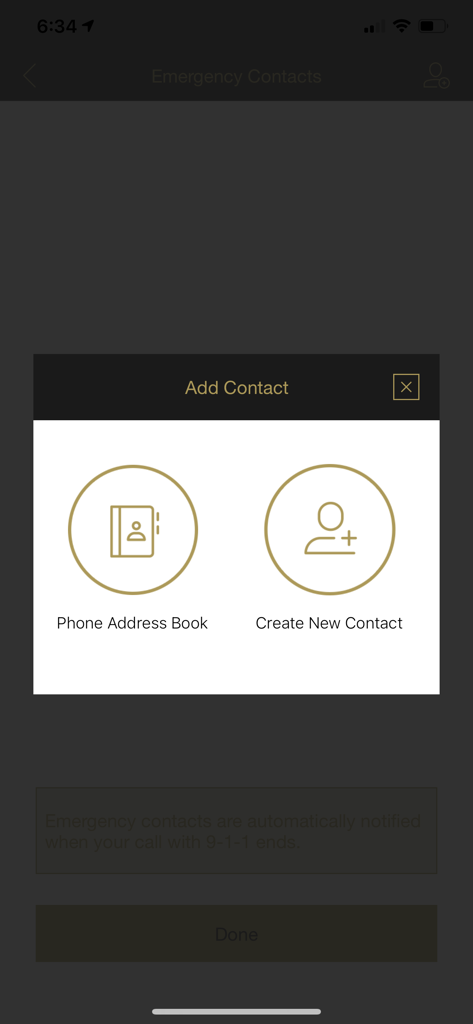
Interface showing options to add an emergency contact from the phone address book or by creating a new contact
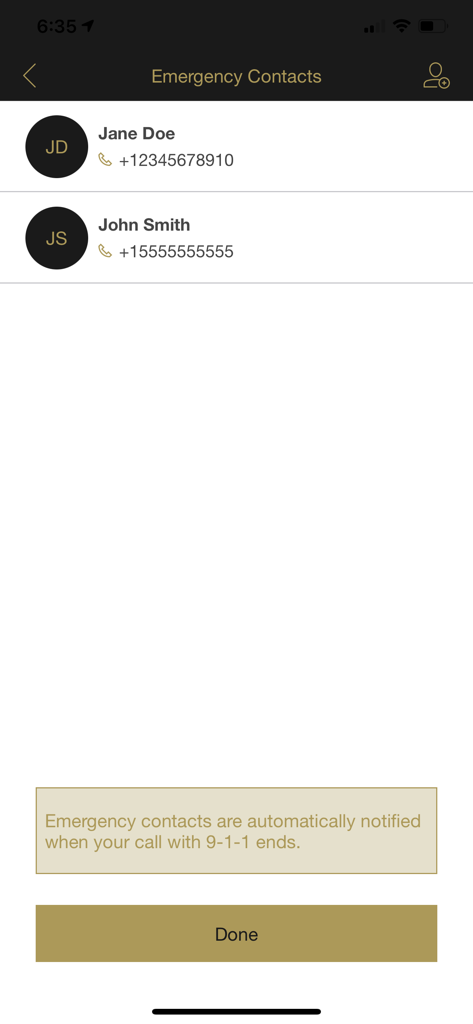
A screenshot of the invisaWear app showing the emergency contacts management screen with two sample contacts and a notification note.
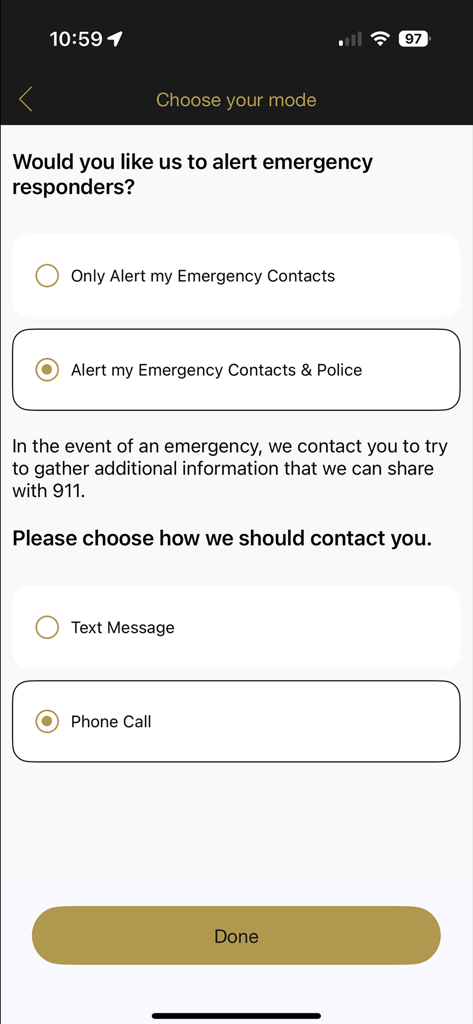
Setup screen in the invisaWear app for selecting emergency alert modes and contact preferences.
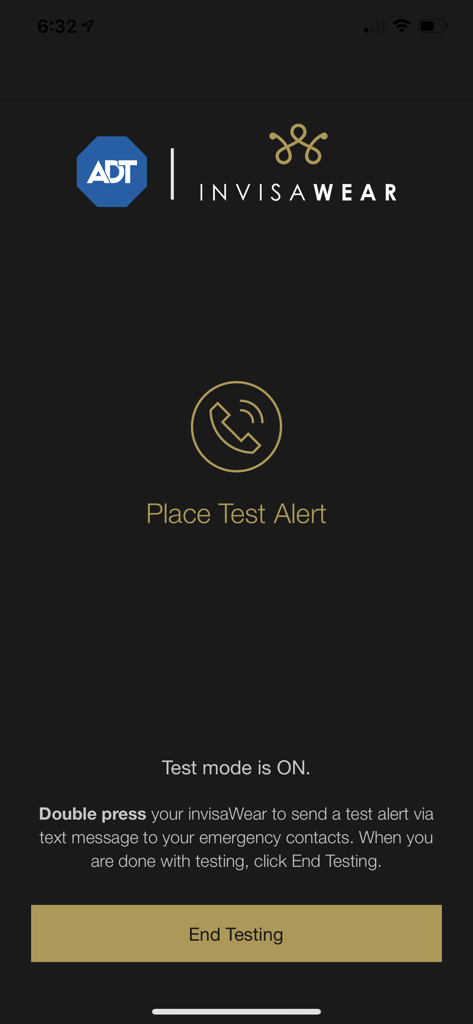
A screenshot of the invisaWear app's test mode screen showing a Place Test Alert icon and an End Testing button.
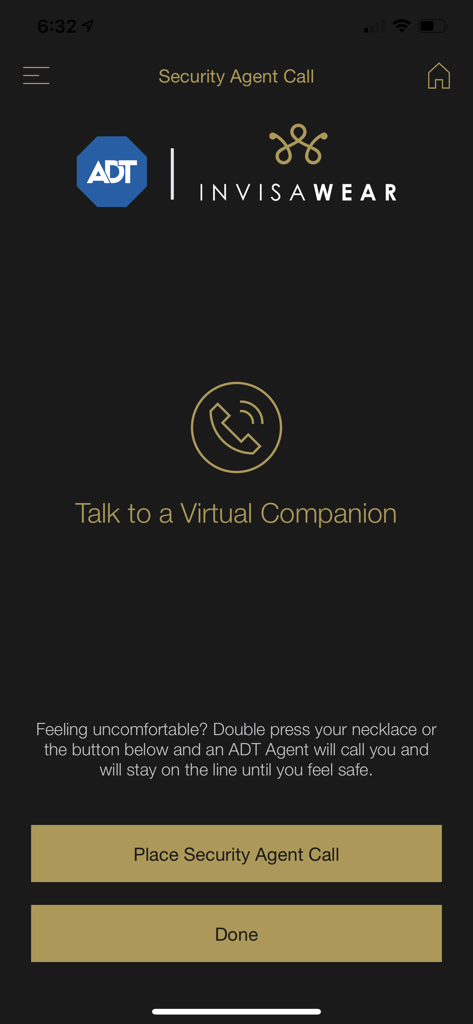
invisaWear app screen for the ADT security agent call feature
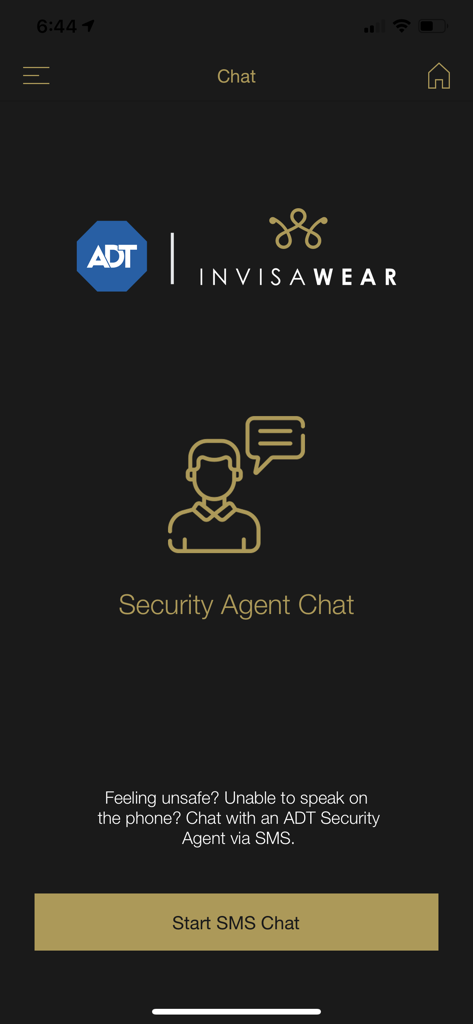
A mobile app screen featuring the invisaWear and ADT logos with a button to start an SMS chat with a security agent for emergency situations.
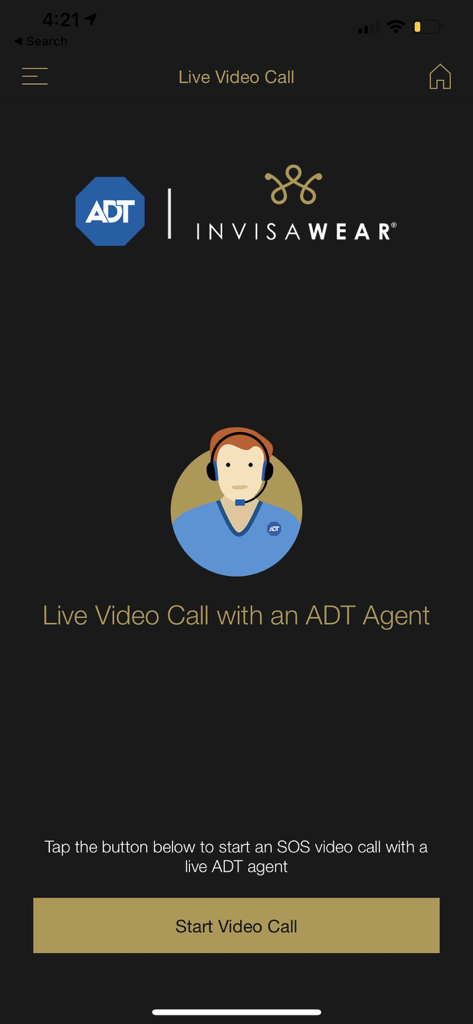
Interface of the invisaWear app showing the option to start a live video call with an ADT agent for emergency assistance.
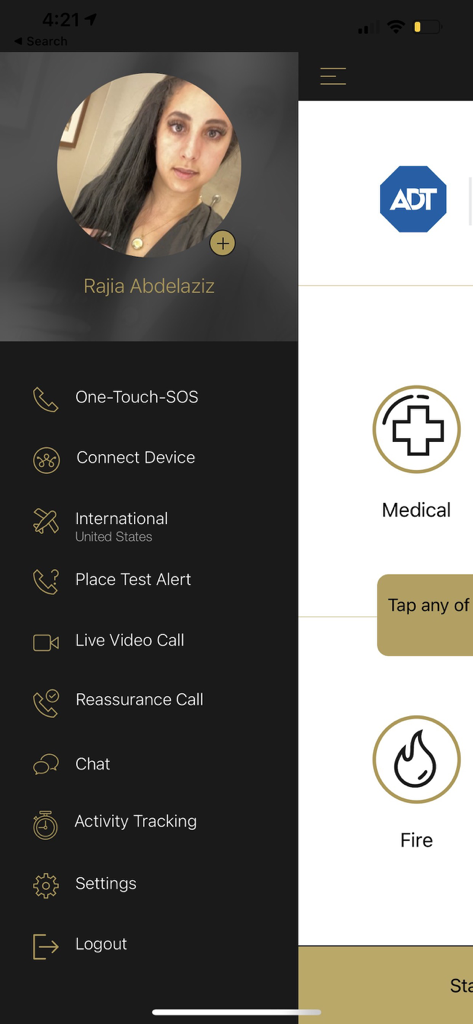
A screenshot of the invisaWear mobile app menu displaying personal safety features including SOS and live video calls
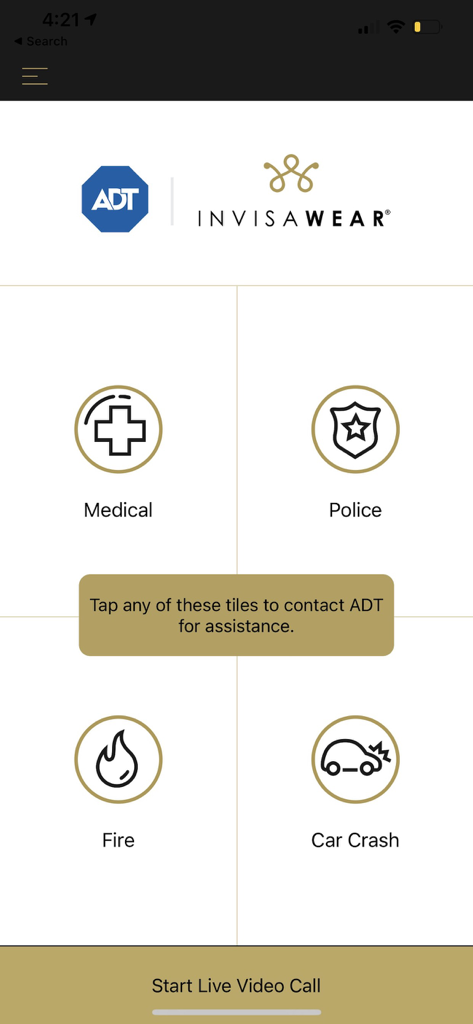
The invisaWear app interface showing emergency contact tiles for Medical Police Fire and Car Crash assistance with ADT integration
Description
Download
More Like This
Top-ranked apps in the same category

Pinterest, Inc.

Alipay - Simplify Your Life
Alipay (Hangzhou) Technology Co., Ltd.

美团-美好生活小帮手
Sankuai Technology Co., Ltd.

Xiaomi Home
Beijing Xiaomi Co., Ltd

Tinder Dating App: Date & Chat
Tinder LLC

Dianping: Discover Good Places
Hanhai Information Technology (Shanghai) Co.Ltd

Lemon8 - Lifestyle Community
TIKTOK PTE. LTD.

58同城-求职招聘找工作租房二手车
Beijing Chengshi Wanglin Information Technology Co., Ltd.

SmartThings
Samsung Electronics Co., Ltd.
This page is not an official page of the app or its developer, but an independent editorial publication created for informational and commentary purposes. Unless expressly stated otherwise, neither the app nor its developer is affiliated with, endorsed by, sponsored by, authorized by, or otherwise officially connected with MWM, Apple, Google Play, the app publisher, or the app's developer, and nothing on this page implies that the app was developed using MWM's services. Any trademarks, logos, screenshots, and other content remain the property of their respective owners.