
This page is not an official page of the app or its developer, but an independent editorial publication created for informational and commentary purposes. Unless expressly stated otherwise, neither the app nor its developer is affiliated with, endorsed by, sponsored by, authorized by, or otherwise officially connected with MWM, Apple, Google Play, the app publisher, or the app's developer, and nothing on this page implies that the app was developed using MWM's services. Any trademarks, logos, screenshots, and other content remain the property of their respective owners.

IP Monitoring Tool PingStation
Transform your iOS device into a powerful diagnostic hub. Monitor device uptime, measure latency with millisecond precision, and manage your local infrastructure with professional-grade tools like subnet scanning and Wake-on-LAN.
Downloads
100+User Rating
Total Ratings
0Publisher
Category
Developer ToolsLocales
1Latest Version
1.0.1Size
105.1 MBFirst Released
Mar 3, 2026Master Your Network Infrastructure
Turn your iPhone into a professional-grade diagnostic hub to monitor performance, discover devices, and ensure 100% uptime.
Real-Time Latency Tracking
Measure response times in milliseconds and get instant status updates to pinpoint bottlenecks before they become outages.
Advanced Subnet Discovery
Scan your entire local network to identify active devices and map out open ports for HTTP, SSH, and RDP services.
The following screenshots and description are sourced directly from the app's official store listing and are the property of the app developer.
App Store
Screenshots
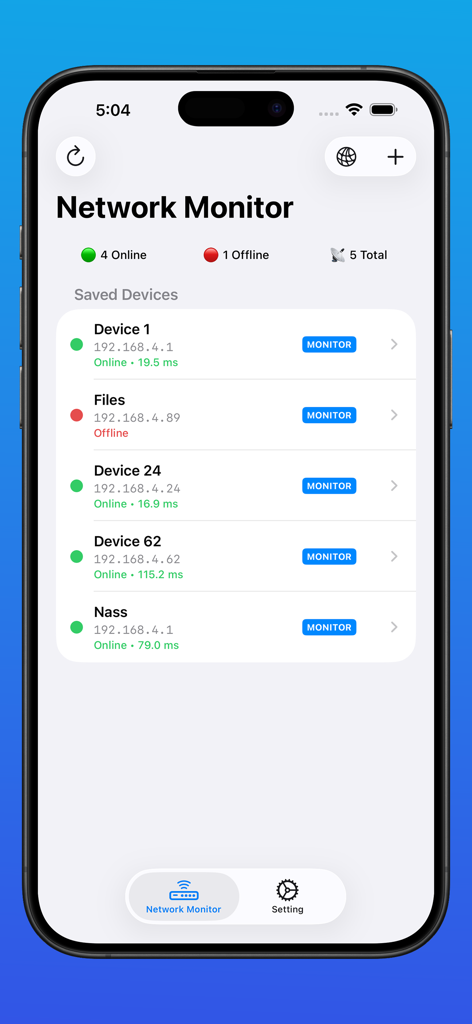
Dashboard of the IP Monitoring Tool PingStation showing a list of networked devices with their IP addresses and real-time latency status
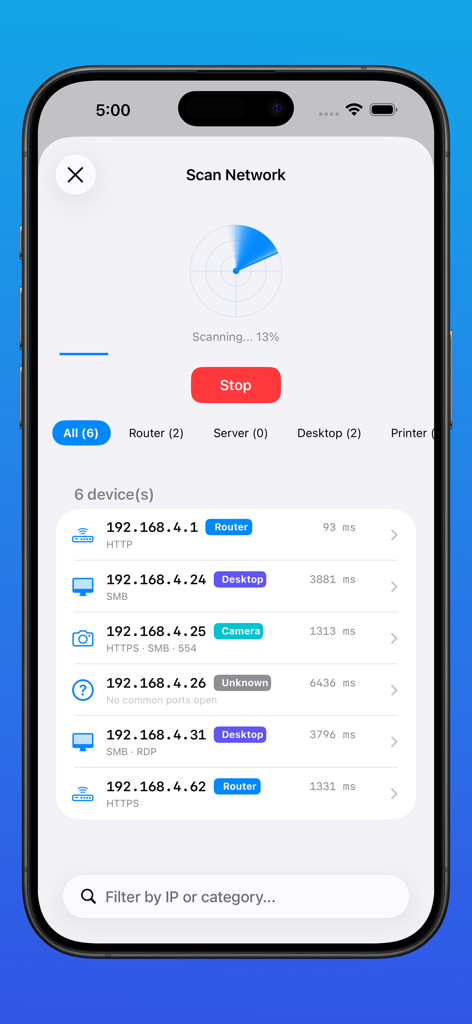
Network scan results in the PingStation app showing IP addresses and device types
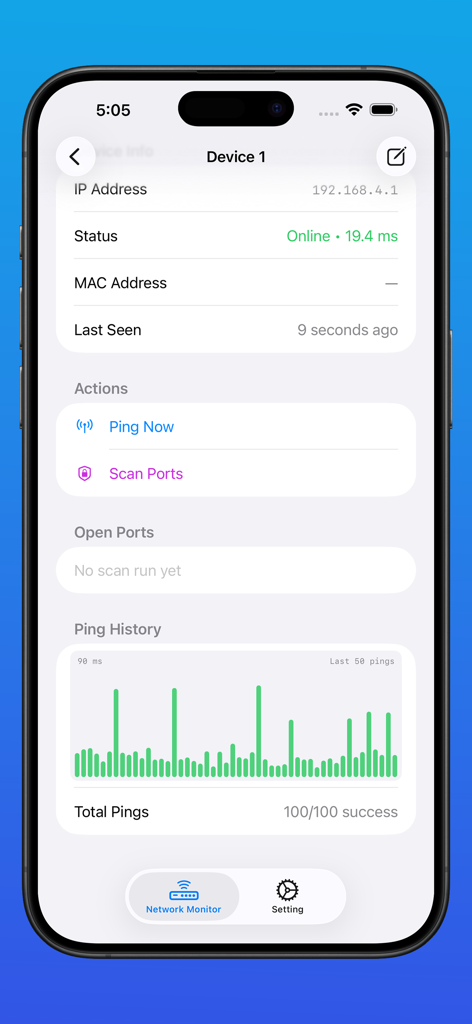
PingStation app screen showing device status IP address latency measurement and ping history graph
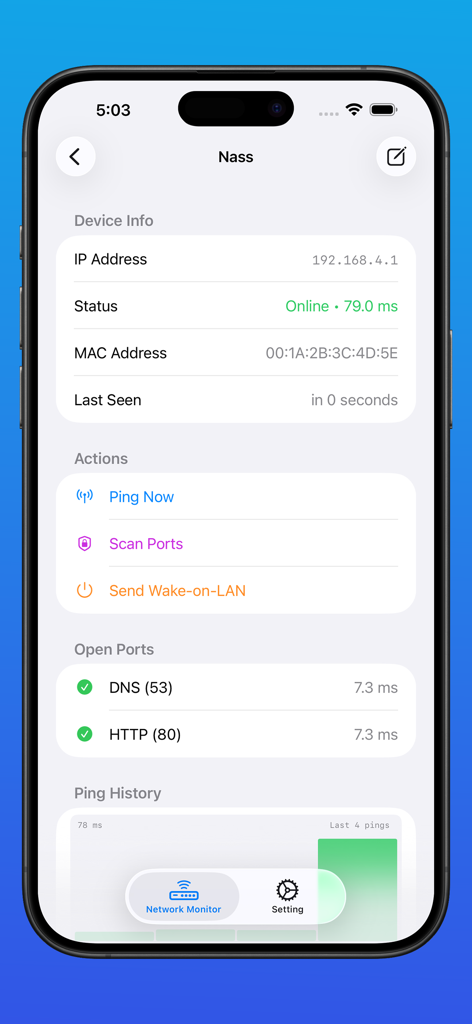
Detailed view of a monitored network device in PingStation showing status and open ports
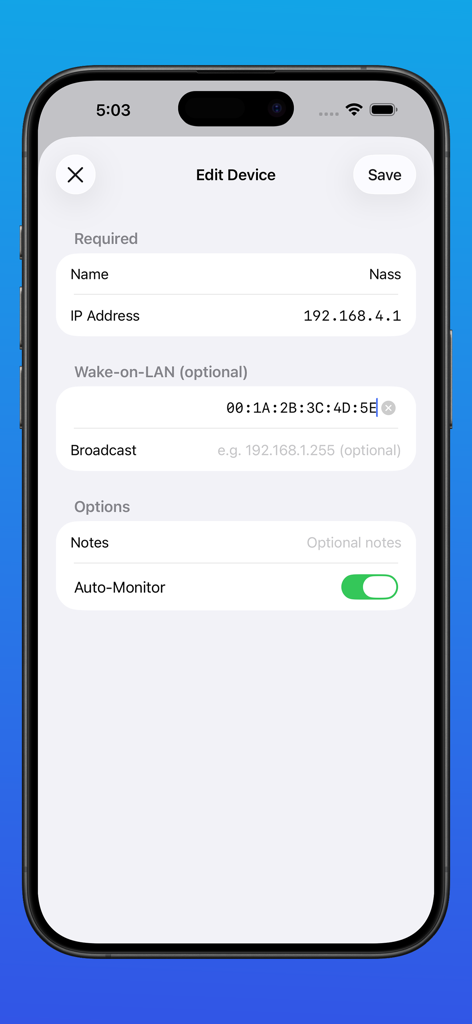
Interface for editing device details including IP address and Wake-on-LAN settings in the PingStation app
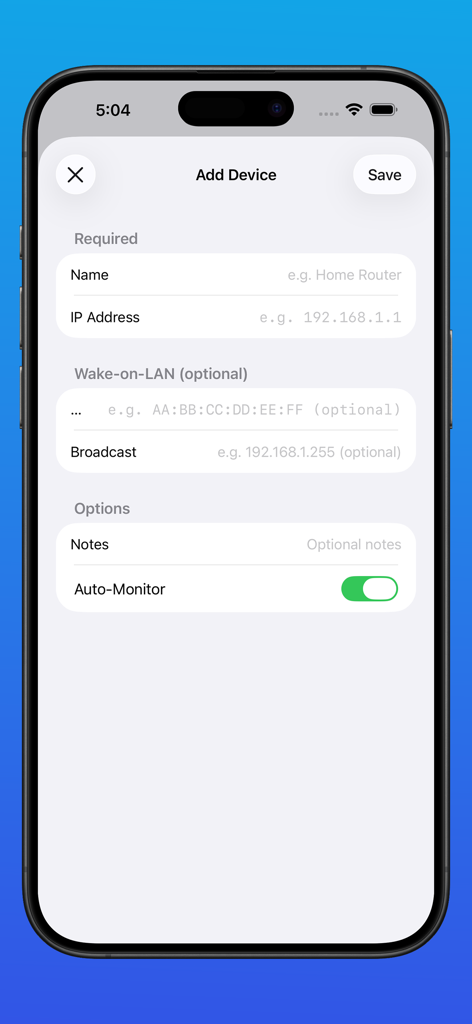
Add Device screen in the PingStation app showing input fields for device name, IP address, and Wake on LAN settings
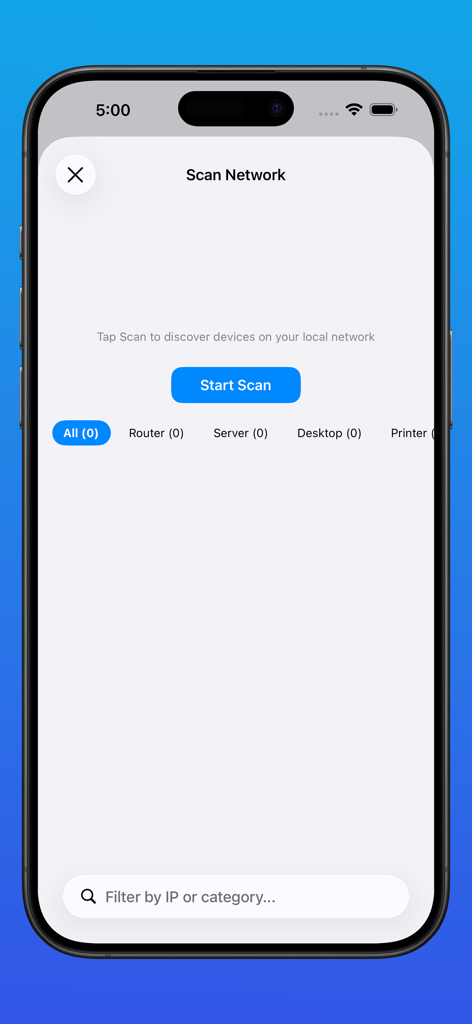
PingStation app network scanning interface showing device discovery options and a start scan button
Description
Download
More Like This
Top-ranked apps in the same category

TestFlight
Apple Inc.

Replit: Vibe Code Apps
Replit, Inc

avoGate
Lark Company Limited

GitHub
GitHub

Emergent AI: Vibe Code Apps
Emergent Labs Inc

ProxyPin - Open Source Capture
Minimalist Network Co., Ltd.

O-KAM Pro
Shenzhen VeePai IoT Intelligent Technology LLC

Apple Developer
Apple Inc.

iProxy - Sys admin tools
N-LAB, OOO
This page is not an official page of the app or its developer, but an independent editorial publication created for informational and commentary purposes. Unless expressly stated otherwise, neither the app nor its developer is affiliated with, endorsed by, sponsored by, authorized by, or otherwise officially connected with MWM, Apple, Google Play, the app publisher, or the app's developer, and nothing on this page implies that the app was developed using MWM's services. Any trademarks, logos, screenshots, and other content remain the property of their respective owners.