IP Television - IPTV M3U
Download on App Store

This page is not an official page of the app or its developer, but an independent editorial publication created for informational and commentary purposes. Unless expressly stated otherwise, neither the app nor its developer is affiliated with, endorsed by, sponsored by, authorized by, or otherwise officially connected with MWM, Apple, Google Play, the app publisher, or the app's developer, and nothing on this page implies that the app was developed using MWM's services. Any trademarks, logos, screenshots, and other content remain the property of their respective owners.


Logo of IP Television - IPTV M3U
Download on App Store

IP Television - IPTV M3U

Take total control of your entertainment. Stream thousands of global channels, live sports, and VOD with professional VLC performance. Sync your playlists across iPhone, iPad, and Apple TV for a seamless, cord-cutting experience.

Key Figures

Downloads

447K+

User Rating

3.9/5

Total Ratings

13K+

Publisher

Paolo Rossignoli

Category

Photo & Video

Locales

7

Latest Version

7.7.2

Size

158.7 MB

First Released

Jul 4, 2014
Features

A Premium TV Experience on Every Screen

Ditch the expensive cable box for a powerful, high-speed IPTV player designed for your Apple ecosystem. From live sports to global cinema, enjoy total control over your entertainment.

Seamless Apple Ecosystem Sync

Start a match on your iPhone during your commute and pick up exactly where you left off on your Apple TV at home with automatic iCloud synchronization.

Unrivaled Stream Compatibility

Bypass restrictive server blocks with 19 professional User Agent presets, ensuring your international streams and M3U playlists load perfectly every time.

The following screenshots and description are sourced directly from the app's official store listing and are the property of the app developer.

App Store

Screenshots
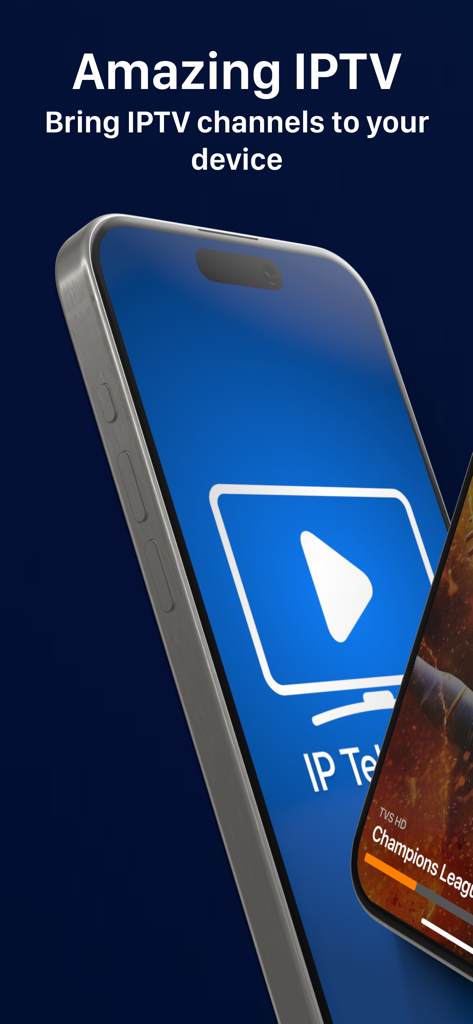
IP Television - IPTV M3U - Two iPhones showing the IP Television app interface and a live sports stream with the text Amazing IPTV
Two iPhones showing the IP Television app interface and a live sports stream with the text Amazing IPTV

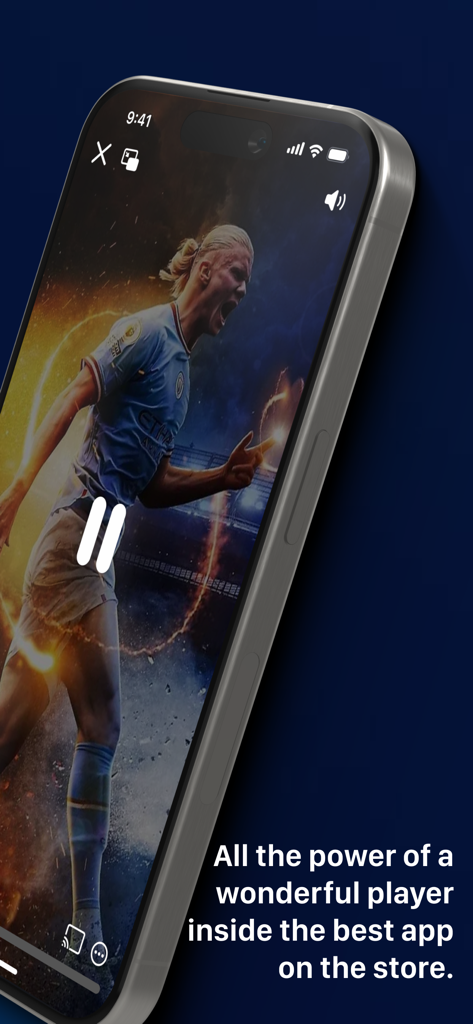
IP Television - IPTV M3U - iPhone displaying a live soccer match on the IP Television IPTV app
iPhone displaying a live soccer match on the IP Television IPTV app

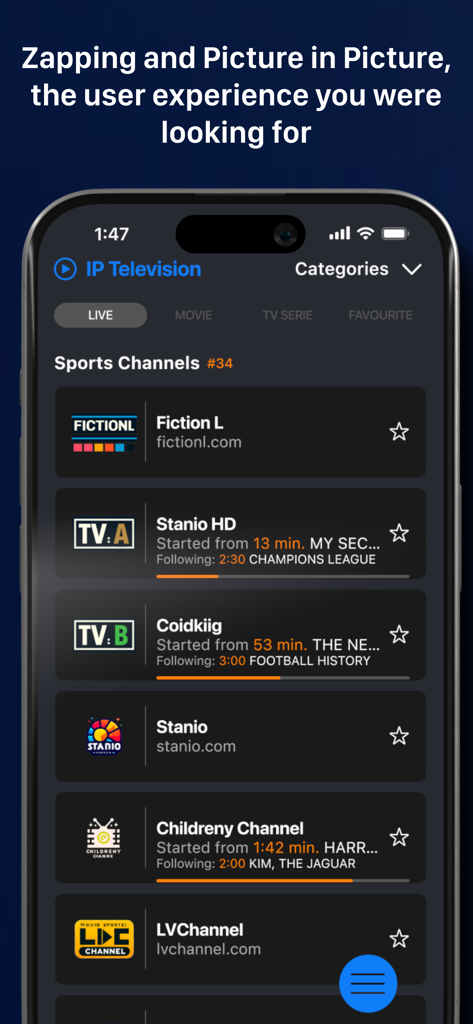
IP Television - IPTV M3U - IP Television app displaying a list of live sports channels on an iPhone screen
IP Television app displaying a list of live sports channels on an iPhone screen

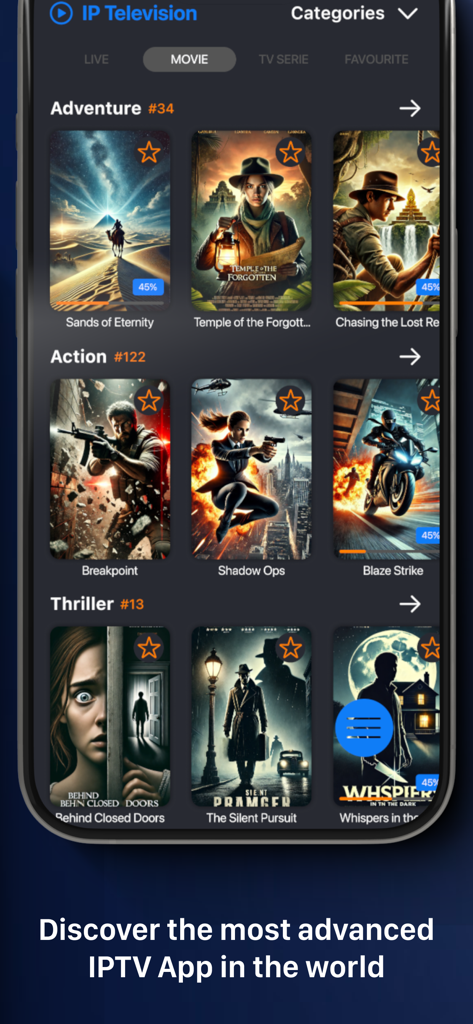
IP Television - IPTV M3U - Smartphone screen displaying the IP Television app's movie library with categorized genres like Adventure and Action and high-quality film posters.
Smartphone screen displaying the IP Television app's movie library with categorized genres like Adventure and Action and high-quality film posters.

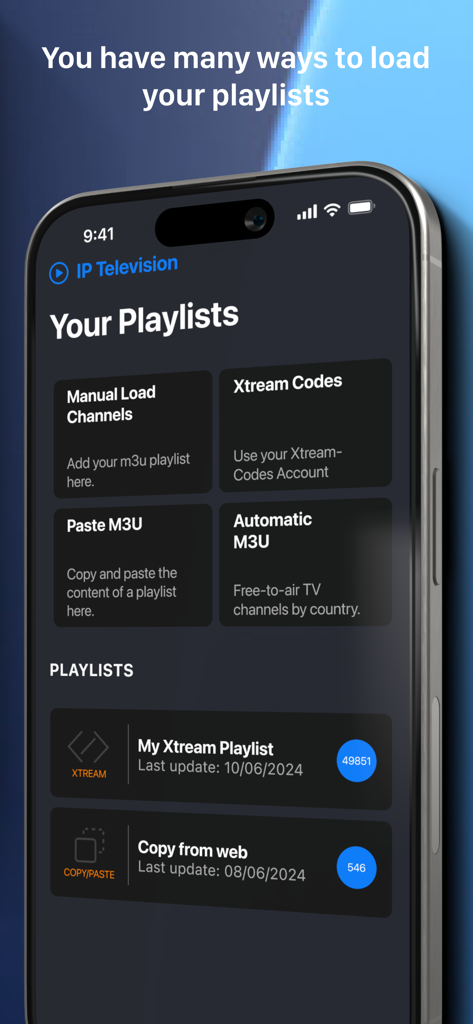
IP Television - IPTV M3U - App interface displaying options to load IPTV playlists via M3U and Xtream Codes
App interface displaying options to load IPTV playlists via M3U and Xtream Codes

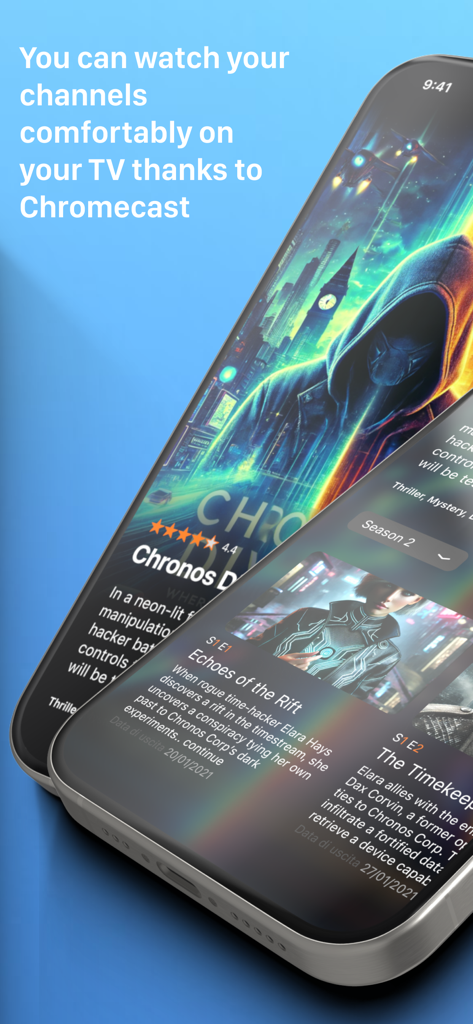
IP Television - IPTV M3U - IP Television app interface showing series details and Chromecast support information
IP Television app interface showing series details and Chromecast support information

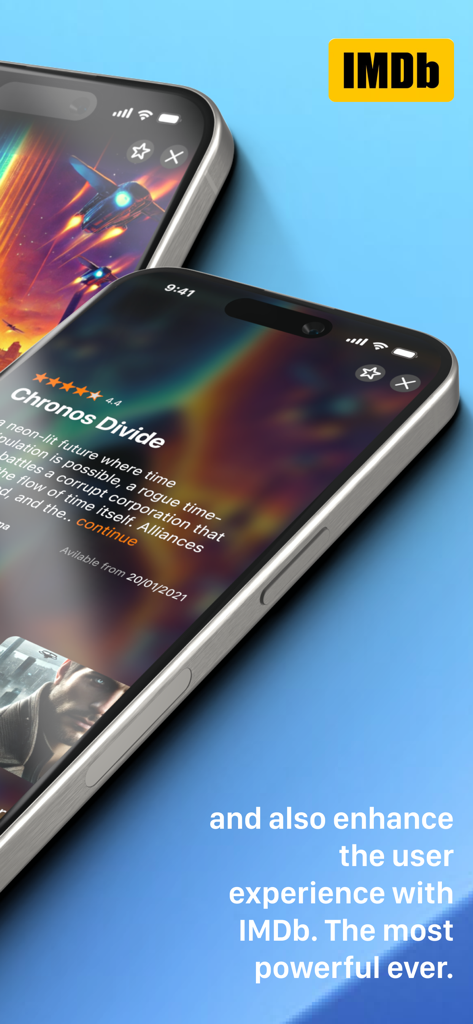
IP Television - IPTV M3U - IP Television app interface showing movie details and ratings integrated with IMDb
IP Television app interface showing movie details and ratings integrated with IMDb

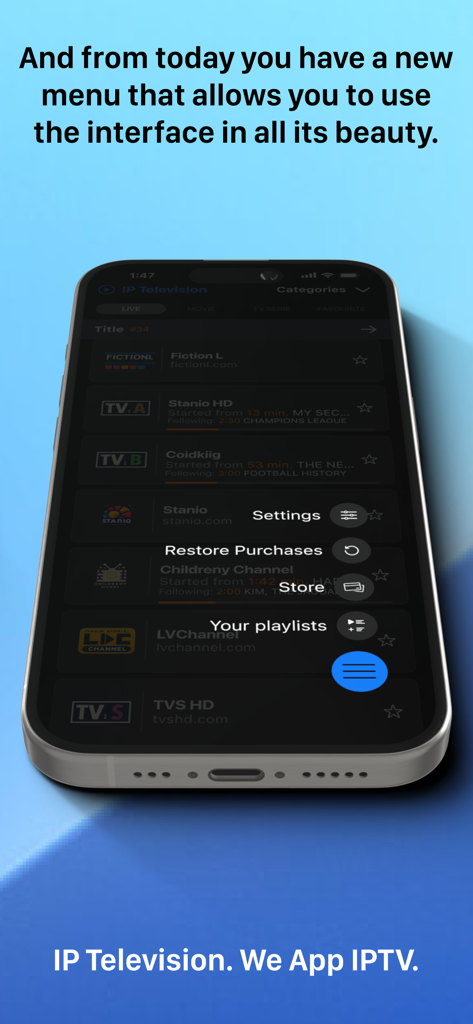
IP Television - IPTV M3U - IP Television app on iPhone featuring a floating menu with settings and playlists.
IP Television app on iPhone featuring a floating menu with settings and playlists.

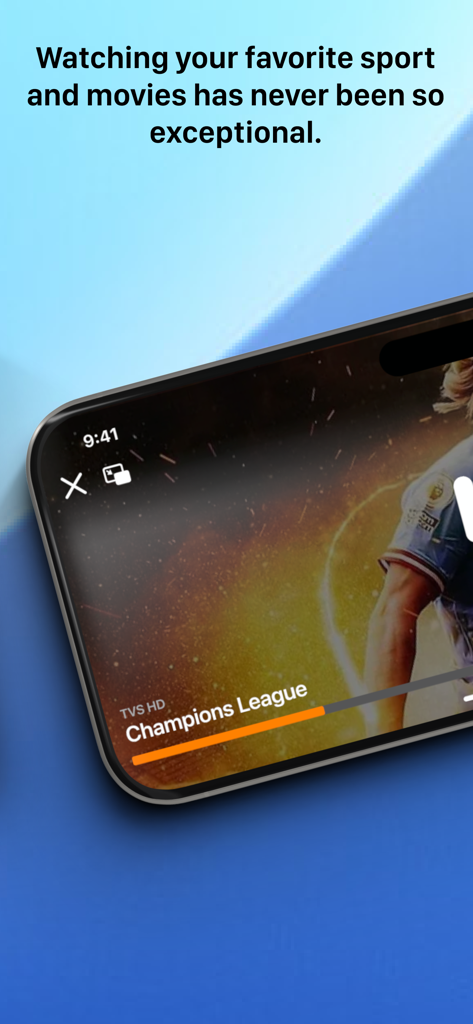
IP Television - IPTV M3U - A smartphone displaying a live Champions League soccer match on the IP Television app.
A smartphone displaying a live Champions League soccer match on the IP Television app.

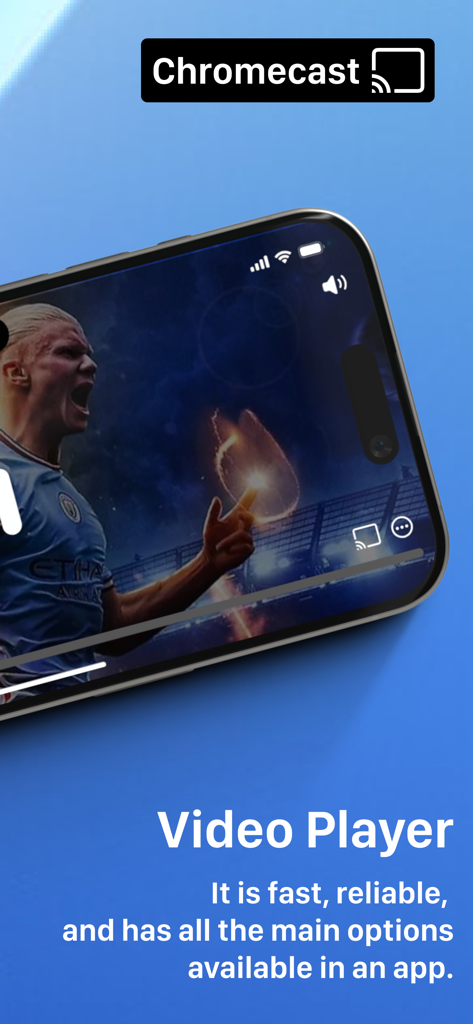
IP Television - IPTV M3U - IP Television video player interface on iPhone with Chromecast support

IP Television video player interface on iPhone with Chromecast support

Description

YOUR TV, ANYWHERE, ANYTIME Transform your iPhone, iPad, and Apple TV into your personal television station. With IP Television, watch thousands of IPTV channels from around the globe: live sports, blockbuster movies, binge-worthy series, kids' shows, and much more. Everything at your fingertips. WHY CHOOSE IP TELEVISION Incredibly Simple Add your IPTV playlists in seconds and start watching immediately. Full support for M3U8 and Xtream Codes formats. Import playlists from the web with simple copy and paste. Professional Quality Video player powered by VLC, the engine trusted by millions worldwide. Smooth streaming even on slower connections, complete playback control, multiple subtitles, and selectable audio tracks. Universal Compatibility Customizable User Agent with 19 presets from the most popular IPTV players (VLC, TiviMate, IPTV Smarters, Perfect Player, and more). Solves compatibility issues with picky servers and ensures access to any IPTV stream. KEY FEATURES Smart Playlist Management - Unlimited playlists with "Multiple Playlist" upgrade - Automatic organization of thousands of channels - Favorites system for quick access - Fast search by name or category - Automatic playlist updates Movies and TV Series On Demand - Complete VOD catalog with HD covers from IMDb - Automatic series grouping by seasons - Automatic position saving: resume exactly where you left off - Detailed information: cast, plot, user ratings - Filter by genre, year, rating Live Television - Thousands of national and international channels - Electronic Program Guide (EPG) with complete schedules - Ultra-fast zapping between channels like real TV - Preview Mode: press and hold for instant preview - Parental controls integrated Stream Everywhere - Built-in Chromecast to watch on your big screen - Picture-in-Picture for multitasking - Automatic sync across devices with iCloud - AirPlay and HDMI supported Advanced Control - Customizable User Agent: 19 professional presets (VLC, TiviMate, IPTV Smarters, Perfect Player, OTT Navigator, GSE, Kodi, STB Emulator, and more) - Custom User Agent option for maximum flexibility - Automatically resolves access issues with restrictive IPTV servers - Improves compatibility with international providers WHAT'S NEW IN THIS VERSION Optimized CloudKit Sync Your favorites and playlists always synchronized across all devices. Start a movie on iPad and continue on iPhone, picking up exactly where you left off. Revolutionary Performance Playlist loading up to 120 times faster. Optimized memory management for smooth performance even with thousands of channels. VLC 4.0 Player Improved video quality, reduced power consumption, latest codec support. Optimized hardware decoding for perfect fluidity. Modern Interface Redesigned for iOS 18, iPadOS 18, and tvOS 18. Smooth animations, intuitive navigation. ONE PURCHASE, ALL DEVICES Buy IP Television once and use it on iPhone, iPad, and Apple TV. All future updates included, no hidden costs. AVAILABLE IN-APP PURCHASES Permanent Extensions - Remove Ads (1.49) - Ad-free experience - Zapping & Picture-in-Picture (1.99) - Mini-player for instant previews - Multiple Playlists (2.99) - Unlimited IPTV lists - Advanced Copy & Paste (1.99) - Import playlists with one tap Premium Subscriptions - EPG Premium (1.49 every 3 months) - Always updated TV guide - FIRST MONTH FREE - Chromecast Pro (3.99 per year) - Cast to any compatible TV Prices may vary by location. Subscriptions are charged to iTunes and renew automatically unless canceled at least 24 hours before. Manage them from account settings. Privacy Policy: http://www.iptelevision.tv/policy-privacy/ Terms and Conditions: http://www.iptelevision.tv/terms-conditions/ Download IP Television now and discover a new way to watch TV!

Download

Download on App Store

This page is not an official page of the app or its developer, but an independent editorial publication created for informational and commentary purposes. Unless expressly stated otherwise, neither the app nor its developer is affiliated with, endorsed by, sponsored by, authorized by, or otherwise officially connected with MWM, Apple, Google Play, the app publisher, or the app's developer, and nothing on this page implies that the app was developed using MWM's services. Any trademarks, logos, screenshots, and other content remain the property of their respective owners.