
itslearning new


The official mobile companion for students and teachers. Stay ahead of every deadline, message your class, and manage your courses anywhere, anytime.
Publisher
Category
EducationDownloads
412K+User Rating
Total Ratings
900Locales
13Discover the interface used by 412K+ users.
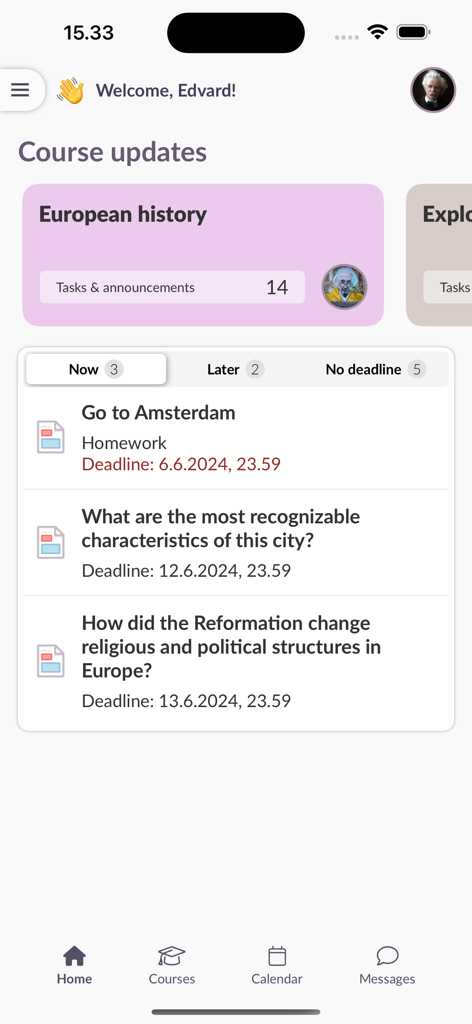
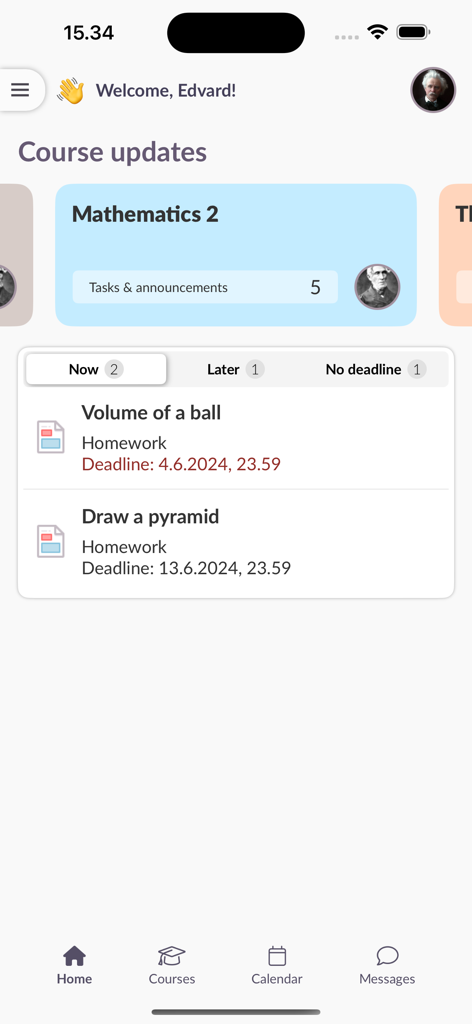
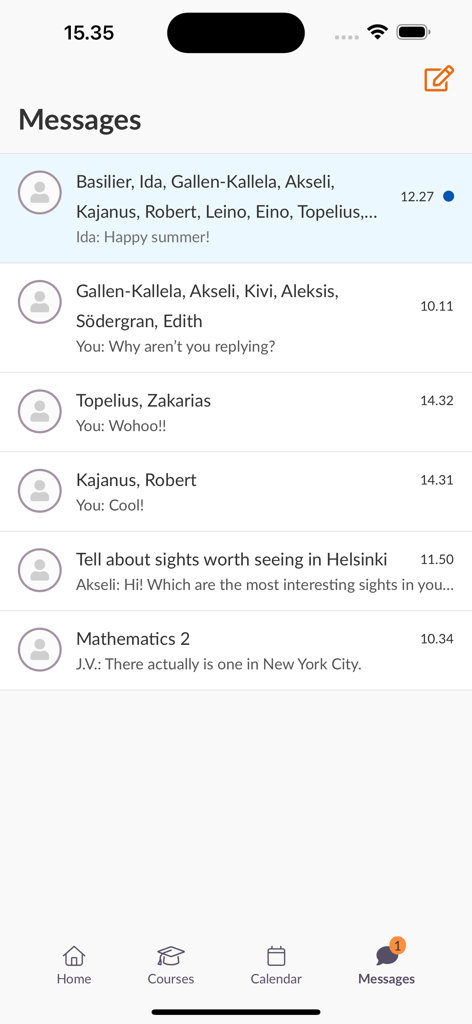
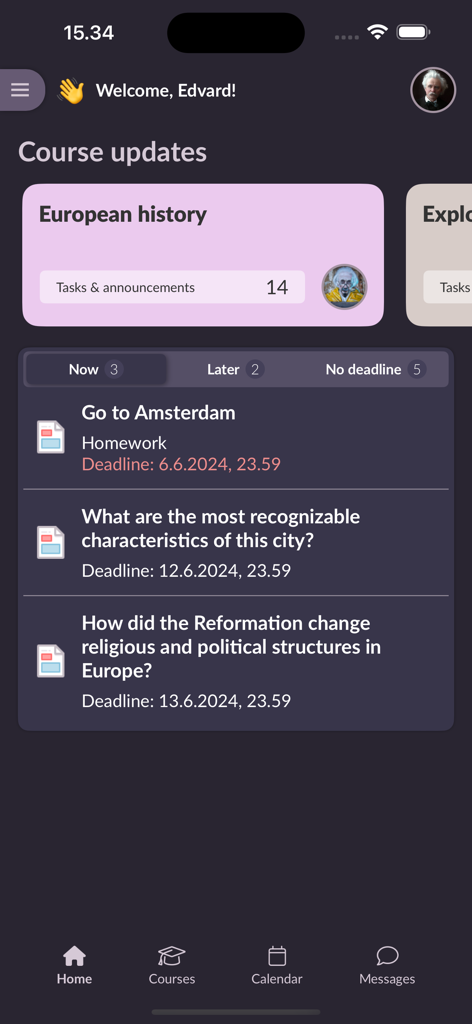
The tools that make this app stand out, trusted by 412K+ users.
Stay organized with a clear, categorized overview of upcoming tasks so you always know what to prioritize next.
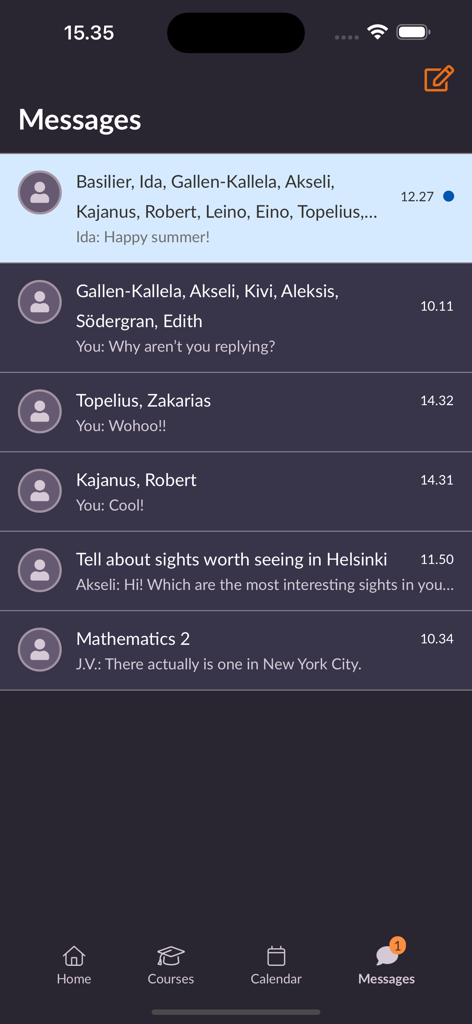
Ditch the formal emails. Use the built-in messaging function to get quick answers and collaborate on the go.
Submit assignments, take tests, and access all your course resources directly from your phone, wherever you are.
Insights from user reviews.
Sentiment Score
Summary
User feedback for the app is overwhelmingly negative, with many users expressing extreme dissatisfaction. A primary complaint is that the app functions predominantly as a web wrapper, redirecting users to a browser for most features rather than providing native app functionality, making it feel redundant and slow. Users also report significant usability issues, citing a confusing interface, difficult navigation, and a notable lack of essential features such as document editing or reliable scheduling information. Frequent logouts requiring re-authentication are a common frustration, and many consider the new version a considerable downgrade from its predecessor.
Common Themes
Everything you need to know about itslearning new.
Description
Latest Version
1.7.0
Size
11.7 MB
First Released
Oct 11, 2024
Stay ahead of every deadline and keep the conversation going. Download the official itslearning app today and master your academic life on the go.
Everything you need to know about itslearning new
The itslearning new app allows users to access their learning courses on mobile devices. It provides an overview of tasks, messaging, assignment submission, and course resource access for students and teachers.
Yes, users can submit assignments using the itslearning new app. If the feature is not natively built into the app, it opens a browser window for completion.
Yes, the itslearning new app includes a messaging function. Users can view and manage their conversations directly within the app interface.
To log in, search for your school or site, select your login method, and enter your existing itslearning account username and password. The app remembers your login for future use.
The itslearning new app requests permissions for Images and files to add attachments to messages, and Notifications to receive push notifications.
Yes, the itslearning new app provides a clear overview of tasks for your courses, divided into categories according to deadlines. This helps users track upcoming work.
Yes, the itslearning new app displays course announcements and updates. The main screen shows 'Course updates' with tasks and announcements listed for various courses.
Yes, students can take surveys and tests using the itslearning new app. Some functionalities may open in a browser window to provide the full itslearning experience.
Apps with similar features and user experience

ClassDojo, Inc.

MINKOMSVYAZ ROSSII, FKU

PARENTSQUARE LLC

Agenda Kids Ltda ME

TalkingPoints Corp

Instructure, Inc.

PARENTSQUARE LLC

D2L Corporation

PowerSchool Group LLC
App information, icons, screenshots, and descriptions displayed on this page are sourced from the Apple App Store and are the property of their respective developers. Download estimates and rankings are based on MWM's proprietary models and may not reflect actual figures. This page is provided for informational and analytical purposes only.
Believe this page infringes your intellectual property? File a dispute