
This page is not an official page of the app or its developer, but an independent editorial publication created for informational and commentary purposes. Unless expressly stated otherwise, neither the app nor its developer is affiliated with, endorsed by, sponsored by, authorized by, or otherwise officially connected with MWM, Apple, Google Play, the app publisher, or the app's developer, and nothing on this page implies that the app was developed using MWM's services. Any trademarks, logos, screenshots, and other content remain the property of their respective owners.


jetAudio Hi-Res Music Player
Unlock the full potential of your high-end headphones with a 20-band equalizer, professional DSP effects, and seamless streaming from your NAS or cloud servers.
Downloads
1M+User Rating
Total Ratings
1000Publisher
Category
MusicLocales
23Latest Version
12.3.5Size
26.9 MBFirst Released
Oct 16, 2014Precision Sound for the True Audiophile
Experience professional-grade audio control with the player designed for enthusiasts who demand studio quality and total library flexibility.
20-Band Professional EQ
Go beyond basic presets with surgical frequency control and advanced DSP plugins like Bongiovi DPS and Crystalizer to match your specific headphone profile.
Lossless Hi-Res Playback
Hear every detail with native support for high-fidelity formats including FLAC, DSD, and WAV for an uncompromised, studio-accurate listening experience.
Frequently Asked Questions
Everything you need to know about jetAudio Hi-Res Music Player
What features does jetAudio Hi-Res Music Player offer?
jetAudio Hi-Res Music Player provides a 10/20 band graphic equalizer, various sound effects, visualization, and network/cloud streaming. It supports many digital music formats and advanced playback controls like speed adjustment and crossfading.
Can I stream music from cloud services with jetAudio?
Yes, jetAudio allows streaming music files from cloud services. Supported platforms include Google Drive, Dropbox, Box, and OneDrive. It also supports streaming from WebDAV servers.
What sound effects are available in jetAudio Hi-Res Music Player?
jetAudio Hi-Res Music Player includes sound effects such as X-Wide, Reverb, and X-Bass. Additional plugins like Crystalizer, AM3D Audio Enhancer, and Bongiovi DPS are available as separate in-app purchases.
Is there a difference between the free and Plus versions of jetAudio?
Yes, the free version of jetAudio has advertisements and some feature limitations compared to the Plus version. The Plus version offers a 20-band equalizer, different themes, album art customization, and no ads.
What audio file formats does jetAudio support?
jetAudio Hi-Res Music Player supports various digital music formats including wav, mp3, ogg, flac, m4a, dsd, dsf, mpc, tta, wv, and ape. Some specific formats are for Folder Browser mode only.
Can I customize the equalizer in jetAudio?
Yes, jetAudio offers a graphic equalizer that users can customize. The basic/free version provides a 10-band equalizer, while the Plus version includes a more advanced 20-band graphic equalizer for detailed sound adjustment.
Does jetAudio have a sleep timer feature?
Yes, jetAudio includes a sleep timer feature. Users can set the timer for up to 24 hours to automatically stop music playback after a specified duration.
How does jetAudio handle volume fluctuations between songs?
jetAudio incorporates Automatic Gain Control (AGC). This feature automatically adjusts volume levels to prevent significant fluctuations between different tracks, ensuring a consistent listening experience.
Can I adjust the playback speed of songs in jetAudio?
Yes, jetAudio allows users to control the playback speed of songs. The speed can be adjusted from 50% to 200%, with the pitch automatically adjusted to maintain audio quality.
Does jetAudio support streaming music from local network shares?
Yes, jetAudio supports streaming music via Wi-Fi from shared folders on a local home network, utilizing SMB protocol. It also connects to WebDAV servers, including those on network drives or routers.
The following screenshots and description are sourced directly from the app's official store listing and are the property of the app developer.
App Store
Screenshots
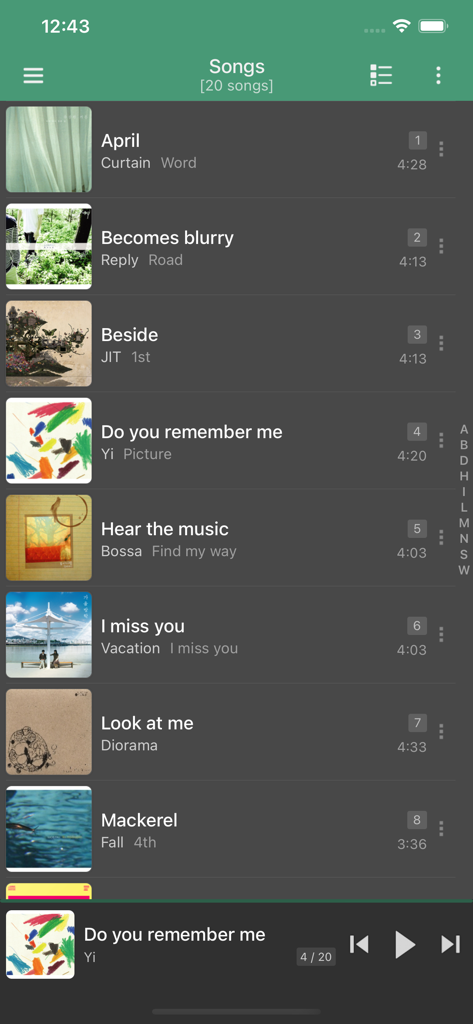
Song list view in jetAudio Hi-Res Music Player showing music library and mini-player
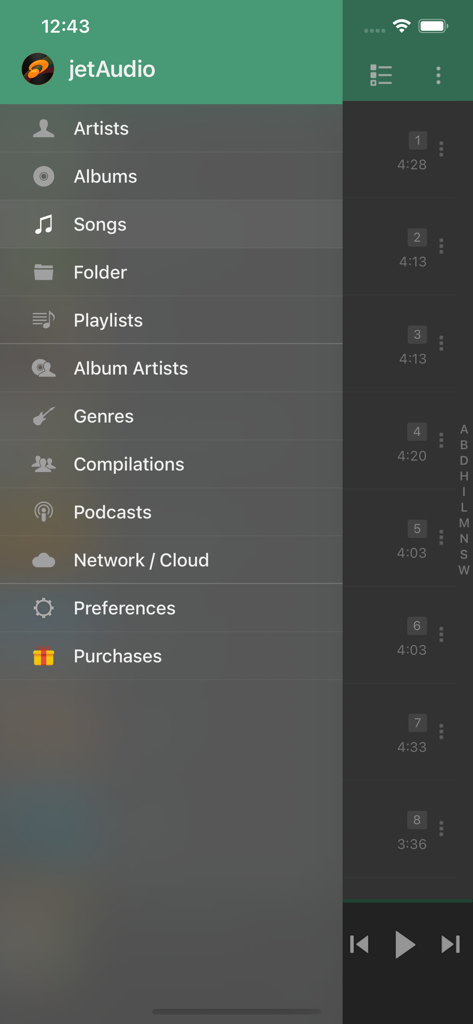
Sidebar navigation menu in jetAudio Hi-Res Music Player showing music categories and network settings
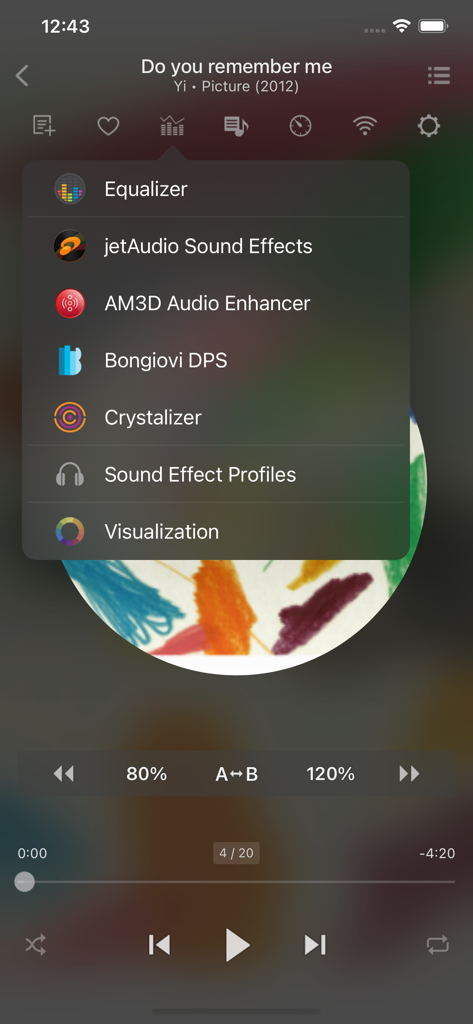
JetAudio Hi-Res Music Player app interface showing audio enhancement menu with Equalizer and AM3D options.
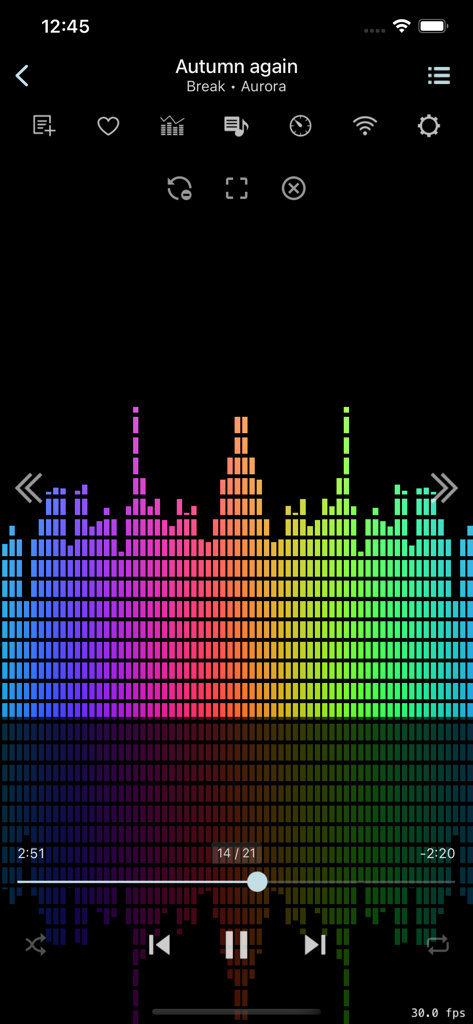
JetAudio music player app interface featuring a vibrant rainbow spectrum visualizer and audio playback controls
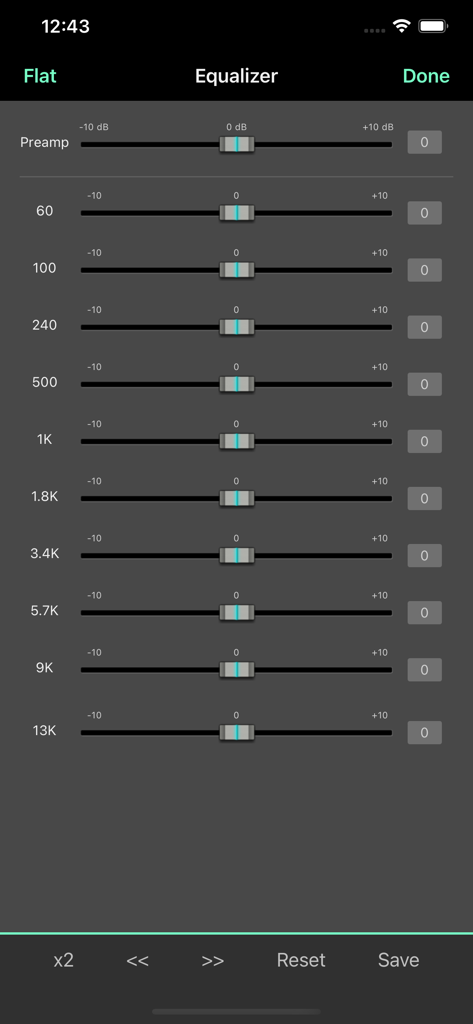
Graphic equalizer interface with ten frequency sliders in the jetAudio music player app.
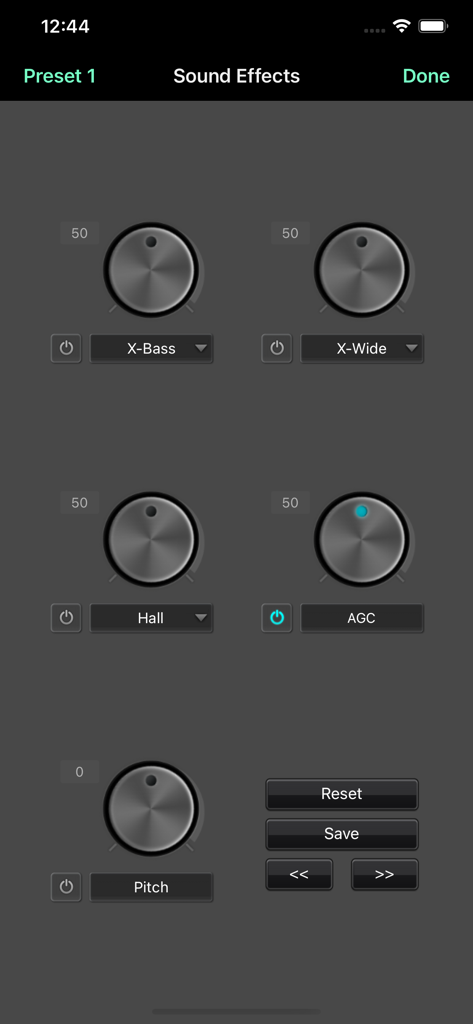
jetAudio app sound effects screen featuring dials for X-Bass, X-Wide, Hall reverb, AGC, and Pitch control
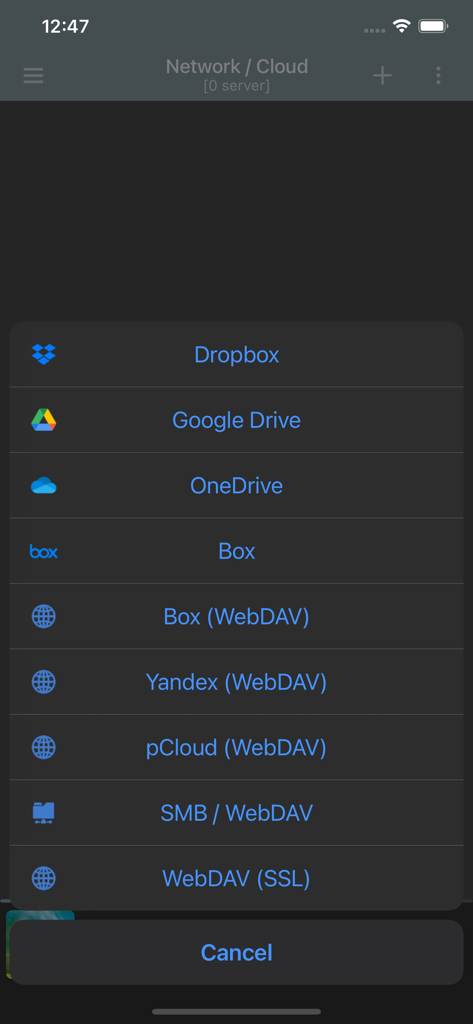
jetAudio app menu for selecting cloud and network music streaming services including Dropbox, Google Drive, and WebDAV.
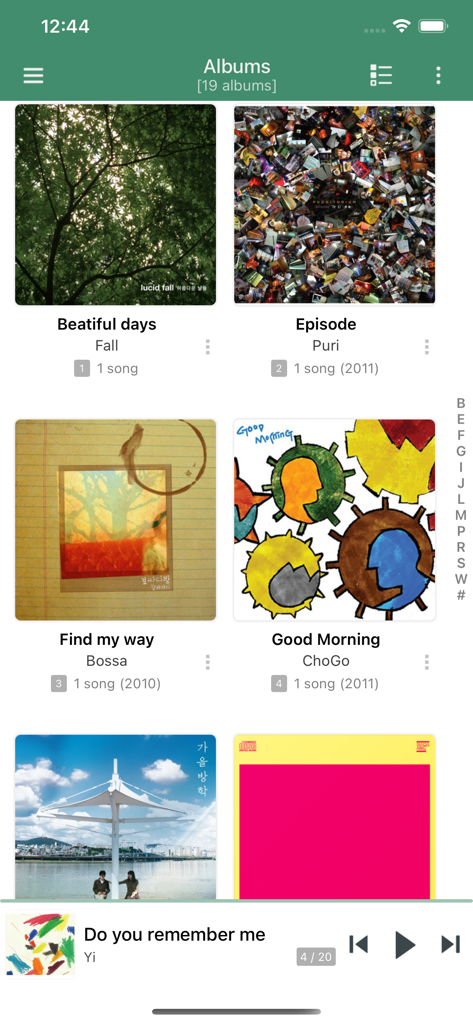
jetAudio Hi-Res Music Player albums library view showing a grid of album art and a mini player at the bottom.
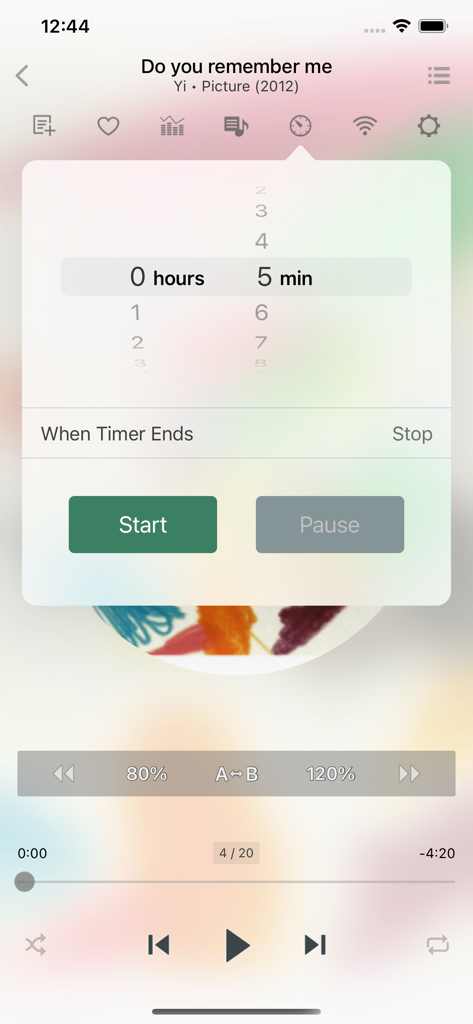
Sleep timer interface in jetAudio app showing a five minute countdown for music playback

Colorful music visualizer bars in jetAudio Hi-Res Music Player
Description
Download
More Like This
Apps with similar features and user experience

Offline Music Player Pro & MP3
娟 杨

Anywhere - Music Player
Volodymyr Klymenko

Bass Booster - Audio Equalizer
Pretty View LLC

PewPee: Music Player Offline
Daniil Taiakin

Cloud Music Drive
Mehmet Aygun

Cloud Music Player for Clouds
Yajing Qian

HiByMusic
Dongguan Haibei Information Technology Co. LTD.

Music Cloud Offline
Richard Levi

Offline Music Player - mp3
Alexander Sazanovich
This page is not an official page of the app or its developer, but an independent editorial publication created for informational and commentary purposes. Unless expressly stated otherwise, neither the app nor its developer is affiliated with, endorsed by, sponsored by, authorized by, or otherwise officially connected with MWM, Apple, Google Play, the app publisher, or the app's developer, and nothing on this page implies that the app was developed using MWM's services. Any trademarks, logos, screenshots, and other content remain the property of their respective owners.