
This page is not an official page of the app or its developer, but an independent editorial publication created for informational and commentary purposes. Unless expressly stated otherwise, neither the app nor its developer is affiliated with, endorsed by, sponsored by, authorized by, or otherwise officially connected with MWM, Apple, Google Play, the app publisher, or the app's developer, and nothing on this page implies that the app was developed using MWM's services. Any trademarks, logos, screenshots, and other content remain the property of their respective owners.

JPG Converter: HEIC, PDF, RAW
The ultimate privacy-first tool for photographers and digital pros. Instantly transform HEIC, PDF, and professional RAW files into high-quality JPGs without ever leaving your device.
Downloads
0User Rating
Total Ratings
0Publisher
Category
Photo & VideoLocales
3Latest Version
1.5.9Size
4.7 MBFirst Released
Sep 25, 2024Pro-Grade Conversion at Your Fingertips
The fastest, most secure way to bridge the gap between high-end mobile photography and universal compatibility.
100% Private & Offline
Your files never leave your device. Process sensitive photos and documents securely without cloud uploads or data tracking.
Massive Batch Processing
Convert hundreds of HEIC or RAW files in seconds. Save time with a high-performance engine designed for heavy professional workloads.
The following screenshots and description are sourced directly from the app's official store listing and are the property of the app developer.
App Store
Screenshots
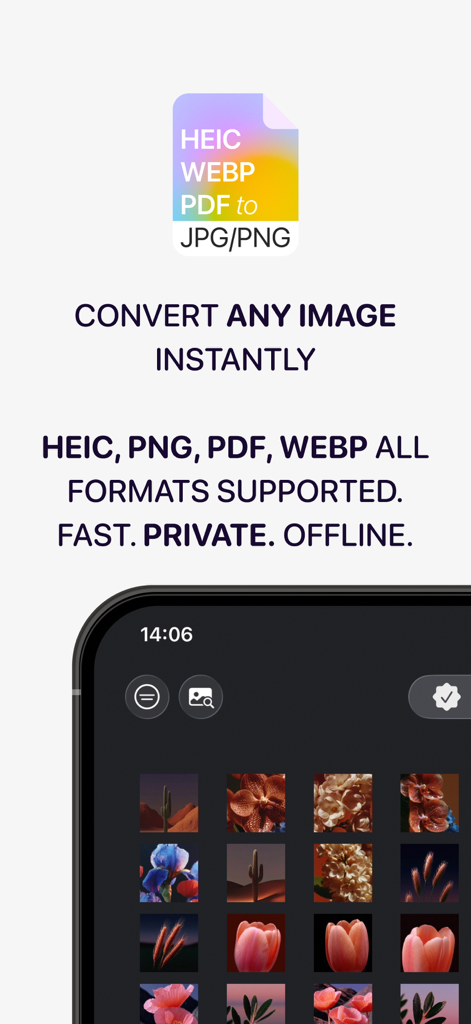
A mobile app interface showing image conversion options for HEIC PDF and WEBP formats.
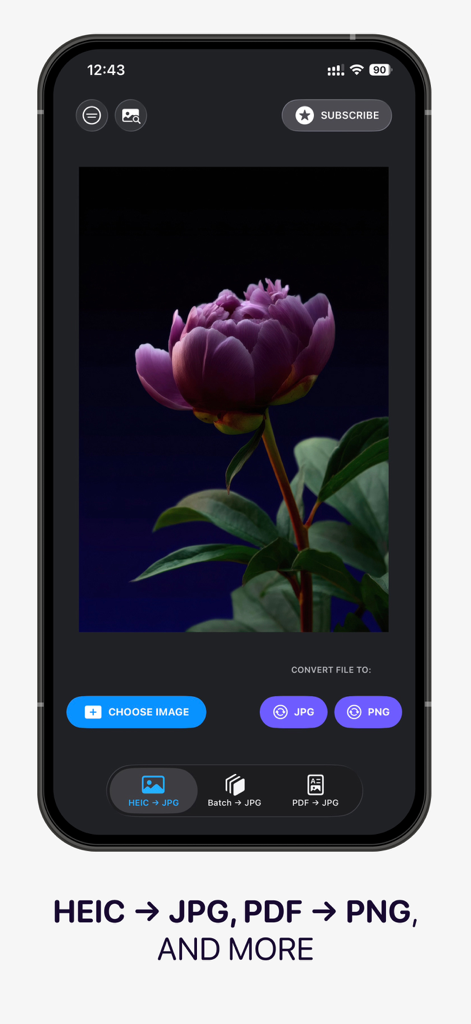
Mobile app interface showing image conversion options from HEIC to JPG and PDF to PNG
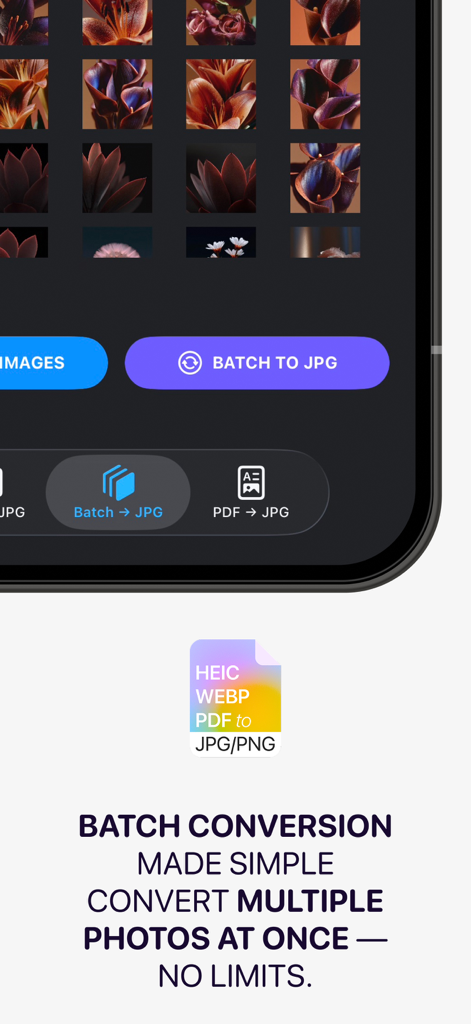
Mobile app interface showing batch conversion of multiple photos to JPG format
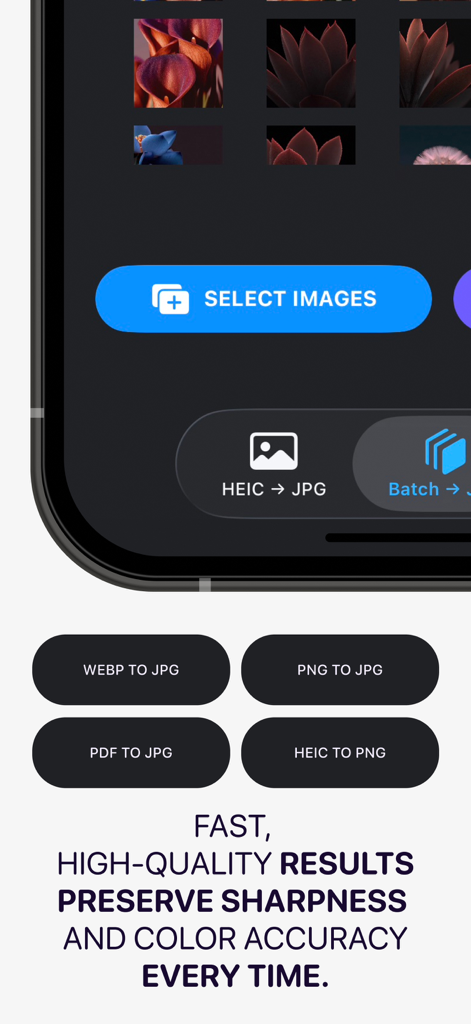
JPG Converter app interface showing various image conversion options like HEIC, PDF, and PNG to JPG
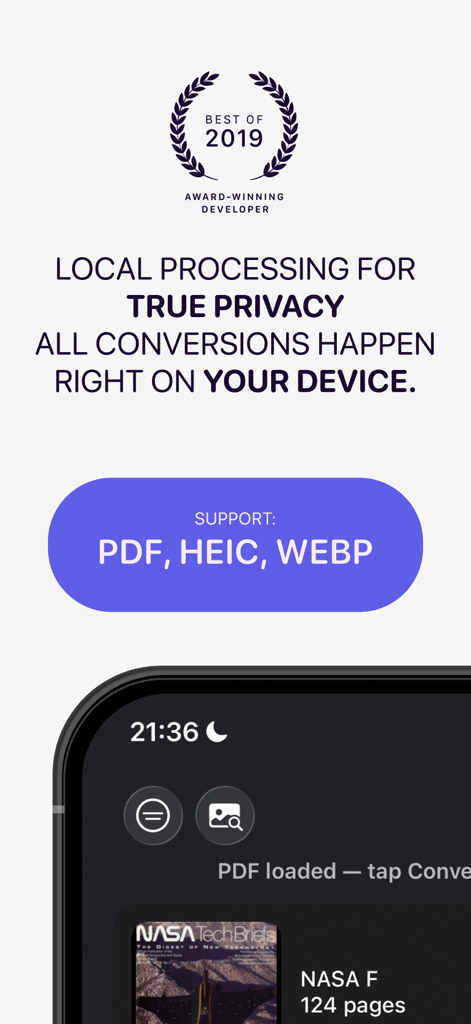
Screenshot of JPG Converter app highlighting local offline processing for privacy and support for PDF HEIC and WEBP formats.
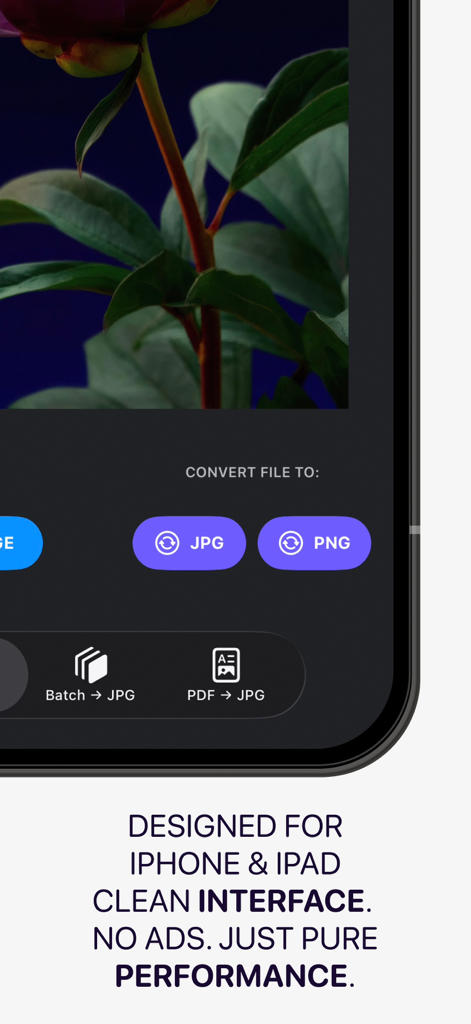
JPG Converter mobile app interface for iPhone and iPad featuring batch conversion tools
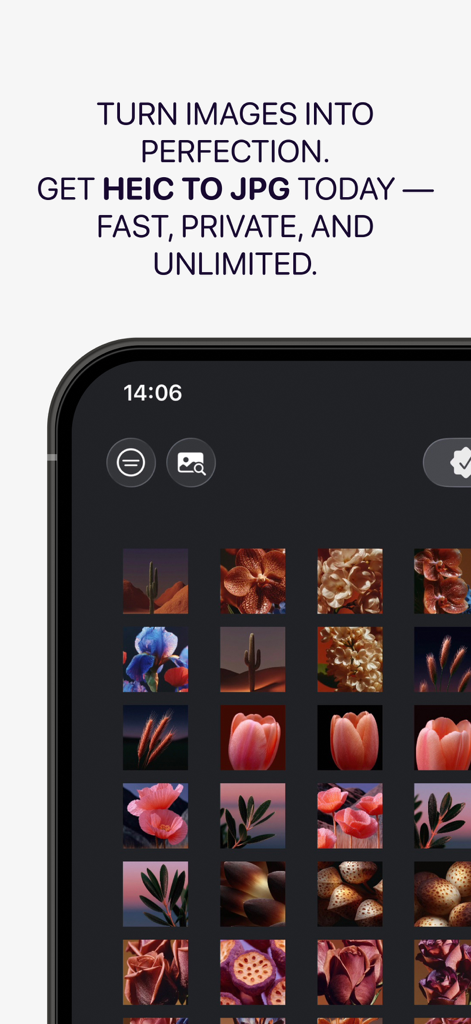
Mobile app interface for converting HEIC images to JPG featuring a photo gallery grid
Description
Download
More Like This
Top-ranked apps in the same category

CapCut: Photo & Video Editor
BYTEDANCE PTE. LTD.

Instagram, Inc.

YouTube
Google LLC

Canva: AI Photo & Video Editor
Canva Pty Ltd

Snapchat
Snap, Inc.

快手
Beijing Kwai Technology Co., Ltd.

Edits: Video Editor
Instagram, Inc.
Meta AI - Vibes & AI Glasses
Meta Platforms, Inc.

Google Photos: Backup & Edit
Google LLC
This page is not an official page of the app or its developer, but an independent editorial publication created for informational and commentary purposes. Unless expressly stated otherwise, neither the app nor its developer is affiliated with, endorsed by, sponsored by, authorized by, or otherwise officially connected with MWM, Apple, Google Play, the app publisher, or the app's developer, and nothing on this page implies that the app was developed using MWM's services. Any trademarks, logos, screenshots, and other content remain the property of their respective owners.