
LEAPS Manager


The essential mobile toolkit for engineers to discover, configure, and manage Ultra-Wideband devices with precision 2D tracking and automated anchor positioning.
Publisher
Category
Developer ToolsDownloads
500User Rating
Total Ratings
0Locales
1Discover the interface used by 500 users.
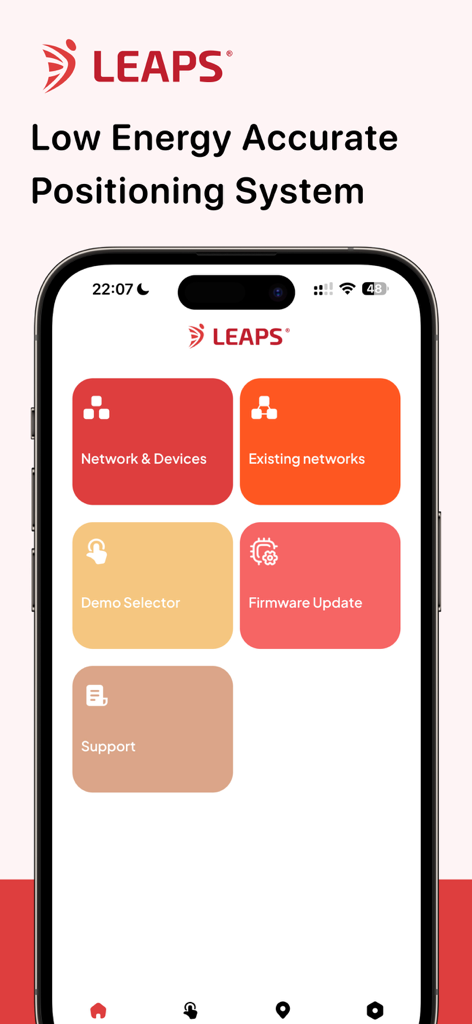
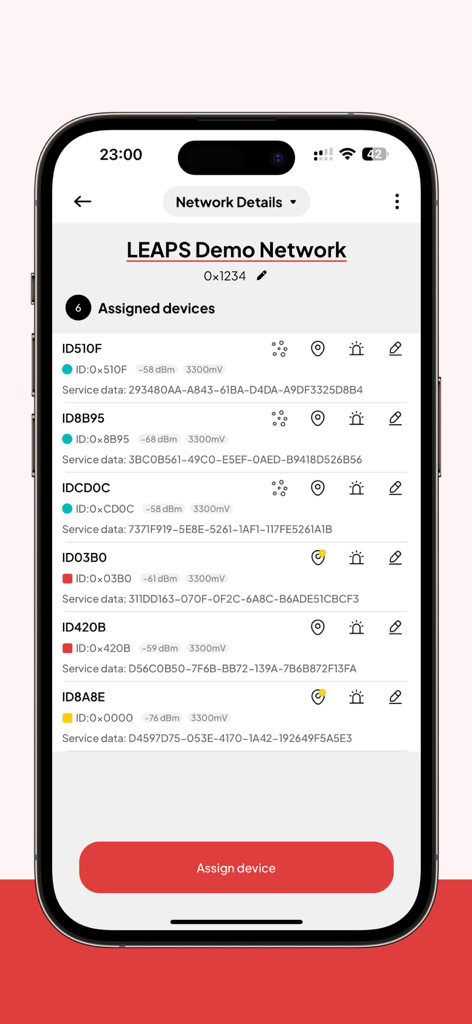
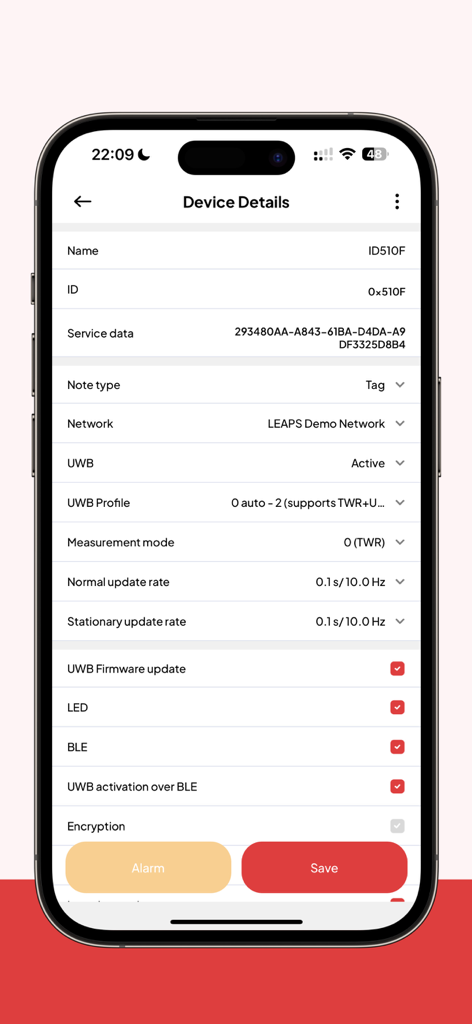
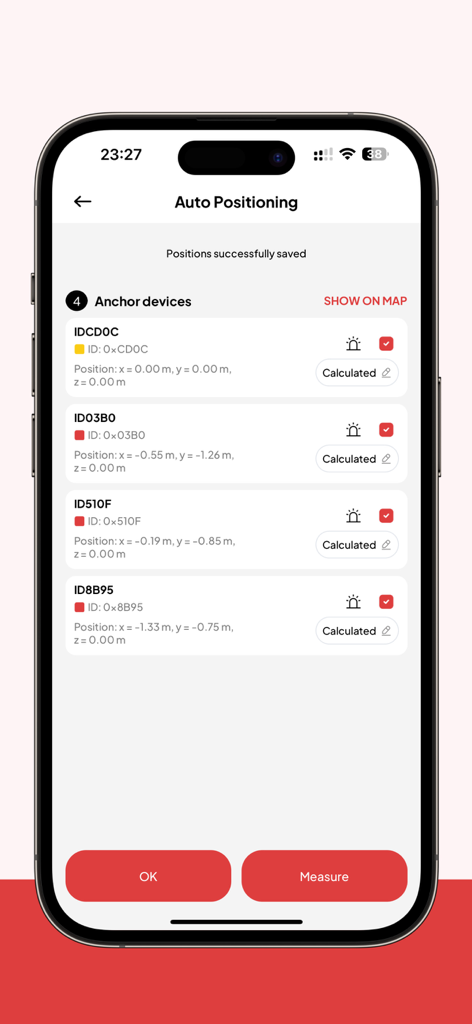
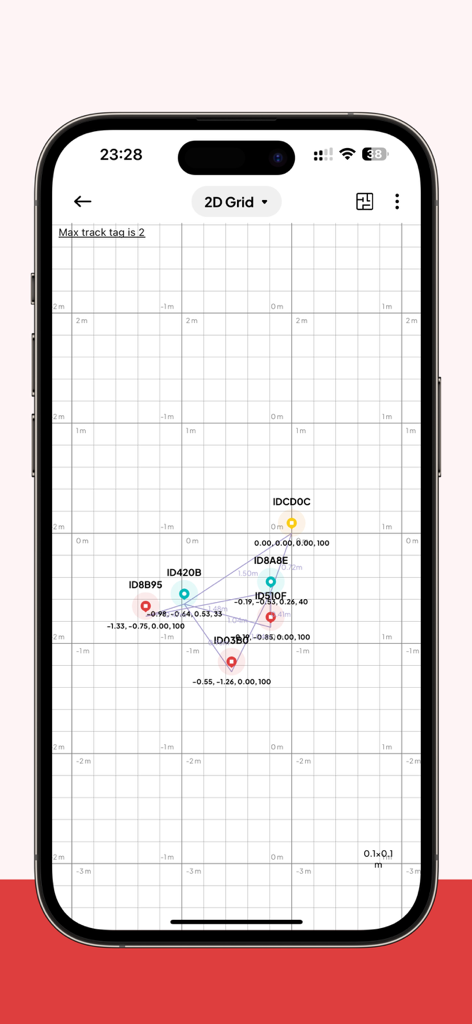
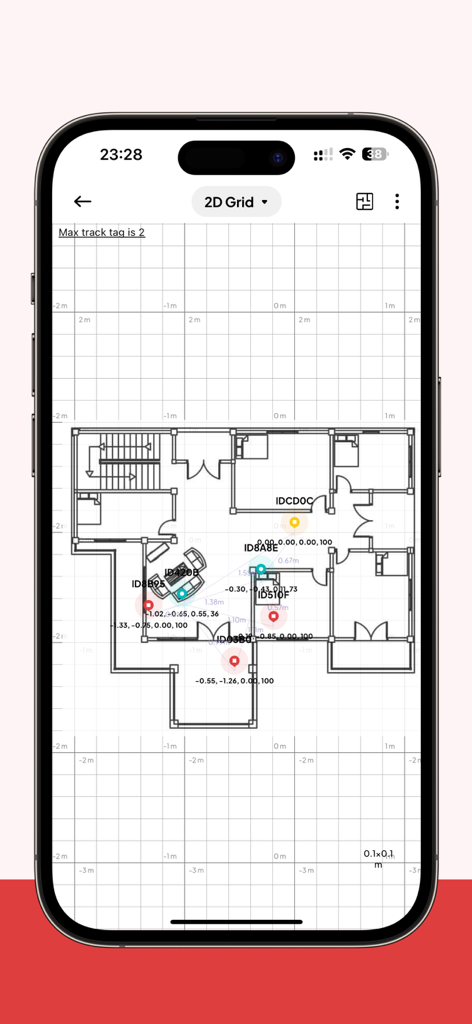
The tools that make this app stand out, trusted by 500 users.
Eliminate manual measurement errors with intelligent auto-configuration that calculates anchor coordinates instantly to save hours of field work.
Monitor device locations on a live grid to identify coverage gaps and verify network performance in real-time without leaving your station.
Configure hardware and update firmware over BLE with support for 6 concurrent connections, ensuring maximum reliability in industrial environments.
Everything you need to know about LEAPS Manager.
Description
Latest Version
1.5.0
Size
35.5 MB
First Released
Jan 3, 2025
The professional-grade tool for IoT architects and field engineers. Configure, manage, and visualize your LEAPS RTLS and UDK devices with unmatched precision.
Everything you need to know about LEAPS Manager
LEAPS Manager is an essential tool for managing Ultra-Wideband (UWB) location devices and networks. It provides device discovery, configuration, network management, and location visualization for UDK and LEAPS RTLS systems.
LEAPS Manager provides device discovery, device configuration, network configuration, network management, and location visualization. It supports the UDK and LEAPS RTLS advanced Ultra-Wideband systems.
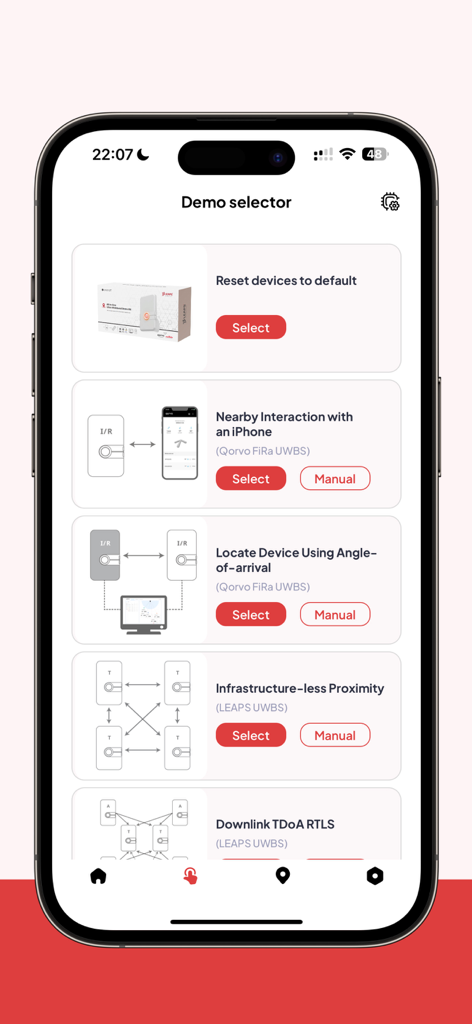
Yes, LEAPS Manager includes a Demo Selector. This feature allows users to quickly configure predefined demo setups for the UDK kit, simplifying initial system configuration.
LEAPS Manager communicates with devices via Bluetooth Low Energy (BLE). It supports up to 6 concurrent BLE connections to ensure reliable communication with multiple devices in the network.
Yes, LEAPS Manager supports firmware updates. Users can perform Firmware Updates over BLE, ensuring that Ultra-Wideband devices always run the latest software version.
Yes, LEAPS Manager provides real-time position updates and visualization. The 2D Grid feature allows users to see the live locations of devices within the network.
Yes, LEAPS Manager includes an Anchors AutoPositioning feature. This automates the process of calculating and saving the positions of anchor devices within the system.
LEAPS Manager's Demo Selector offers various setups, including 'Reset devices to default', 'Nearby Interaction with an iPhone', 'Locate Device Using Angle-of-arrival', 'Infrastructure-less Proximity', and 'Downlink TDoA RTLS'.
Top-ranked apps in the same category

Apple Inc.

Replit, Inc

GitHub

Shenzhen VeePai IoT Intelligent Technology LLC

Apple Inc.

650 Industries, Inc.

Simon Stovring

Apple Inc.

Versa AI, Inc.
App information, icons, screenshots, and descriptions displayed on this page are sourced from the Apple App Store and are the property of their respective developers. Download estimates and rankings are based on MWM's proprietary models and may not reflect actual figures. This page is provided for informational and analytical purposes only.
Believe this page infringes your intellectual property? File a dispute