
This page is not an official page of the app or its developer, but an independent editorial publication created for informational and commentary purposes. Unless expressly stated otherwise, neither the app nor its developer is affiliated with, endorsed by, sponsored by, authorized by, or otherwise officially connected with MWM, Apple, Google Play, the app publisher, or the app's developer, and nothing on this page implies that the app was developed using MWM's services. Any trademarks, logos, screenshots, and other content remain the property of their respective owners.

LEGO® Builder: 3D Instructions
No more crumpled paper. This app grants users god-mode over their LEGO builds, ditching paper for pixels.
Downloads
12.5M+User Rating
Total Ratings
638.4KPublisher
Category
EntertainmentLocales
21Latest Version
4.3.0Size
213.0 MBFirst Released
Dec 5, 2019Evaluating Key Features for Enhanced Building Experiences
Analytical Overview: LEGO® Builder App
Collaborative "Build Together" Mode
This tool features a "Build Together" mode, enabling multiple users to collaborate on a single LEGO® set by dividing tasks and sharing progress with a PIN code, fostering social engagement.
3D Interactive Building
The app provides an intuitive 3D building experience, allowing users to zoom, rotate, and view LEGO® sets from every angle, enhancing clarity and precision.
Digital Collection & Progress Tracking
Users can save their building progress, maintain a digital collection of LEGO® sets, and track their total number of bricks, allowing them to pick up building anytime and anywhere.
Digital Instruction Library
The app offers an extensive digital library of LEGO® building instructions spanning from 2000 to the present, allowing users to easily search by set or scan QR codes for instant access.
Frequently Asked Questions
Everything you need to know about LEGO® Builder: 3D Instructions
What is the LEGO® Builder app?
The LEGO® Builder app is the official building instructions app for LEGO® sets. It offers an intuitive 3D digital building experience, step-by-step guidance, and collaborative building features for users to construct their models.
Can I build LEGO® sets collaboratively with the LEGO® Builder app?
Yes, the LEGO® Builder app includes a "Build Together" feature. This allows multiple builders to team up, divide tasks, and collaboratively complete a LEGO® set using a shared PIN code.
Does the LEGO® Builder app offer 3D building instructions?
Yes, the LEGO® Builder app features an intuitive 3D building experience. Users can zoom, rotate, and view LEGO® sets from every angle with step-by-step digital instructions, seeing each brick clearly.
How can I find instructions for my LEGO® set in the LEGO® Builder app?
In the LEGO® Builder app, users can find instructions by searching for the set name or number. It also allows scanning the QR code on a physical instruction manual to open it instantly.
What features does a LEGO® Account unlock in the LEGO® Builder app?
A LEGO® Account in the LEGO® Builder app enables users to save their building progress, build a digital collection of their LEGO® sets, and track the total number of bricks they have built.
Does the LEGO® Builder app require an internet connection?
Yes, the LEGO® Builder app requires a stable internet connection to function. This ensures access to new digital building instructions, allows progress saving, and enables other app features.
How far back do the LEGO® Builder app's instructions go?
The LEGO® Builder app provides a digital library of LEGO® building instructions covering sets from 2000 up to today's releases, offering a vast collection for users to explore.
Can I track my progress while building with the LEGO® Builder app?
Yes, the LEGO® Builder app allows users to track their building journey. It records completed sets, shows the total number of bricks built, and helps celebrate building progress.
The following screenshots and description are sourced directly from the app's official store listing and are the property of the app developer.
App Store
Screenshots
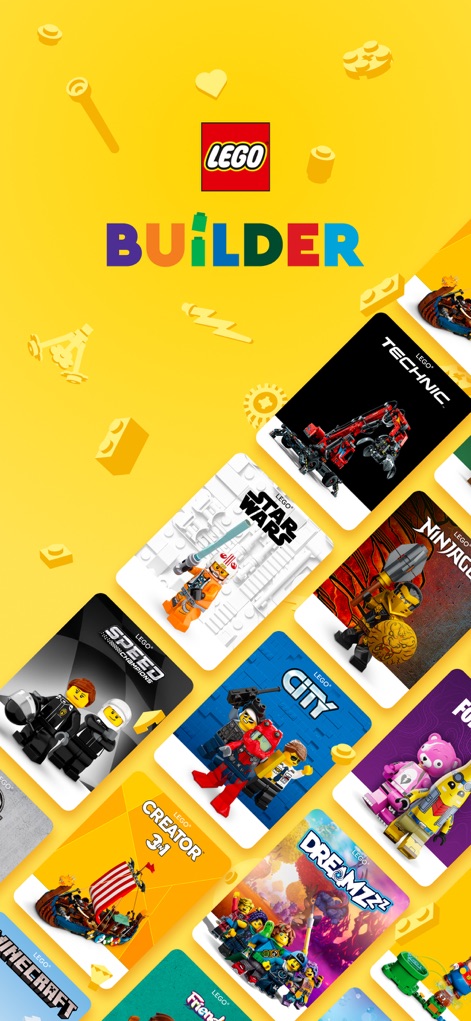
Discover a world of building possibilities as the app showcases a vibrant grid of LEGO set covers from popular themes like Star Wars and LEGO City.
Diverse LEGO Themes
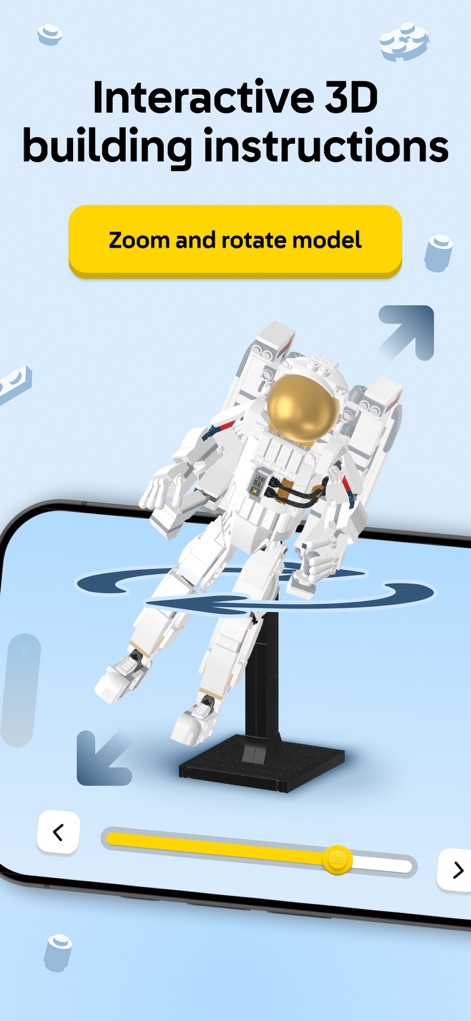
Users experience intuitive 3D building guidance, featuring a prominently displayed 'Zoom and rotate model' button and a clear step-by-step progress slider for precise construction.
Dynamic 3D Building
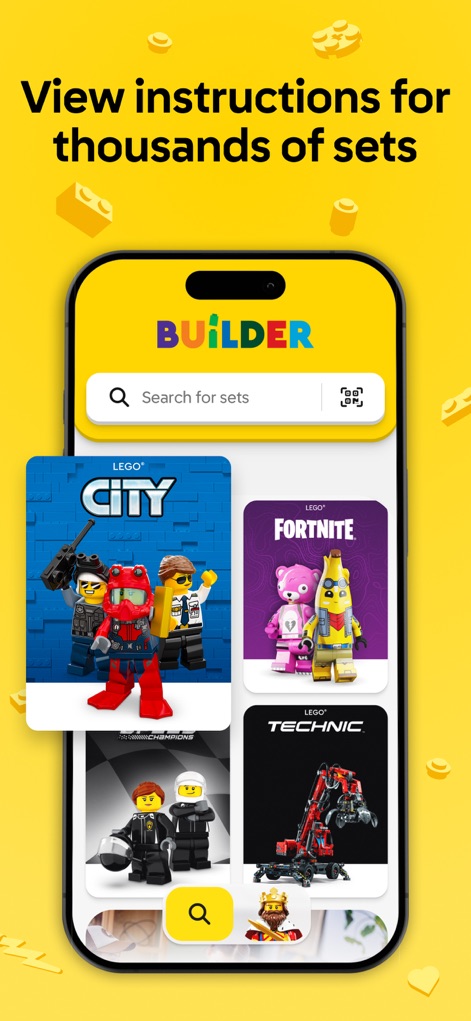
Easily navigate the extensive set library with a prominent 'Search for sets' bar and a convenient QR code scan icon for quick access to instructions.
Extensive Set Library
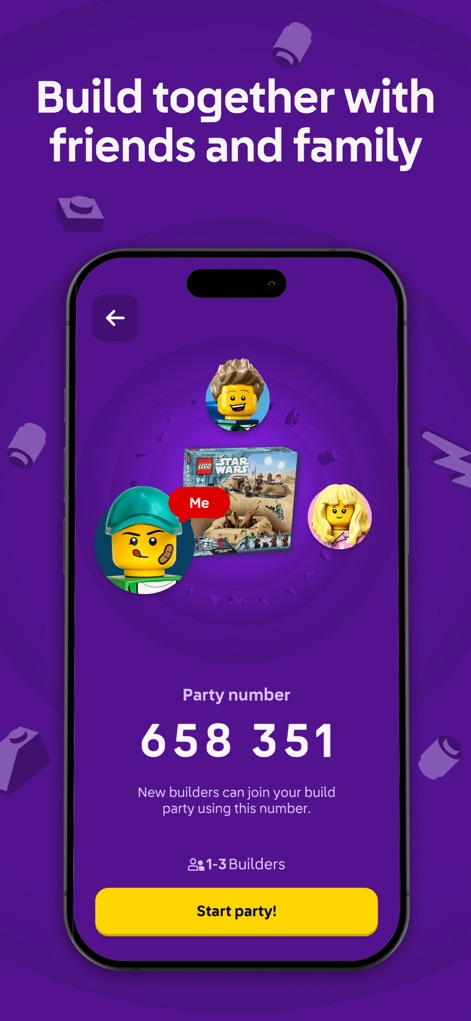
Facilitate collaborative building sessions with friends and family, utilizing a unique 'Party number' for joining and displaying multiple builder avatars to represent the team.
Collaborative Building
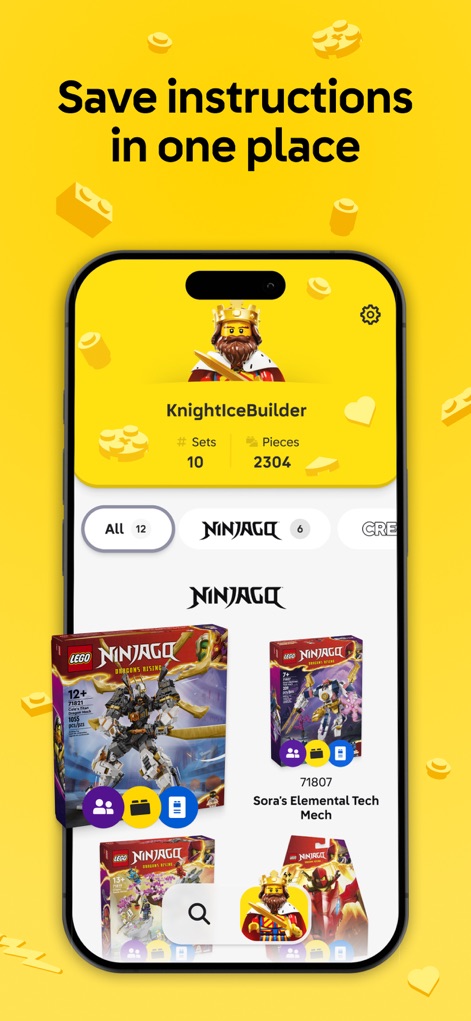
Access a personalized collection hub where users can view their 'KnightIceBuilder' profile, track stats like '# Sets' and 'Pieces', and browse saved instructions organized by themes such as NINJAGO.
Personal Collection Hub
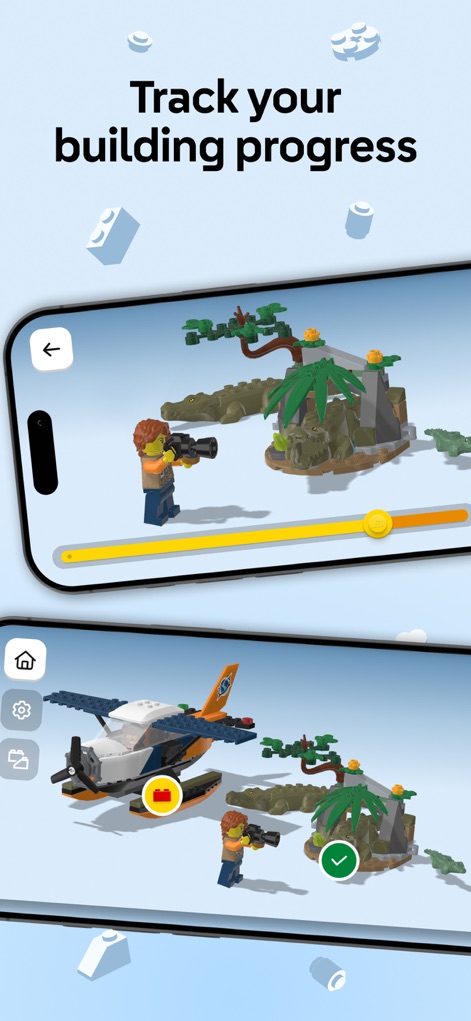
Visually track building progress with an interactive progress slider that updates in real-time and a prominent checkmark icon signifying completed steps within the 3D model view.
Monitor Your Build
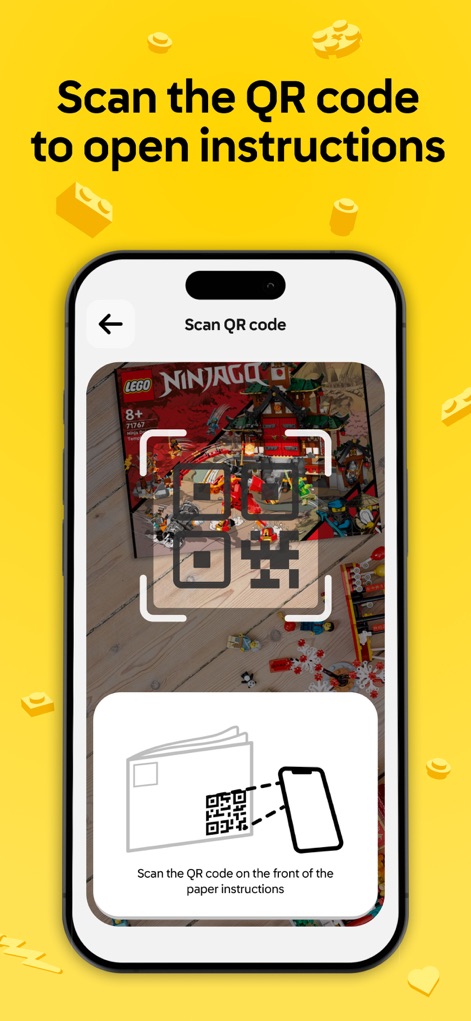
Gain instant access to instructions by using the efficient QR code scanner feature, accompanied by clear guidance to 'Scan the QR code on the front of the paper instructions'.
Instant Instruction Access
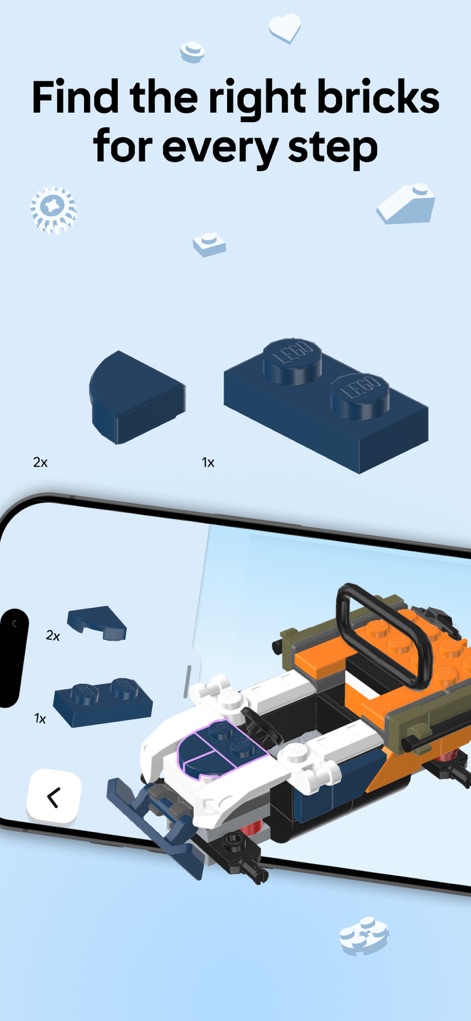
Ensure accurate construction with clear visual cues for precise part identification, showing detailed close-ups of specific bricks and explicit quantity indicators like '2x' and '1x'.
Precise Part Identification
Description
Download
More Like This
Apps with similar features and user experience

BILT
BILT Incorporated

Puzzle School - 3D Cube Tutor
FS GIIKER TECHNOLOGY CO.,LTD

21Moves | Cube Puzzle Solver
Opitas Inc.

Miro - Scene & Friend
玮珩 蒋

Rubik's Cube Solver & Tutorial
Itiel Maimon

Love Patchwork & Quilting
Our Media Ltd

Origami - Fold & Learn
Andreas Bauer

CubeSolver AI - Magic Cube 3D
Hainan Delta Software Co., Ltd

IKEA Assembly Guide
Unrepped, Inc.
This page is not an official page of the app or its developer, but an independent editorial publication created for informational and commentary purposes. Unless expressly stated otherwise, neither the app nor its developer is affiliated with, endorsed by, sponsored by, authorized by, or otherwise officially connected with MWM, Apple, Google Play, the app publisher, or the app's developer, and nothing on this page implies that the app was developed using MWM's services. Any trademarks, logos, screenshots, and other content remain the property of their respective owners.