
This page is not an official page of the app or its developer, but an independent editorial publication created for informational and commentary purposes. Unless expressly stated otherwise, neither the app nor its developer is affiliated with, endorsed by, sponsored by, authorized by, or otherwise officially connected with MWM, Apple, Google Play, the app publisher, or the app's developer, and nothing on this page implies that the app was developed using MWM's services. Any trademarks, logos, screenshots, and other content remain the property of their respective owners.


Leucogram | wbc counter
The essential digital assistant for medical professionals and students. Replace legacy mechanical counters with a high-performance tool featuring haptic feedback, visual identification guides, and instant data visualization for faster, more accurate hematology reports.
Downloads
7K+User Rating
Total Ratings
0Publisher
Category
MedicalLocales
1Latest Version
1.0.12Size
50.4 MBFirst Released
Aug 23, 2024Precision Tools for Modern Hematology
Streamline your clinical workflow with a digital differential counter designed for accuracy, speed, and continuous learning.
Eyes-On-Slide Counting
Use customizable haptic touch and sound feedback to record cells without ever taking your eyes off the microscope eyepiece.
Integrated Cell Guide
Eliminate uncertainty during rotations with a built-in identification library featuring high-quality images and diagnostic tips.
The following screenshots and description are sourced directly from the app's official store listing and are the property of the app developer.
App Store
Screenshots
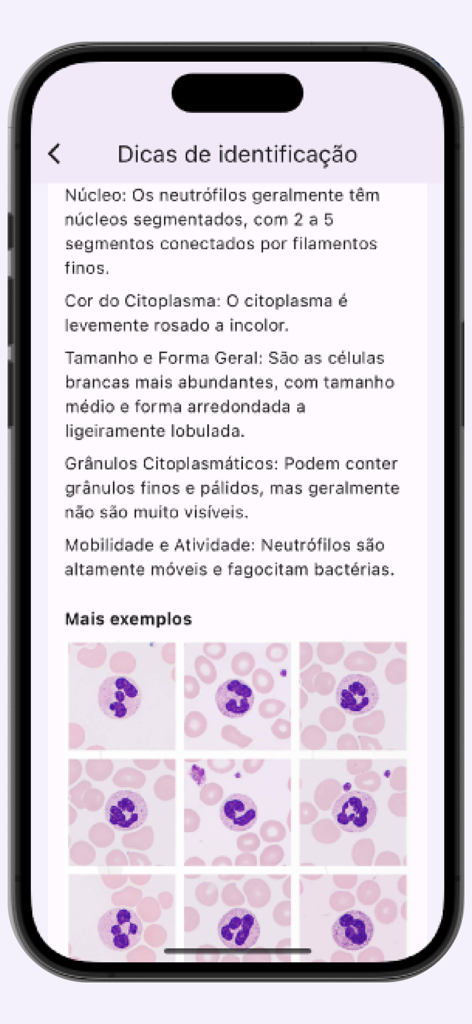
White blood cell identification guide showing neutrophil characteristics and microscopic images.
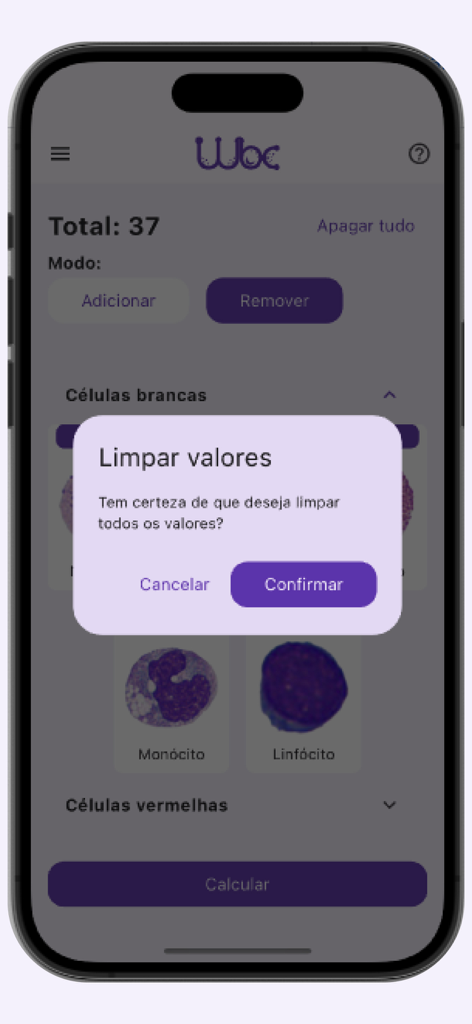
A confirmation popup in the Leucogram app asking the user to confirm clearing all white blood cell count values.
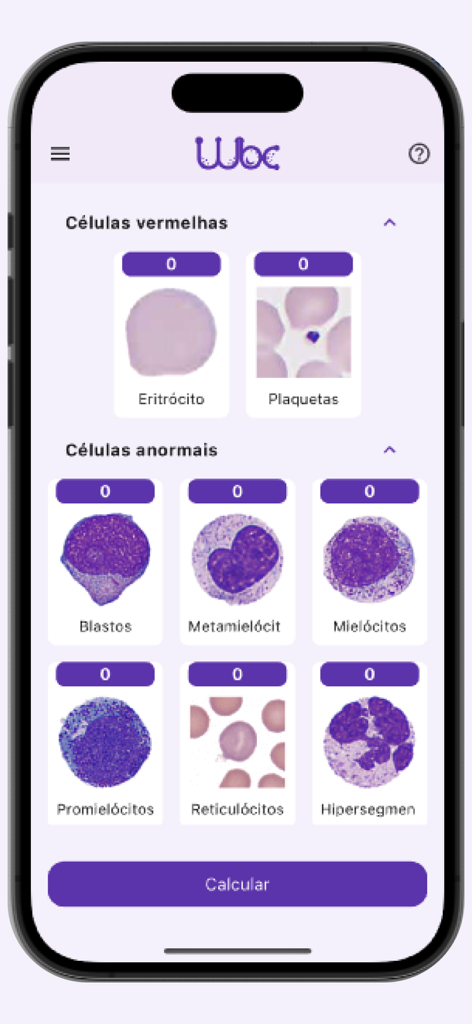
The Leucogram app interface showing different blood cell types like erythrocytes and platelets with individual counters for manual differential analysis.
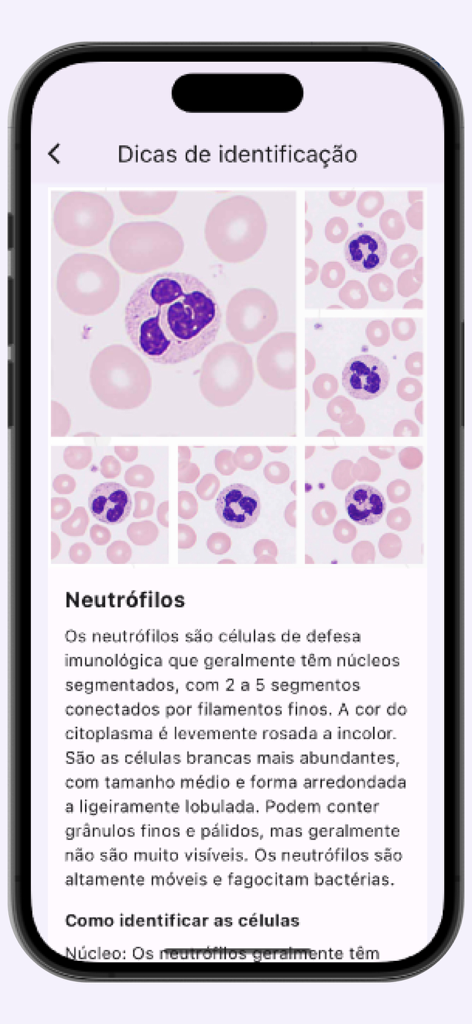
Identification guide for neutrophils featuring microscopic cell images.
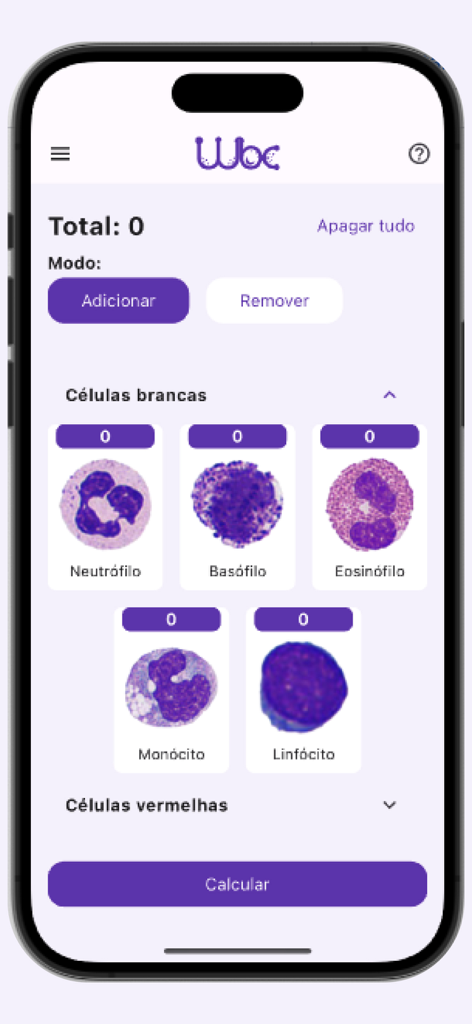
Interface of the Leucogram app showing microscopic images of white blood cells for manual counting.
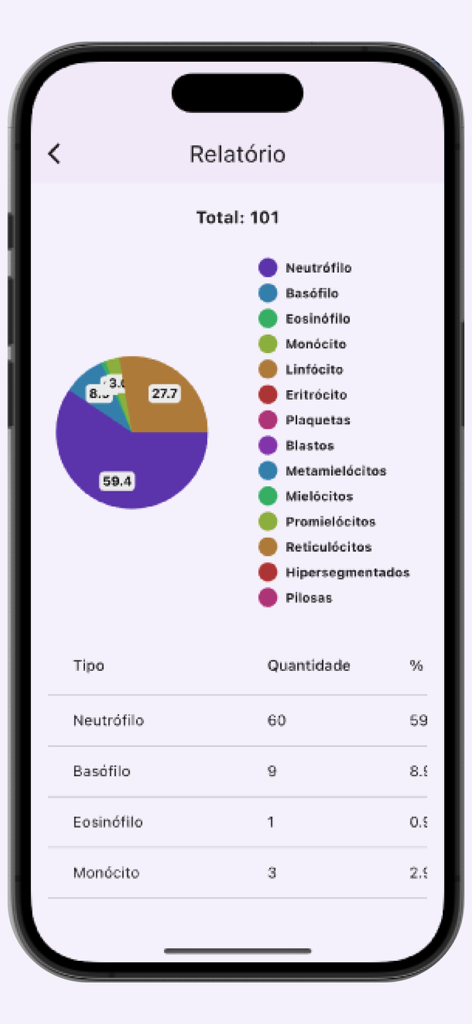
A report screen from the Leucogram app showing a pie chart and table detailing white blood cell counts and percentages.
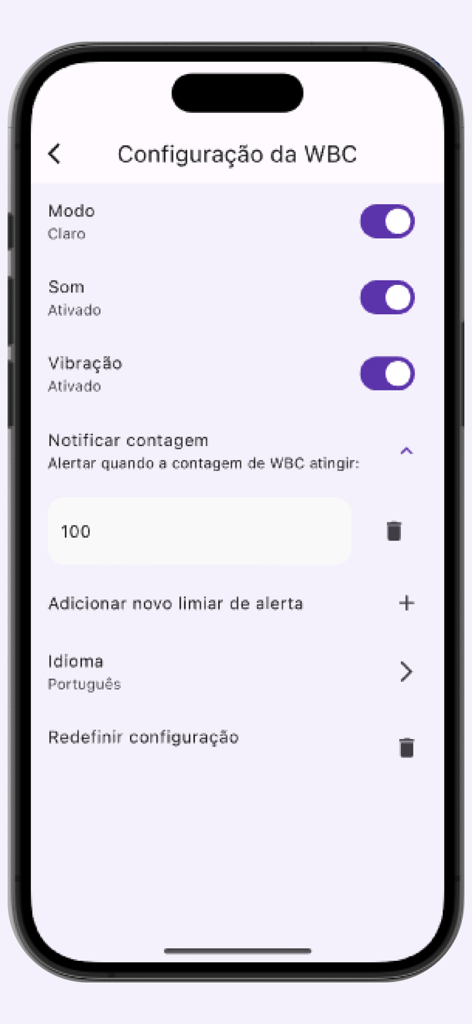
Settings screen of the Leucogram WBC counter app showing sound, vibration, and alert threshold configurations.
Description
Download
More Like This
Top-ranked apps in the same category

国家医保服务平台
National Healthcare Security Administration

MyChart
Epic Systems Corporation

Doctolib - Your health partner
Doctolib

Pregnancy + | Tracker App
Philips Digital UK Limited

CVS Health
CVS Pharmacy

江苏医保云
Jiangsu Healthcare Security Bureau

UnitedHealthcare
UNITED HEALTHCARE SERVICES, INC.

京东健康
BEIJING JINGDONG 360 DU E-COMMERCE LTD.

Meu SUS Digital
Servicos e Informacoes do Brasil
This page is not an official page of the app or its developer, but an independent editorial publication created for informational and commentary purposes. Unless expressly stated otherwise, neither the app nor its developer is affiliated with, endorsed by, sponsored by, authorized by, or otherwise officially connected with MWM, Apple, Google Play, the app publisher, or the app's developer, and nothing on this page implies that the app was developed using MWM's services. Any trademarks, logos, screenshots, and other content remain the property of their respective owners.