Lifeback: Screen Time Control

Lifeback: Screen Time Control


Download on App Store
Logo of Lifeback: Screen Time Control

Lifeback: Reclaim 3 Hours Daily and Master Your Focus

The unbypassable screen time solution for high-performers. Stop doomscrolling and unlock deep work with professional-grade app blocking trusted by engineers and elite teams.

Download on App Store

Publisher

Control. Alt. Delete. LLC

Category

Productivity

Downloads

0

User Rating

5.0/5

Total Ratings

0

Locales

1

A Glimpse of Focus

Discover the interface used by 0 users.
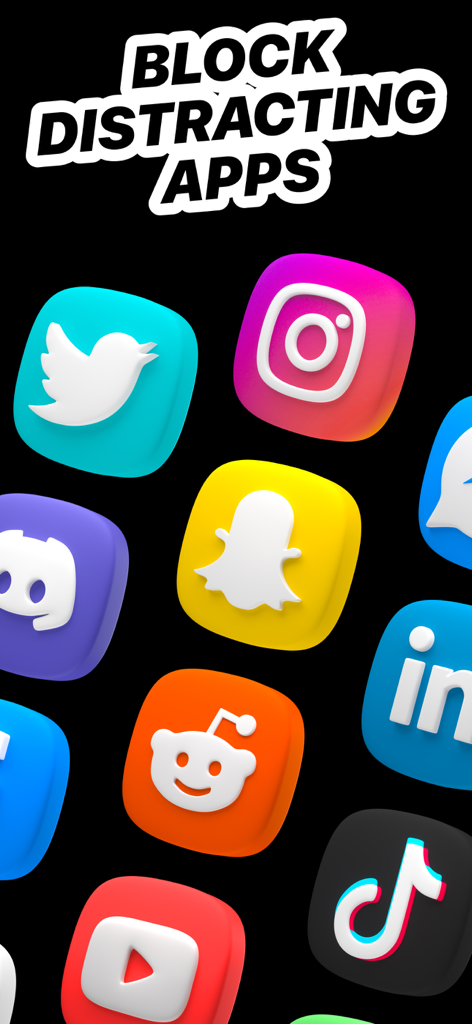
A collection of 3D social media icons including Instagram, TikTok, and YouTube under the heading Block Distracting Apps

A collection of 3D social media icons including Instagram, TikTok, and YouTube under the heading Block Distracting Apps

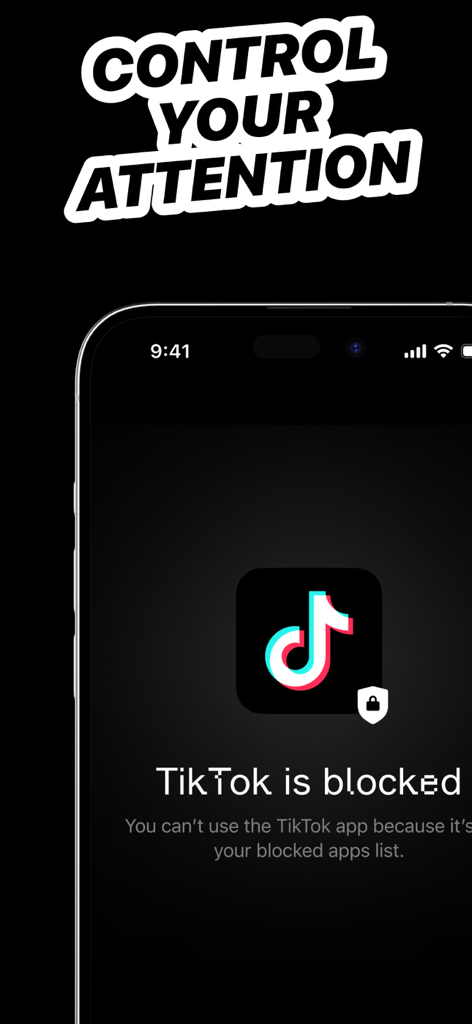
Smartphone display showing Lifeback screen time control app blocking TikTok to improve focus.

Smartphone display showing Lifeback screen time control app blocking TikTok to improve focus.

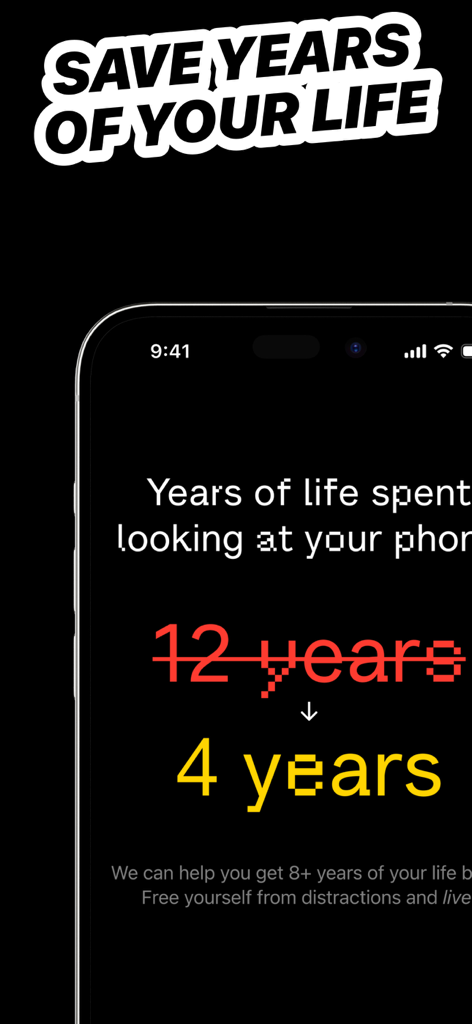
Lifeback app screen showing how screen time control can save 8 plus years of your life from phone distractions

Lifeback app screen showing how screen time control can save 8 plus years of your life from phone distractions

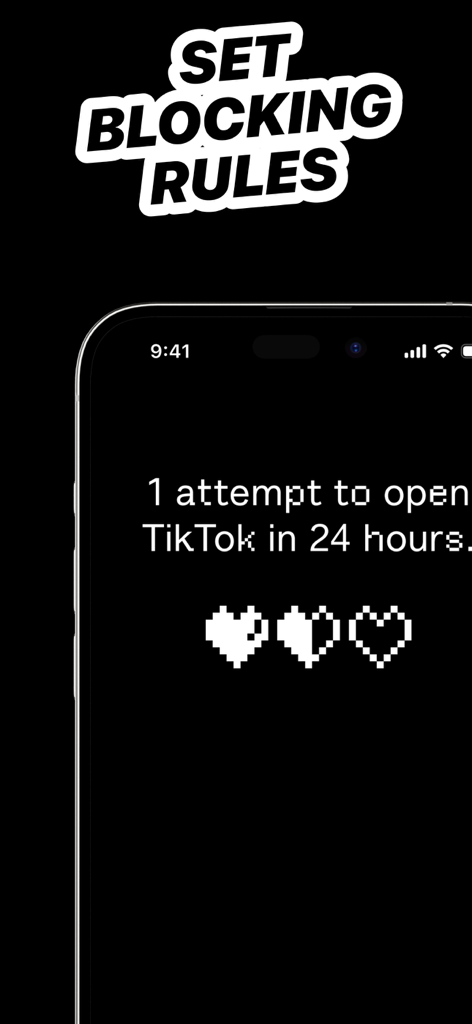
Lifeback app interface showing blocking rules for TikTok with a three heart life bar display

Lifeback app interface showing blocking rules for TikTok with a three heart life bar display

Master Your Digital Discipline

The tools that make this app stand out, trusted by 0 users.

🔒

Bypass-Proof 'Hard Mode'

End the 'Ignore Limit' habit. Hard Mode locks your restrictions in place, creating a digital Ulysses Contract that your future self can't break.

📊

Precision Focus Reports

Optimize what you measure. Get data-driven insights into your focus patterns and compare your performance with other high-achievers in your field.

Seamless Workflow Automation

Integrate with iOS Shortcuts to automatically trigger focus sessions by time or location, removing the friction from entering your deep-work state.

About the app

Everything you need to know about Lifeback: Screen Time Control.

Description

Imagine if your Screen Time Settings on your phone were super powered. That's what we do. 5 hours. That’s the average time you’ll spend looking at your phone today. With a combination of app restrictions and hard time limits, you can begin to focus better and accomplish your dreams, just like our members. Many of the world's top teams and companies companies trust Lifeback. to help protect their focus. You can too. **This app cut my screen time by 3 hours per day – Senior Backend Dev at Google ** **Lifeback cuts off your apps’ internet access to help you stop doomscrolling – WSJ ** **Lifeback Helped Me Quit My Nightly TikTok Habit – Productivity Mag ** BENEFITS 98% of Lifeback members are less distracted 94% are more productive thanks to the app 91% experience improved mental health 82% save at least 2 hours *daily* thanks to the app Added benefits: - Better screen time management - Improve productivity at work - Reduce stress, be more mindful - Better manage ADHD - Set daily working hours, sleep, and routines - Unplug with family and friends - Stay in focus when you need it most - You're happy and in control of your screen time FEATURES - Focus Report: Diagnose your Focus and measure your progress with clear metrics, important context and compare with your peers. - #1 App Blocker: Instantly block apps you choose. - Sessions: Block apps from your phone while you’re focusing, and you can always take a break to unblock them temporarily. - Calendar: Set daily working hours, sleep and routines, block apps automatically, so you don’t have to remember. - Breaks: Use apps without mindless scrolling. Choose the app you want to use and set a timer. - Shortcut Integration: Connect iPhone shortcut automations to start/stop Focus Sessions based on app opens, time, location and more! - Hard Mode: Maximum protection, you can’t cancel or bypass the timer you set. CREATE A PERSONALIZED APP LIST You can customize your Control experience and block all apps and sites on your phone, including: - Facebook - Instagram - Snapchat - TikTok - Youtube - Netflix - Tinder - Hinge - Bumble - Many more: News, Messaging, Dating, Adult/Porn, Money apps etc. PRIVATE & SAFE We use Apple's Screen Time API in order to monitor and block apps you use. Installation is easy and takes a few seconds on your iPhone. Unlike most apps, Lifeback works entirely on your phone and personal browsing data never leaves your device. HEAR IT FROM THE COMMUNITY "Never in a bazillion years did I think I would be below 3 hours of screen time a day. My mood is SO much better." - Sam "Weird to think that an app would make me use my phone less but this app is the only thing helping me focus on deep work days" - Cody "Thanks Lifeback for being the only way my monkey brain can do homework for more than like 20 minutes" - Stevie TERMS, PRIVACY & CONDITIONS – https://lifeback.io/privacy – https://lifeback.io/terms

Latest Version

1.6.3

Size

43.0 MB

First Released

Oct 18, 2024

Reclaim Your 2 Hours of Daily Potential

Join the elite professionals and high-achievers using Lifeback to defeat doomscrolling. Install the 'Hard Mode' your willpower needs and start winning back your focus today.

Download on App Store

App information, icons, screenshots, and descriptions displayed on this page are sourced from the Apple App Store and are the property of their respective developers. Download estimates and rankings are based on MWM's proprietary models and may not reflect actual figures. This page is provided for informational and analytical purposes only.

Believe this page infringes your intellectual property? File a dispute