Lock Notes - Passcode Protect

Lock Notes - Passcode Protect

Download on App Store
Logo of Lock Notes - Passcode Protect

Lock Notes - Passcode Protect: Your Secure Digital Vault for Life’s Private Moments

Protect your passwords, sensitive photos, and personal journals with biometric security. Experience total peace of mind with encrypted iCloud sync and a simple interface designed for your privacy.

Download on App Store

Publisher

JulyApps Ltd

Category

Productivity

Downloads

521K+

User Rating

4.4/5

Total Ratings

6K+

Locales

11

A Glimpse Inside Your Vault

Discover the interface used by 521K+ users.
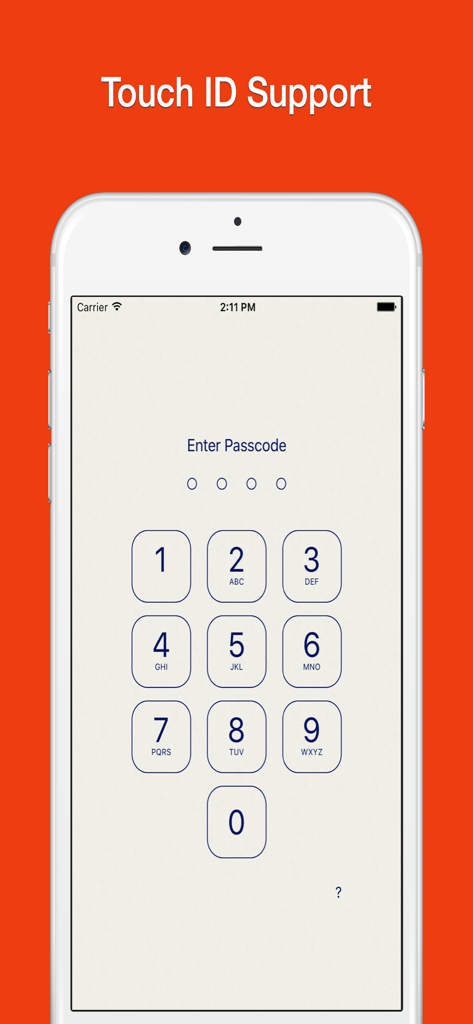
iPhone screen showing the passcode entry keypad for the Lock Notes app

iPhone screen showing the passcode entry keypad for the Lock Notes app

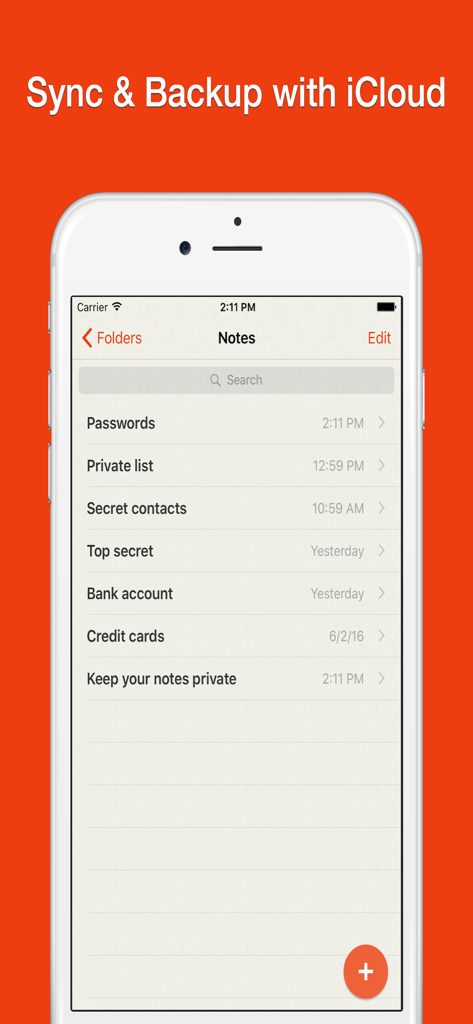
Interface of Lock Notes app showing private notes categories and iCloud sync feature.

Interface of Lock Notes app showing private notes categories and iCloud sync feature.

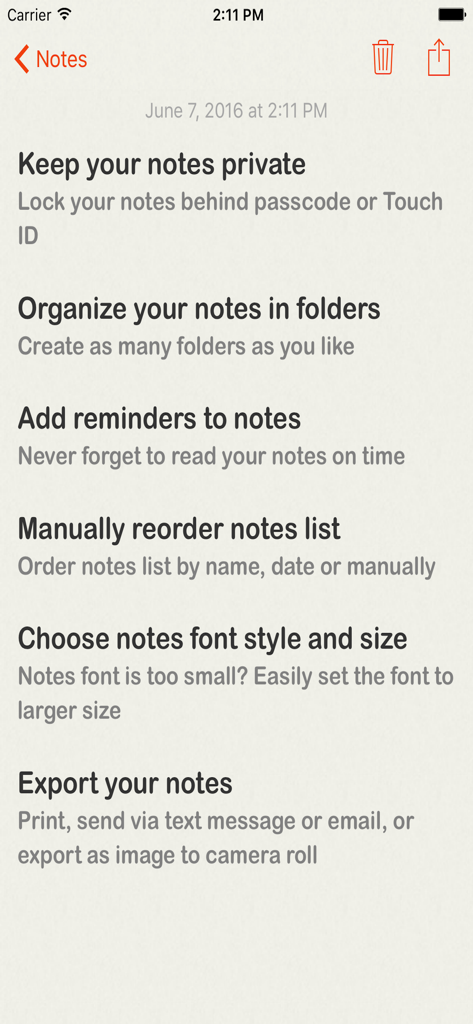
List of features for Lock Notes app including private notes folders reminders and export options

List of features for Lock Notes app including private notes folders reminders and export options

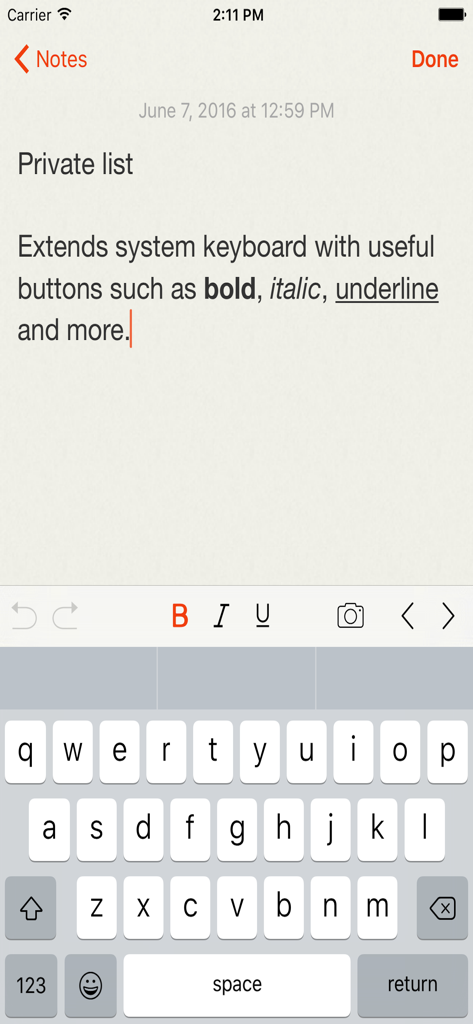
A screenshot of the Lock Notes app showing a private note being edited with text formatting options like bold and italic.

A screenshot of the Lock Notes app showing a private note being edited with text formatting options like bold and italic.

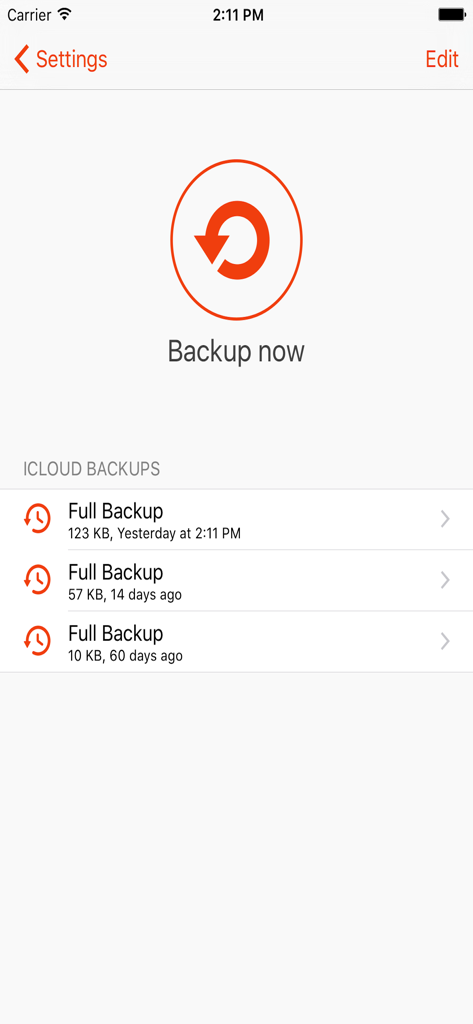
A screenshot of the iCloud backup settings in the Lock Notes app

A screenshot of the iCloud backup settings in the Lock Notes app

Your Private Digital Vault

The tools that make this app stand out, trusted by 521K+ users.

🔒

Biometric & Passcode Protection

Lock your private journals and sensitive data behind Touch ID or a secure passcode to ensure your eyes are the only ones that see them.

☁️

Seamless iCloud Sync & Backup

Keep your notes perfectly synced between your iPhone and iPad with automatic iCloud backups so you never lose access to what matters most.

📸

Rich Media & Visual Privacy

Go beyond text by inserting private photos and screenshots directly into your notes, allowing you to hide sensitive visual information securely.

About the app

Everything you need to know about Lock Notes - Passcode Protect.

Description

FINALLY AN APP FOR ALL YOUR PRIVATE NOTES! Keep your most valuable, private, and secret notes away from prying eyes. Keep them all totally secret and safe. Store passwords, secrets, contacts or just keep your diary private. KEY FEATURES: • Use Touch ID or passcode to safely lock access to your private notes. • Set a security question and answer in case you forget your passcode. • Safely Backup your valuable notes to iCloud. • Quickly Sync notes between iPhone & iPad with iCloud. • Sort notes list by name, date or manual. • Select notes font style and size. • Insert images & photos into notes. • Print your notes. • Send notes via text message or email. • Save notes to Camera Roll. • Support for Emoji Emoticons. This app allows you to automatically backup your notes for $9.99 a year through an auto-renewing subscription. Subscriptions will be charged to your credit card through your iTunes account. Your subscription will automatically renew unless cancelled at least 24 hours before the end of the current period You will not be able to cancel a subscription during the active period. You can manage your subscriptions in the Account Settings after purchase. Terms of use: http://www.katans.com/terms-of-use Privacy policy: http://www.katans.com/privacy-policy This app can be freely used up to two notes. A SINGLE PURCHASE COVERS ALL YOUR IPHONE AND IPAD DEVICES.

Latest Version

2.2.17

Size

8.4 MB

First Released

Sep 16, 2015

Give Your Private Life the Security It Deserves

Join over 500,000 users who trust Lock Notes to keep their sensitive thoughts, passwords, and photos away from prying eyes. Secure your digital vault today.

Download on App Store

App information, icons, screenshots, and descriptions displayed on this page are sourced from the Apple App Store and are the property of their respective developers. Download estimates and rankings are based on MWM's proprietary models and may not reflect actual figures. This page is provided for informational and analytical purposes only.

Believe this page infringes your intellectual property? File a dispute