Macro by Camera+

Macro by Camera+

Download on App Store
Logo of Macro by Camera+

Macro by Camera+ — Professional Close-Ups for Every iPhone

Capture the world's finest details with laser-focused manual controls and intelligent lens selection. No hardware upgrade required to achieve crisp, pro-grade macro photography.

Publisher

LateNiteSoft S.L.

Category

Photo & Video

Downloads

64K+

User Rating

2.8/5

Total Ratings

0

Locales

1

Precision in Every Pixel

Discover the interface used by 64K+ users.
Macro by Camera+ app screenshot featuring the text Perfect macro shots and a close-up photo of greenery

Macro by Camera+ app screenshot featuring the text Perfect macro shots and a close-up photo of greenery

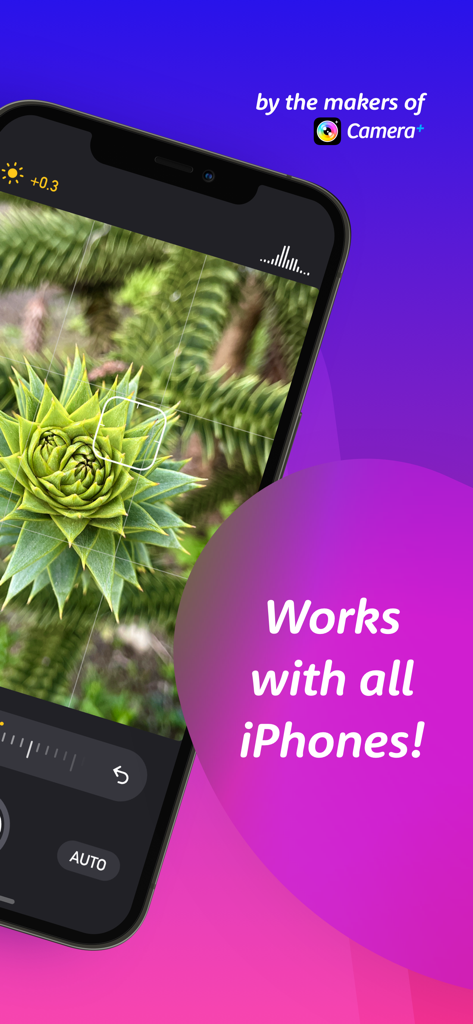
Macro by Camera plus app screenshot showing a detailed succulent photo and the text works with all iPhones

Macro by Camera plus app screenshot showing a detailed succulent photo and the text works with all iPhones

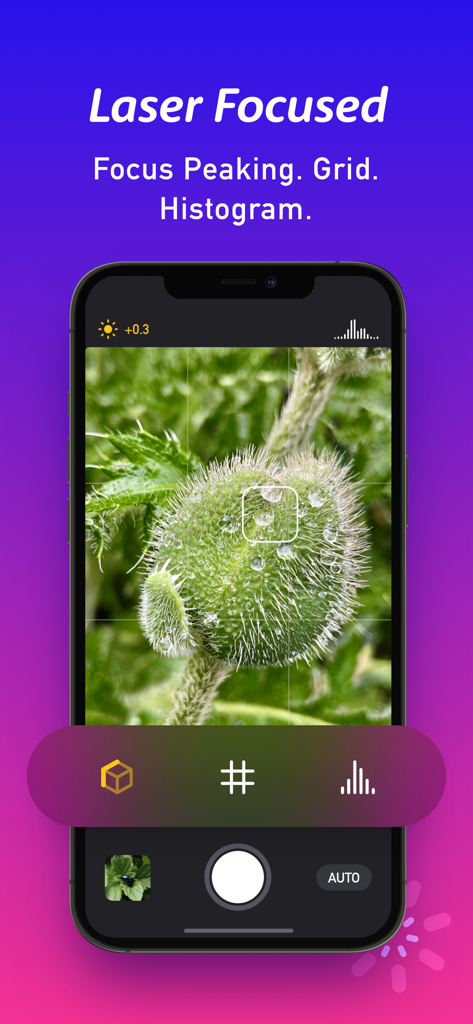
A smartphone screen displaying the Macro by Camera+ app with focus peaking and grid tools active on a close up photo of a plant.

A smartphone screen displaying the Macro by Camera+ app with focus peaking and grid tools active on a close up photo of a plant.

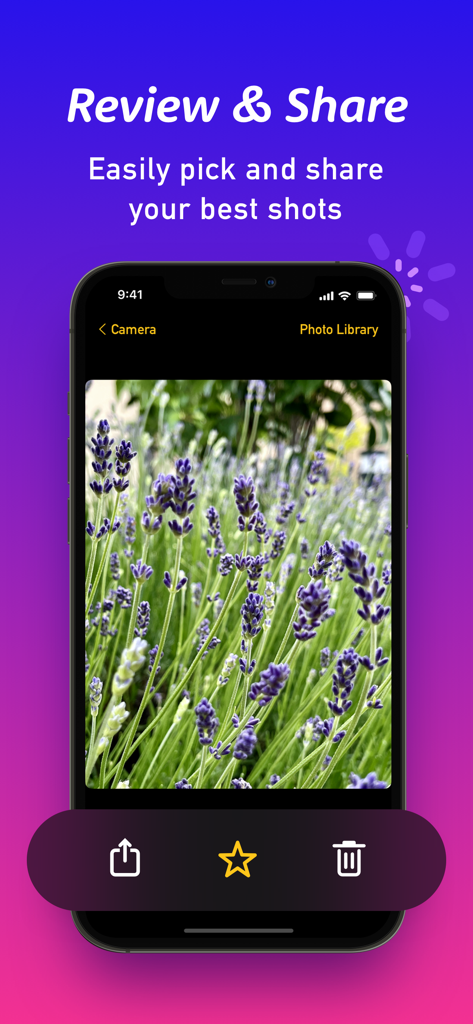
Review and share screen in the Macro by Camera plus app featuring a sharp macro photo of lavender flowers.

Review and share screen in the Macro by Camera plus app featuring a sharp macro photo of lavender flowers.

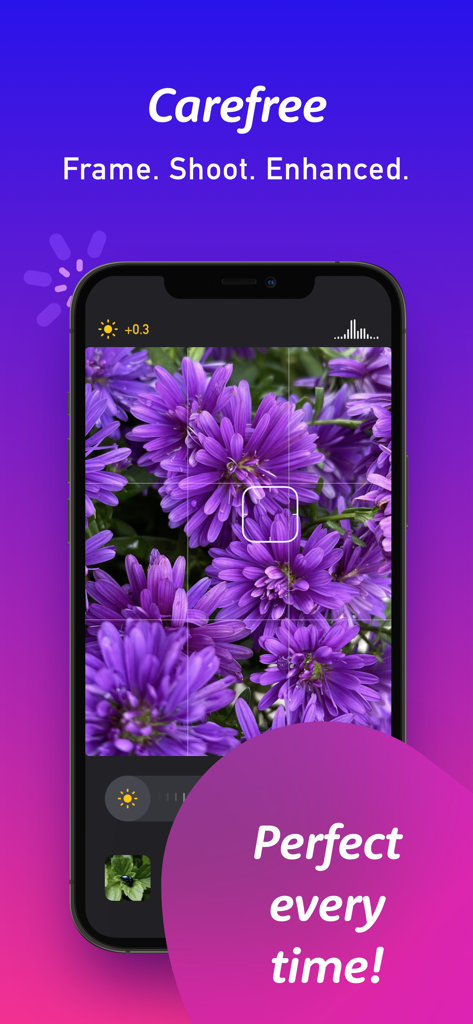
Macro by Camera plus app interface showing a close up photo of vibrant purple flowers with grid and exposure controls

Macro by Camera plus app interface showing a close up photo of vibrant purple flowers with grid and exposure controls

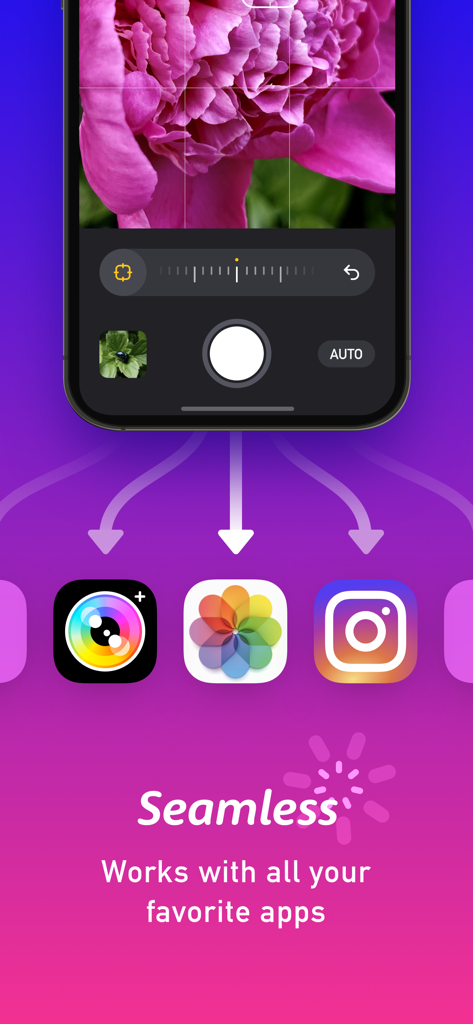
Screenshot of Macro by Camera plus app showing a close-up flower photo and its integration with Photos and Instagram

Screenshot of Macro by Camera plus app showing a close-up flower photo and its integration with Photos and Instagram

Discover the Magic in the Details

The tools that make this app stand out, trusted by 64K+ users.

🎯

Total Focus Control

Use manual focus and focus peaking to highlight every intricate detail with absolute precision and zero blur.

🧠

Intelligent Lens Selection

Our smart technology chooses the optimal lens for your shot, giving any iPhone the power of a dedicated macro camera.

Crisp & Natural Results

Automatically enhance contrast and clarity with our signature formula, making your subjects pop while staying perfectly natural.

About the app

Everything you need to know about Macro by Camera+.

Description

From the developers that brought you the best-selling Camera+, and Camera+ 2, Macro by Camera+ will instantly be another staple of your digital camera bag. The goal of Macro by Camera+ is to take the fuss out of taking amazing-looking close-up photos. The app intelligently chooses the best lens for your shot, and gives you just the right tools to make your subject shine. And there's no hardware envy required: Macro is compatible with any iPhone that can run iOS 15! The controls in Macro by Camera+ are laser focused and powerfully aimed at getting the perfect up-close image in crystal clear focus. It includes manually controlled focus and EV so you can precisely control the focus and brightness of your photo. It also features several handy on-screen tools to help you frame and plan your shot. - Focus peaking outlines what parts of your photo are in focus. - Grid helps you position your subject on the screen. - Histogram lets you visualize the relative brightness of your shot. After you carefully frame and shoot your photo, Macro by Camera+ will intelligently apply our secret formula to make your subjects crisp and contrasty, without making them look unnatural! And because Macro by Camera+ saves directly to your Photo Library, your shots are instantly available for editing in your favorite software (like Camera+ 2).

Latest Version

1.0.4

Size

2.9 MB

First Released

Nov 17, 2021

Ready to Capture the World in Macro?

No hardware envy required. Join over 64,000 creators and turn your iPhone into a professional-grade close-up camera today.

Download on App Store

App information, icons, screenshots, and descriptions displayed on this page are sourced from the Apple App Store and are the property of their respective developers. Download estimates and rankings are based on MWM's proprietary models and may not reflect actual figures. This page is provided for informational and analytical purposes only.

Believe this page infringes your intellectual property? File a dispute