
This page is not an official page of the app or its developer, but an independent editorial publication created for informational and commentary purposes. Unless expressly stated otherwise, neither the app nor its developer is affiliated with, endorsed by, sponsored by, authorized by, or otherwise officially connected with MWM, Apple, Google Play, the app publisher, or the app's developer, and nothing on this page implies that the app was developed using MWM's services. Any trademarks, logos, screenshots, and other content remain the property of their respective owners.


Magnifier Zoom Camera
The all-in-one vision aid that combines a powerful magnifier with a built-in flashlight and QR scanner. Designed for simplicity, it's the perfect companion for reading labels, menus, and prescriptions without the strain.
Downloads
0User Rating
Total Ratings
0Publisher
Category
Photo & VideoLocales
1Latest Version
2.2Size
3.7 MBFirst Released
Feb 27, 2025Clear Vision for Your Every Day
Stop struggling with fine print and low light. Our simple, all-in-one tool turns your iPhone into a powerful magnifying glass designed for independence and ease.
Steady Zoom & Freeze-Frame
Easily enlarge text on medication bottles or menus. Use the freeze-frame button to lock the image, allowing you to read comfortably without needing a steady hand.
Integrated Bright Flashlight
Illuminate dark corners or dimly lit restaurants instantly. The built-in light ensures you can see every detail clearly, no matter the environment.
The following screenshots and description are sourced directly from the app's official store listing and are the property of the app developer.
App Store
Screenshots
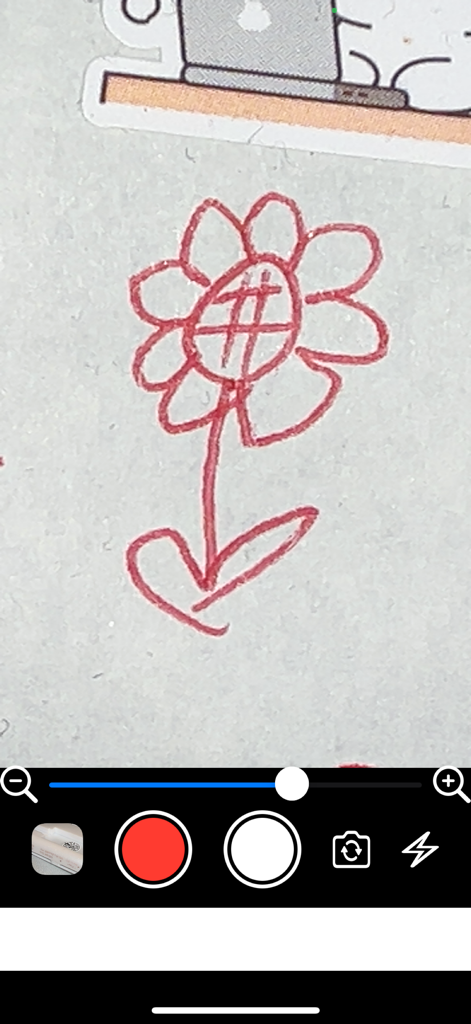
Interface of the Magnifier Zoom Camera app showing a zoomed in drawing of a red flower with intuitive zoom and capture icons
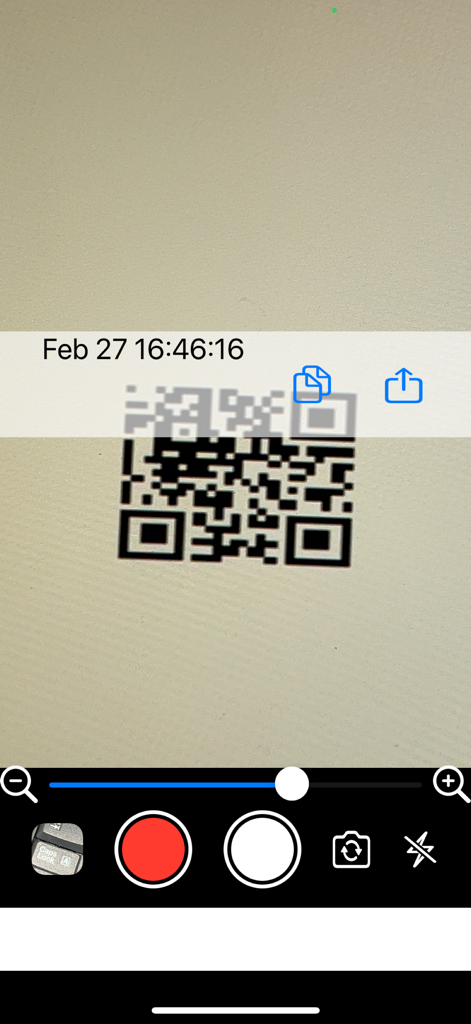
Interface of the Magnifier Zoom Camera app scanning a QR code with zoom and flashlight controls
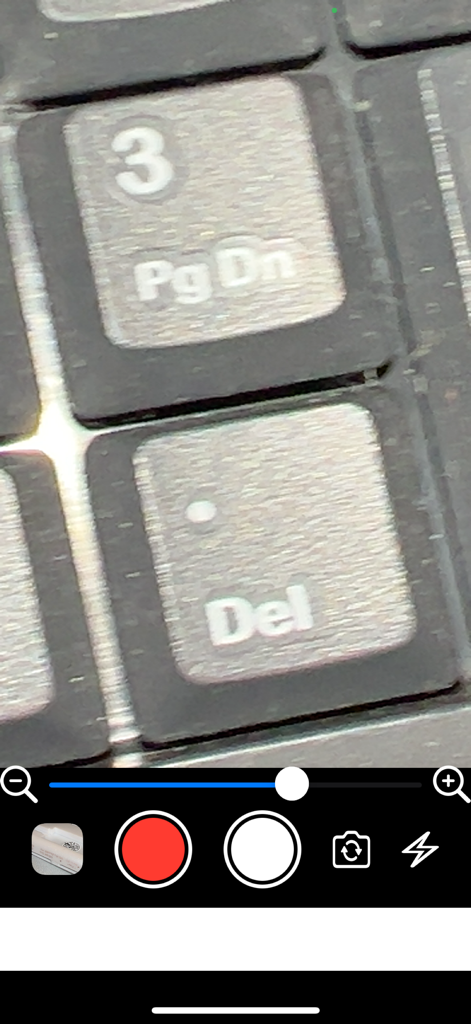
Magnifier Zoom Camera app interface showing a magnified view of keyboard keys with zoom slider and flashlight controls
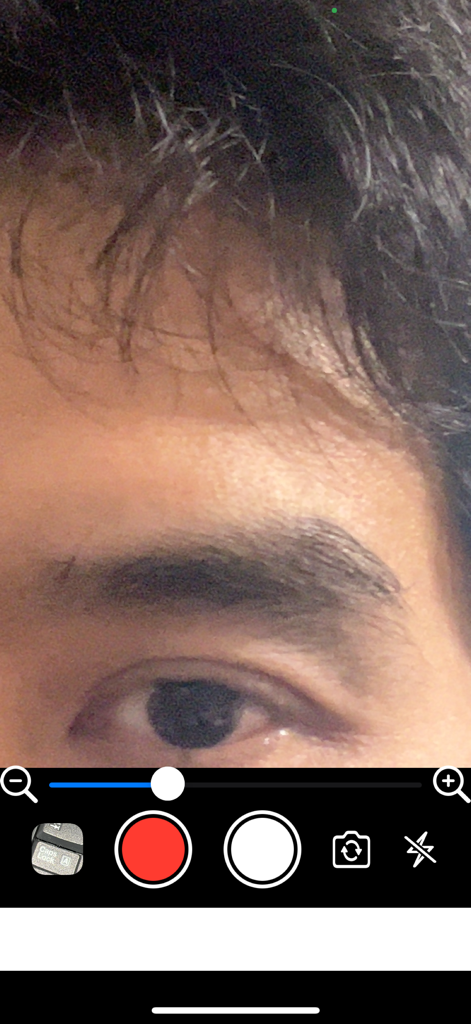
A close up view of a human eye through the Magnifier Zoom Camera app interface with zoom and recording controls
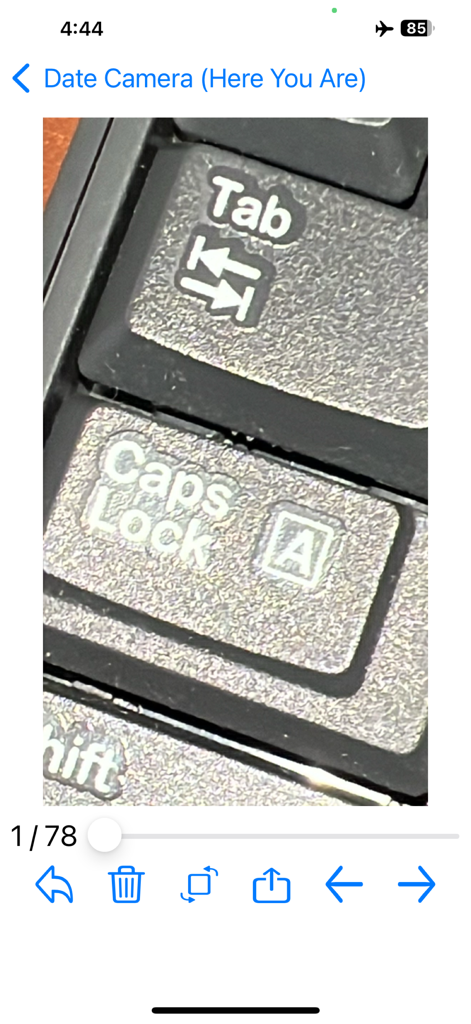
Close up magnified view of keyboard keys using the Magnifier Zoom Camera app interface
Description
Download
More Like This
Top-ranked apps in the same category

CapCut: Photo & Video Editor
BYTEDANCE PTE. LTD.

Instagram, Inc.

YouTube
Google LLC

Canva: AI Photo & Video Editor
Canva Pty Ltd

Snapchat
Snap, Inc.

快手
Beijing Kwai Technology Co., Ltd.

Edits: Video Editor
Instagram, Inc.

Meta AI - Vibes & AI Glasses
Meta Platforms, Inc.

Google Photos: Backup & Edit
Google LLC
This page is not an official page of the app or its developer, but an independent editorial publication created for informational and commentary purposes. Unless expressly stated otherwise, neither the app nor its developer is affiliated with, endorsed by, sponsored by, authorized by, or otherwise officially connected with MWM, Apple, Google Play, the app publisher, or the app's developer, and nothing on this page implies that the app was developed using MWM's services. Any trademarks, logos, screenshots, and other content remain the property of their respective owners.