Magnit VMS Mobile

Magnit VMS Mobile

Download on App Store
Logo of Magnit VMS Mobile

Magnit VMS Mobile: Accelerate Your Workforce Management with One Tap

The secure, native platform for managers, workers, and suppliers to streamline approvals, track expenses, and manage talent workflows—anytime, anywhere.

Download on App Store

Publisher

Magnit, LLC

Category

Productivity

Downloads

79K+

User Rating

4.0/5

Total Ratings

1000

Locales

2

Your Office, Anywhere

Discover the interface used by 79K+ users.
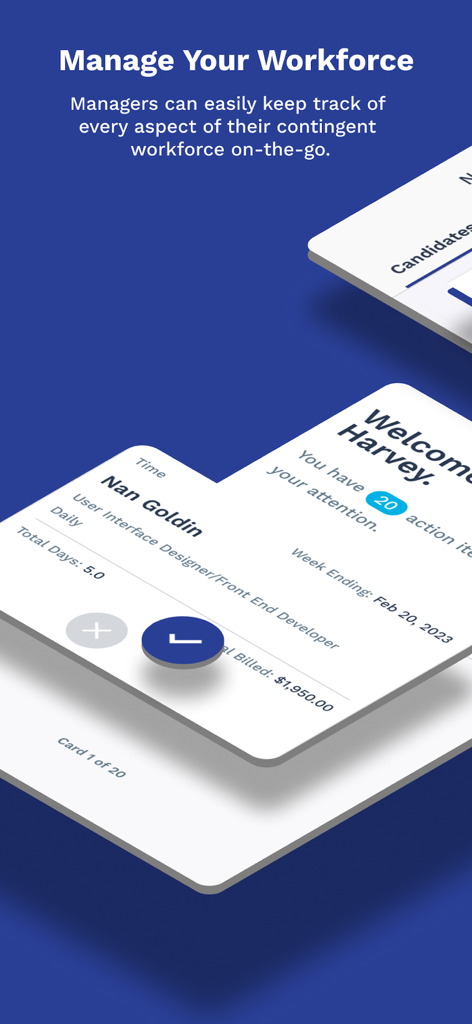
Magnit VMS Mobile app interface showing manager dashboard for contingent workforce management

Magnit VMS Mobile app interface showing manager dashboard for contingent workforce management

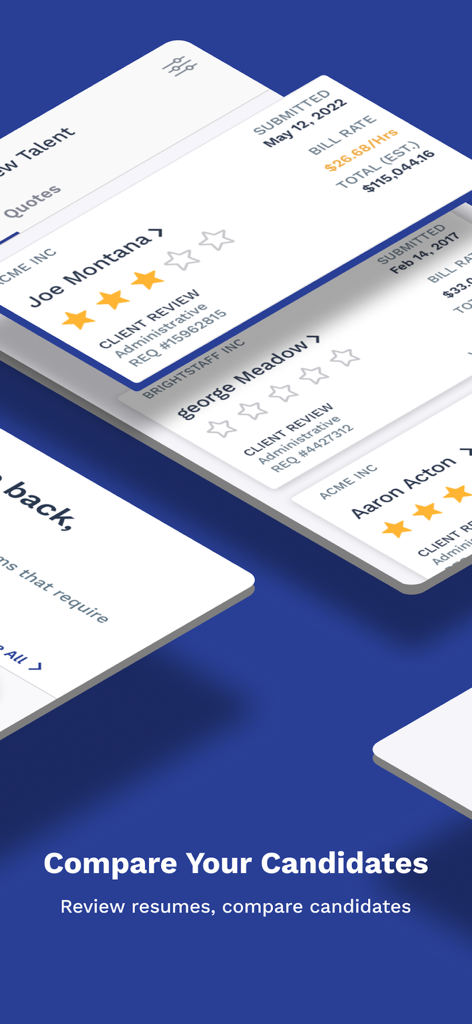
Interface showing candidate profiles with star ratings and bill rates for hiring managers

Interface showing candidate profiles with star ratings and bill rates for hiring managers

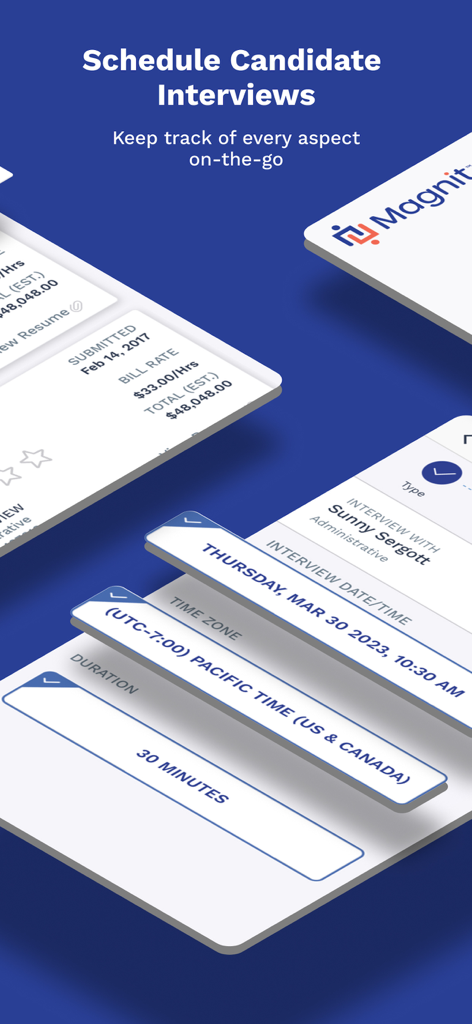
Interface of the Magnit VMS Mobile app showing candidate interview scheduling details including date and duration.

Interface of the Magnit VMS Mobile app showing candidate interview scheduling details including date and duration.

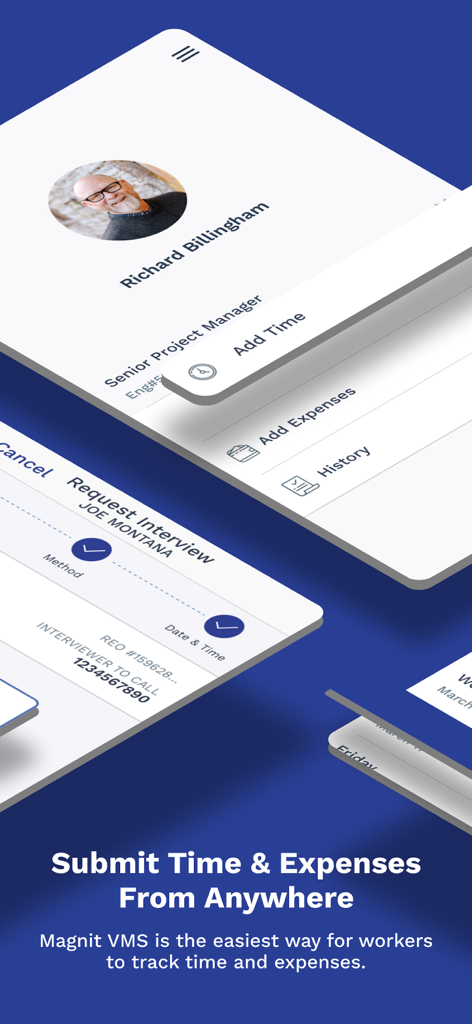
Magnit VMS Mobile app interface showing time and expense tracking for workers and managers

Magnit VMS Mobile app interface showing time and expense tracking for workers and managers

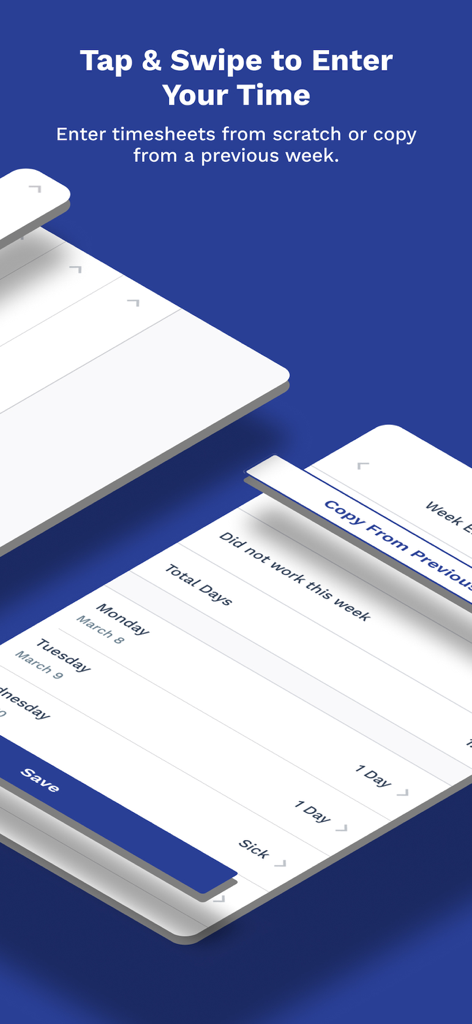
Magnit VMS Mobile app interface for worker timesheet entry and copying previous weeks

Magnit VMS Mobile app interface for worker timesheet entry and copying previous weeks

Master Your Workforce Management from Anywhere

The tools that make this app stand out, trusted by 79K+ users.

Accelerate Project Timelines

Instantly review and approve timecards, expenses, and SOW billing with an intuitive swipe interface, ensuring your projects never hit an administrative bottleneck.

📸

Simplify Your Daily Admin

Submit timecards in seconds by copying previous weeks and capture receipts on the spot using your camera for faster, error-free financial reimbursements.

🤝

Gain a Competitive Edge

Respond to job requests instantly, coordinate interviews, and manage candidates in real-time to secure top talent ahead of the competition.

About the app

Everything you need to know about Magnit VMS Mobile.

Description

Magnit VMS Mobile is for managers, workers, and suppliers using Magnit's integrated vendor management system (VMS), Magnit VMS. Download this app if your company uses Magnit VMS and is headquartered in the Americas, Middle East, Africa, or Asia. Magnit VMS Mobile allows contingent workforce managers to quickly review and approve timecards, expenses, statement-of-work (SOW) billing, and other notifications and requests, from their phone. Workers can easily enter new timecards, submit expenses (including receipts). Suppliers - including account managers, recruiters, sourcing and billing specialists - may coordinate and schedule interviews, view pending engagement requests, review and confirm expenses, manage candidates, manage projects, and more. SAFE AND SECURE • 100% native mobile application that leverages the full capabilities of the device • Log into Magnit VMS Mobile using your Magnit VMS credentials provided by the Magnit Client Services Team • Securely access all of your data from the Magnit VMS, with no syncing necessary KEY MAGNIT VMS MOBILE FEATURES FOR MANAGERS • Push notifications that alert managers of new action items requiring their attention • Timecards that managers can review in detail before approving or rejecting with a simple and intuitive swipe interface • Approve or reject financial and change requests (includes Headcount Requests, Project/SOW, Expenses, etc.) • Provide worker feedback with a few taps using an intuitive, star-based rating system • Compare candidates side-by-side, review resumes, and schedule interviews • Real-time rate benchmarking powered by Magnit VMS’s Market Rate Module • Review assignment details, days and funds remaining, and billing history KEY MAGNIT VMS MOBILE FEATURES FOR WORKERS • Submit timecards quickly and easily, by copying them from prior weeks • Submit expense reports and receipts using the device’s built-in camera • View your full billing and expense history KEY MAGNIT VMS MOBILE FEATURES FOR SUPPLIERS • Review and update interview details, such as selecting dates and times, monitoring activities and withdrawing candidates from consideration • Send interview times to candidates by email or text (workers may reply without having to log into Magnit VMS) • View the latest job requests and speed response time • Review key request details, such as rate info and desired candidate qualities • Forward requests to recruiters with a quick tap • Review submitted expenses and receipts right from your device • Confirm or reject expenses with a single tap • Easily create and submit project billings • Receive notifications about project milestone due dates and project billing reminders in real time NOTE: • Suppliers - This application requires a Magnit VMS Supplier username and password to log in. Only suppliers that service clients as part of a Magnit program will have access. Additionally, the Magnit VMS Supplier App must be enabled at the program you are servicing in order to function. • Workers - Magnit VMS Mobile can be activated only if the end user works for a company using Magnit’s integrated vendor management system (VMS) and managed services provider (MSP) solution. • The ability to sign in with Face ID® or Touch ID® biometric authentication is at the discretion of the company using Magnit VMS. When enabled, users who do not sign in within a rolling 14 day window using Face ID®/Touch ID® will be prompted to sign in with their password to re-enable biometric authentication as a security precaution.

Latest Version

6.8.2

Size

83.3 MB

First Released

Feb 26, 2011

Simplify Your Workflow, Wherever You Work

Join thousands of managers, workers, and suppliers who use Magnit VMS Mobile to approve requests, submit expenses, and manage talent with a single tap.

Download on App Store

App information, icons, screenshots, and descriptions displayed on this page are sourced from the Apple App Store and are the property of their respective developers. Download estimates and rankings are based on MWM's proprietary models and may not reflect actual figures. This page is provided for informational and analytical purposes only.

Believe this page infringes your intellectual property? File a dispute