
MATLAB Mobile



Unleash the power of MATLAB from your iPhone or iPad. Evaluate commands, visualize 3D plots, and acquire real-time sensor data with seamless cloud synchronization.
Publisher
Category
BusinessDownloads
1M+User Rating
Total Ratings
600Locales
8Discover the interface used by 1M+ users.
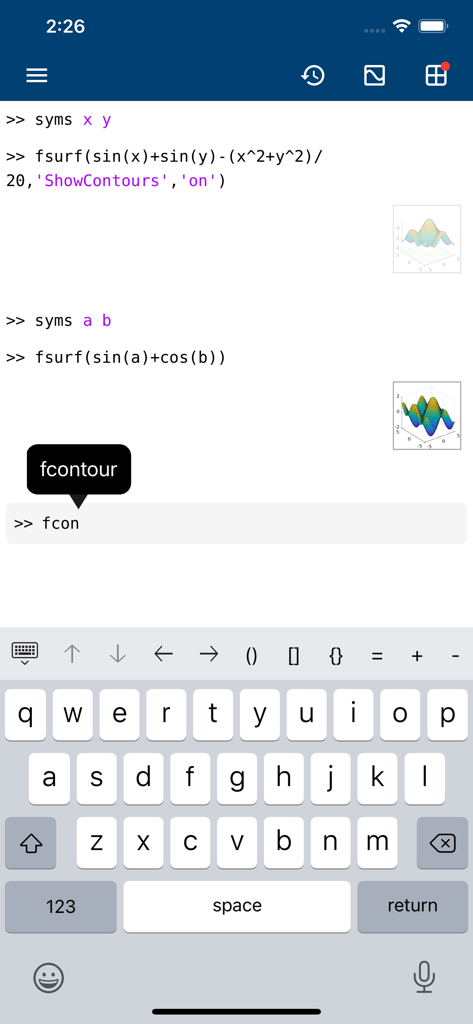
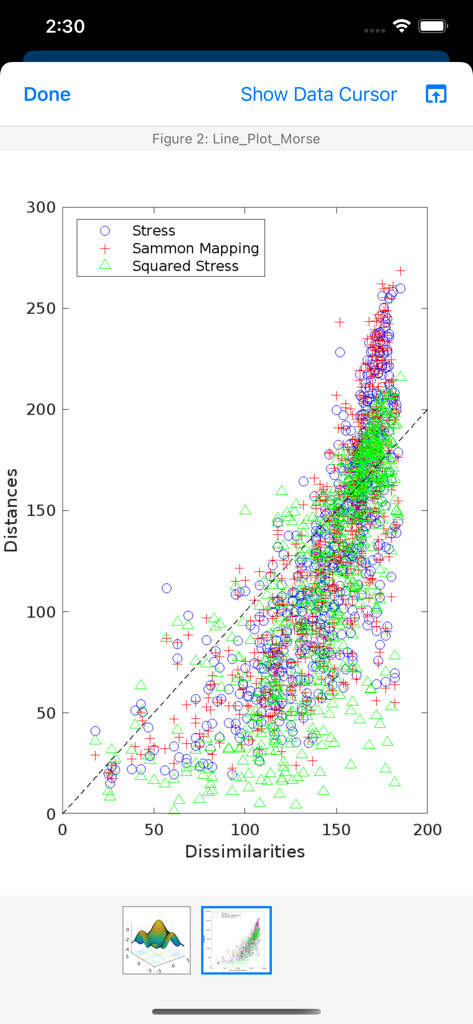
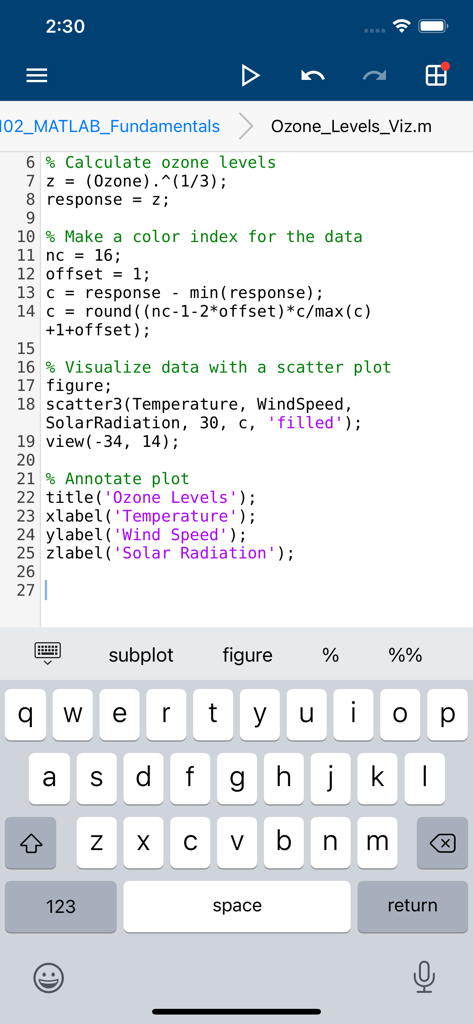
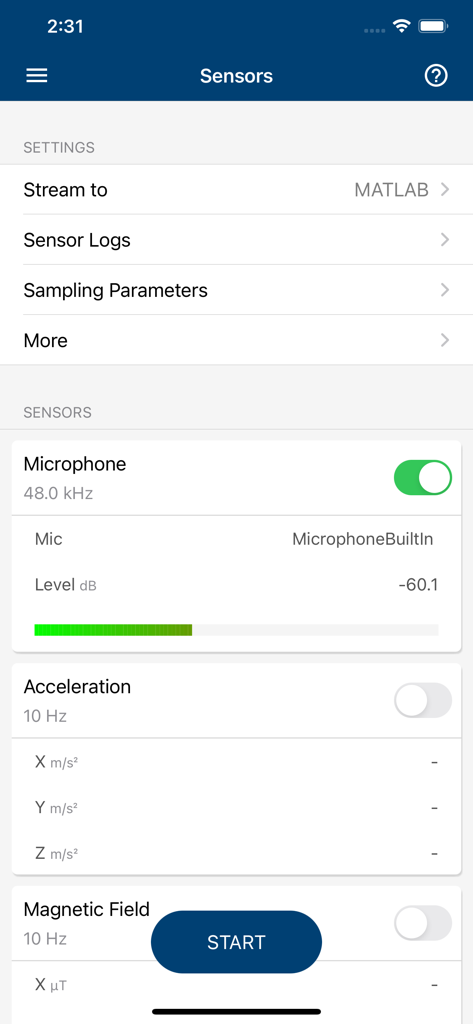
The tools that make this app stand out, trusted by 1M+ users.
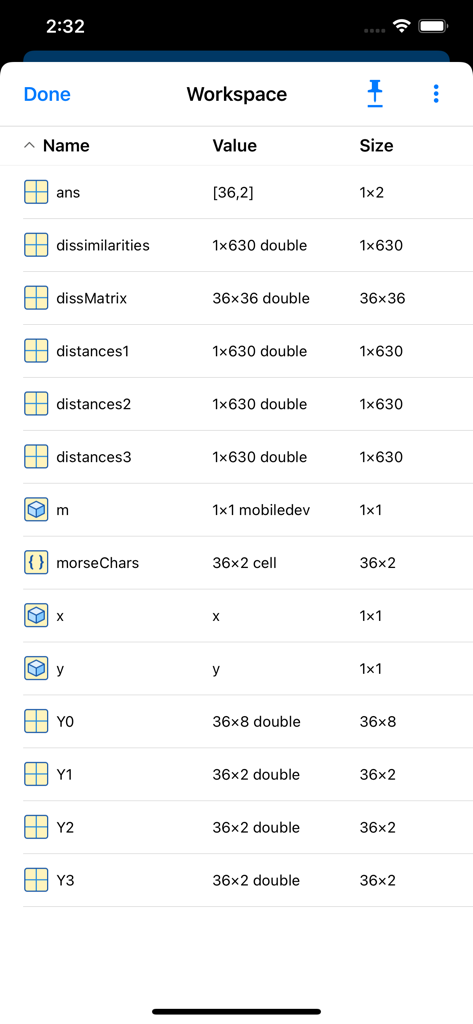
Transform your iPhone or iPad into a mobile lab. Stream and record data from onboard sensors like GPS, accelerometer, and camera directly into your workspace.
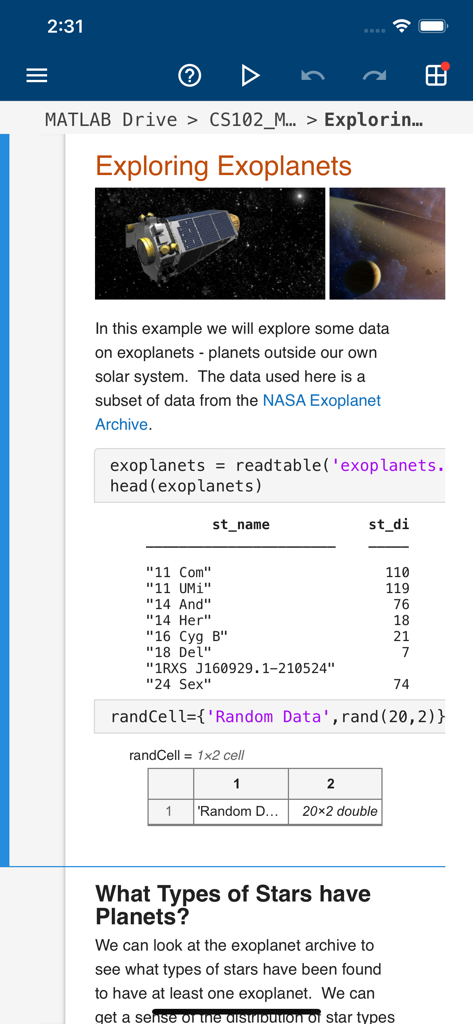
Run scripts and evaluate commands using a custom keyboard designed for MATLAB syntax. Productivity doesn't stop when you leave your desk.
Generate stunning 2D and 3D plots to visualize complex data sets instantly. Access up to 20GB of cloud storage to keep your projects synced.
Everything you need to know about MATLAB Mobile.
Description
Latest Version
9.10
Size
25.5 MB
First Released
May 22, 2010
Join over 1 million engineers, scientists, and students. Evaluate commands, capture sensor data, and visualize results directly from your iPhone or iPad.
Everything you need to know about MATLAB Mobile
MATLAB Mobile connects to MATLAB from an iPhone or iPad. It evaluates commands, creates/edits files, views results, acquires sensor data, and visualizes data.
Yes, MATLAB Mobile allows users to access MATLAB from the command-line. They can evaluate MATLAB commands directly on their mobile device.
Yes, MATLAB Mobile visualizes data with 2D and 3D plots. Users can view complex data representations directly on their device.
MATLAB Mobile provides an Editor for viewing, running, editing, and creating MATLAB files. It also offers cloud storage and synchronization via MATLAB Drive.
Yes, MATLAB Mobile acquires data from device sensors, including the microphone, acceleration, and magnetic field. This feature enables real-time data collection.
MATLAB Mobile offers 5 GB of cloud storage on MATLAB Drive with a MathWorks Account. Linking a current license increases this capacity to 20 GB.
MATLAB Mobile does not support MATLAB Apps, App Designer, interacting with 3D figures, or opening/creating models using the Simulink graphical environment.
Yes, MATLAB Mobile includes a custom keyboard. This keyboard assists users in entering typical MATLAB syntax efficiently during command-line operations and script editing.
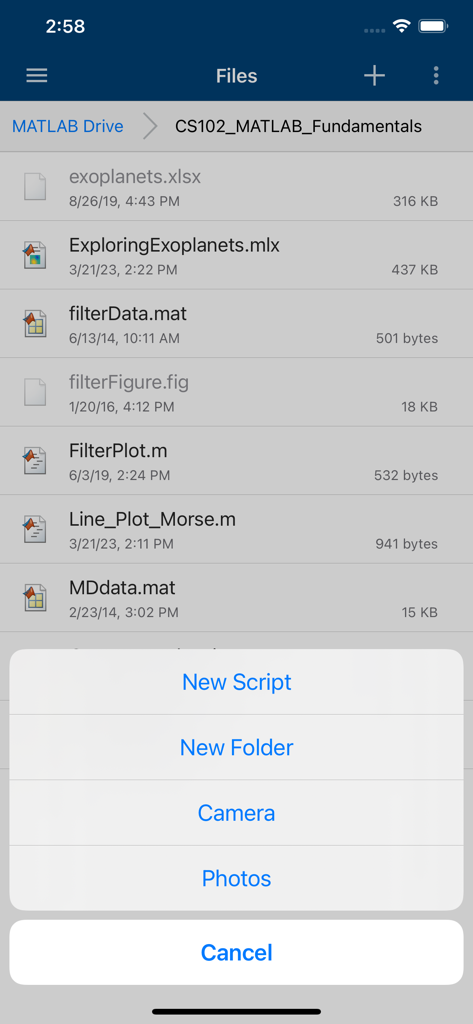
Yes, MATLAB Mobile allows users to create new scripts and new folders directly within the app. This facilitates organization of project files.
MATLAB Mobile acquires images and videos directly from the device's camera. This allows for integration of visual data into MATLAB projects.
Apps with similar features and user experience

婉媚 邵

Simon Stovring

Reny Mustika

Alexander Blach

Nicolas Holzschuch

Rational Matter Ltd

小文 黄

淑敏 孙

Changsha Chunjue Information Technology Co., Ltd.
App information, icons, screenshots, and descriptions displayed on this page are sourced from the Apple App Store and are the property of their respective developers. Download estimates and rankings are based on MWM's proprietary models and may not reflect actual figures. This page is provided for informational and analytical purposes only.
Believe this page infringes your intellectual property? File a dispute
