
This page is not an official page of the app or its developer, but an independent editorial publication created for informational and commentary purposes. Unless expressly stated otherwise, neither the app nor its developer is affiliated with, endorsed by, sponsored by, authorized by, or otherwise officially connected with MWM, Apple, Google Play, the app publisher, or the app's developer, and nothing on this page implies that the app was developed using MWM's services. Any trademarks, logos, screenshots, and other content remain the property of their respective owners.


Carnets - Jupyter
Transform your iPad into a powerful mobile workstation. Run Python code locally with a standalone Jupyter environment featuring Numpy, Pandas, and Matplotlib—no internet or subscription required.
Downloads
267K+User Rating
Total Ratings
400Publisher
Category
Developer ToolsLocales
1Latest Version
1.9.0Size
1.4 GBFirst Released
Apr 17, 2019The Power of Jupyter, Native on iOS
Transform your iPad into a professional data science workstation with a complete, stand-alone Python environment designed for absolute mobility.
Work Anywhere, Offline
No server or internet required. Execute code and visualize data entirely on-device, making it perfect for commuters and travelers who value privacy and speed.
Rich Python Ecosystem
Access industry-standard libraries like Numpy, Pandas, and Matplotlib right out of the box. Expand your toolkit instantly by installing pure Python packages via %pip.
The following screenshots and description are sourced directly from the app's official store listing and are the property of the app developer.
App Store
Screenshots
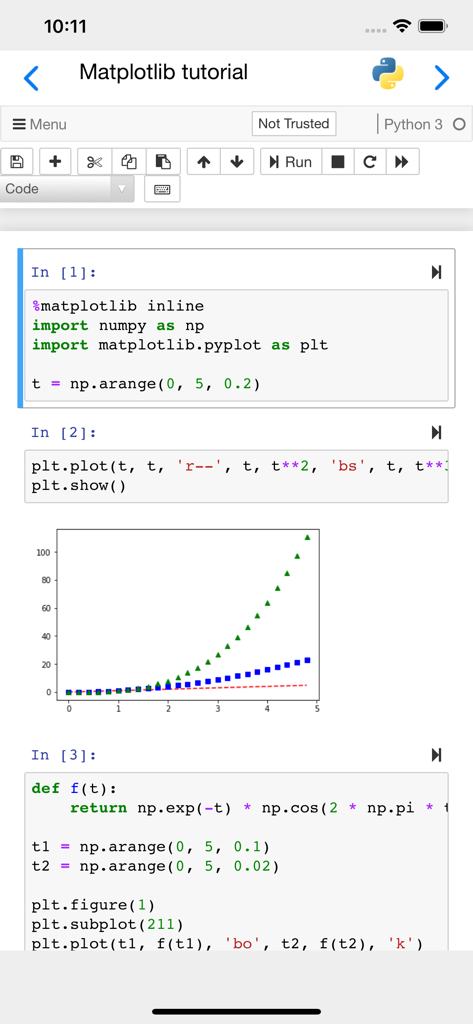
A Jupyter notebook interface on iPhone showing Python code and a generated Matplotlib chart
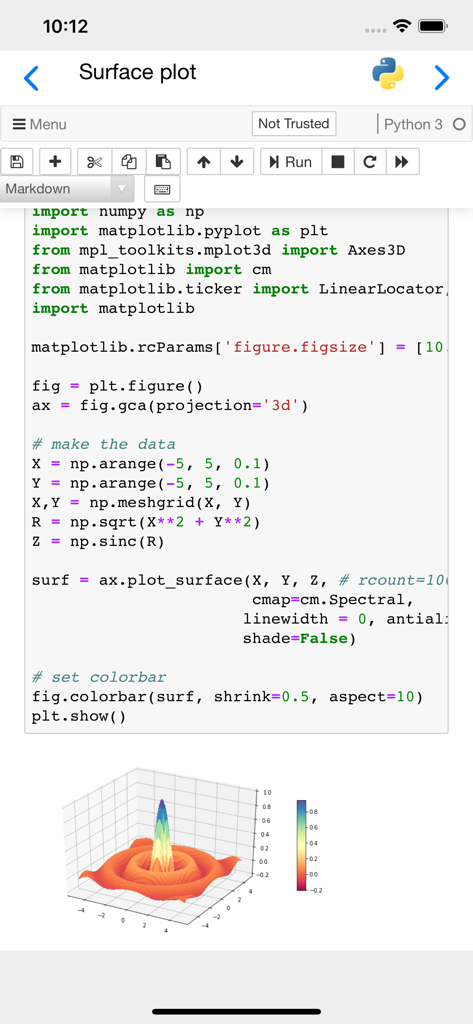
Mobile interface of a Carnets Jupyter notebook displaying Python code and a 3D surface plot generated with Matplotlib.
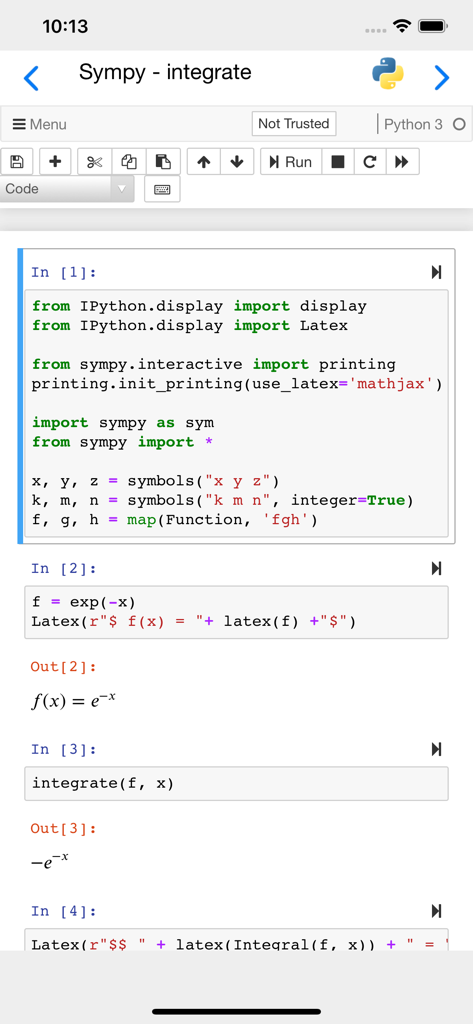
A mobile interface of the Carnets Jupyter app showing Python code for mathematical integration using Sympy with LaTeX rendered results.
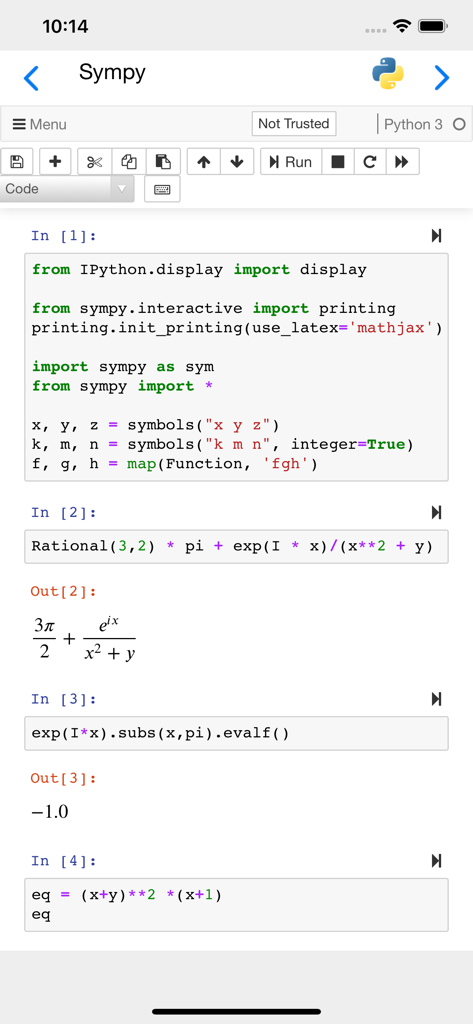
Carnets Jupyter mobile app interface showing a notebook with Sympy code and mathematical expression rendering
Description
Download
More Like This
Apps with similar features and user experience

Python Coding
婉媚 邵

Scriptable
Simon Stovring

Koder Code Editor
Reny Mustika

Textastic Code Editor
Alexander Blach

Juno – Python and Jupyter
Rational Matter Ltd

C/C++-programming language
小文 黄

Love2D Studio
淑敏 孙

C Compiler IDE
Changsha Chunjue Information Technology Co., Ltd.

delta executor
Amina Sioui
This page is not an official page of the app or its developer, but an independent editorial publication created for informational and commentary purposes. Unless expressly stated otherwise, neither the app nor its developer is affiliated with, endorsed by, sponsored by, authorized by, or otherwise officially connected with MWM, Apple, Google Play, the app publisher, or the app's developer, and nothing on this page implies that the app was developed using MWM's services. Any trademarks, logos, screenshots, and other content remain the property of their respective owners.