
This page is not an official page of the app or its developer, but an independent editorial publication created for informational and commentary purposes. Unless expressly stated otherwise, neither the app nor its developer is affiliated with, endorsed by, sponsored by, authorized by, or otherwise officially connected with MWM, Apple, Google Play, the app publisher, or the app's developer, and nothing on this page implies that the app was developed using MWM's services. Any trademarks, logos, screenshots, and other content remain the property of their respective owners.


MaxVault - Photo & Video Vault
Secure your private photos, videos, and documents with professional-grade protection. Experience the only privacy super-app featuring a secure vault, private browser, and document scanner—designed to outperform native tools.
Downloads
89K+User Rating
Total Ratings
6K+Publisher
Category
Photo & VideoLocales
1Latest Version
7.2.8Size
65.8 MBFirst Released
Nov 1, 2013Unrivaled Privacy for Your Digital Life
MaxVault is the all-in-one sanctuary for your photos, documents, and browsing. Securely manage your private world with pro-level tools and military-grade encryption.
Advanced Intruder Defense
Get instant break-in alerts with the intruder's photo and GPS location. Use 'Panic Action' to lock your app instantly by just flipping your phone face down.
Multiple Secret Vaults
Go beyond basic folders. Create decoy vaults with separate passcodes to ensure your most sensitive media stays hidden, even if you are forced to unlock your phone.
The following screenshots and description are sourced directly from the app's official store listing and are the property of the app developer.
App Store
Screenshots
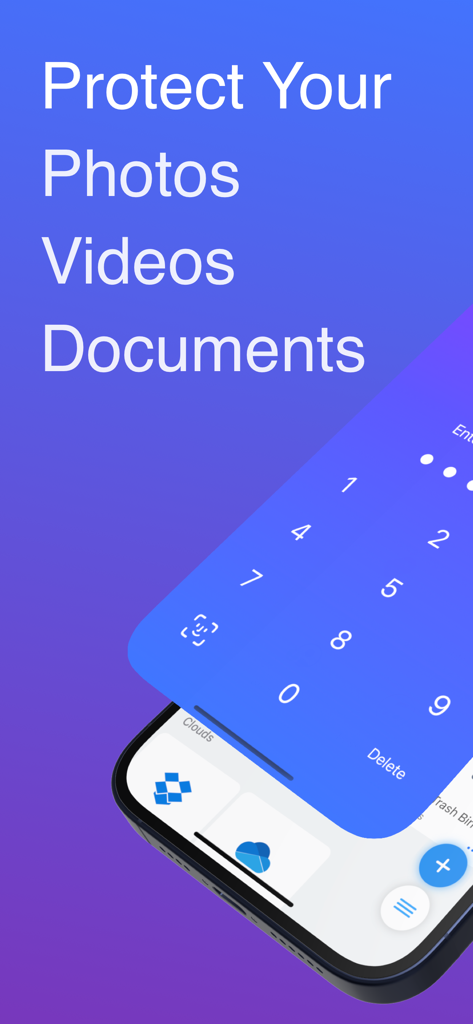
MaxVault lock screen interface for securing private photos and documents
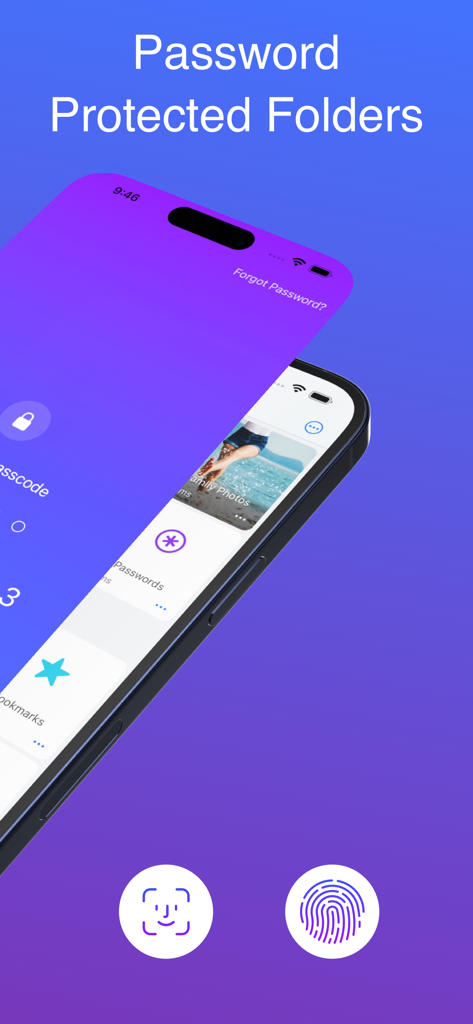
MaxVault app interface showing password protected folders with Face ID and fingerprint security
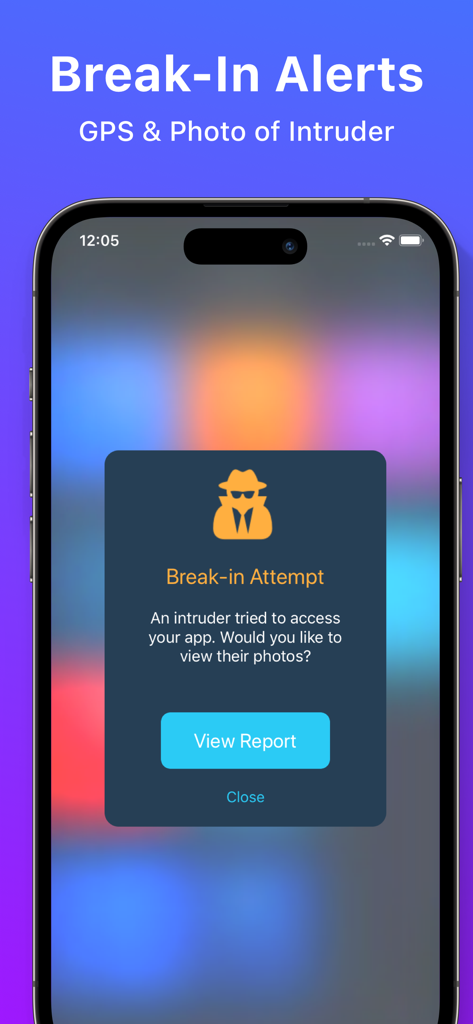
Smartphone screen showing a break-in attempt notification with intruder photo and GPS alert
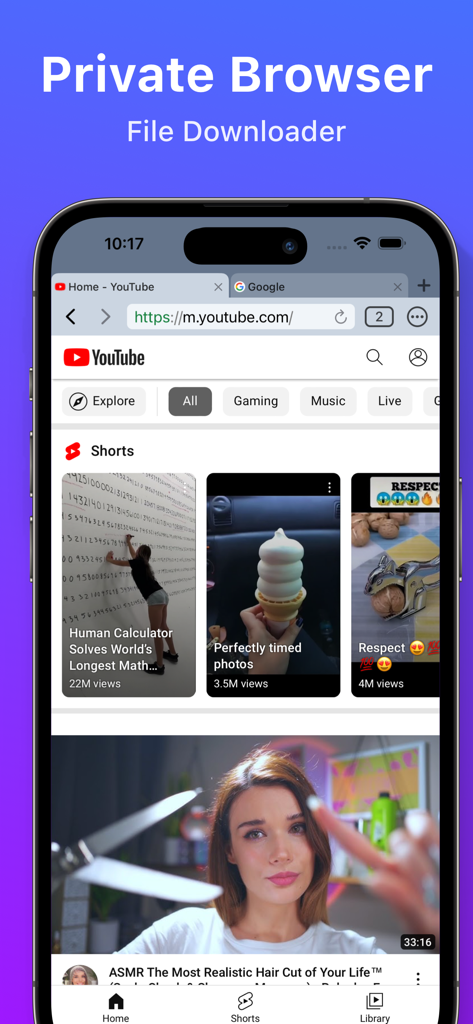
Interface of MaxVault app showing the private browser and file downloader feature with YouTube open on an iPhone
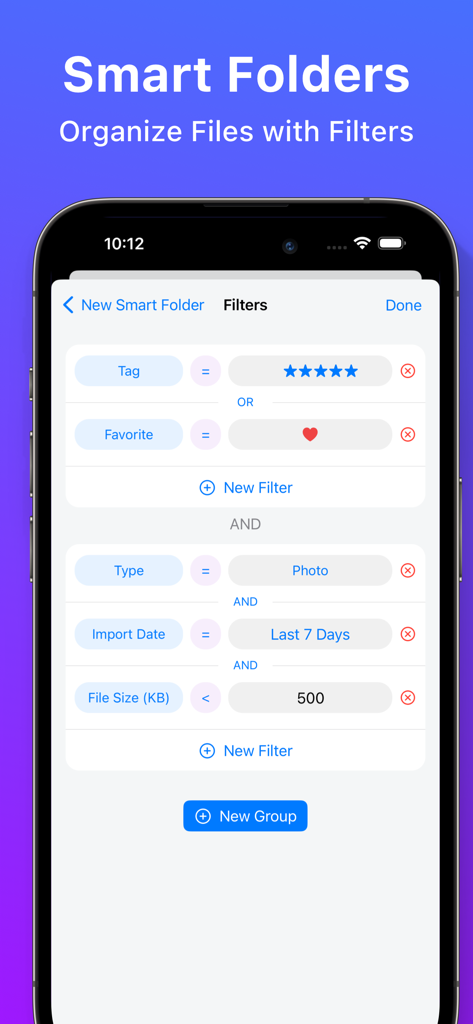
MaxVault app interface displaying the smart folders feature for organizing files with custom filters
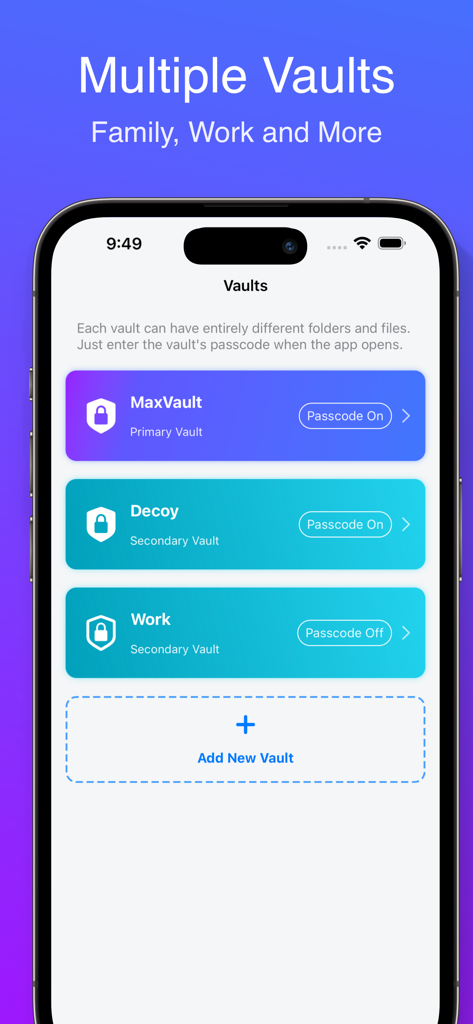
MaxVault app interface showing multiple secret vaults for personal work and decoy folders
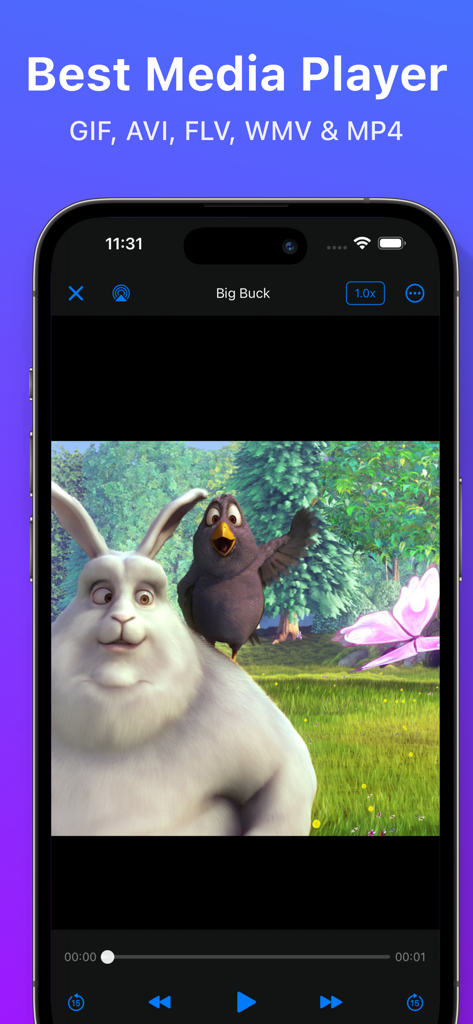
MaxVault media player interface playing a video on an iPhone with support for multiple formats like MP4 and AVI.
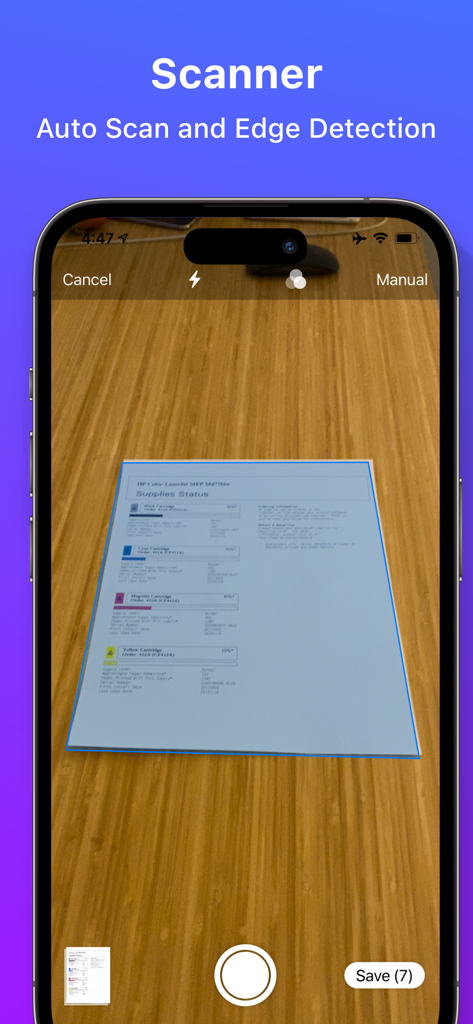
MaxVault app document scanner interface showing auto scan and edge detection of a document
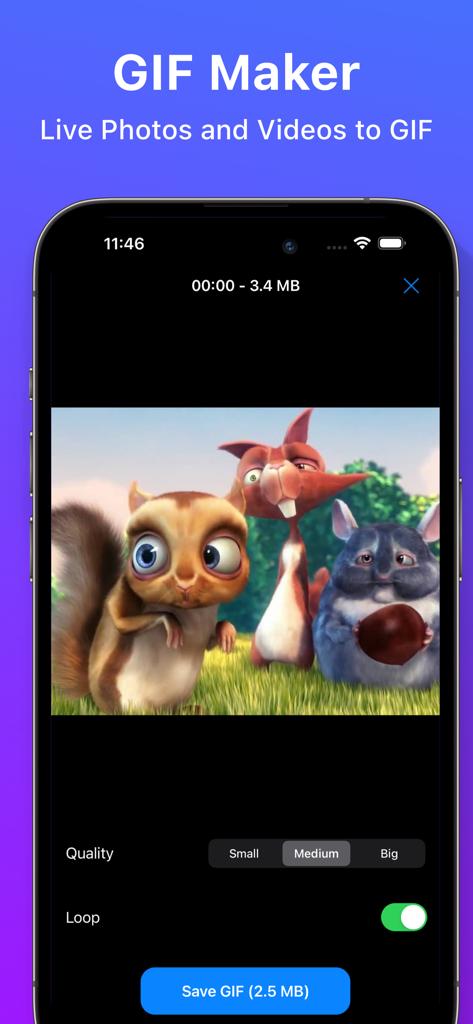
MaxVault GIF maker tool interface showing options to convert videos and live photos
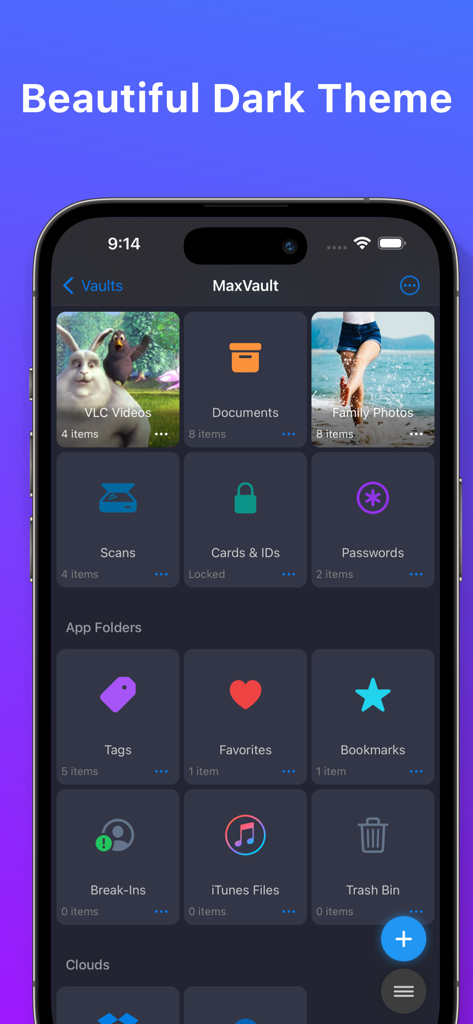
MaxVault app dashboard featuring a beautiful dark theme and organized secure folders for photos and documents.
Description
Download
More Like This
Apps with similar features and user experience

Private Photo Vault - Pic Safe
Legendary Software Labs LLC

PBox-Private Photo Vault
宇 刘

Safe Lock - Hidden Photo Vault
Katerina Akhlebinina

SV - Private Photo Vault PRO
Legendary Software Labs LLC

PV - Secret Photo Album
Haibin Jiao

Converter: Hidden Photo Vault
Dmitry Petrov

Calculator Lock - Secure Vault
MacyMind

Secret Photo Vault: Keepsafe
KeepSafe Software, Inc

Digiposte: secure storage
la poste
This page is not an official page of the app or its developer, but an independent editorial publication created for informational and commentary purposes. Unless expressly stated otherwise, neither the app nor its developer is affiliated with, endorsed by, sponsored by, authorized by, or otherwise officially connected with MWM, Apple, Google Play, the app publisher, or the app's developer, and nothing on this page implies that the app was developed using MWM's services. Any trademarks, logos, screenshots, and other content remain the property of their respective owners.